Best Video & Animation AI Tools in 2026

This video animation category covers AI video generation, video generation, ai video editing, add subtitles workflows, text to speech, and content repurposing. In the curated set, Synthesia ranks highest, followed by HeyGen, Pictory, OpusClip, Fliki AI, and ElevenLabs. Final Cut Pro, DaVinci Resolve, Descript, Captions, Vizard.ai, and Renderforest are also notable tools in the category. FindYourAI rates Synthesia highest for AI video generation, and HeyGen is the next strongest pick for video generation tasks. Pictory scores top marks for content repurposing, OpusClip stands out for short form video creation, Fliki AI fits ai text to speech with video creation, and ElevenLabs is the leading pick here for text to speech and voiceover generation. Choose based on the output you need: Synthesia or HeyGen for generated videos, Pictory or OpusClip for ai content repurposing from longer media, Fliki AI or ElevenLabs for voice-led production, and Descript, Captions, Final Cut Pro, or DaVinci Resolve when ai video editing, subtitles, or post-production control matter most. For video ad creation, prioritize tools in this set that combine video generation with editing and voiceover support.

Runway MLVideo generation
9.2
SynthesiaAI avatars
8.8

PikaShort-form video
9.0
Video & Animation AI48 curated tools★ Top picks available
● 9.2
● 8.8
8.0/ 10Based on 1.173 reviews

CapCut

Short-form VideoVideo Generators
AI video editor with auto subtitles, TTS, and background removal
Best for:
Social media managers
Pricing
Freemium

7.2/ 10Based on 999 reviews

InVideo AI

Short-form VideoVideo Generators
Generates and edits videos from prompts or scripts with storyboards
Best for:
Video creators
Pricing
Freemium

8.5/ 10Based on 1.061 reviews

Animaker

Short-form VideoAnimation
Creates animated videos from text, with voiceovers and subtitles
Best for:
Video creators
Pricing
Freemium

8.8/ 10Based on 450 reviews

OpusClip

Short-form VideoVideo Editing
Extracts and reframes short clips from longer videos automatically
Best for:
Video creators
Pricing
Freemium

8.6/ 10Based on 263 reviews

Captions

Short-form VideoAvatar / Talking Head
Edits videos with AI: captions, avatars, audio and eye contact
Best for:
Content creators
Pricing
Freemium

8.6/ 10Based on 2.521 reviews

Vizard.ai

Short-form VideoVideo Editing
Extracts short clips from long videos and adds captions for social.
Best for:
Social media managers
Pricing
Freemium

8.1/ 10Based on 1.176 reviews

ImagineArt

Short-form VideoAnimation
Generates and edits images and videos from prompts and media inputs
Best for:
Content creators
Pricing
Freemium

8.3/ 10Based on 207 reviews

Kapwing

Short-form VideoVideo Localization
Creates editable videos from prompts with subtitles, dubbing, and cuts
Best for:
Marketing teams
Pricing
Freemium

7.9/ 10Based on 11 reviews

Quso.ai

Short-form VideoVideo Localization
Turns long videos into captioned social clips and schedules publishing.
Best for:
Social media managers
Pricing
Freemium

8.8/ 10Based on 3.010 reviews

Fliki AI

Short-form VideoVideo Generators
Turns text or scripts into videos with AI voices and captions
Best for:
Content creators
Pricing
Freemium

8.2/ 10Based on 3.725 reviews

Veed.io

Short-form VideoAvatar / Talking Head
AI video editor for captions, cleanup, dubbing, and export
Best for:
Marketing teams
Pricing
Freemium

8.5/ 10Based on 1.044 reviews

AIstudios

Video GeneratorsVideo Editing
Creates AI-avatar videos with dubbing, translation, and courses
Best for:
Marketing teams
Pricing
Freemium

CURATED DISCOVERY

Browse curated AI tools
with more confidence

Each category is built to help you compare relevant AI tools faster. We organize tools by use case, pricing, strengths, limitations and fit, so you can move from browsing to a shortlist without the clutter.

Curated selection
Only relevant tools for this category, organized around real user needs.

Clear comparison
Compare pricing, strengths, limitations and best-fit use cases side by side.

Less noise
Avoid endless lists and focus on tools that are easier to evaluate.

Better decisions
Move from category to shortlist with more structure and confidence.

FEATURED

Latest AI tools in our directory

Explore newly added AI tools and see what’s trending this week

8.1/ 10FYAI score

Helply

Video Editing
Answers support tickets, drafts replies, and flags churn risk
Best for:
Customer support teams
Pricing
Freemium

8.7/ 10Based on 255 reviews

Dorik

Video Editing
Generates websites from prompts and exports HTML/CSS/JS for editing
Best for:
Small business owners
Pricing
Freemium

8.2/ 10Based on 120 reviews

Mixo

Video Editing
Generates a small business website from a brief description
Best for:
Small business owners
Pricing
free_trial

Ready to find your AI tool?

Choose a category to compare the best AI tools for your workflow.

FAQ

Frequently asked
questions

Everything you need to know about how FindYourAI works,
how tools are scored, and how to get started.

How are FindyourAI categories organized?
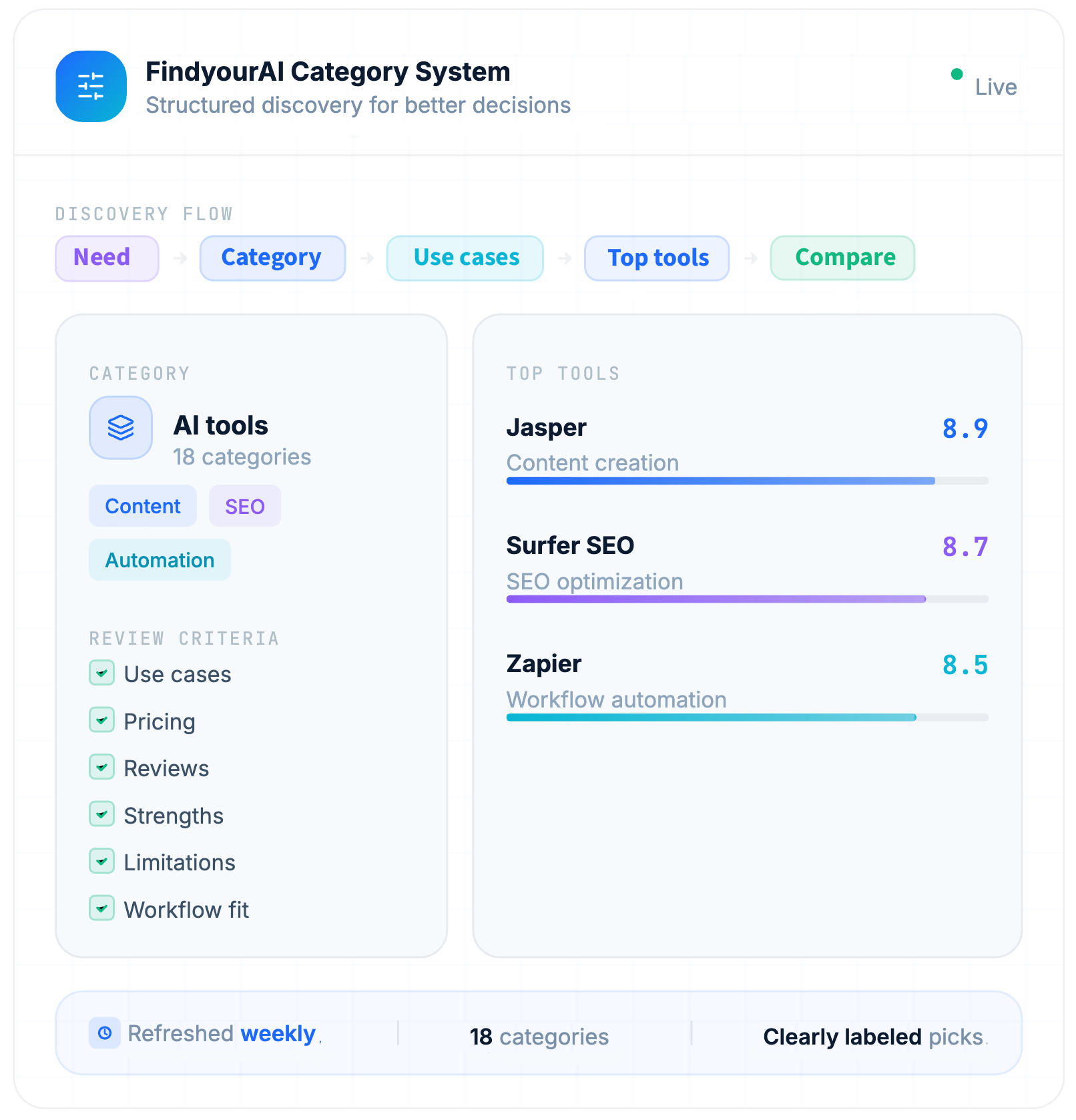
FindyourAI is an AI tools directory that organizes tools into 18 curated categories based on real workflows and use cases. Browse categories like AI writing tools, AI design tools, AI coding tools, AI automation tools, and AI research tools to quickly find the best AI tool for your task—without jumping between overlapping sections.
Can I discover AI tools by use case, not just by category?

Yes. Each AI tool is listed under one primary category, but many AI tools fit multiple workflows and use cases. That's why FindyourAI also uses tags, filters, and workflow-based discovery to help you find the best AI tools beyond a single category page.

How do I choose the right AI category for my workflow?

Tell us what you're trying to do, then pick the matching category: If you need to write faster, choose Writing & Copy. If you want to generate visuals, choose Image & Design. If you want to save time by automating repeat work, choose Automation. From there, you can quickly compare tools side-by-side by goal, features, and typical workflows—so you can pick the best tool with less trial and error.

Are FindyourAI categories updated regularly?

Yes. We actively maintain and refine category pages so the AI tools directory reflects what people are actually using today. When new tools launch or workflows shift, we update the category structure to keep browsing simple and help you discover relevant tools quickly.

What makes FindyourAI categories different from other AI directories?

FindyourAI helps you find and compare AI tools for this workflow—fast. Instead of endless overlapping categories, we group tools by real use cases so you can compare pricing, key features, pros and cons, limitations, and top alternatives in one place. Use this page to shortlist the best AI software for your needs and make a confident decision.