
Curated ToolThis tool is part of our curated AI directory. We only include tools that meet our standards for relevance, usability and real-world value.
Fliki AI
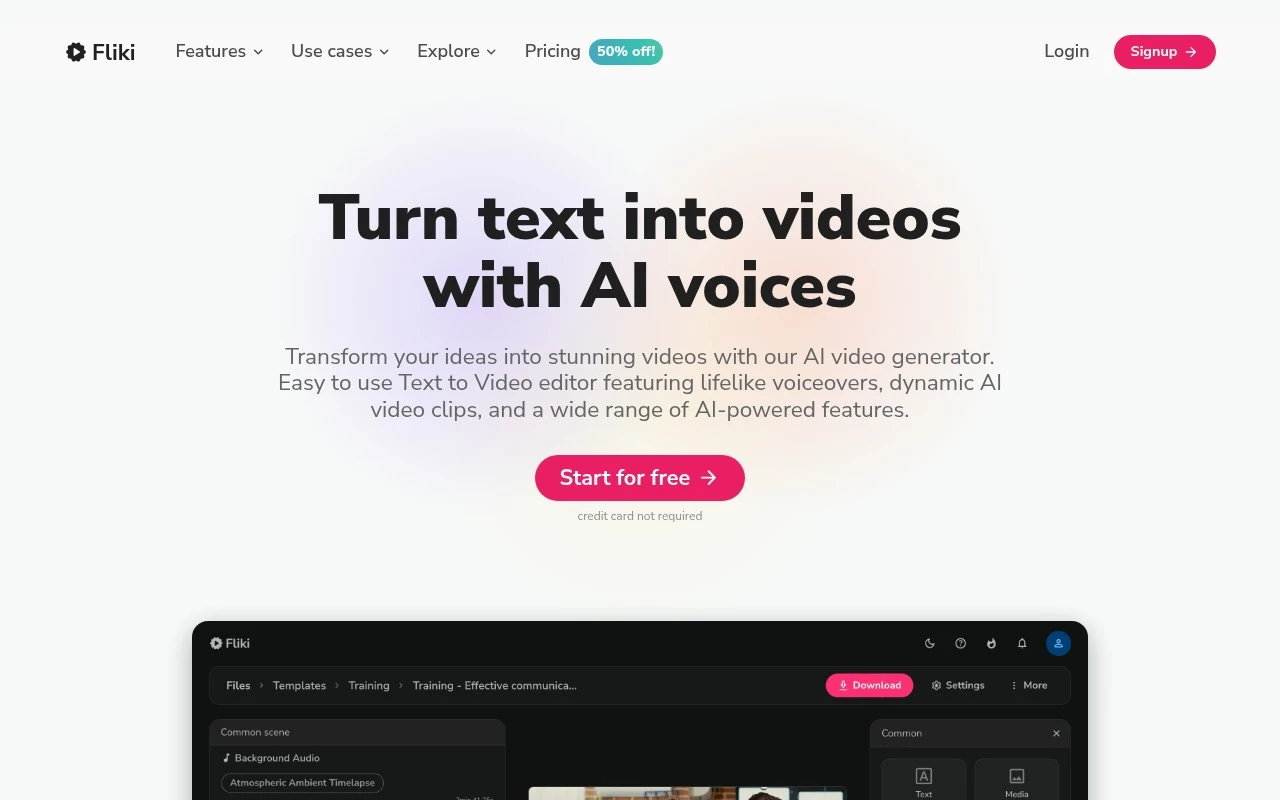
Fliki AI is a text-to-video and text-to-speech platform that turns scripts, blog posts, or prompts into videos with AI-generated voiceovers, subtitles, and stock media. It is used to create social videos, presentations, and narrated content from written input.
Short-form VideoVideo Generators
FYAI Score
8.8 / 10
Based on 3,010 reviews
Pricing:
Freemium
Best for:
Creators and marketers producing narrated videos fast
Score Breakdown
- Ease of use9.1 / 10
- Features9.1 / 10
- Pricing8.4 / 10
- Integrations8.1 / 10
- Support8.7 / 10
 | Strengths |
-
 Best suited to creators and small teams that need fast narrated video output because it turns scripts, blogs, slides, and recordings into videos without filming or voice recording.
 -
Strong for multilingual content workflows because it supports a large library of AI voices and languages for translation, dubbing, captions, and localized videos.
-
Useful for non-editors because its workflow combines script generation, visuals, voiceovers, music, subtitles, avatars, and translations in one browser-based production process.
 | Limitations |
-
 Less suitable for teams that need highly custom cinematography or advanced motion design because its strength is AI-assisted video assembly rather than full traditional production control.
 -
High-volume creators can outgrow the free tier because Fliki AI uses a freemium model where practical usage limits and advanced capabilities sit behind paid plans.
-
Less suitable for sensitive executive, legal, medical, or premium brand content without review because AI voices, avatars, pronunciations, and visual choices still need human quality control.
Feature highlights
Text-to-video
Convert scripts or blog posts into ready-to-share videos quickly.
AI voiceovers
Choose from 2,000+ voices to narrate naturally without recording.
80+ languages
Translate and localize videos with multilingual voices and subtitles.
Compared in

 | 8.4/ 10Based on 85 reviews |
Higgsfield
Short-form VideoAnimation
Creates and remixes images, videos, voice, VFX, and ads
Best for: | Video creators |
Pricing | Paid |
 | 7.7/ 10Based on 122 reviews |
PixVerse
Short-form VideoVideo Generators
Generates, directs, and scales AI video from prompts and images
Best for: | Video creators |
Pricing | Paid |
 | 8.0/ 10FYAI score |
Seedance
Short-form VideoVideo Generators
Creates 4K videos, keeps characters consistent, edits regions
Best for: | Video creators |
Pricing | Paid |