Curated ToolThis tool is part of our curated AI directory. We only include tools that meet our standards for relevance, usability and real-world value.

InVideo AI

Generates and edits videos from prompts or scripts with storyboards

Ad Creation
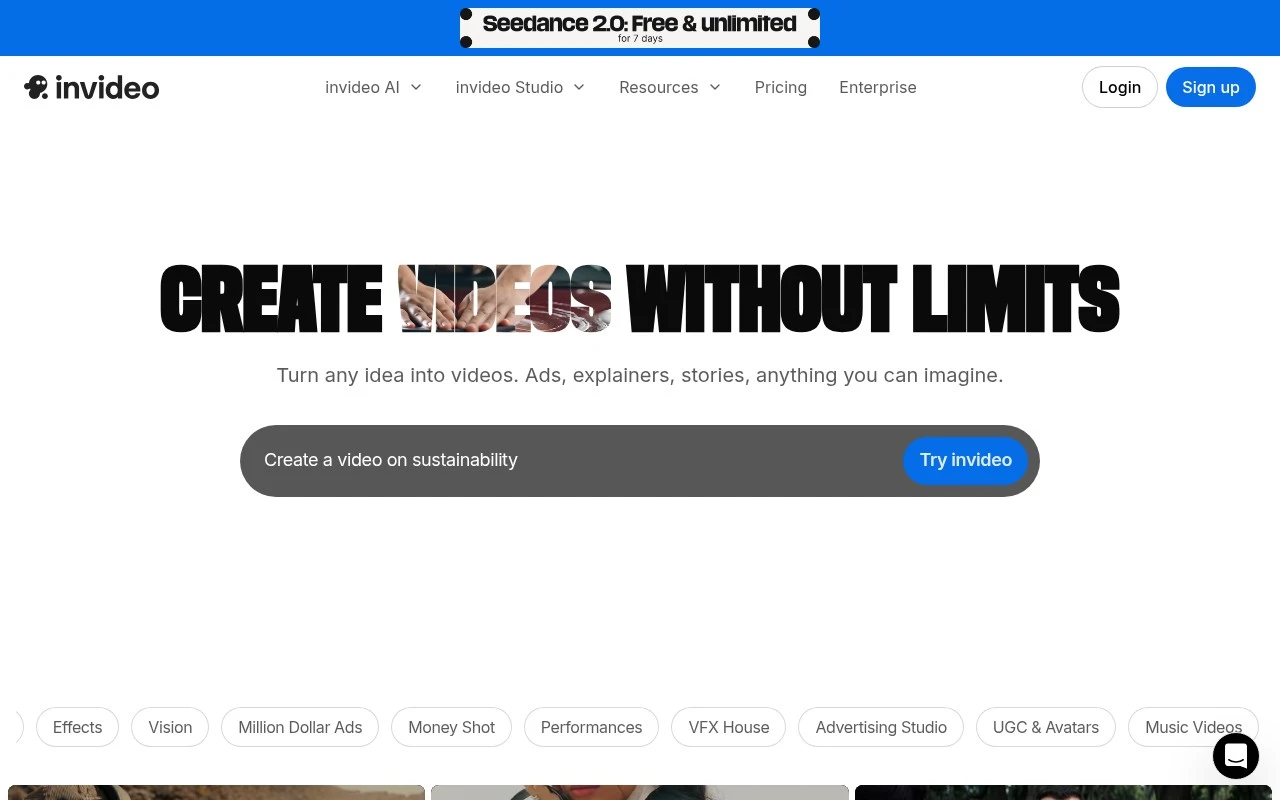
InVideo AI AI, presented on invideo.io as Invideo Agent One, is an AI video platform for creating and editing videos with agent-based workflows. It supports prompt-to-video creation, script writing, storyboarding, timeline editing, real-time collaboration, custom creative agents, stock media access, and AI model selection for image, video, audio, music, and voice workflows. Its distinguishing focus is on reducing repeated prompting by storing project context in long-term memory and helping maintain consistency across clips, characters, products, locations, and formats.

FYAI Score

7.2 / 10

Based on 999 reviews

Pricing:

Freemium

Best for:

Marketing creators producing consistent videos at scale

Score Breakdown

  • Ease of use7.0 / 10
  • Features7.4 / 10
  • Pricing7.2 / 10
  • Integrations7.5 / 10
  • Support7.2 / 10

PRODUCT PREVIEW

What this AI tool does

InVideo AI is an AI-assisted video creation tool designed to help people turn ideas, scripts, or existing content into short videos with minimal manual editing. It’s commonly used by marketers, educators, and small teams who need to produce social media clips, explainers, or promotional videos without relying on a full production workflow. The tool typically guides you through choosing a format, generating or importing a script, and assembling visuals, captions, and audio into a coherent timeline. Depending on your needs, you can start from templates or build a video from scratch, then refine pacing, text, and branding elements before exporting. For anyone researching invideo, it’s best viewed as a practical option for speeding up routine video production tasks while still allowing human review and adjustments. As with most AI tools, results can vary by input quality, so clear prompts and a quick edit pass usually lead to better outcomes.

Use cases

Best for

Generate Video

Generate videos from a prompt by having InVideo AI write the script, storyboard scenes, and assemble clips with stock media and voice.

Edit Video

Edit video in a timeline with AI-assisted scene changes, voice and music swaps, and real-time collaboration on the same project.

Video Ad Creation

Create video ads by generating product-focused scripts and variations, then keeping brand elements consistent across clips using project memory.

ANALYSIS

Strengths & limitations

Strengths
  • Agent-based workflow is designed to handle prompting, model choice, and repeated edits across shots rather than requiring users to manage every prompt manually.
  • Supports broader production steps beyond generation, including script writing, storyboarding, timeline editing, and collaboration.
  • Official site states paid plans include access to many image, video, audio, and music models plus stock providers.
Limitations
  • The official page gives limited detail on practical limits, output controls, export specifications, and exact workflow constraints.
  • Model and agent prices are stated as subject to change, so production cost predictability may depend on current credit pricing.
  • The platform is positioned around AI-generated and AI-assisted video workflows, which may not suit users who need fully manual professional editing control.

Evaluation

FYAI score breakdown

Our structured evaluation across five key criteria

7.2 / 10

Overall score

Based on 999 reviews

  • Ease of use7.0 / 10
  • Features7.4 / 10
  • Pricing7.2 / 10
  • Integrations7.5 / 10
  • Support7.2 / 10

What users say

Findings from public reviews, documentation and community sources.

  • Ease of use

    A Reddit hands-on comparison says InVideo is “the most practical for everyday marketers” and works “without needing much editing skill.” Reddit user reports also point to friction in real projects.

  • Features

    The InVideo product page describes “Create & edit AI videos,” long-term project memory, multi-shot edits, and “Access to 200+ image, video, audio, music models.”

  • Pricing

    The InVideo pricing FAQ says credits are “used for video creation, generative models and across other features,” unused credits “don’t roll over,” and credit costs may be updated “at any time.” Reddit complaints say credits are consumed quickly.

  • Integrations

    The InVideo product page cites access to AI models including “Seedance 2.0, Veo 3.1 & Kling 3.”

  • Support

    A Reddit support report says “Support was disappointing” and responses “felt canned.” Trustpilot signals are mixed rather than consistently strong.

Who is this for?

Best for everyday marketers who want AI video creation without much editing skill, a Reddit hands-on comparison says InVideo is “the most practical for everyday marketers” and works “without needing much editing skill.” Less suited to teams that need predictable usage costs, the InVideo pricing FAQ says unused credits “don’t roll over,” credit costs may be updated “at any time,” and Reddit complaints say credits are consumed quickly.

PRODUCT PREVIEW

Feature highlights

Prompt-to-video

Generate videos from a prompt, from concept to first cut in minutes.

Project long-term memory

Keeps context so characters, products, and style stay consistent.

Collab + timeline edit

Edit on a timeline and collaborate in real time with your team.

COMPARE

Discover curated alternatives worth comparing

Compare similar AI tools based on features, pricing and use cases

8.5/ 10Based on 16 reviews

Wondercraft

Short-form VideoVideo Editing
Turns text or audio into editable AI-generated videos and audio
Best for:
Video creators
Pricing
Freemium

8.5/ 10Based on 65 reviews

Wisecut

Short-form VideoVideo Editing
Edits long videos by removing pauses and adding captions
Best for:
Video creators
Pricing
Freemium

8.6/ 10Based on 2.521 reviews

Vizard.ai

Short-form VideoVideo Editing
Extracts short clips from long videos and adds captions for social.
Best for:
Social media managers
Pricing
Freemium

Turn ideas into scroll-stopping videos in minutes. Start creating marketing content faster with InVideo AI and keep your brand consistently visible across channels.

FAQ

Frequently asked
questions

Everything you need to know about this AI tool,
its features, pricing, use cases, and limitations.

What marketing use cases is InVideo AI a strong fit for?
InVideo AI works best for teams producing repeatable marketing assets like social ads, promo videos, product explainers, and quick campaign variations. It’s a good choice when speed and consistency matter more than highly custom motion design. If your workflow depends on frame-by-frame control or complex compositing, you may outgrow it.
How do InVideo AI’s free and paid plans differ in practice?
The free plan is typically suitable for testing the editor and template workflow, but it commonly comes with export limits and watermarking. Paid tiers generally unlock higher export quality, more usage, and broader access to stock assets and templates. Before committing, verify whether your expected monthly exports and team seats fit the plan limits.
How does InVideo AI compare with Canva, CapCut, or Adobe Express for marketing videos?
InVideo AI is more video-first than Canva and often better for assembling promo videos from templates and stock media quickly. CapCut tends to offer more granular editing controls for creators, while InVideo AI prioritizes speed and brand-friendly layouts over advanced timelines. Adobe Express can integrate well in Adobe-centric teams, but InVideo AI may be simpler for non-designers producing frequent marketing variants.
How fast can a team get started with InVideo AI, and what onboarding is needed?
InVideo AI can feel restrictive if you need highly original layouts beyond what templates support. Advanced editing features are more limited than professional tools, which may frustrate experienced editors. Rendering and performance can also slow down on longer or more complex videos, so test with your typical project length.
What should we check about data handling, privacy, and compliance when using InVideo AI?
Review InVideo AI’s privacy policy and terms to confirm how uploaded media, generated content, and account data are stored and processed. If you handle customer data or regulated content, verify available controls for user access, project sharing, and data deletion, and whether a DPA is offered. Also confirm where data is hosted and whether your plan includes any enterprise-grade compliance options your organization requires.