Curated ToolThis tool is part of our curated AI directory. We only include tools that meet our standards for relevance, usability and real-world value.

Mixo

Generates a small business website from a brief description

Website BuildersHosting & Deployment
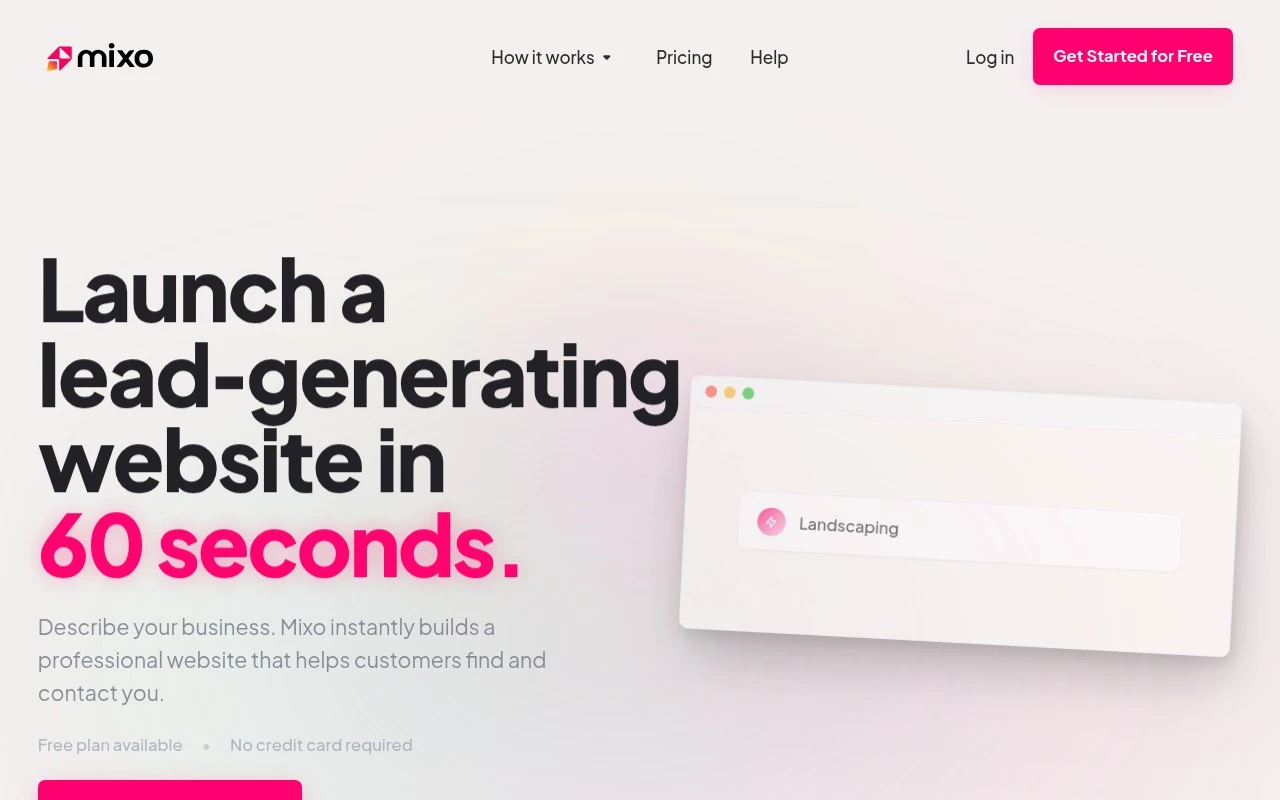
Mixo is an AI website builder for small businesses. Users describe their business, and Mixo generates a publishable website with business pages, contact forms, enquiry tracking, blog support, SEO, and AI search optimization features. It is aimed at people who want to get online quickly without coding, design skills, or a long website development process.

FYAI Score

8.2 / 10

Based on 120 reviews

Pricing:

Free trial

Best for:

Founders and small business owners launching a site fast without code

Score Breakdown

  • Ease of use9.0 / 10
  • Features7.3 / 10
  • Pricing8.3 / 10
  • Integrations7.3 / 10
  • Support9.2 / 10

PRODUCT PREVIEW

What this AI tool does

Mixo is an AI-assisted tool designed to help you move from an idea to a simple, publishable landing page with minimal setup. It’s aimed at people who want to describe a product or project in plain language and quickly turn that description into a structured page they can share. In practice, it can be used to draft copy, suggest a basic layout, and generate a page that’s suitable for early validation—such as collecting interest, testing messaging, or sharing a concept with teammates. If you’re comparing options for lightweight website creation, mixo fits best when you want a fast starting point and are comfortable refining the final wording and design to match your brand.

Use cases

Best for

Website Generation

Describe your business and Mixo generates a publishable website with pages, contact forms, blog support, and SEO settings.

Website Hosting

Publish your site on Mixo with built in hosting so your pages and forms are live without configuring servers or DNS.

Build Landing Page

Use Mixo to generate a landing page from a prompt, then customize sections and capture leads via an embedded enquiry form.

ANALYSIS

Strengths & limitations

Strengths
  • Can generate a complete business website from a short business description.
  • Includes lead-generation features such as contact forms, enquiry tracking, and customer detail capture.
  • Positioned for non-technical small businesses, with a free plan and no credit card required to start.
Limitations
  • The official page does not specify the depth of design customization or editing control.
  • Integration details are described broadly but specific supported apps are not listed in the provided content.
  • The page does not clarify advanced ecommerce, booking, membership, or custom application capabilities.

Evaluation

FYAI score breakdown

Our structured evaluation across five key criteria

8.2 / 10

Overall score

Based on 120 reviews

  • Ease of use9.0 / 10
  • Features7.3 / 10
  • Pricing8.3 / 10
  • Integrations7.3 / 10
  • Support9.2 / 10

What users say

Findings from public reviews, documentation and community sources.

  • Ease of use

    Mixo's website says users can “Describe your business” and Mixo “instantly builds a professional website,” with “No code. No design skills.” Mixo's website quotes user feedback describing the interface as “easy to understand and simple to use.”

  • Features

    Mixo's features page lists no-code site generation, custom branding, forms, and SEO-ready sites with automatic search engine submission. Mixo's features page also describes lead capture and business-focused publishing for straightforward business sites.

  • Pricing

    Mixo's features page says its free plan lets users “create, edit, and publish a one-page website at no cost.” Mixo's features page also references a “30 day money-back policy” and says users can upgrade or downgrade anytime.

  • Integrations

    Mixo's integrations page says Mixo connects with “payments, email, analytics and marketing tools.” Mixo's features page specifically names “Google Analytics and Facebook.”

  • Support

    Trustpilot shows Mixo at 4.5/5 across 120 reviews, and a highlighted Trustpilot review says customer service is “fast, responsive.” Mixo's website refers to “Friendly, human customer support.”

Who is this for?

Best for small businesses or founders that need to launch a simple site quickly, Mixo says users can “Describe your business” and it “instantly builds a professional website,” and the free plan lets users “create, edit, and publish a one-page website at no cost.” Less suited to teams needing deeper app-builder workflows, advanced commerce workflows, or a broad API ecosystem, the described feature set centers on straightforward business sites, and Mixo’s stated integrations are “payments, email, analytics and marketing tools,” with “Google Analytics and Facebook” named.

PRODUCT PREVIEW

Feature highlights

AI Website Generator

Describe your business and get a ready-to-publish website instantly.

Lead Capture & Tracking

Built-in contact forms and enquiry tracking to manage new leads.

Instant AI Website

Describe your business and publish a complete site in minutes.

COMPARE

Discover curated alternatives worth comparing

Compare similar AI tools based on features, pricing and use cases

8.8/ 10Based on 14.986 reviews

WordPress

Website BuildersE-commerce Builders
Builds WordPress sites using an AI website builder and AI tools
Best for:
Small business owners
Pricing
Freemium

8.6/ 10Based on 28.442 reviews

Wix AI

Website BuildersE-commerce Builders
Generates a Wix website draft from user answers for editing.
Best for:
Small business owners
Pricing
Freemium

7.7/ 10Based on 35 reviews

WeWeb

Hosting & DeploymentApp / No-code Builders
Generates web app pages, databases, and logic from prompts
Best for:
Startup founders
Pricing
Freemium

Launch a high-converting landing page in minutes and start collecting leads today. See why founders choose Mixo to validate ideas faster.

FAQ

Frequently asked
questions

Everything you need to know about this AI tool,
its features, pricing, use cases, and limitations.

Who is Mixo a good fit for, and when should I pick something else?
Mixo is best for founders and small teams who need a fast landing page to validate an idea, collect emails, or run a simple campaign. It’s a strong fit when your priority is lead capture and quick publishing rather than a multi-page site. If you need complex navigation, deep brand customization, or a full CMS/ecommerce setup, a broader website builder may be a better match.
Does Mixo have a free plan, and what are the main limitations compared to paid?
Mixo typically offers a free way to try the builder, but the free tier is usually constrained around publishing options and branding (for example, using a Mixo subdomain or showing Mixo branding). Paid plans generally unlock custom domains and more production-ready features for running campaigns. Before committing, check whether the plan you’re considering includes the lead capture and integrations you need.
How does Mixo compare with Carrd, Webflow, or Wix for landing pages?
Compared with Carrd, Mixo is more startup-landing-page oriented with built-in lead capture, while Carrd can be cheaper and more flexible for simple one-pagers. Against Webflow, Mixo is much faster to launch but offers far less design control and advanced layout/custom interactions. Versus Wix, Mixo is more focused and lightweight, whereas Wix is better if you want a full website with broader app/ecosystem features.
How quickly can I launch a page with Mixo, and what onboarding effort should I expect?
Mixo is optimized for landing pages, so it may feel limiting if you later want a full multi-page site or richer content structure. Customization is more constrained than advanced builders, which can matter for strict brand guidelines. Pricing can also be less compelling if you’re comparing against all-in-one platforms that bundle broader site features.
What should I know about data handling, privacy, and compliance when using Mixo?
Mixo collects lead data submitted through its forms, so you’ll want to confirm where that data is stored and how exports/integrations work for your workflow. If you operate under GDPR/CCPA or need DPAs, retention controls, or specific hosting regions, review Mixo’s privacy policy and terms before using it in production. Also verify whether you can add required consent language and links (privacy policy, cookie notice) on your landing pages.