
Curated ToolThis tool is part of our curated AI directory. We only include tools that meet our standards for relevance, usability and real-world value.
Captions
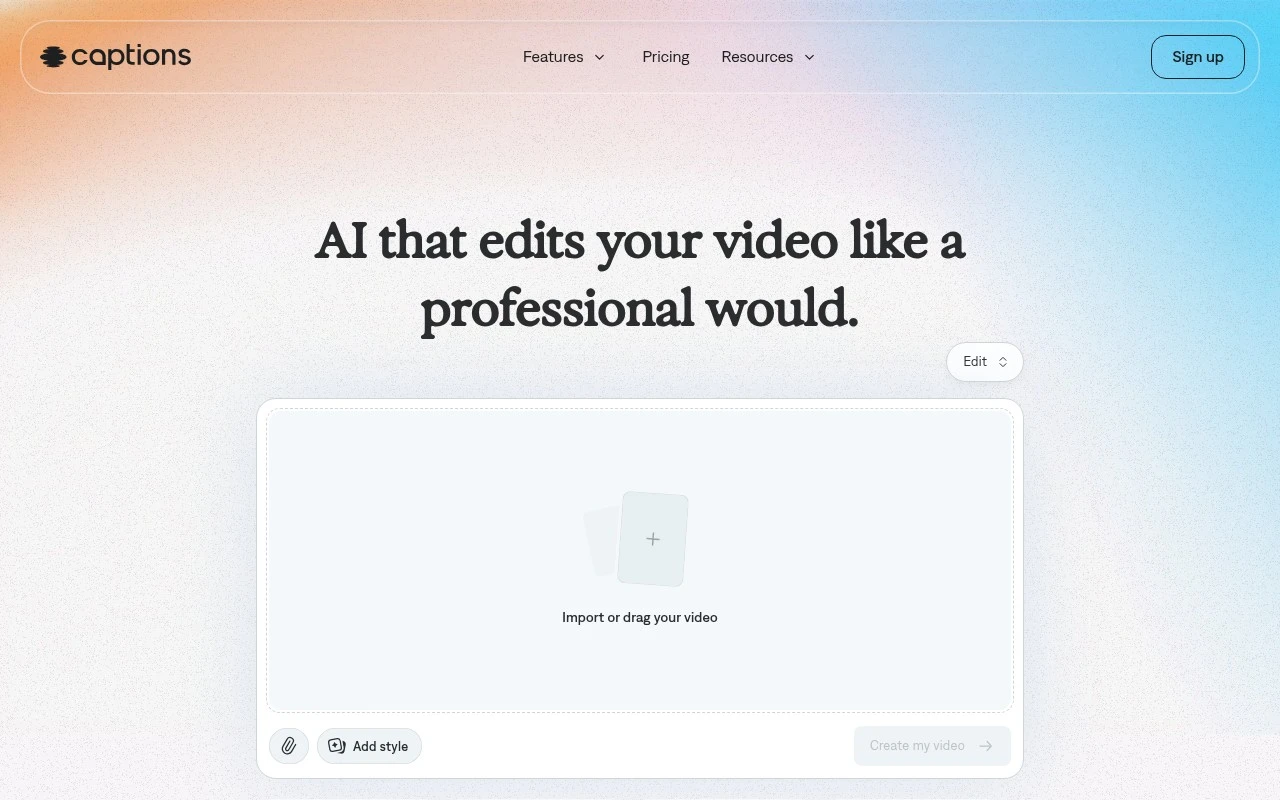
Captions is an AI video creation and editing app that generates subtitles, removes background noise, translates and dubs speech, and supports AI avatar videos for social media content.
Short-form VideoAvatar / Talking Head

FYAI Score
8.6 / 10
Based on 263 reviews
Pricing:
Freemium
Best for:
Creators and social teams producing short-form videos at scale
Score Breakdown
- Ease of use8.6 / 10
- Features8.8 / 10
- Pricing8.7 / 10
- Integrations8.6 / 10
- Support8.0 / 10
 | Strengths |
-
 Best suited to creators and small teams that need fast finished videos, because AI Edit can cut scenes, add B-roll, music, transitions, captions, and style treatments in one workflow.
 -
Strong fit for multilingual and accessibility-focused publishing, because it combines automatic captions, translated subtitles, and speech-focused cleanup tools in the same editor.
-
Useful for presenters, educators, and marketers on camera, because eye contact correction, filler-word trimming, avatars, and digital twins reduce the need for reshoots and manual polish.
 | Limitations |
-
 Less suitable for advanced post-production teams that need frame-level timeline control, complex colour grading, or detailed audio mixing, because the product is built around AI-assisted editing rather than full professional NLE workflows.
 -
Freemium access is less suitable for high-volume production teams, because serious exporting, frequent use, and advanced AI capabilities are likely to require paid usage as needs grow.
-
Less suitable for organisations with strict approval, consent, or brand governance requirements unless they can manage avatar, digital twin, and translated content review outside the core editing workflow.
Feature highlights
AI Edit
Auto-styles, cuts, adds B-roll, music, transitions, and captions.
Prompted video edits
Request changes in chat and iterate fast without manual timelines.
Clean audio & speech
Remove noise, trim pauses/fillers, and improve eye contact on camera.
Compared in

 | 8.4/ 10Based on 85 reviews |
Higgsfield
Short-form VideoAnimation
Creates and remixes images, videos, voice, VFX, and ads
Best for: | Video creators |
Pricing | Paid |
 | 7.7/ 10Based on 122 reviews |
PixVerse
Short-form VideoVideo Generators
Generates, directs, and scales AI video from prompts and images
Best for: | Video creators |
Pricing | Paid |
 | 8.0/ 10FYAI score |
Seedance
Short-form VideoVideo Generators
Creates 4K videos, keeps characters consistent, edits regions
Best for: | Video creators |
Pricing | Paid |