Curated & independently scored by FindyourAI

Best AI Tools to Add Subtitles

Reviewed by Sidney de BoerUpdated September 2026
Compare AI tools to add subtitles, sync captions and export social-ready videos, with curated picks that help creators and marketers move faster on video.
201 tools reviewed · 36 use cases · 6 top picks · Updated weekly

Works well forSolo CreatorsSocial Media TeamsPodcast ProducersMarketing Teams

Overview

AI tools for adding subtitles turn spoken audio into timed captions for videos, helping creators, podcasters and marketing teams make content easier to watch and share. They are most useful when speed, subtitle sync and social-ready exports matter more than building subtitles line by line. FindyourAI scores every tool against the same criteria and only lists the ones that fit this job.

Freemium

Creators and social teams producing short-form videos at scale

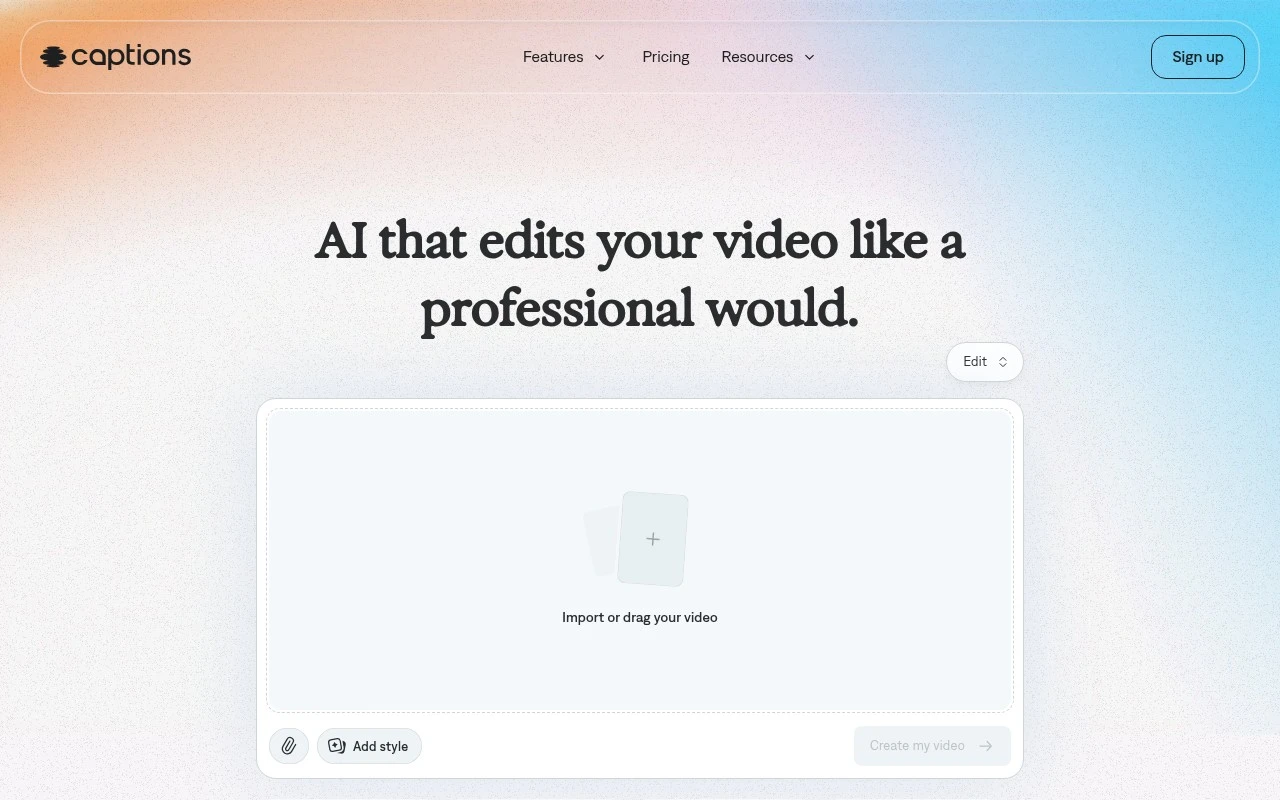
Captions is strong for adding subtitles because it pairs automatic captions with translated subtitles inside an AI-assisted short-form video editor, helping spoken clips become more accessible and multilingual without a separate captioning workflow. It fits on-camera educators and small social teams that need fast, polished video output with readable subtitles built in. Less suited to organisations with strict approval, consent, or brand governance requirements because Captions is built around fast AI-assisted editing rather than a controlled review system for every translated or synthetic element.

View Captions

FYAI Score

8.6 / 10

Based on 263 reviews
Paid only

Podcasters and creators editing spoken-word audio and video

Descript is a transcript-based editor for spoken-word audio and video, and it belongs on an add subtitles page because its transcription and caption workflow turns dialogue-heavy recordings into captioned videos without starting in a traditional video editor. It fits marketing teams and educators who need to repurpose longer spoken recordings into subtitled clips. Less suited to high-end cinematic post-production because it is centered on spoken-word editing rather than frame-level finishing.

View Descript

FYAI Score

8.6 / 10

Based on 267 reviews

Freemium

Creators and marketing teams repurposing long videos into shorts

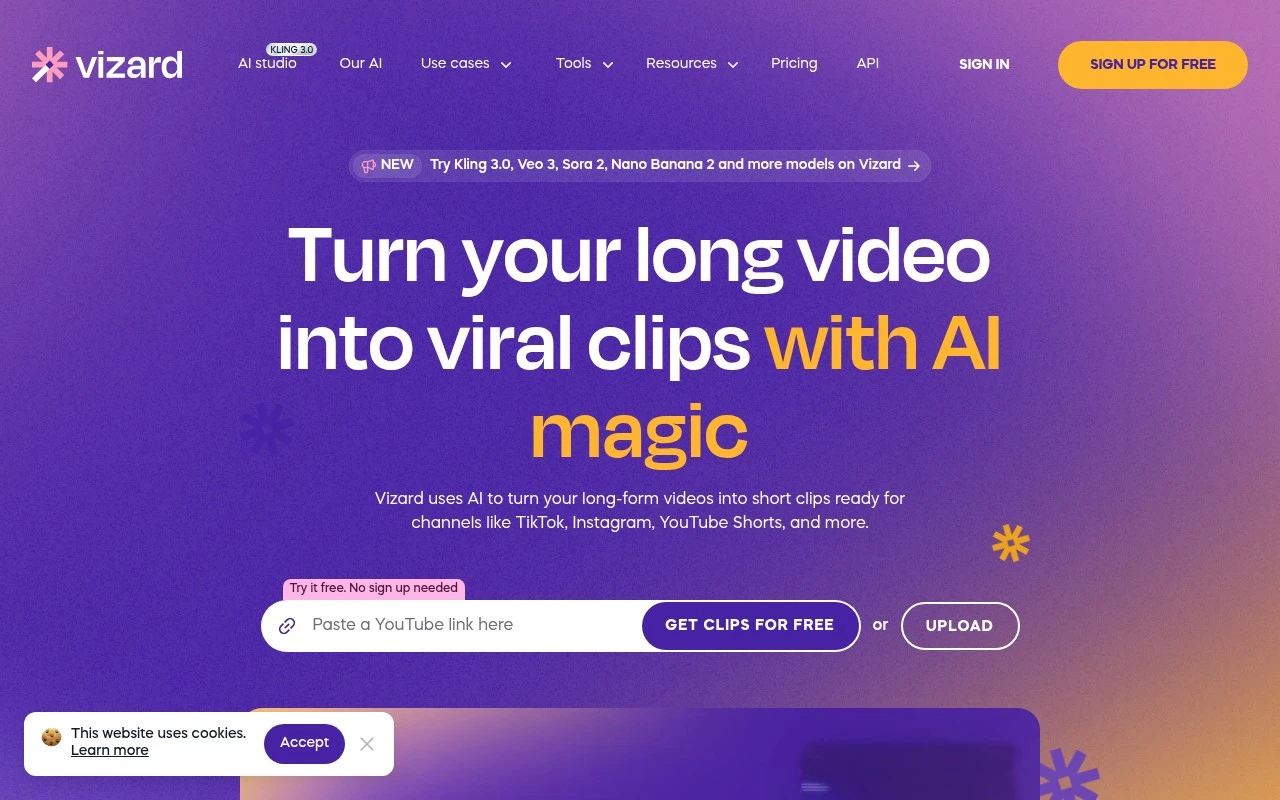
Frequent short-form publishers and marketing teams get the most from Vizard when subtitles are part of a repeatable clipping workflow, because it is an AI video repurposing platform for turning long videos into social clips. Its transcription-driven captioning keeps subtitle creation close to the edit, which helps editors working on interviews or webinars keep cuts and captions aligned. Less suited to full-scale post-production teams because Vizard is centered on repurposing long footage for social clips rather than advanced cinematic editing.

View Vizard

FYAI Score

8.6 / 10

Based on 2,521 reviews

Freemium

Creators turning long talking videos into short clips

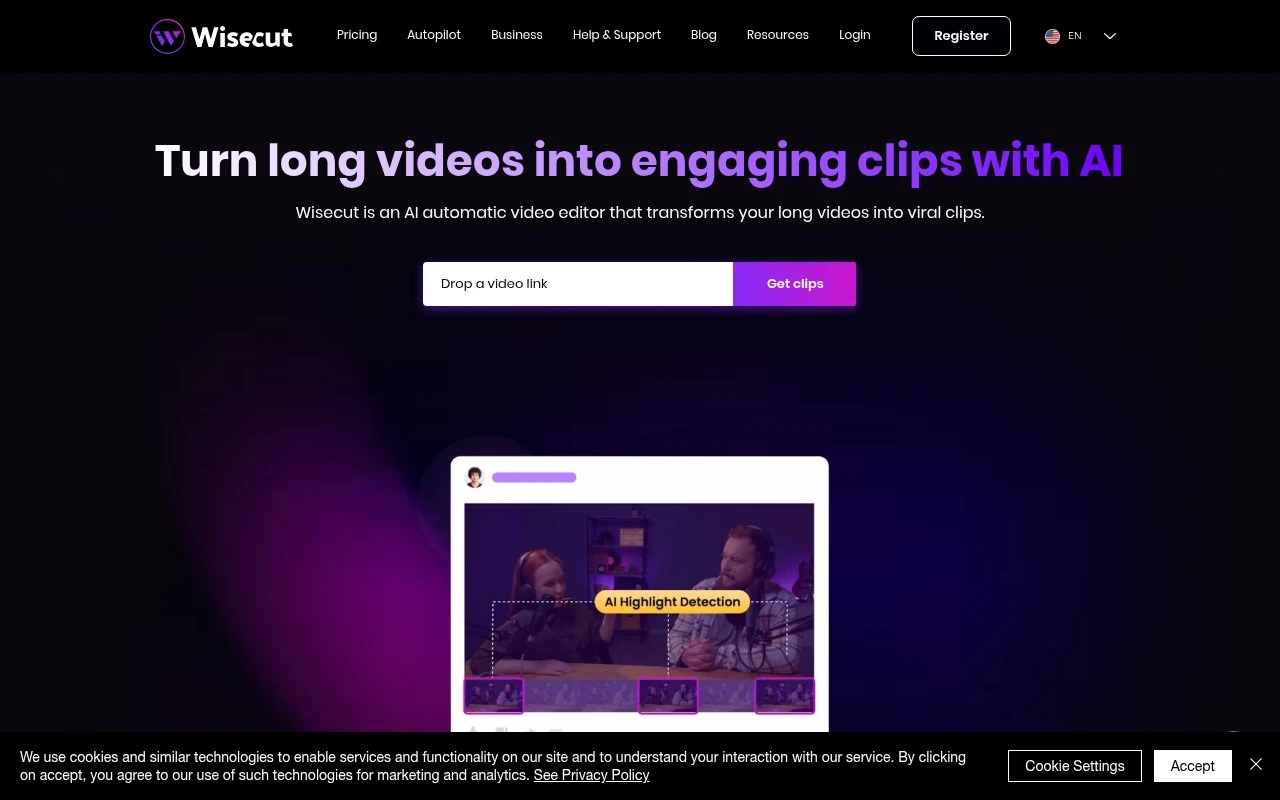
When a webinar or podcast recording needs readable subtitles before it becomes social clips, Wisecut is a transcript-led short-clip editor for long talking videos, so it fits creators who add captions while repurposing spoken content. It can add captions and supports translated subtitles, which is useful for teams publishing the same talking video to different audiences. Less suited to cinematic or motion-heavy edits because its workflow is built around transcript-led scene edits rather than detailed timeline control.

View Wisecut

FYAI Score

8.5 / 10

Based on 65 reviews

Freemium

Creators and social teams making videos fast

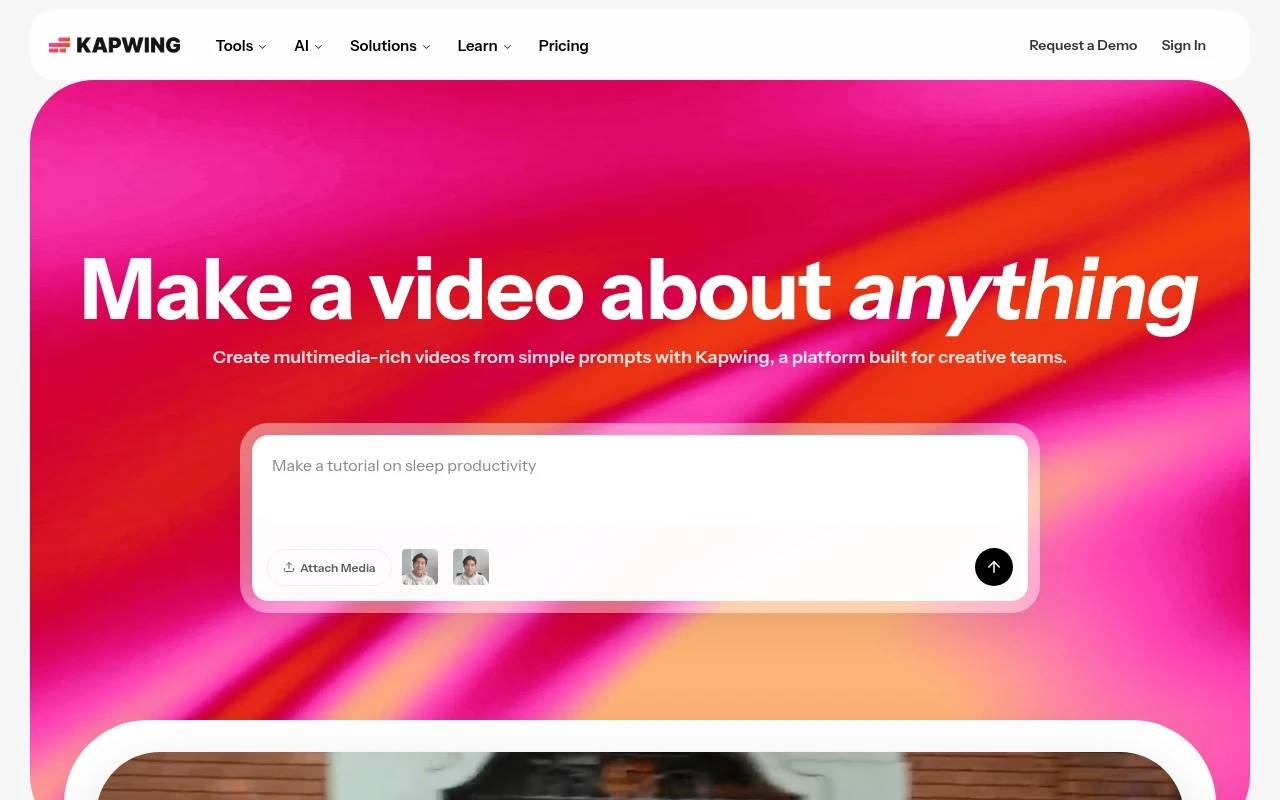
Kapwing stands out here because subtitling is part of an editable video project rather than a dead-end caption step, which suits creators who need to keep refining the final cut. As a browser-based video creation workspace, it fits social teams and in-house marketers who want to add subtitles while preparing content for review and export in one place. Less suited to teams with strict offline or data residency requirements because media is uploaded and edited in a cloud-based web platform.

View Kapwing

FYAI Score

8.3 / 10

Based on 207 reviews

Freemium

Marketing teams and creators shipping social videos fast

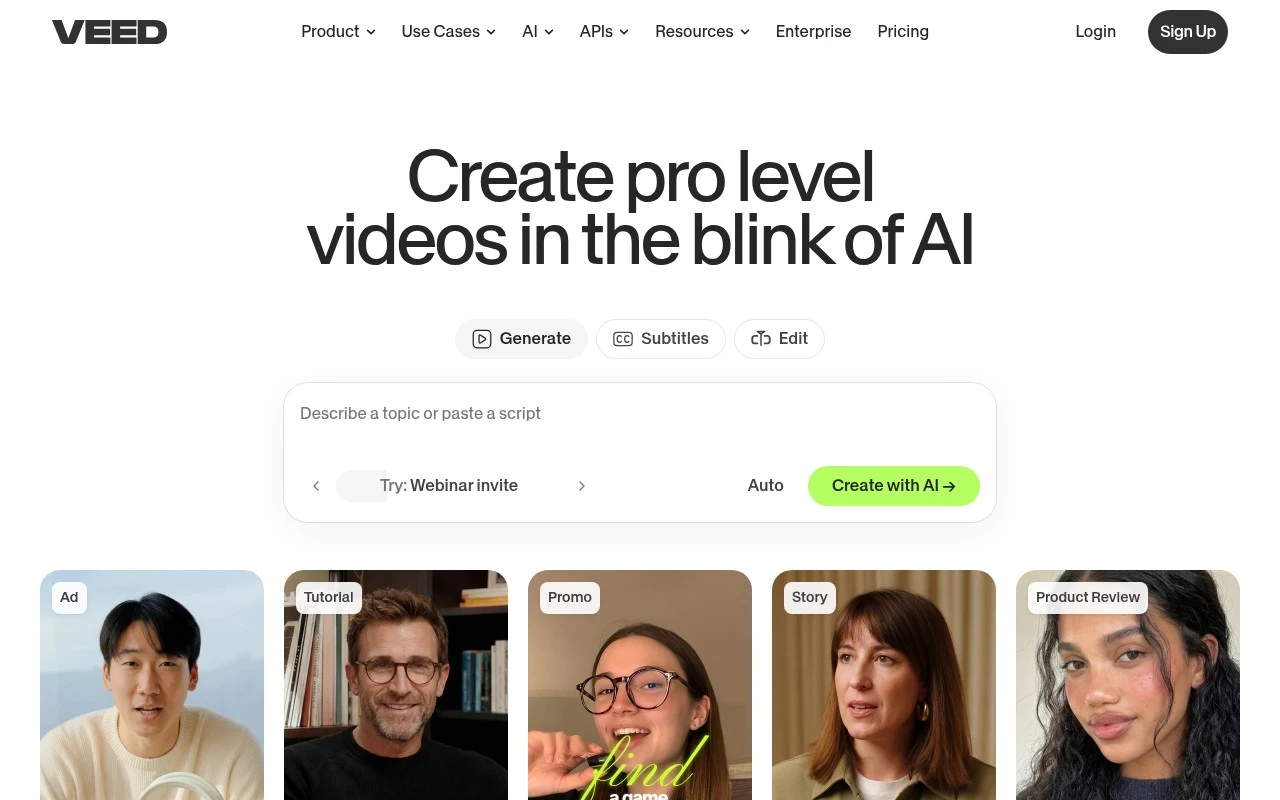
A browser workflow that keeps subtitle generation and video editing together is the main reason to consider Veed.io, a browser-based video creation and editing platform for fast social publishing. It fits marketing teams and creators who need captioned videos ready for social channels without handing the work to a specialist editor. Less suited to large offline or highly sensitive footage workflows because browser-based editing depends on uploading media to a cloud platform.

View Veed.io

FYAI Score

8.2 / 10

Based on 3,725 reviews

How to choose

  • Transcription Accuracy

    Check how well it handles accents, names, crosstalk and noisy audio, because every correction slows down captioned video production.

  • Timing And Resync Controls

    Look for editable timecodes, drag-to-shift captions and clip-level timing fixes so subtitles stay matched after cuts.

  • Burned-In And File Exports

    Decide whether you need styled captions embedded in the video, downloadable SRT or VTT files, or both for different publishing channels.

  • Language And Translation Coverage

    Match the tool to your source languages and subtitle languages, especially if you publish English captions for multilingual audiences.

  • Short-Clip Workflow

    For repurposing, check whether the tool can detect highlights, crop for vertical formats and carry subtitles through each exported clip.

Best for:

This page is for solo creators, social media teams, podcast producers and marketing teams turning spoken video into captioned clips for TikTok, Reels, YouTube Shorts or ads. It is also useful when long webinars, interviews or podcasts need faster captioning before repurposing. Less suited to film distributors, broadcast compliance teams or archivists who need frame-accurate subtitle engineering, standards-heavy delivery or large-scale human localisation.

FAQ

Frequently asked
questions

Common questions about choosing the right tool,
comparing options, and getting started.

What is the best AI tool to add subtitles to a video?

Choose based on caption accuracy, timing control, export format and whether you are editing short social clips or long spoken videos. The comparison on this page groups tools by practical fit factors rather than naming a universal winner.

Are there free AI subtitle generator tools?

Yes, several AI subtitle tools offer free or freemium access for generating captions and exporting videos. Check each tool's current limits, watermark rules and export options before committing.

Can AI subtitle tools resync subtitles if the timing is off?

Yes, many subtitle tools include timing controls that let you shift, edit or regenerate captions when audio and text drift. Look for timeline editing, bulk time shifting or per-caption adjustment if sync errors are common.

Can I add subtitles to a video without a watermark?

Sometimes, but watermark-free export depends on the tool's export settings and account limits. If clean delivery matters, confirm watermark rules for burned-in captions and downloaded subtitle files before editing.

Every tool on FindyourAI is scored on the same independent criteria, not on who pays. We may earn a commission if you sign up through our links, at no cost to you.