
Curated ToolThis tool is part of our curated AI directory. We only include tools that meet our standards for relevance, usability and real-world value.
Vizard
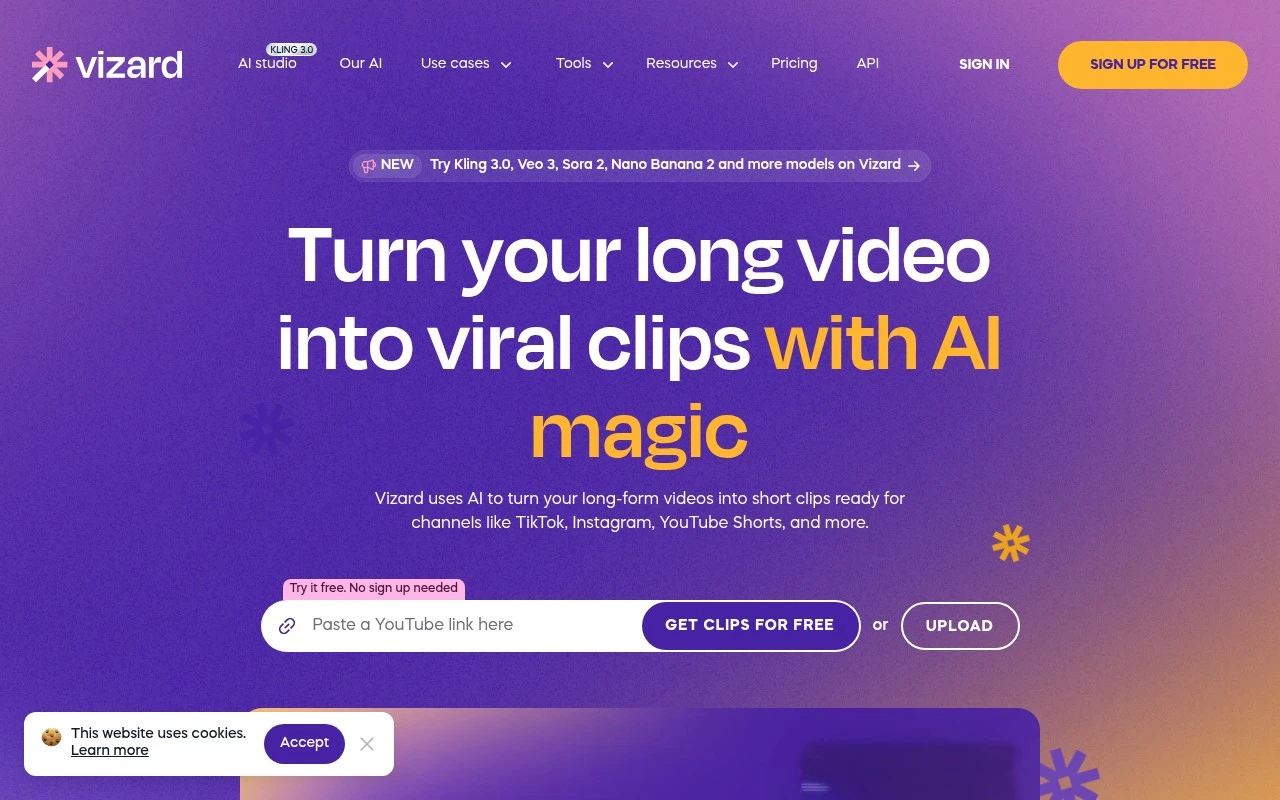
Vizard is an AI video editing tool for content repurposing that turns long-form recordings, webinars, and podcasts into short clips for social platforms. It can identify highlights, generate captions, and resize videos for formats such as TikTok, Instagram Reels, and YouTube Shorts.
Content & Social

FYAI Score
8.6 / 10
Based on 2,521 reviews
Pricing:
Freemium
Best for:
Creators and marketing teams repurposing long videos into shorts
Score Breakdown
- Ease of use9.3 / 10
- Features8.9 / 10
- Pricing7.8 / 10
- Integrations8.0 / 10
- Support8.6 / 10
 | Strengths |
-
 Well suited to frequent short-form publishers because transcription, AI highlight detection, reframing, captions, and editing are handled in one workflow.
 -
Transcript-based trimming is useful for podcasts, webinars, interviews, and coaching videos because editors can cut footage by working directly with the text.
-
Team workspaces, brand templates, and link sharing make it practical for agencies and marketing teams that need repeatable social video production.
 | Limitations |
-
 Less suitable for full-scale video post-production because its workflow is centered on repurposing long footage into social clips rather than advanced cinematic editing.
 -
AI-selected highlights and generated captions still need human review because the best clips depend on context, brand judgment, and transcript accuracy.
-
Freemium pricing is less suitable for high-volume publishing teams because regular exports, longer videos, and collaboration needs can push usage into paid plans.
Feature highlights
Auto clip discovery
Find engaging moments and generate ready-to-post short clips fast.
Text-based editing
Trim by transcript, tweak timing, and edit without complex timelines.
Captions & translate
Add captions, translate subtitles, and resize for any platform.
Compared in

 | 7.2/ 10Based on 177 reviews |
Arcads
Ad Creation
Creates short-form video ads with AI actors and avatars
Best for: | Marketing teams |
Pricing | Paid |
 | 9.0/ 10Based on 72 reviews |
HeyReach
Sales & OutreachMarketing Automation
Automates LinkedIn outreach, rotates senders, centralizes replies
Best for: | Marketing teams |
Pricing | Freemium |
 | 7.5/ 10Based on 12,890 reviews |
Zoominfo
Lead GenerationCRM & Segmentation
Finds prospects, enriches accounts, and flags buyer signals
Best for: | Sales teams |
Pricing | Paid only |