
Curated ToolThis tool is part of our curated AI directory. We only include tools that meet our standards for relevance, usability and real-world value.
OpusClip
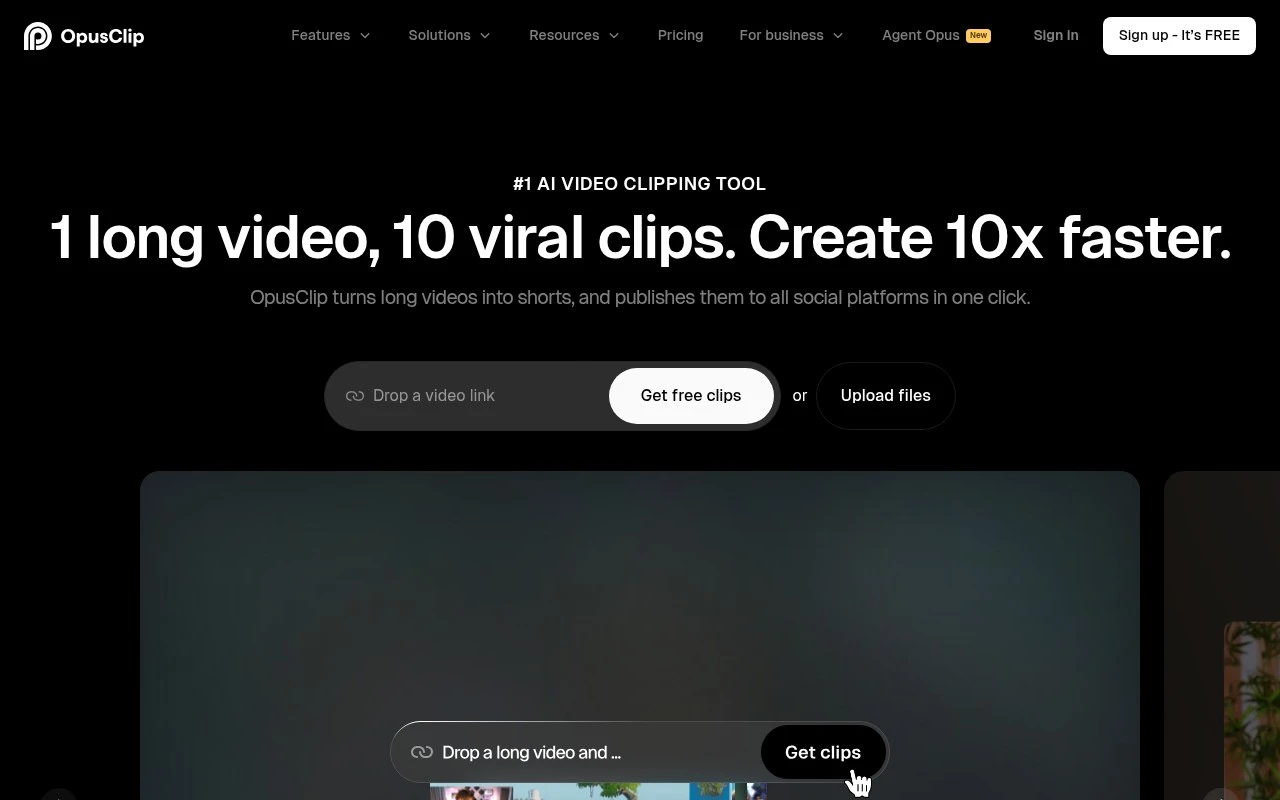
OpusClip is an AI video editing tool that turns long videos into short, shareable clips for platforms such as TikTok, YouTube Shorts, and Instagram Reels. It can identify highlight moments, reframe footage, and add captions for short-form publishing.
Content & Social

FYAI Score
8.8 / 10
Based on 450 reviews
Pricing:
Freemium
Best for:
Creators and social teams repurposing long videos into shorts
Score Breakdown
- Ease of use8.8 / 10
- Features8.8 / 10
- Pricing8.9 / 10
- Integrations9.2 / 10
- Support8.5 / 10
 | Strengths |
-
 Well suited to creators repurposing long-form content because AI clipping helps surface usable highlights and reduces manual review time.
 -
Strong fit for short-form social workflows because automatic reframing and subject tracking help adapt existing footage for vertical formats.
-
Useful for teams that need repeatable branded output because its workflow features support more consistent clip production across multiple videos.
 | Limitations |
-
 Less suitable for teams that need to create videos from scratch because it is primarily built around repurposing existing footage rather than full video production.
 -
Less suitable for highly nuanced editorial storytelling because automated clip selection still needs human review for context, pacing, and brand voice.
-
The freemium model can constrain high-volume or team workflows because heavier usage and advanced workflow needs are better aligned with paid access.
 | 7.2/ 10Based on 177 reviews |
Arcads
Ad Creation
Creates short-form video ads with AI actors and avatars
Best for: | Marketing teams |
Pricing | Paid |
 | 8.4/ 10Based on 85 reviews |
Higgsfield
Short-form VideoAnimation
Creates and remixes images, videos, voice, VFX, and ads
Best for: | Video creators |
Pricing | Paid |
 | 7.7/ 10Based on 122 reviews |
PixVerse
Short-form VideoVideo Generators
Generates, directs, and scales AI video from prompts and images
Best for: | Video creators |
Pricing | Paid |