Best Automation AI Tools in 2026

FindYourAI’s automation category covers workflow automation tools for workflow automation, AI workflow automation, integration automation, CRM automation, document automation, agent building, RPA browser automation, lead scoring, and report generation. By FindYourAI’s review score, Apify is the top-rated automation tool in the curated set, followed by Zapier, Relay.app, Browse AI, Uipath, and PandaDoc. Notable options also include DocuSign for document automation, Albato and Integrately for integration automation, Activepieces and N8n for workflow building, and Workato for workflow automation. For agent building and RPA browser automation, Apify leads the category. For broad workflow automation tools and app-to-app integration automation, Zapier ranks highest after Apify. Relay.app scores top marks among the next picks for workflow automation, Browse AI ranks ahead of Uipath for RPA browser automation, and PandaDoc is the standout pick for document automation. Choose based on the work pattern you need to automate: Apify for agent and browser-led automation, Zapier or Relay.app for workflow automation, Browse AI or Uipath for RPA browser automation, and PandaDoc or DocuSign for document automation. If your priority is CRM automation or crm automation tools, compare integration coverage, trigger reliability, and reporting needs before choosing an AI workflow builder.

ZapierWorkflow automation
9.2

MakeVisual automation
8.8

N8nWorkflow builder
9.0
Automation AI45 curated tools★ Top picks available
● 9.2
● 8.8
8.8/ 10Based on 707 reviews

Integrately

Workflow AutomationIntegration Automation
Connects apps, automates workflows, and triggers actions
Best for:
Operations teams
Pricing
Freemium

7.7/ 10FYAI score

Taskmagic

Workflow AutomationData & Spreadsheet
Builds and runs browser automations from plain-language tasks
Best for:
Operations teams
Pricing
Freemium

7.1/ 10FYAI score

OpenAI Operator

RPA & Browser AutomationDocument Processing
Lacks enough official detail to define practical AI uses
Best for:
Operations teams
Pricing
Paid only

7.6/ 10FYAI score

Microsoft Autogen

Automation
Builds multi-agent LLM workflows for tool-using agent teams
Best for:
Software developers
Pricing
Freemium

7.4/ 10Based on 89 reviews

Repurpose.io

Workflow Automation
Automates content repurposing and multichannel publishing
Best for:
Content creators
Pricing
Paid

8.4/ 10Based on 9 reviews

Gumloop

Workflow AutomationIntegration Automation
Builds, governs, and deploys AI agents for internal workflows
Best for:
IT & Security teams
Pricing
Freemium

9.0/ 10Based on 63 reviews

Browse AI

RPA & Browser Automation
Builds no-code web scrapers, monitors sites, and routes data
Best for:
Operations teams
Pricing
Freemium

7.9/ 10Based on 23 reviews

Jarvis AI

Automation
Automates support tasks and suggests replies across channels
Best for:
Customer support teams
Pricing
Freemium

8.3/ 10Based on 33 reviews

Procesio

Workflow AutomationIntegration Automation
Automates workflows and governs business processes across teams
Best for:
Operations teams
Pricing
Freemium

8.4/ 10Based on 20 reviews

Relevance AI

Workflow AutomationIntegration Automation
Builds governed AI agents that use tools and follow playbooks
Best for:
Operations teams
Pricing
Freemium

9.1/ 10Based on 604 reviews

Apify

RPA & Browser Automation
Runs scrapers and crawlers for fresh LLM-ready web data
Best for:
Software developers
Pricing
Freemium

7.8/ 10Based on 53 reviews

Meta GPT

Automation
Coordinates agents to build plans, code, and repositories
Best for:
Software developers
Pricing
Freemium

CURATED DISCOVERY

Browse curated AI tools
with more confidence

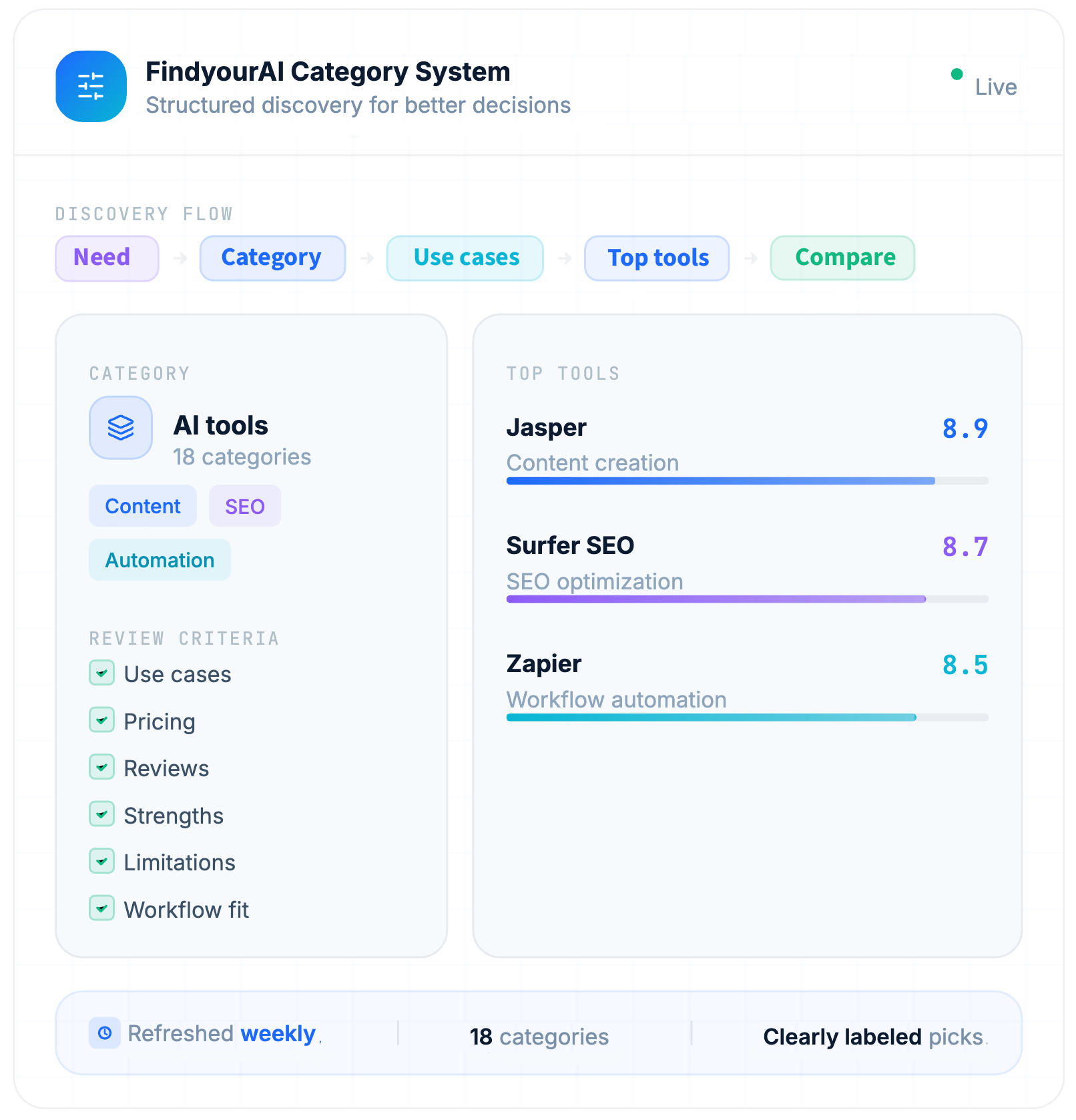
Each category is built to help you compare relevant AI tools faster. We organize tools by use case, pricing, strengths, limitations and fit, so you can move from browsing to a shortlist without the clutter.

Curated selection
Only relevant tools for this category, organized around real user needs.

Clear comparison
Compare pricing, strengths, limitations and best-fit use cases side by side.

Less noise
Avoid endless lists and focus on tools that are easier to evaluate.

Better decisions
Move from category to shortlist with more structure and confidence.

FEATURED

Latest AI tools in our directory

Explore newly added AI tools and see what’s trending this week

8.1/ 10FYAI score

Helply

Workflow AutomationIntegration Automation
Answers tickets, drafts replies, flags gaps and churn risks
Best for:
Customer support teams
Pricing
Freemium

8.7/ 10Based on 255 reviews

Dorik

Workflow AutomationIntegration Automation
Builds editable websites, copy, images, and HTML/CSS/JS
Best for:
Small business owners
Pricing
Freemium

8.2/ 10Based on 120 reviews

Mixo

Workflow AutomationIntegration Automation
Builds business websites from briefs and captures enquiries
Best for:
Small business owners
Pricing
free_trial

Ready to find your AI tool?

Choose a category to compare the best AI tools for your workflow.

FAQ

Frequently asked
questions

Everything you need to know about how FindyourAI works,
how tools are scored, and how to get started.

How are FindyourAI categories organized?
FindyourAI is an AI tools directory that organizes tools into 18 curated categories based on real workflows and use cases. Browse categories like AI writing tools, AI design tools, AI coding tools, AI automation tools, and AI research tools to quickly find the best AI tool for your task—without jumping between overlapping sections.
Can I discover AI tools by use case, not just by category?

Yes. Each AI tool is listed under one primary category, but many AI tools fit multiple workflows and use cases. That's why FindyourAI also uses tags, filters, and workflow-based discovery to help you find the best AI tools beyond a single category page.

How do I choose the right AI category for my workflow?

Tell us what you're trying to do, then pick the matching category: If you need to write faster, choose Writing & Copy. If you want to generate visuals, choose Image & Design. If you want to save time by automating repeat work, choose Automation. From there, you can quickly compare tools side-by-side by goal, features, and typical workflows—so you can pick the best tool with less trial and error.

Are FindyourAI categories updated regularly?

Yes. We actively maintain and refine category pages so the AI tools directory reflects what people are actually using today. When new tools launch or workflows shift, we update the category structure to keep browsing simple and help you discover relevant tools quickly.

What makes FindyourAI categories different from other AI directories?

FindyourAI helps you find and compare AI tools for this workflow—fast. Instead of endless overlapping categories, we group tools by real use cases so you can compare pricing, key features, pros and cons, limitations, and top alternatives in one place. Use this page to shortlist the best AI software for your needs and make a confident decision.