
Curated ToolThis tool is part of our curated AI directory. We only include tools that meet our standards for relevance, usability and real-world value.
Procesio
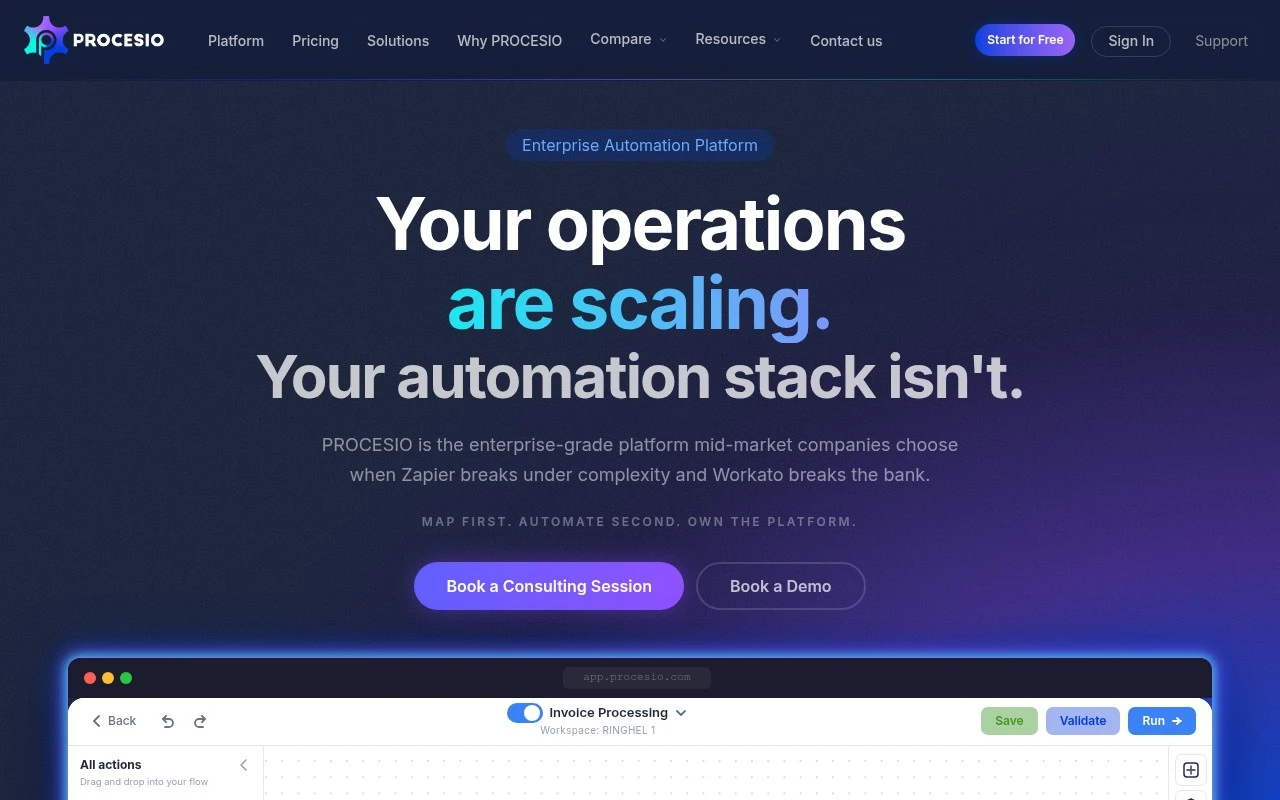
Procesio is a low-code integration automation platform for designing, running, and monitoring workflows that connect APIs, databases, files, and business applications. It supports visual process building with custom logic for automating data flows and operational tasks.
Workflow AutomationIntegration Automation
FYAI Score
8.3 / 10
Based on 33 reviews
Pricing:
Freemium
Best for:
Enterprise IT and ops teams automating governed, complex processes
Score Breakdown
- Ease of use8.2 / 10
- Features8.3 / 10
- Pricing8.8 / 10
- Integrations7.9 / 10
- Support8.1 / 10
 | Strengths |
-
 Best suited to mid-market and enterprise teams because it combines drag-and-drop process design with JavaScript, Python, and C# scripting for more complex automation requirements.
 -
Strong fit for governed operations because it is built around mapping, building, and operating business processes rather than only connecting simple app-to-app triggers.
-
Useful for modernization and high-volume automation projects because its enterprise orientation supports teams that need more deployment flexibility than lightweight SaaS automation tools.
 | Limitations |
-
 Less suitable for teams looking for a generative AI product because Procesio is focused on business process automation rather than AI content creation, chat, or model tooling.
 -
Heavier than simple no-code automation tools for small teams because its governance, deployment flexibility, and scripting options add implementation complexity.
-
The freemium model is less suitable for full-scale production rollouts that must stay free because serious enterprise usage will typically require moving beyond free limits.
 | 9.0/ 10FYAI score |
Composio
Workflow AutomationIntegration Automation
Connects agents to apps, selects tools, runs sandboxed tasks
Best for: | Software developers |
Pricing | Freemium |
 | 8.2/ 10FYAI score |
Tasklet
Workflow AutomationIntegration Automation
Builds no-code AI agents to automate workflows across apps
Best for: | Operations teams |
Pricing | Paid |
 | 9.0/ 10Based on 3,056 reviews |
Zapier
Workflow AutomationIntegration Automation
Connects AI agents to apps, automates workflows, adds IT control
Best for: | Operations teams |
Pricing | Freemium |