Composio
Curated ToolThis tool is part of our curated AI directory. We only include tools that meet our standards for relevance, usability and real-world value.

Composio

Composio is an integration platform that lets AI agents and LLM applications connect to external apps, APIs, and services with managed authentication and tool execution. It helps developers add production-ready actions such as calling SaaS tools, handling OAuth, and orchestrating agent workflows.
Workflow AutomationIntegration Automation

FYAI Score

9.0 / 10

FYAI rating based on features, pricing and integrations

Pricing:

Freemium

Best for:

Developers building AI agents that take action across apps

Score Breakdown

  • Ease of use8.5 / 10
  • Features9.2 / 10
  • Pricing9.3 / 10
  • Integrations9.3 / 10
  • Support8.9 / 10

PRODUCT PREVIEW

What this AI tool does

Composio
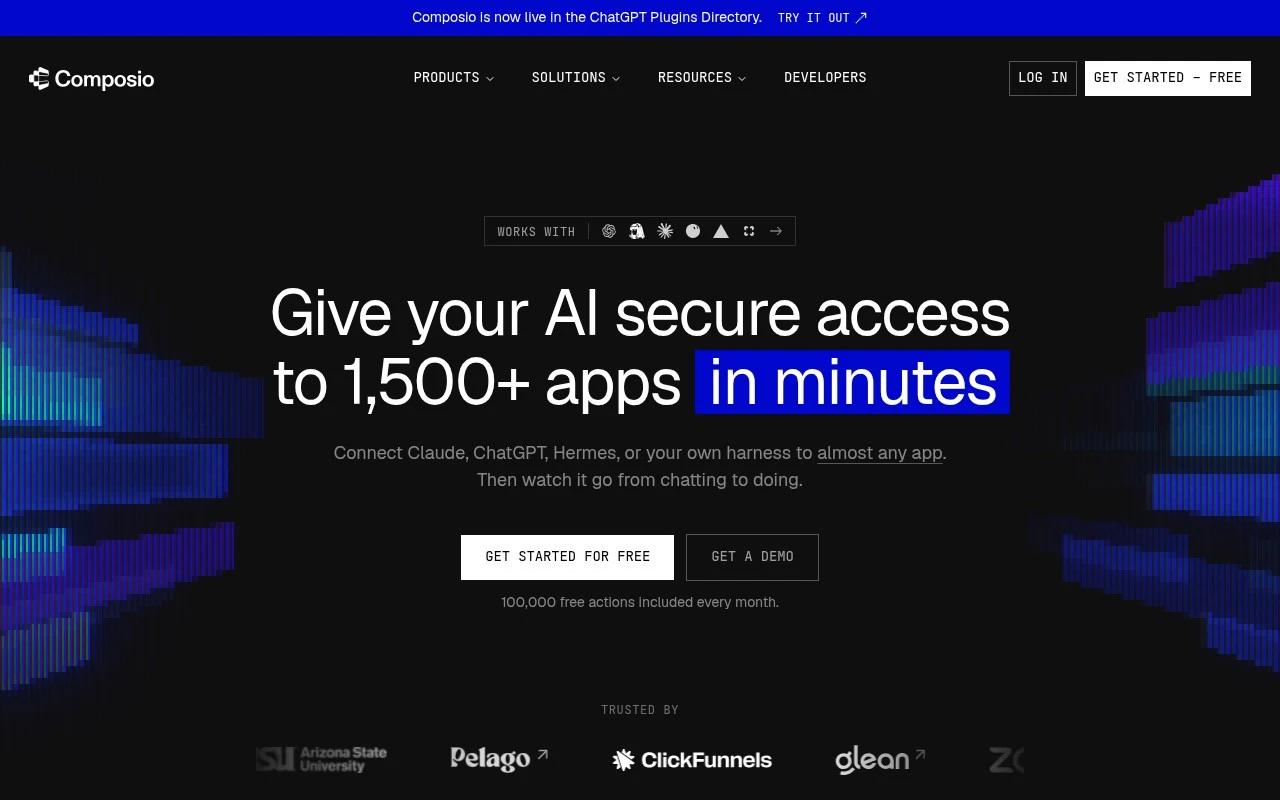
Composio is a developer platform for connecting AI agents to external applications so they can authenticate, call tools, and execute actions beyond the chat interface. Composio is built for engineers, automation teams, and agent builders who want AI systems to work across SaaS products, developer tools, productivity apps, and internal workflows without rebuilding every integration from scratch. For developers, the core value is that the platform turns external software into usable agent capabilities. Instead of treating an AI agent as a text generator that stops at recommendations, it gives the agent structured actions it can perform, such as creating tickets, reading files, updating records, sending messages, or triggering workflow automation across connected services. Managed authentication is a central part of the product story. OAuth flows, token storage, permission handling, and user-level app connections are often some of the most time-consuming parts of integration automation, especially when an agent needs to act on behalf of many users. The platform abstracts much of that work so builders can focus on the agent experience rather than the plumbing behind each API. Just-in-time tool loading helps address a common problem in agent design, where giving a model too many tools at once can make it slower, more expensive, and less reliable. The platform can expose relevant actions when they are needed, which keeps the agent’s working context cleaner while still allowing access to a broad catalogue of applications. This matters for production agents that need both breadth and precision. Sandboxed execution gives agents a safer place to run code and perform operational tasks. When an agent has to move from reasoning into execution, the runtime environment becomes part of the product, not an afterthought. By providing infrastructure for controlled execution, the platform supports use cases where agents need to interact with files, APIs, scripts, and external systems in a more dependable way. In agent building, Composio is best at reducing the gap between an AI workflow and real-world software operations. It is especially useful for teams building assistants, copilots, internal automation systems, or customer-facing agents that need to complete tasks inside existing tools. The platform fits the layer between the language model and the apps where work actually happens. Rather than positioning itself as a single-purpose automation builder, the platform is closer to an integration and execution layer for AI-native software. Traditional workflow automation often depends on fixed triggers and predefined steps, while agentic systems need flexible tool access, user-specific permissions, and runtime decisions. That shift is where Composio’s managed connectors, authentication, and execution model become important. Teams adopting AI agents often discover that model quality is only one part of the challenge. The harder operational questions are how the agent connects to user accounts, how it chooses the right action, how it executes safely, and how developers maintain integrations as APIs change. Composio addresses those practical concerns so builders can ship agents that do more than answer questions. Composio is most relevant for technical teams that want extensible agent infrastructure without owning every connector, auth workflow, and sandbox themselves. Its character is pragmatic and developer-oriented, focused less on visual no-code automation and more on giving AI systems the reliable tool access they need to act in the software stack a business already uses.

Use cases

Best for

Integration Automation

Composio connects AI agents to external app actions with managed authentication and API connectors.

Workflow Automation

It runs workflow steps by loading needed app actions just in time and executing them in a sandbox.

Agent Building

It provides managed auth, tool loading, and sandbox runtime so builders can create agents that execute app actions.

ANALYSIS

Strengths & limitations

Strengths
  • Best suited to agent builders who need broad app coverage because Composio exposes actions across more than 1,500 apps.
  • Strong fit for products with user-connected accounts because Composio manages delegated auth flows, scopes, token refresh, and connection lifecycle work.
  • Useful for complex agent tasks because just-in-time tool loading and isolated runtimes help agents chain actions without loading every possible tool into context.

Limitations
  • Less suitable for nontechnical users who want a standalone no-code automation app because Composio is positioned as infrastructure for developers and agent harnesses.
  • Less suitable for teams that only need one or two simple integrations because the platform is built around a broad tool catalogue, auth layer, and agent runtime.
  • Requires careful permission and guardrail design for sensitive workflows because connected agents can take real actions across email, calendars, CRMs, development tools, ads platforms, and other business apps.

Evaluation

FYAI score breakdown

Our structured evaluation across five key criteria

9.0 / 10

Overall score

FYAI rating based on features, pricing and integrations

  • Ease of use8.5 / 10
  • Features9.2 / 10
  • Pricing9.3 / 10
  • Integrations9.3 / 10
  • Support8.9 / 10

What users say

Findings from public reviews, documentation and community sources.

  • Ease of use

    Composio's own page says users can 'connects each app in a click' and 'Implement in minutes' with 'just five lines of code.' SoftwareAdvice summarizes Composio as 'very easy to use.'

  • Features

    Composio's pricing page describes 'secure delegated auth, sandboxed environments, and parallel execution across 1,500+ apps.' The same pricing page lists managed OAuth, token refresh, triggers, and MCP.

  • Pricing

    Composio's pricing page lists a free Hobby plan with '100,000 tool calls / mo,' '50,000 triggers / mo,' '3 team members,' and unlimited connected accounts. The same pricing page lists Pro at '$29 / mo' with '$29 monthly usage credit included' and no per-seat pricing, while Enterprise is custom.

  • Integrations

    Composio's YouTube materials describe connecting AI agents to 'over 1,500 apps' and name Gmail, Google Calendar, Slack, and GitHub. Composio's materials also reference MCP/custom tools.

  • Support

    Capterra’s review snippet says issues 'are being managed well by their support desk.' Composio's pricing page says the Enterprise plan includes 'Dedicated support + SLA.'

Who is this for?

Best for teams building AI-agent automation across many apps, with Composio materials describing connections to 'over 1,500 apps' plus MCP/custom tools. Less suited to buyers who need a fixed public enterprise price before talking to sales, because the pricing page lists Enterprise as custom.

PRODUCT PREVIEW

Feature highlights

Agent Building APIs

Give agents production-ready actions across popular business apps.

Managed App Auth

Handle OAuth and user permissions so agents can act securely.

Integration Automation

Trigger app actions without maintaining every API connector yourself.

COMPARE

Discover curated alternatives worth comparing

Compare similar AI tools based on features, pricing and use cases

8.2/ 10FYAI score

Tasklet

Workflow AutomationIntegration Automation
Builds no-code AI agents to automate workflows across apps
Best for:
Operations teams
Pricing
Paid

9.0/ 10Based on 3,056 reviews

Zapier

Workflow AutomationIntegration Automation
Connects AI agents to apps, automates workflows, adds IT control
Best for:
Operations teams
Pricing
Freemium

8.6/ 10Based on 779 reviews

Workato

Workflow AutomationIntegration Automation
Connects AI agents to business apps, automates MCP workflows
Best for:
IT & Security teams
Pricing
Free trial

Composio

See why builders choose Composio to turn AI agents into reliable doers. Start shipping agents that complete real work across your stack today.

FAQ

Frequently asked
questions

Everything you need to know about this AI tool,
its features, pricing, use cases, and limitations.

Who is Composio best suited for?
Composio is best suited for developers and teams building AI agents that need secure access to many external apps. It fits agent builders, copilot teams, and LLM workflow developers who need managed tool calls, delegated authentication, dynamic action selection, and multi-step execution across services like Gmail, Slack, GitHub, CRMs, and analytics tools.
Does Composio have a free plan, and when would I need to pay?
Composio uses a freemium pricing model, so teams can typically start with a free option and move to paid usage as needs grow. The practical trigger for upgrading is usually higher integration volume, more production usage, broader team needs, or requirements tied to scaling authenticated agent workflows.
What are the best alternatives to Composio for agent integrations?
The best Composio alternative depends on whether you need developer infrastructure for AI agents or a broader workflow automation tool. Composio is more relevant when agents need delegated auth, callable app actions, and sandboxed execution, while other automation platforms may fit better for simpler no-code workflows or basic app-to-app triggers.
How hard is it to set up Composio for an AI agent?
Composio is designed for developer-led setup rather than nontechnical self-serve automation. Onboarding typically involves connecting the agent framework or LLM app, configuring app authentication, choosing allowed actions, and designing permission boundaries. Teams with existing agent infrastructure should find it more direct than building every integration and auth flow themselves.
What are the main limitations of Composio?
Composio is less suitable for teams that only need one or two simple integrations or a standalone no-code automation app. Its strengths, broad app coverage, delegated auth, dynamic tool loading, and sandboxed execution, matter most in agentic products. Sensitive workflows also require careful guardrails because agents can perform real actions.
What should teams check about privacy and compliance before using Composio?
Teams should evaluate Composio around permissions, token handling, connected-account access, auditability, and guardrails for sensitive actions. Because Composio enables agents to interact with email, calendars, CRMs, developer tools, ads platforms, and other business apps, buyers should confirm current security practices, compliance posture, and data handling terms directly with Composio.