
Curated ToolThis tool is part of our curated AI directory. We only include tools that meet our standards for relevance, usability and real-world value.
Browse AI
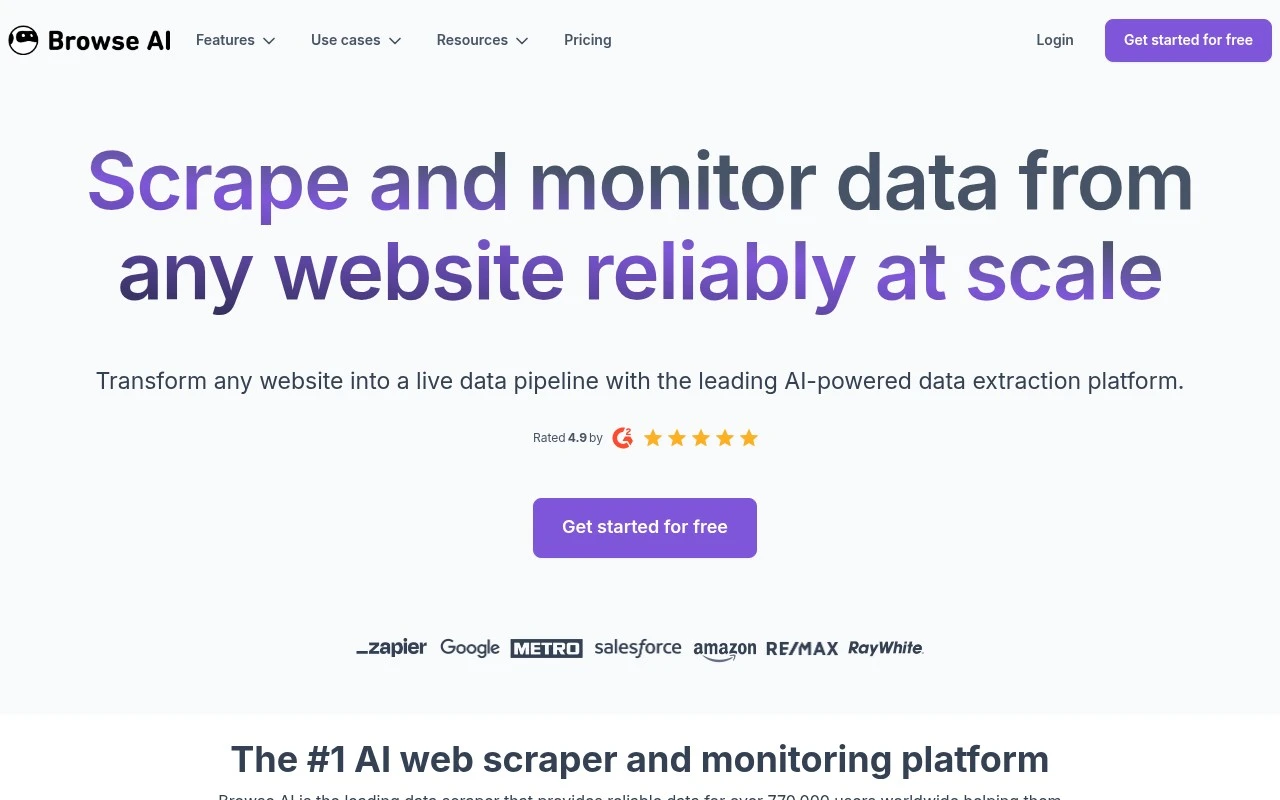
Browse AI is a no-code web data extraction and monitoring platform that lets users train robots to collect structured data from websites and track page changes. It can export captured data to spreadsheets, apps, or APIs for ongoing workflows.
RPA & Browser Automation
FYAI Score
9.0 / 10
Based on 63 reviews
Pricing:
Freemium
Best for:
Ops and data teams automating web data collection and monitoring
Score Breakdown
- Ease of use9.3 / 10
- Features8.7 / 10
- Pricing8.9 / 10
- Integrations9.0 / 10
- Support9.3 / 10
 | Strengths |
-
 Best suited to non-technical operators because its point-and-click training lets teams create scrapers and monitors without writing custom code.
 -
Useful for recurring data workflows because scheduled runs, exports, and integrations can route website data into other business systems.
-
Strong fit for dynamic and multi-page websites because features such as browser actions, proxy management, retries, rate limiting, and layout monitoring reduce scraper maintenance.
 | Limitations |
-
 Less suitable for teams that need deeply customized scraping logic because the no-code robot model is built around trainable browser workflows rather than full-code control.
 -
High-volume or very frequent monitoring can outgrow the freemium model because larger workloads require paid capacity.
-
Complex or protected websites can still require ongoing robot maintenance or managed services because web data extraction depends on target site structure and access rules.
 | 9.0/ 10FYAI score |
Composio
Workflow AutomationIntegration Automation
Connects agents to apps, selects tools, runs sandboxed tasks
Best for: | Software developers |
Pricing | Freemium |
 | 8.2/ 10FYAI score |
Tasklet
Workflow AutomationIntegration Automation
Builds no-code AI agents to automate workflows across apps
Best for: | Operations teams |
Pricing | Paid |
 | 9.0/ 10Based on 3,056 reviews |
Zapier
Workflow AutomationIntegration Automation
Connects AI agents to apps, automates workflows, adds IT control
Best for: | Operations teams |
Pricing | Freemium |