Curated ToolThis tool is part of our curated AI directory. We only include tools that meet our standards for relevance, usability and real-world value.

Gumloop

Builds and governs AI agents to automate internal workflows

Workflow AutomationIntegration Automation

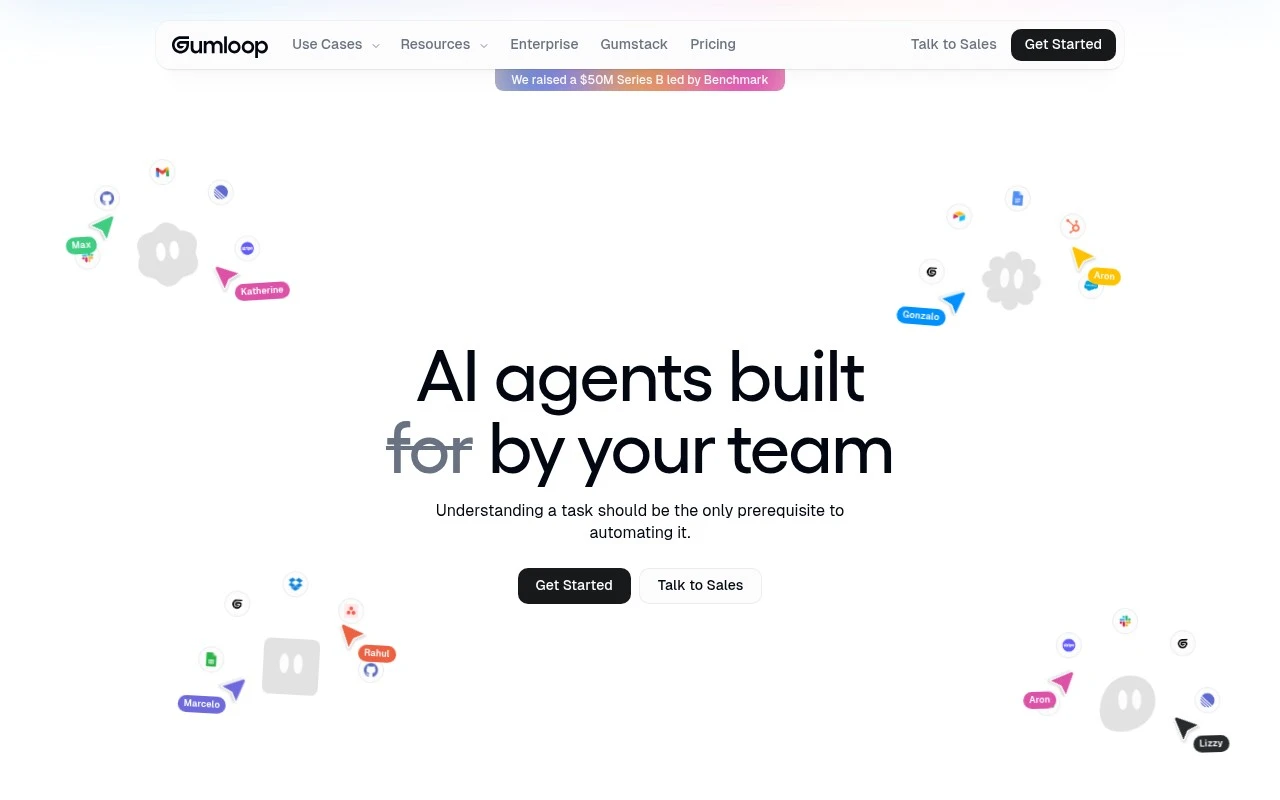
Gumloop is a multiplayer AI agent-building platform for work. It lets teams orchestrate AI agents on a canvas, connect them to internal and external data, choose from multiple AI models, and deploy them into workplace tools such as Slack, Microsoft Teams, and Gmail. The product is positioned for organizations that want non-engineering teams to automate tasks while IT maintains enterprise controls such as role-based access, model restrictions, audit logging, usage monitoring, SSO, VPC deployment, and zero-data-retention arrangements.

FYAI Score

8.4 / 10

Based on 9 reviews + FYAI product analysis

Pricing:

Freemium

Best for:

Ops and IT teams enabling non-technical automation with enterprise controls

Score Breakdown

  • Ease of use8.5 / 10
  • Features8.2 / 10
  • Pricing8.8 / 10
  • Integrations8.0 / 10
  • Support8.5 / 10

PRODUCT PREVIEW

What this AI tool does

Gumloop is an AI tool designed to help people build and run automated workflows without needing to write much code. It’s typically used to connect common tasks—like collecting information, transforming it, and sending it to the next step—into a repeatable process that can be triggered on demand or on a schedule. In practice, it can support teams who want to standardize routine work such as content preparation, data handling, or internal operations by turning multi-step procedures into a single workflow. The goal is to make these processes easier to maintain and adjust over time, so users can iterate on how work gets done as requirements change.

Use cases

Best for

Agent Building

Build and orchestrate AI agents on a shared canvas, connecting models and internal data with role based access controls.

Analyze Data

Use Gumloop to pull data from internal and external sources and run model driven analysis steps to produce summaries and insights.

Workflow Automation

Automate work by deploying agent workflows into Slack, Microsoft Teams, or Gmail to trigger actions from messages and events.

ANALYSIS

Strengths & limitations

Strengths
  • Supports collaborative agent building across teams rather than limiting automation work to engineers.
  • Includes enterprise governance features such as role-based access control, audit logs, model restrictions, usage monitoring, SSO, and VPC deployment options.
  • Designed to work across multiple AI models and integrations, reducing dependence on a single model vendor.
Limitations
  • Best suited to workplace and enterprise automation; it is not presented as a consumer chatbot or standalone personal assistant.
  • Useful deployment likely depends on connecting company data, credentials, and business systems, which may require IT involvement.
  • Some communication support is not fully available yet; the site lists WhatsApp as coming soon.

Evaluation

FYAI score breakdown

Our structured evaluation across five key criteria

8.4 / 10

Overall score

Based on 9 reviews + FYAI product analysis

  • Ease of use8.5 / 10
  • Features8.2 / 10
  • Pricing8.8 / 10
  • Integrations8.0 / 10
  • Support8.5 / 10

What users say

Findings from public reviews, documentation and community sources.

  • Ease of use

    G2 reviews describe Gumloop as "extremely easy to use" and say users can go "from idea to a working solution with just prompts." Gumloop's product page positions task understanding as the main prerequisite to automation.

  • Features

    Gumloop's product page describes a visual canvas for "multi-agent workflows," recurring background tasks, model choice across Anthropic/OpenAI/Gemini/DeepSeek, and enterprise controls including RBAC and audit logging.

  • Pricing

    Gumloop's pricing page says Free includes "5k credits/month," 1 seat, 1 active trigger, unlimited agents and flows. Gumloop's pricing page says Pro starts at "$37 / month" with "20k+ credits/month" and unlimited seats, while Enterprise is custom.

  • Integrations

    Gumloop's product page says teams can build agents with "any AI model, any integration" and shows workplace access through Slack, Microsoft Teams, Gmail, and WhatsApp coming soon. Slashdot lists Gumloop integrations including Salesforce, Slack, HubSpot, Zendesk, WordPress, Discord, and Microsoft Outlook.

  • Support

    Gumloop's pricing page says Free includes "Forum Support," Pro adds "Email Support," and Enterprise includes "Dedicated Slack Support" plus an "Embedded Gumloop Expert." Gumloop's pricing page also lists Gumloop University.

Who is this for?

Best for teams building AI-native automations. Gumloop provides a visual canvas for "multi-agent workflows" and model choice across Anthropic/OpenAI/Gemini/DeepSeek. Less suited to buyers that need a fully published price for every plan. Gumloop lists Enterprise as custom, so enterprise cost requires a sales process. Less suited to teams that need WhatsApp access immediately, Gumloop's product page lists WhatsApp as coming soon.

PRODUCT PREVIEW

Feature highlights

Agent Canvas Builder

Orchestrate multi-step AI agents visually with reusable blocks.

Data Connectors

Connect agents to internal tools and external sources for context.

Enterprise Governance

RBAC, audit logs, model controls, SSO, VPC, zero retention options.

COMPARE

Discover curated alternatives worth comparing

Compare similar AI tools based on features, pricing and use cases

9.0/ 10Based on 3.056 reviews

Zapier

Workflow AutomationIntegration Automation
Connects apps to automate multi-step workflows and actions
Best for:
Operations teams
Pricing
Freemium

8.6/ 10Based on 779 reviews

Workato

Workflow AutomationIntegration Automation
Orchestrates workflows across business apps via MCP integrations
Best for:
IT & Security teams
Pricing
Free trial

8.9/ 10Based on 7.771 reviews

Uipath

Workflow AutomationIntegration Automation
Automates workflows with AI agents, robots, and document processing
Best for:
Operations teams
Pricing
Freemium

Turn customer feedback into clear next steps faster. Start using Gumloop today to spot trends, prioritize fixes, and improve satisfaction with confidence.

FAQ

Frequently asked
questions

Everything you need to know about this AI tool,
its features, pricing, use cases, and limitations.

When is Gumloop a good fit, and when should I pick a different automation tool?
Gumloop fits best if your main goal is to continuously collect, unify, and analyze customer feedback (surveys, support tickets, reviews) and route insights into product/CX workflows. It’s a strong choice for product managers and CX teams who need near-real-time sentiment and trend visibility. If you primarily need broad RPA-style automation across internal apps (e.g., finance ops, IT workflows) rather than feedback intelligence, a general-purpose automation platform may be a better match.
Does Gumloop have a free plan, and what are the typical limitations compared to paid tiers?
Gumloop is generally positioned as a paid product, and if a free tier exists it’s usually limited in volume, integrations, or advanced analysis features. Paid plans are more likely to unlock higher feedback throughput, richer sentiment/analytics, and team collaboration controls. If you’re cost-sensitive, confirm pricing and usage caps early because it can be geared toward mid-to-large teams.
How does Gumloop compare to tools like Qualtrics, Medallia, or Productboard for feedback workflows?
Compared with survey-heavy platforms like Qualtrics or Medallia, Gumloop is typically evaluated on how well it automates ingestion and analysis across multiple feedback sources rather than just running surveys. Versus product feedback hubs like Productboard, Gumloop is often judged on sentiment/trend analysis and how quickly it turns raw feedback into actionable signals. The deciding factors tend to be your required integrations, reporting depth, and whether you need enterprise survey design versus automated feedback intelligence.
How quickly can a team get Gumloop running, and what onboarding effort should I expect?
Gumloop can involve a learning curve, especially if you’re moving from manual tagging and ad-hoc spreadsheets to automated pipelines. Survey template customization may be limited if you need strict brand control or highly bespoke questionnaires. Pricing can be a constraint for smaller teams, so compare total cost against the time saved and the number of sources you plan to connect.
What should I check about Gumloop’s data handling, privacy, and compliance before adopting it?
Verify what customer data Gumloop ingests (free-text, identifiers, ticket content) and whether you can control retention, deletion, and access permissions. Ask where data is stored, whether it’s encrypted in transit/at rest, and what compliance support exists (e.g., SOC 2, GDPR/DPAs) based on your requirements. If you handle sensitive or regulated data, confirm options for redaction, role-based access, and auditability before connecting production systems.