Curated ToolThis tool is part of our curated AI directory. We only include tools that meet our standards for relevance, usability and real-world value.

Repurpose.io

Republishes existing videos and audio across multiple platforms

Content & Social
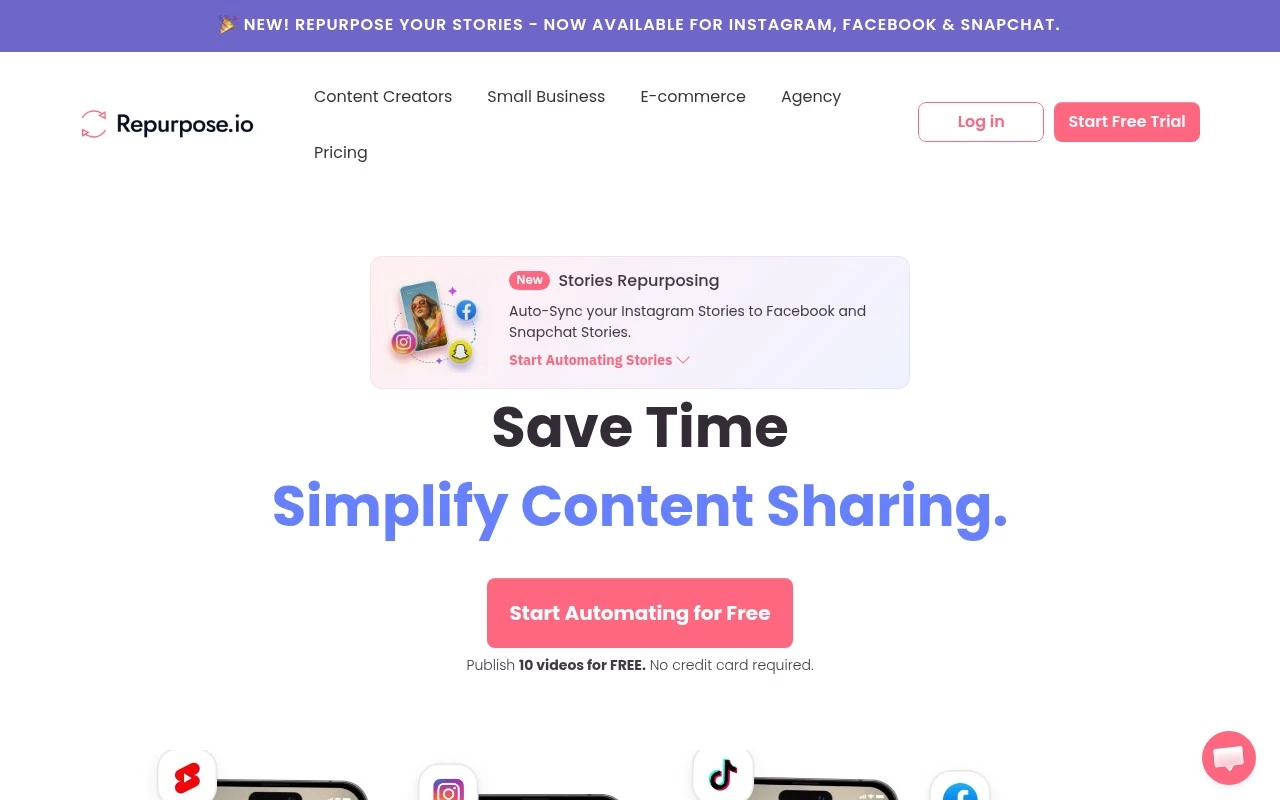
Repurpose.io.io is a content repurposing and distribution automation tool. It helps users take existing audio, video, podcast, livestream, or social content and send adapted versions of it to other platforms through reusable publishing workflows. It is best understood as a workflow automation tool for multi-platform content distribution, rather than a general-purpose AI writing or media generation tool.

FYAI Score

7.4 / 10

Based on 89 reviews

Pricing:

Paid

Best for:

Podcasters and creators distributing content across platforms

Score Breakdown

  • Ease of use7.2 / 10
  • Features7.2 / 10
  • Pricing7.8 / 10
  • Integrations7.8 / 10
  • Support7.3 / 10

PRODUCT PREVIEW

What this AI tool does

Repurpose.io is an AI tool designed to help you turn existing material into new, usable content without starting from scratch. It works well when you have a source such as notes, a draft, a transcript, or a long document and you want to adapt it for a different format, audience, or channel. You can use it to rewrite and restructure text, create shorter summaries, or generate alternative versions that match a specific tone or length. This is useful for informational workflows where consistency matters, such as preparing updates from internal documents, converting long-form writing into brief posts, or producing multiple variations for review. Because the tool focuses on transforming what you already have, it can support faster iteration while keeping the original meaning in view. It’s best used with clear input and a quick final check to ensure the output matches your intent and any required style or terminology.

Use cases

Best for

Content Repurposing

Repurpose.io converts one podcast, video, or livestream into platform specific versions and publishes them to multiple channels.

Workflow Automation

Automate multi platform publishing by triggering reusable workflows that pull new media from a source feed and distribute it to destinations.

ANALYSIS

Strengths & limitations

Strengths
  • Focused on automating repetitive cross-posting and republishing tasks.
  • Useful for creators and teams that already produce content and need to distribute it more efficiently.
  • Built around source-to-destination workflows, which makes it distinct from broad social media schedulers or generic content generators.
Limitations
  • The official site scrape provided only a 403 Forbidden response, so this description relies on prior knowledge rather than current page text.
  • Its value depends heavily on whether a user’s preferred platforms, formats, and publishing workflows are supported.
  • It is not primarily for creating original content from scratch; it is mainly for repurposing and distributing existing content.

Evaluation

FYAI score breakdown

Our structured evaluation across five key criteria

7.4 / 10

Overall score

Based on 89 reviews

  • Ease of use7.2 / 10
  • Features7.2 / 10
  • Pricing7.8 / 10
  • Integrations7.8 / 10
  • Support7.3 / 10

What users say

Findings from public reviews, documentation and community sources.

  • Ease of use

    A Reddit user says, “I post everything on Youtube then the shorts go to FB, IG and Tik Tok,” and says Repurpose.io has “been great.” Another Reddit thread is titled “Stop using Repurpose.io.”

  • Features

    Repurpose.io’s content distribution page positions the product around automated content repurposing and distribution for “YouTube, TikTok, Lives, Podcasts, and Zoom calls.”

  • Pricing

    Repurpose.io’s pricing page lists “Starter” at “$35 billed monthly” and “Pro” at “$79 billed monthly,” and an Agency tier is also shown elsewhere at $179/month.

  • Integrations

    Repurpose.io support connection docs include social accounts including “Instagram,” “Facebook,” and “YouTube.” Repurpose.io content-distribution material describes workflows across YouTube, TikTok, podcasts, Zoom calls, and social platforms.

  • Support

    Trustpilot shows Repurpose.io with a “4.1/5” rating across “89 reviews.”

Who is this for?

Best for creators and marketers who publish on YouTube and want shorts sent to FB, IG and Tik Tok, because a Reddit user describes exactly that workflow and says it has “been great.” Best-fit use cases include repurposing material from “YouTube, TikTok, Lives, Podcasts, and Zoom calls.” Less suited to teams prioritizing advanced analytics or campaign-management depth, because the supplied product evidence centers on core automation and distribution rather than those functions.

PRODUCT PREVIEW

Feature highlights

Reusable workflows

Build once, reuse forever to automate multi-platform publishing.

Cross-post video

Send videos and livestreams to multiple channels automatically.

Podcast distribution

Auto-publish audio episodes and repurposed clips to new feeds.

COMPARE

Discover curated alternatives worth comparing

Compare similar AI tools based on features, pricing and use cases

9.0/ 10Based on 3.056 reviews

Zapier

Workflow AutomationIntegration Automation
Connects apps to automate multi-step workflows and actions
Best for:
Operations teams
Pricing
Freemium

8.6/ 10Based on 779 reviews

Workato

Workflow AutomationIntegration Automation
Orchestrates workflows across business apps via MCP integrations
Best for:
IT & Security teams
Pricing
Free trial

8.9/ 10Based on 7.771 reviews

Uipath

Workflow AutomationIntegration Automation
Automates workflows with AI agents, robots, and document processing
Best for:
Operations teams
Pricing
Freemium

Join creators who turn one recording into content everywhere. Start growing your reach with Repurpose.io today—without the constant manual posting.

FAQ

Frequently asked
questions

Everything you need to know about this AI tool,
its features, pricing, use cases, and limitations.

What types of workflows is Repurpose.io best suited for?
Repurpose.io is a strong fit if you publish recurring audio/video (podcasts, webinars, livestreams) and want automated distribution to multiple destinations on a schedule. It’s especially useful for creators who want “set-and-forget” syndication rather than hands-on editing. If your priority is heavy creative reformatting (templates, captions, motion graphics), you may need a separate editing tool alongside it.
Does Repurpose.io have a free plan, and what are the main limitations compared to paid?
Repurpose.io typically offers a trial rather than a permanently free tier, with paid plans unlocking ongoing automations and higher usage limits. The practical differences usually come down to how many workflows you can run, how many accounts/destinations you can connect, and how much content you can process each month. If you’re testing multiple tools, confirm the trial length and any watermarking or destination restrictions before building your workflow.
How does Repurpose.io compare with tools like Zapier/Make or social schedulers?
Compared with Zapier or Make, Repurpose.io is more purpose-built for media syndication (podcast/video sources to podcast hosts and video platforms) and requires less custom logic for common creator workflows. Versus social schedulers, it focuses more on republishing and distribution than planning calendars, approvals, or post-by-post optimization. If you need complex branching automations across many business apps, a general automation platform may be a better core tool.
How long does it take to set up Repurpose.io, and what onboarding effort should I expect?
Repurpose.io is optimized for automation, so customization of output formats and branding can be more limited than dedicated editors. If your content needs platform-specific versions (different aspect ratios, captions, overlays), you may still need a separate production step. Also, managing many connected platforms can add complexity, especially when APIs or permissions change.
What should I know about data handling, privacy, and compliance when using Repurpose.io?
Repurpose.io needs access to your connected platform accounts and may process/store media files and metadata to run automations, so treat it like any other third-party processor. Review its privacy policy, data retention practices, and where data is stored, especially if you handle client content or regulated data. For compliance needs (GDPR/DPAs, SOC 2, etc.), verify what documentation and contractual terms Repurpose.io provides before rolling it out broadly.