Curated & independently scored by FindyourAI

Best AI Task Management Tools

Reviewed by Leon ToesetUpdated October 2026
Compare task management tools for daily to-dos, team boards, recurring work, and AI-assisted prioritisation, with clear picks for each use case today.
201 tools reviewed · 36 use cases · 6 top picks · Updated weekly

Works well forOperations ManagersProduct TeamsTeam LeadsSolo Professionals

Overview

AI task management tools help individuals and teams capture work, prioritise to-dos, assign owners, and track progress without building a full project workspace. They are used when the main problem is keeping discrete tasks visible, not designing an entire delivery plan. FindyourAI scores every tool against the same criteria, then only lists products that fit this job rather than padding the page with a catalogue.

Paid only

Cross-functional teams managing projects, processes, and requests at scale

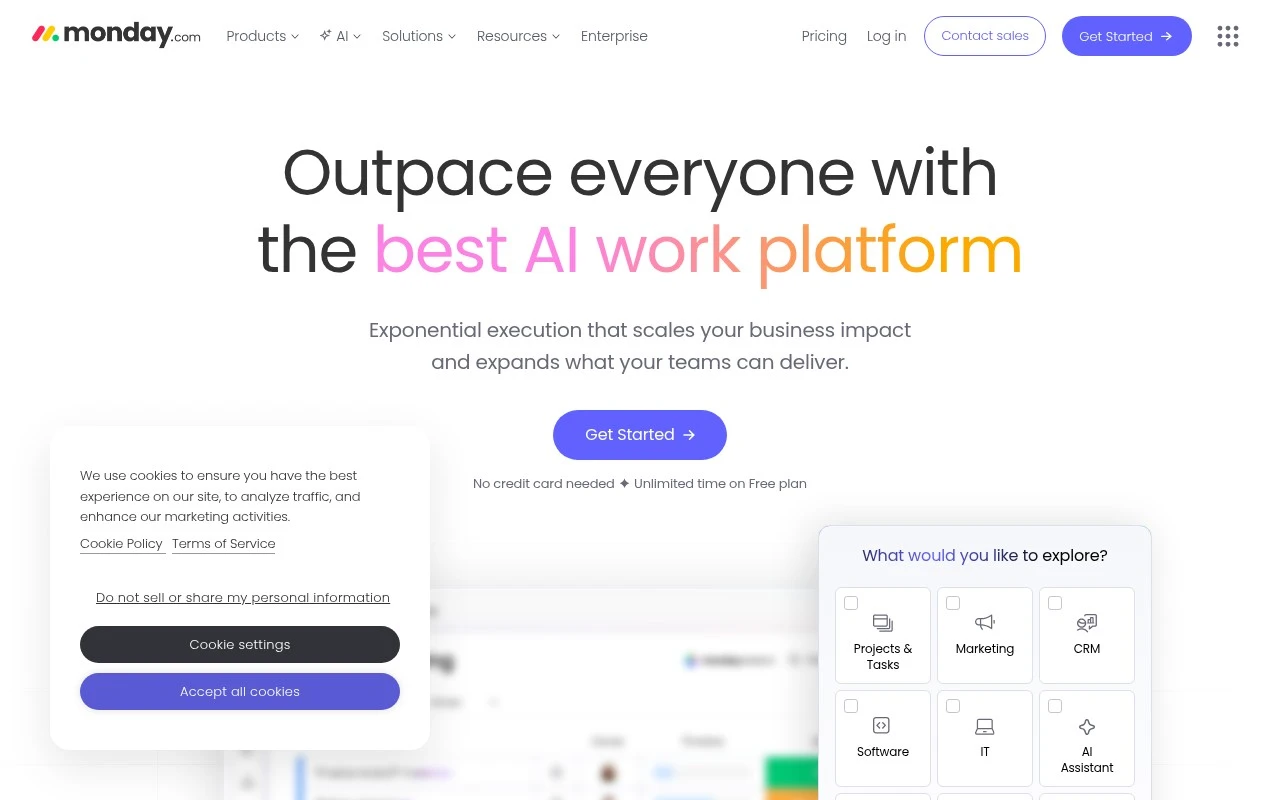
Monday is strong for task management when different teams need shared boards that can be shaped around their own workflows while keeping task status visible across the organization. It is really a configurable work management platform, so it fits operations, marketing, or similar teams that want task tracking to sit inside a broader shared workspace rather than a standalone to-do app. Less suited to teams that want an out-of-the-box single-purpose task tool because its flexibility usually requires upfront process design and ongoing governance.

View Monday

FYAI Score

8.9 / 10

Based on 18,281 reviews
Freemium

Individuals juggling tasks, schedules, and habits across devices

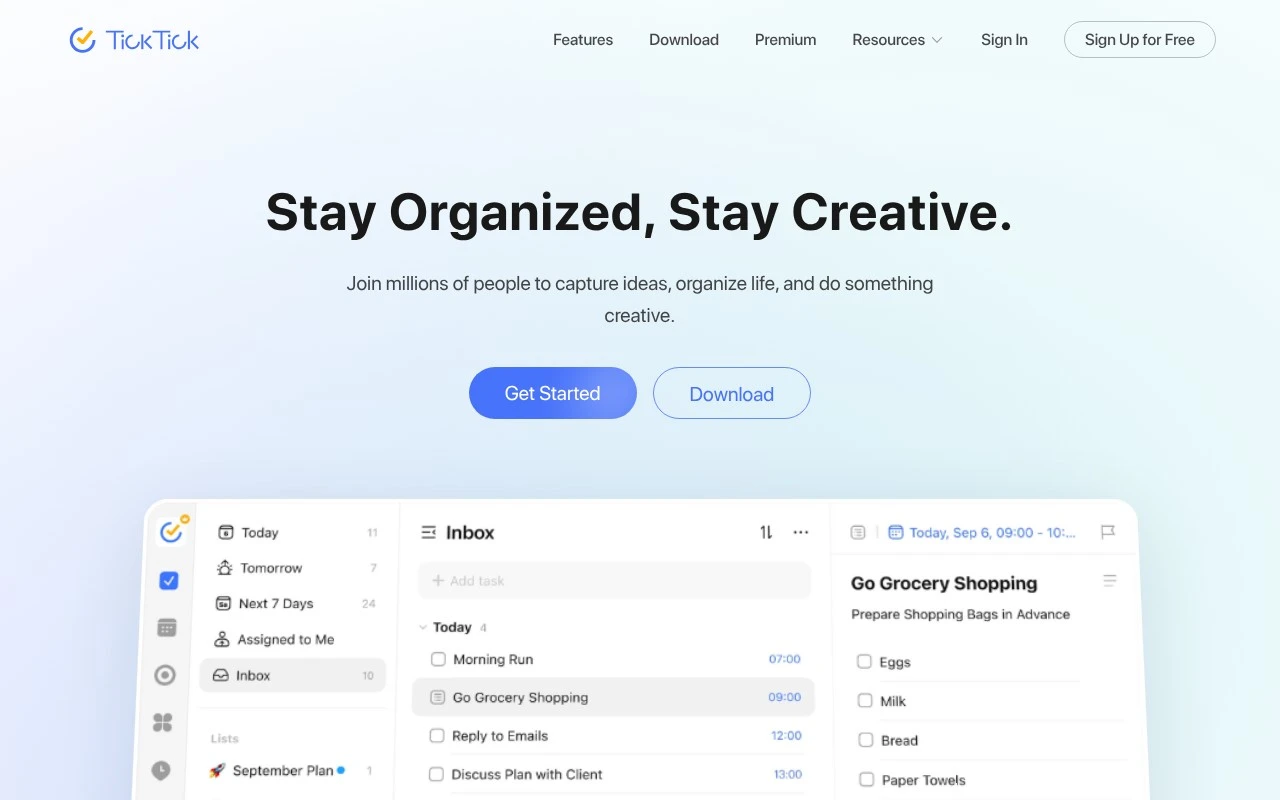
Individuals and small teams who mainly need everyday tasks kept visible across devices are the best fit for TickTick. Although TickTick is a habit-friendly personal productivity app rather than a dedicated team task tracker, it works well here because natural-language dates make reminders quick to capture and sync keeps task access consistent across phones, computers and watches. Less suited to larger teams that need full project management because its collaboration is based on shared lists and task assignment, not deeper project structure.

View TickTick

FYAI Score

8.7 / 10

Based on 129 reviews

Freemium

Cross-functional teams running projects and operational workflows

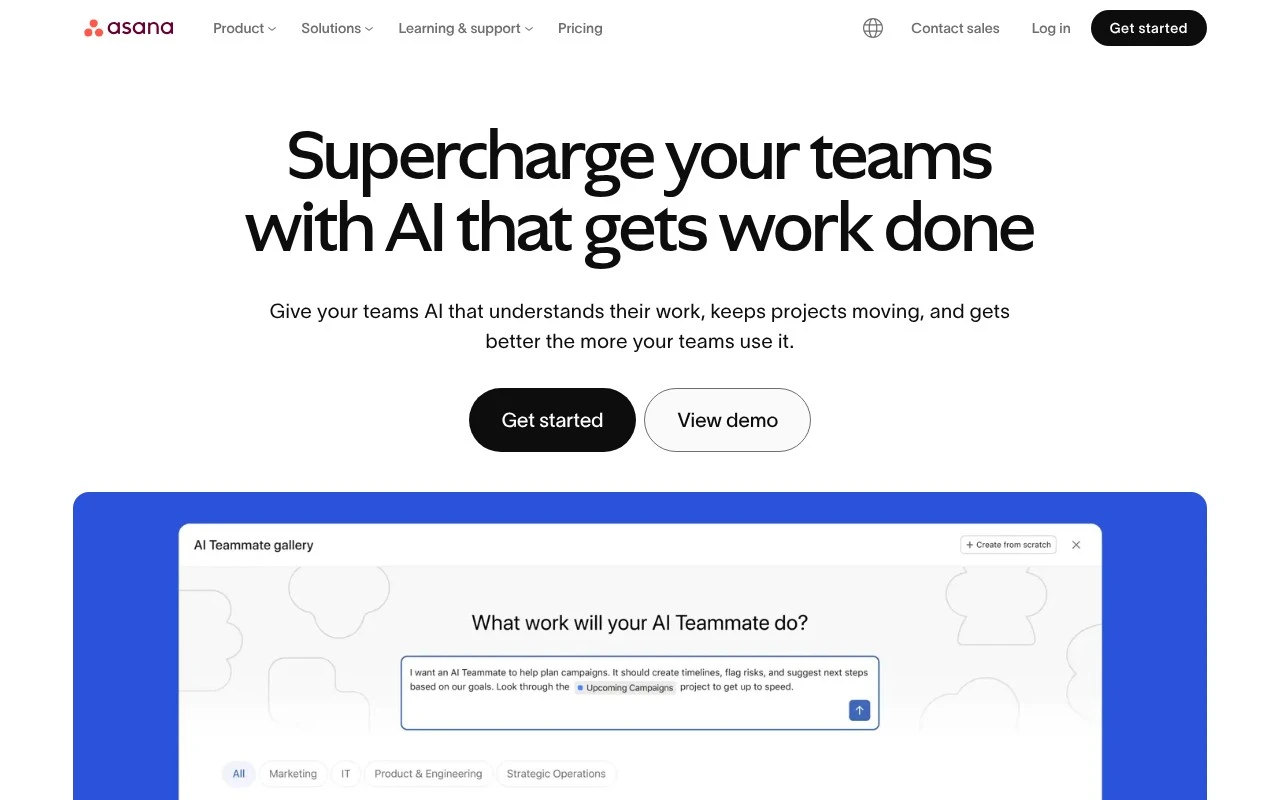
Asana is a cross-functional work management platform, and it earns a place here because its shared task system helps teams keep day-to-day work visible and accountable. It fits teams that coordinate operational work across functions, especially where handoffs and dependencies need to stay clear as AI-assisted workflows enter the mix. Less suited to solo users or simple personal task lists because the product is built around coordinated team execution rather than lightweight individual planning.

View Asana

FYAI Score

8.6 / 10

Based on 13,856 reviews

Freemium

Product and ops teams running projects and knowledge in one workspace

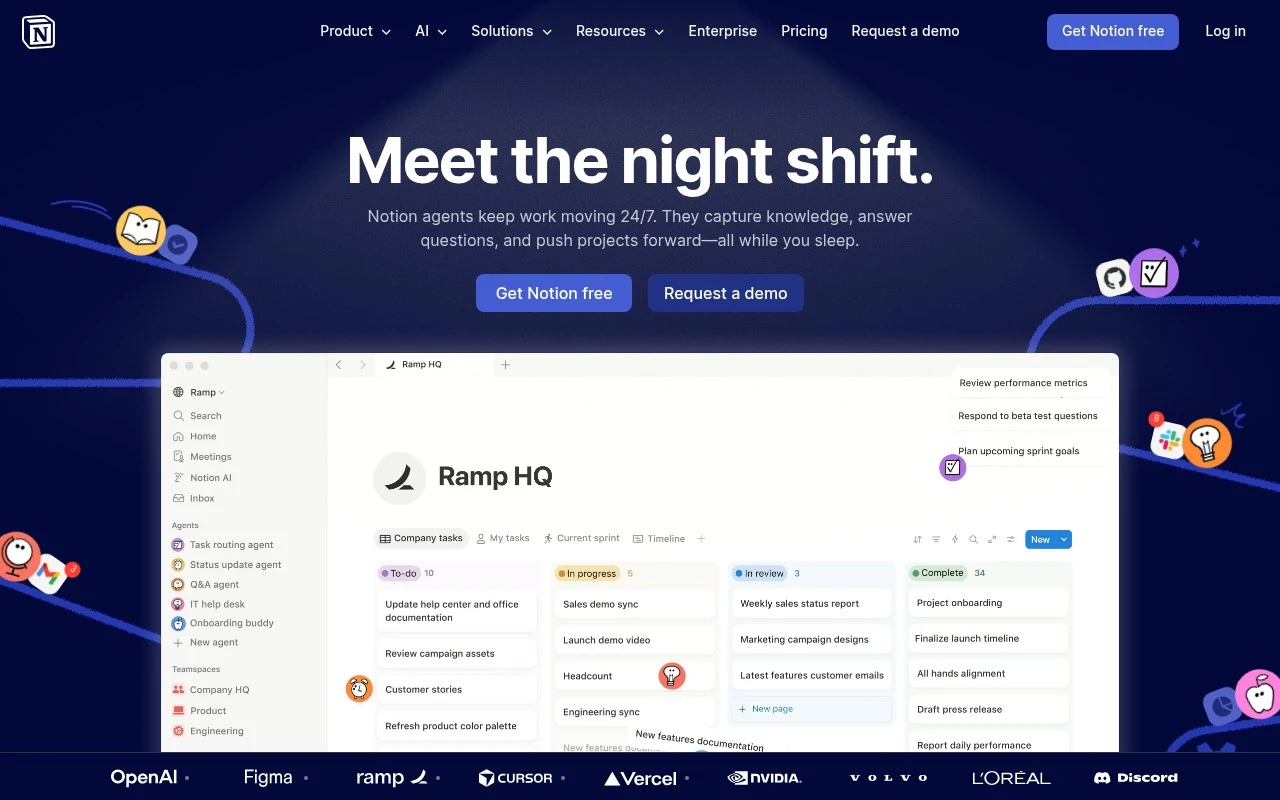
When a product ops lead needs recurring requests to become visible, trackable tasks instead of scattered follow-ups, Notion can work well because tasks can sit close to the context people already use. It is primarily a connected workspace for product and ops teams rather than a dedicated task manager, so it fits teams that want shared task tracking woven into their day-to-day knowledge base. Less suited to teams that want an opinionated task system out of the box, because Notion’s flexibility means the team has to build and maintain the workspace structure.

View Notion

FYAI Score

8.6 / 10

Based on 12,137 reviews

Freemium

Individuals and small teams managing daily tasks and recurring routines

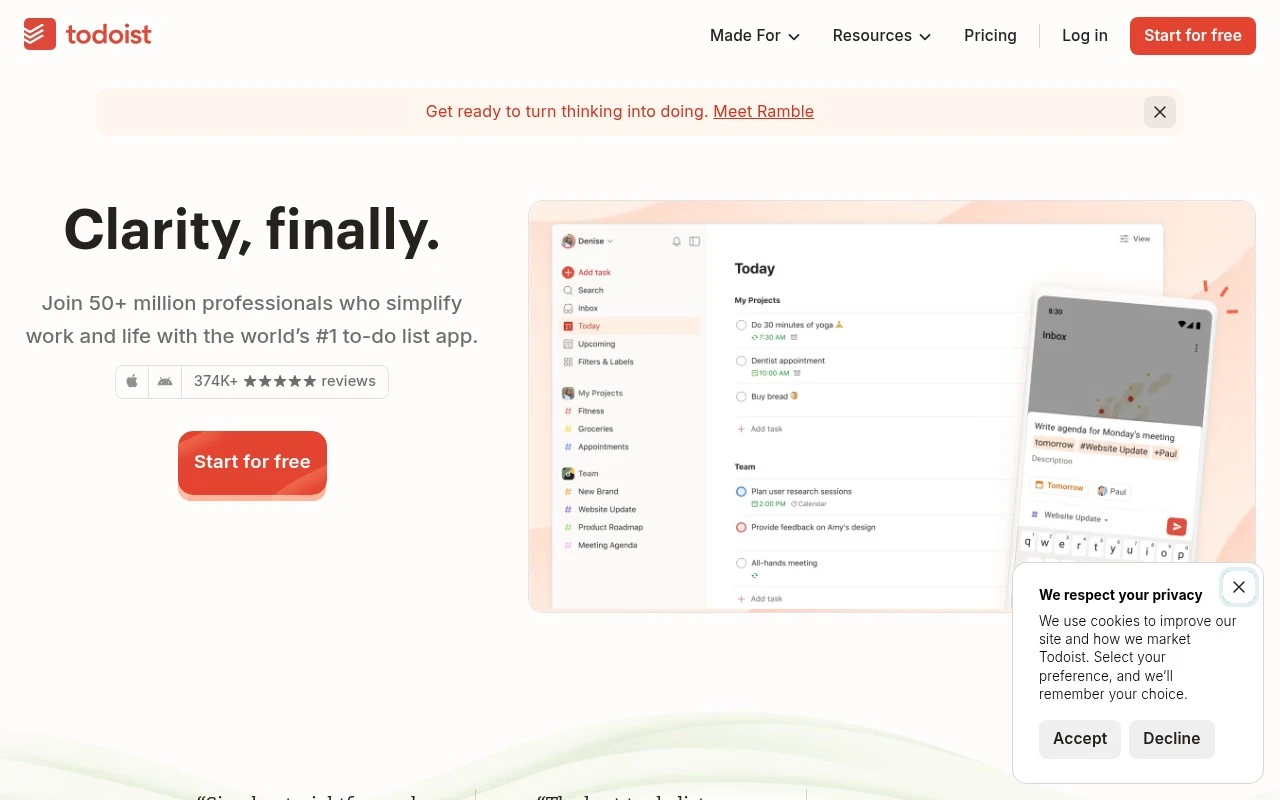
Todoist differs by keeping task management deliberately lightweight, so capturing work and scheduling recurring routines feels quick rather than process-heavy. As a lightweight task manager for daily routines, it fits individuals and small teams that need clear ownership and shared visibility without adopting a full project system. Less suited to teams that want an all-in-one collaboration hub because Todoist is centered on tasks rather than broader workplace communication.

View Todoist

FYAI Score

8.5 / 10

Based on 2,648 reviews

Freemium

Cross-functional teams managing projects, docs, and workflows in one hub

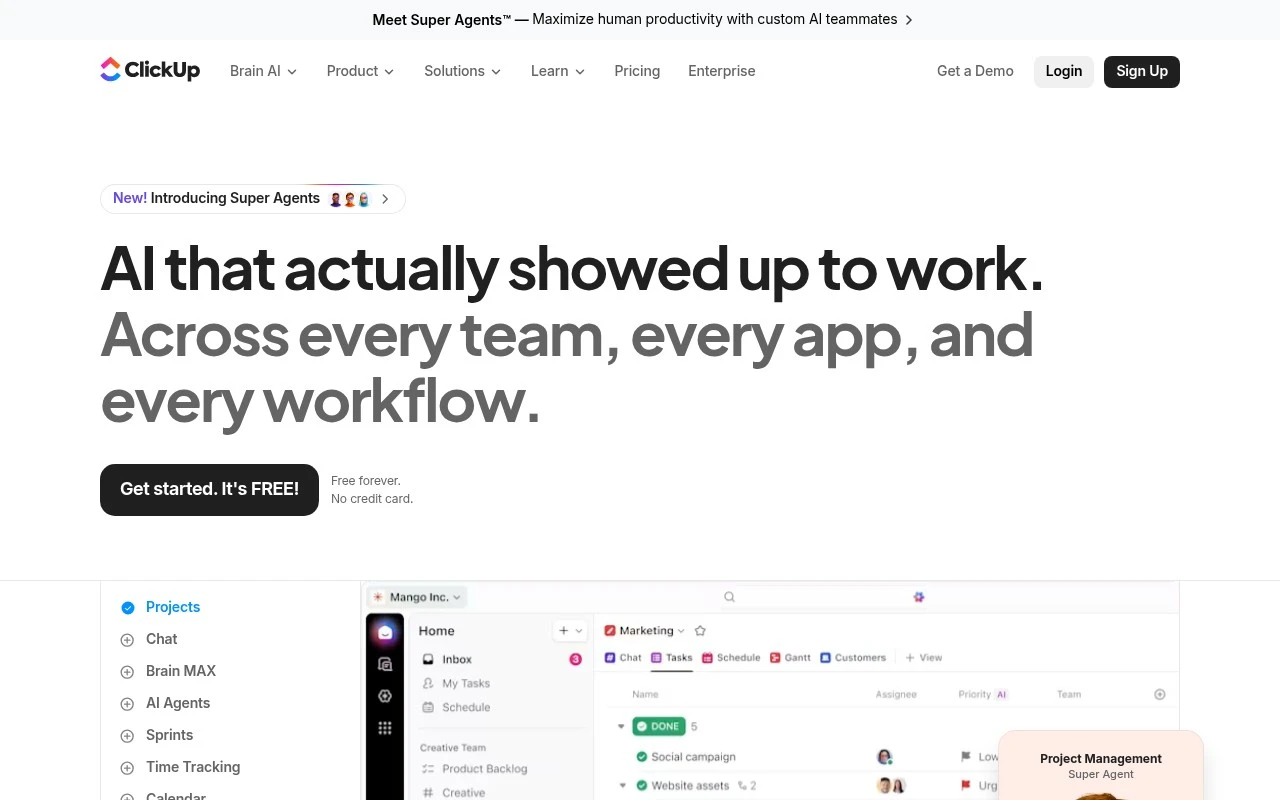
ClickUp’s distinguishing advantage for task management is that tasks live inside a shared workspace where team context and updates are easier to keep together. That makes it a strong fit for cross-functional teams that want collaborative task tracking without separating day-to-day work from the broader operating system, since ClickUp is an all-in-one work management hub for cross-functional teams rather than a standalone to-do app. It is especially useful when teams have enough workspace data for ClickUp Brain to summarize progress or answer task-related questions from that context. Less suited to very small teams that only need simple task tracking because the breadth of configuration and workspace structure can add setup and governance overhead.

View ClickUp

FYAI Score

8.3 / 10

Based on 12,977 reviews

How to choose

  • Task Capture And Organisation

    Look for quick add, priorities, labels, due dates, recurring tasks, and search so work can be entered quickly and found again later.

  • Views For Different Work Styles

    Check whether the tool supports lists, boards, calendars, timelines, or workload views, since personal routines and team queues need different ways to scan work.

  • Ownership And Handoffs

    Assess assignees, comments, notifications, status history, and approval steps so every task has a clear owner and fewer items disappear between people.

  • Automation And AI Assistance

    Prioritise useful automations, smart summaries, suggested next actions, and recurring rules that reduce manual admin without hiding accountability.

  • Fit With Project Complexity

    Choose a task-focused tool for discrete actions, but look for stronger planning features if your work depends on milestones, dependencies, phases, and resource allocation.

Best for:

This page is for operations managers, product teams, team leads, and solo professionals who need one place to capture tasks, assign work, track recurring routines, and keep handoffs visible. Less suited to construction schedulers, enterprise PMOs, or programme managers who need formal phases, resource modelling, and portfolio governance rather than day-to-day task tracking.

FAQ

Frequently asked
questions

Common questions about choosing the right tool,
comparing options, and getting started.

What is the best AI tool for task management?

The best choice depends on whether you need personal lists, shared boards, workload visibility, automations, or integrations. Use the comparison on this page to match those needs to each shortlisted tool.

Are there free task management tools?

Yes, freemium task management options are available, including TickTick, Asana, Notion, Todoist, and ClickUp. Monday is paid-only, so it is better suited to buyers ready for a subscription.

What is the best task management app for personal routines?

For personal routines, choose an app with fast capture, reminders, recurring tasks, calendar views, and reliable sync across devices. TickTick and Todoist are examples focused on individual to-dos and daily habits.

Can task management software replace a project management plan?

Usually no, task management software tracks individual actions while a project management plan defines scope, phases, dependencies, and delivery controls. It can support execution, but it should not replace formal planning for complex projects.

Every tool on FindyourAI is scored on the same independent criteria, not on who pays. We may earn a commission if you sign up through our links, at no cost to you.