Curated ToolThis tool is part of our curated AI directory. We only include tools that meet our standards for relevance, usability and real-world value.

Monday

AI assistants for reports, meeting summaries, risks, and workflows

Meeting NotesTask & Project Management
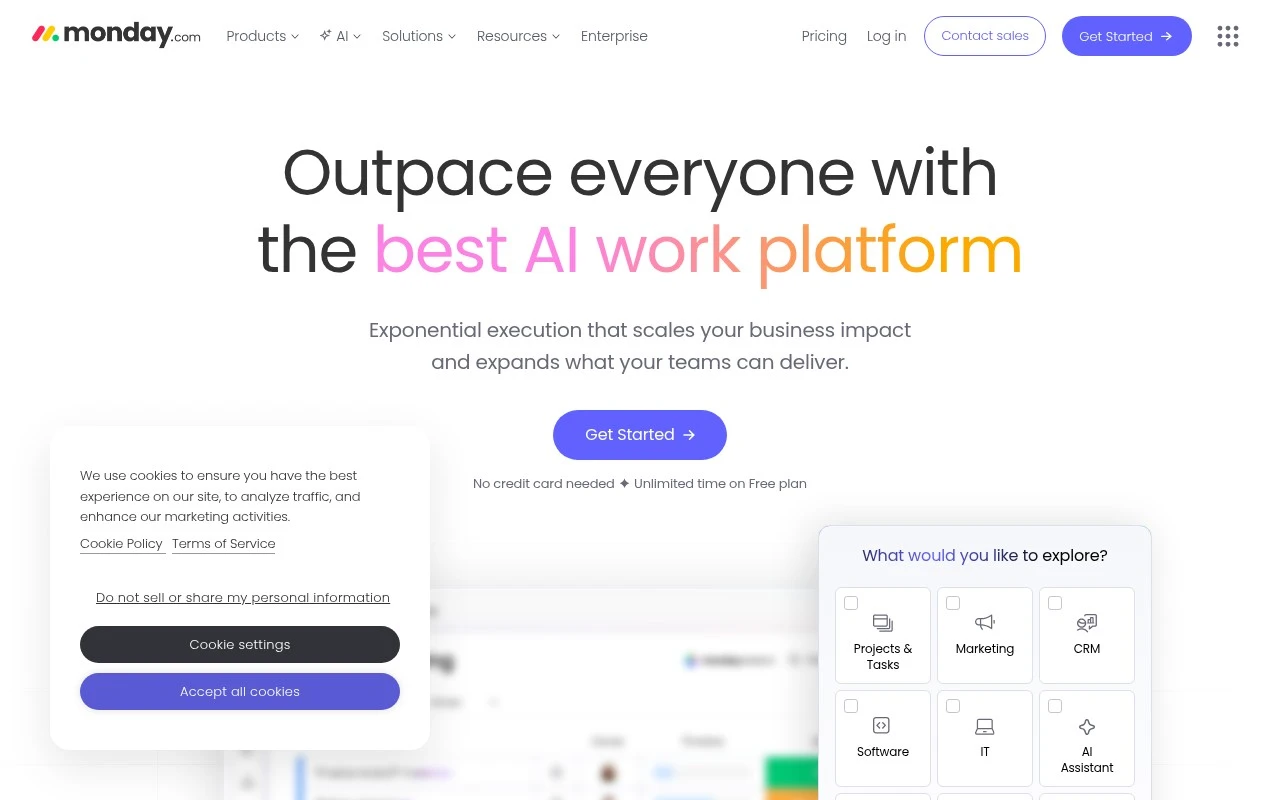
Monday.com is a work management and workflow platform positioned as an AI work platform where people and AI agents work in the same workspace. It supports configurable boards and workspaces for projects, processes, service requests, sales pipelines, HR workflows, and product work, alongside dashboards, docs, forms, integrations, automations, and agent-building features. Its current positioning is broad: rather than serving one narrow workflow, it is meant to be adapted to many business functions.

FYAI Score

8.9 / 10

Based on 18.281 reviews

Pricing:

Paid only

Best for:

Cross-functional teams managing projects, processes, and requests at scale

Score Breakdown

  • Ease of use9.2 / 10
  • Features9.2 / 10
  • Pricing8.7 / 10
  • Integrations7.9 / 10
  • Support8.9 / 10

PRODUCT PREVIEW

What this AI tool does

Monday is a work management tool designed to help teams organize tasks, track progress, and coordinate day-to-day work in one place. It’s commonly used to replace scattered spreadsheets and email threads with a shared workspace where responsibilities and timelines are easier to see. Teams typically use it to plan projects, manage ongoing workflows, and keep stakeholders aligned through updates and status changes. Depending on how it’s set up, it can support everything from simple task lists to more structured processes, making it useful for both small teams and larger organizations. For someone researching monday, the main value is understanding how it centralizes work information and makes collaboration more consistent. It’s best suited for groups that want clearer visibility into who is doing what, what’s blocked, and what’s coming next.

Use cases

Best for

Project Management

Plan and track projects with configurable boards, dependencies, timelines, and dashboards that roll up status across teams.

Task Management

Monday assigns owners, due dates, and status to tasks, then uses automations to route updates and reminders as items change.

Competitor Analysis

Capture competitor features and pricing in a board, then use dashboards to compare changes over time and share reports.

ANALYSIS

Strengths & limitations

Strengths
  • Covers a wide range of business workflows, including PMO, operations, marketing, IT, product, sales, and HR.
  • Combines work tracking with automations, integrations, dashboards, docs, forms, and AI agent capabilities in one platform.
  • Supports custom AI agents for recurring work such as research, reporting, meeting summaries, ticket triage, scheduling, and risk detection.
Limitations
  • Its breadth and configurability can require setup, workflow design, and governance before teams get consistent value.
  • The official page makes broad AI-agent claims, but the exact reliability, availability, and limits of each agent capability are not fully established from the provided content alone.
  • It may be more platform than needed for individuals or small teams that only need a simple task list.

Evaluation

FYAI score breakdown

Our structured evaluation across five key criteria

8.9 / 10

Overall score

Based on 18.281 reviews

  • Ease of use9.2 / 10
  • Features9.2 / 10
  • Pricing8.7 / 10
  • Integrations7.9 / 10
  • Support8.9 / 10

What users say

Findings from public reviews, documentation and community sources.

  • Ease of use

    G2 reports a 4.7/5 rating from 16,914 reviews, with users said to “consistently praise the platform for its ease of use and flexibility.”

  • Features

    monday.com’s pricing page presents a work platform for PMO, projects, marketing, and operations, and lists dashboards, automations, AI agents, and an agent builder.

  • Pricing

    monday.com’s pricing page lists a Free plan, Basic at €9/seat/month, Standard at €12/seat/month, and Pro at €19/seat/month billed annually. The pricing page also discloses AI credits, automation limits, integration limits, and API-call limits.

  • Integrations

    monday.com’s pricing page includes integrations starting on Standard with “250 actions / month,” rising to “25,000 actions / month” on Pro. The pricing page lists API calls such as “1,000 / day” on Standard.

  • Support

    monday.com’s own page surfaces a Help Center, “24/7 support,” certification resources, partners, and an AI Trust Center.

Who is this for?

Best for teams managing cross-functional work, monday.com’s pricing page covers PMO, projects, marketing, and operations, with dashboards, automations, AI agents, and an agent builder. Less suited to teams needing high-volume integrations on lower tiers, the pricing page starts integrations on Standard with “250 actions / month,” while Pro rises to “25,000 actions / month.”

PRODUCT PREVIEW

Feature highlights

Custom boards & views

Model any workflow with boards, columns, and multiple work views.

Automations & rules

Automate updates, handoffs, and reminders to keep work moving.

AI agents & assistants

Use AI to summarize, draft, and act on work inside your workspace.

COMPARE

Discover curated alternatives worth comparing

Compare similar AI tools based on features, pricing and use cases

7.8/ 10Based on 31 reviews

Wudpecker

Meeting NotesSummarization
Turns meeting recordings into notes, summaries, and action items
Best for:
Knowledge workers
Pricing
Freemium

9.0/ 10Based on 1.589 reviews

Toggl Track

Time & Habit Tracking
Tracks time with automatic activity detection and reporting.
Best for:
Operations teams
Pricing
Freemium

8.5/ 10Based on 2.648 reviews

Todoist

Task & Project Management
Organize, schedule, and share tasks with AI-assisted planning
Best for:
Knowledge workers
Pricing
Freemium

Join teams that ship work faster with clear ownership and real-time visibility. Start organizing projects in Monday today and keep everyone aligned from kickoff to delivery.

FAQ

Frequently asked
questions

Everything you need to know about this AI tool,
its features, pricing, use cases, and limitations.

What types of teams and workflows is Monday a good fit for?
Monday works well for teams that need flexible project tracking across multiple workflows—like marketing campaigns, product roadmaps, client delivery, and operations. It’s a strong choice if you want customizable boards, dashboards, and automations without building a system from scratch. If your work depends heavily on deep document collaboration or complex dependency planning, you may find other tools more specialized.
How usable is Monday’s free plan compared to its paid plans?
Monday’s free plan is best for lightweight use and small setups, but it becomes limiting once you need advanced views, automations, integrations, or more robust permissions. Paid tiers typically unlock more automation and integration capacity and broader reporting options. If you expect to scale users or rely on automations, compare total cost across tiers early.
How does Monday compare with Asana, Trello, Jira, or ClickUp?
Compared with Trello, Monday is generally more structured and reporting-friendly, especially for cross-team visibility. Versus Asana, Monday often offers more customization in how you model workflows, while Asana can feel simpler for task-first planning. Against Jira, Monday is usually easier for non-technical teams but less purpose-built for software development processes; compared to ClickUp, Monday can be cleaner to adopt but may feel less “all-in-one” depending on your needs.
How quickly can a team get set up in Monday, and what onboarding effort should you expect?
Monday’s customization can lead to inconsistent processes if teams build boards differently, which can reduce reporting quality. Costs can rise quickly as you add users, advanced features, and higher-tier capabilities. Some users also find the mobile experience less complete than desktop for managing complex boards on the go.
What should we consider about data handling, privacy, and compliance when choosing Monday?
Before adopting Monday, verify which plan includes the security and admin controls you need (e.g., SSO, audit logs, advanced permissions) and whether they align with your compliance requirements. Review data residency options, retention policies, and how integrations may move data between systems. If you handle regulated data, involve security/legal to confirm contractual terms and certifications meet your standards.