Fyxer
Curated ToolThis tool is part of our curated AI directory. We only include tools that meet our standards for relevance, usability and real-world value.

Fyxer

Fyxer is an AI assistant for email and meetings that triages inbox messages, drafts replies in your writing style, and generates notes and follow-ups from calls.
Meeting NotesEmail Assistant

FYAI Score

7.9 / 10

Based on 740 reviews

Pricing:

Paid

Best for:

Client-facing teams juggling urgent emails, calls, and follow-ups

Score Breakdown

  • Ease of use7.6 / 10
  • Features7.8 / 10
  • Pricing7.8 / 10
  • Integrations7.9 / 10
  • Support8.6 / 10

PRODUCT PREVIEW

What this AI tool does

Fyxer
Fyxer is an AI assistant for work email and meetings that helps client-facing professionals manage inbox triage, follow-ups, reply drafting, meeting notes, and conversation context in one workflow. Fyxer is built for people who handle multiple relationships at once, such as account managers, founders, consultants, brokers, recruiters, and sales teams who cannot afford to miss a time-sensitive client message or promised action. For busy teams, the main problem is not simply receiving too much email. It is knowing which messages matter now, which can wait, and which require a thoughtful response based on earlier conversations. The platform reads incoming email, helps sort new messages by priority, and surfaces the items that are most likely to affect a deal, client relationship, or active project. Inbox triage is where the tool’s day-to-day value becomes clear. Instead of treating the inbox as a chronological feed, it helps create a working view of what needs attention. Priority messages, overdue replies, and unresolved follow-ups are easier to spot, which makes the inbox feel less like a backlog and more like a command centre for relationship work. Fyxer is especially useful for professionals who need email writing support without losing their own voice. It can draft replies in a user’s tone, using context from the thread and from previous interactions, so responses feel relevant rather than generic. That makes it less about replacing judgement and more about reducing the time spent turning intent into polished, client-ready language. Meetings add another layer to the product story. The tool can summarize calls, produce meeting notes, and help capture what was discussed, agreed, or left open. For users moving from one client conversation to the next, this reduces the risk that important details live only in memory or scattered notes. Context retrieval is a major part of Fyxer’s positioning as an AI assistant for relationship-heavy work. When a user needs to remember what a client asked for, what was promised, or where a deal stood after the last exchange, the assistant can help surface relevant history from past conversations. That is particularly valuable in long sales cycles, advisory work, hiring processes, and account management, where the quality of the next reply often depends on remembering the last five interactions. The broader character of the product is practical rather than flashy. It is not presented as a general chatbot for every task, but as a focused work assistant for the communication layer where opportunities are won, delayed, or lost. Fyxer is best at turning email and meeting activity into an organized, actionable flow, helping users stay responsive, prepared, and consistent across many client relationships.

Use cases

Best for

Inbox Triage

Fyxer organizes new emails, flags priority messages, and reminds you about client follow ups.

Email Writing

Fyxer drafts email replies in your tone using context from past client conversations.

Meeting Notes

Fyxer summarizes calls and captures promised actions from meetings for later follow up.

ANALYSIS

Strengths & limitations

Strengths
  • Strong fit for client-facing professionals because it combines inbox triage, priority reminders, meeting notes, and reply drafting in one workflow.
  • Useful for high-volume inboxes because it labels new emails and lifts time-sensitive messages instead of treating every email as equally urgent.
  • Helpful for follow-up-heavy work because it can draft replies and post-call emails in the user’s tone for review before sending.

Limitations
  • Less suitable for teams that do not rely on email and meetings for client work because its main value comes from monitoring communication history and commitments.
  • Less suitable for users who want to manually control all inbox organization because Fyxer applies its own labels and priority judgments to incoming email.
  • Less suitable for organizations unwilling to connect work email and meeting data to an AI assistant because its drafting, reminders, and notes depend on that access.

Evaluation

FYAI score breakdown

Our structured evaluation across five key criteria

7.9 / 10

Overall score

Based on 740 reviews

  • Ease of use7.6 / 10
  • Features7.8 / 10
  • Pricing7.8 / 10
  • Integrations7.9 / 10
  • Support8.6 / 10

What users say

Findings from public reviews, documentation and community sources.

  • Ease of use

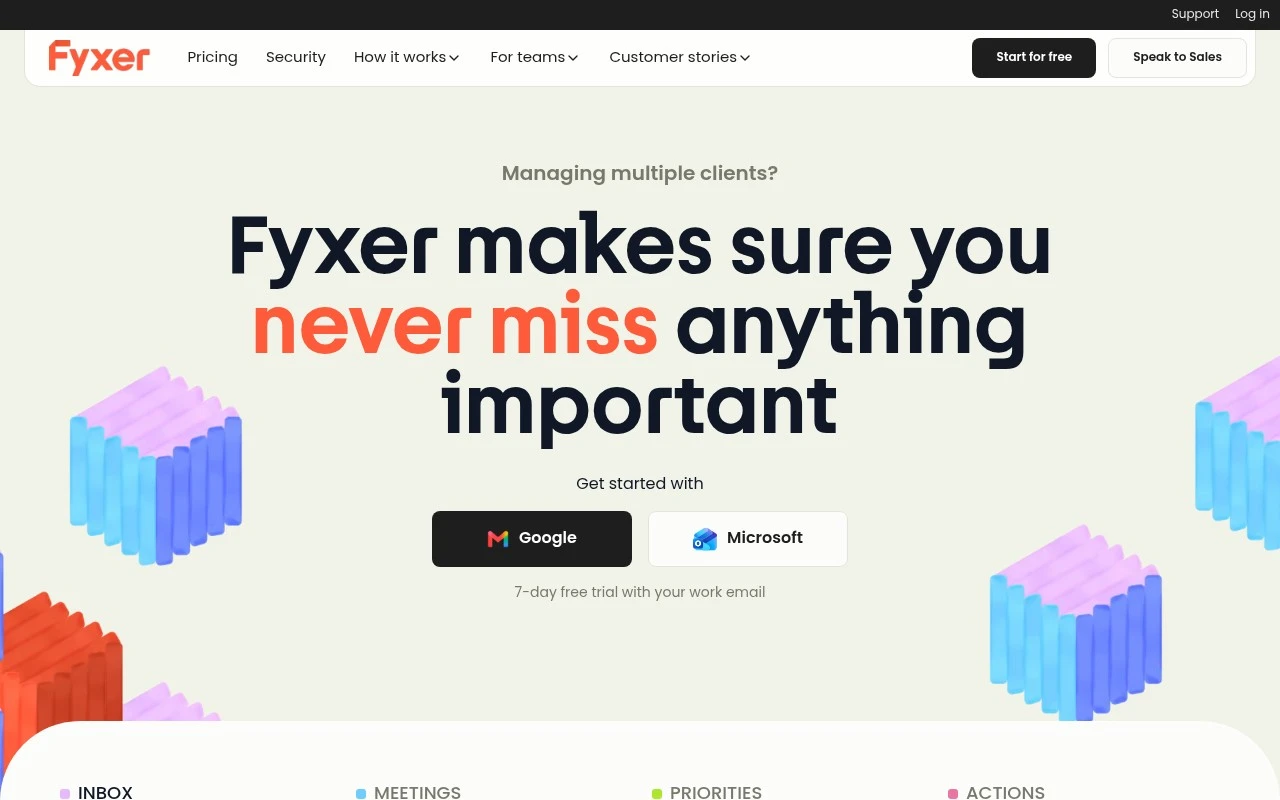
    The Fyxer site emphasizes direct sign-in with “Get started with Google” and “Microsoft,” a “7-day free trial,” and the claim that users are “30 seconds from never missing a reply again.” The Fyxer site positions the workflow around reviewing drafted follow-ups and hitting send.

  • Features

    The Fyxer pricing page says Fyxer “organizes your inbox, writes draft replies in your tone, and takes meeting notes.” The pricing page also lists meeting recording, Spaces, Flows, and enterprise controls.

  • Pricing

    The Fyxer pricing page lists Free, Pro, Team, and Enterprise tiers, a “7 day free trial,” Pro at “$32 / person / mo, billed annually,” and Team at “$64 / person / mo, billed annually.” The pricing page also states monthly credit allowances and action costs.

  • Integrations

    The Fyxer pricing page lists “Gmail, Outlook, the Fyxer Hub, your browser, Slack, Teams,” and Enterprise includes “Full API,” automated provisioning, audit logs, SCIM, and MCP context for “Claude, ChatGPT and your own tools.”

  • Support

    The Fyxer pricing page says Free includes “Help centre,” Pro includes “Email,” Team says “Reply within one business day,” and Enterprise adds “SLA, dedicated channel.”

Who is this for?

Best for people who manage email follow-ups and meetings across Gmail or Outlook, with Fyxer drafting replies in your tone and taking meeting notes. Less suited to teams that need low-cost, unlimited usage, because the pricing page lists Pro at “$32 / person / mo, billed annually,” Team at “$64 / person / mo, billed annually,” and usage governed by monthly credit allowances and action costs.

PRODUCT PREVIEW

Feature highlights

Inbox Triage

Ranks new mail so priority client messages surface first.

Email Writing Help

Drafts replies in your tone to keep conversations moving.

Meeting Notes

Summarizes calls and recalls client context for next steps.

COMPARE

Discover curated alternatives worth comparing

Compare similar AI tools based on features, pricing and use cases

7.4/ 10Based on 442 reviews

Genspark

Productivity
Creates outputs and dashboards from plain-English data questions
Best for:
Knowledge workers
Pricing
Paid

8.4/ 10FYAI score

Granola

Meeting NotesEmail Assistant
Writes meeting notes, action items, and follow-up briefs
Best for:
Knowledge workers
Pricing
Freemium

7.8/ 10Based on 31 reviews

Wudpecker

Meeting NotesSummarization
Turns recordings into notes, summaries, action items, and Q&A
Best for:
Knowledge workers
Pricing
Freemium

Fyxer

Start staying ahead of every client conversation today with an AI assistant that helps you move faster, respond confidently, and keep important work on track.

FAQ

Frequently asked
questions

Everything you need to know about this AI tool,
its features, pricing, use cases, and limitations.

Who is Fyxer best for?
Fyxer is best for client-facing professionals who manage a high volume of email, meetings, and follow-ups. It is especially relevant for salespeople, real estate agents, founders, operators, consultants, and executives who need help prioritizing messages, drafting replies, summarizing meetings, and tracking commitments across multiple client conversations.
Is Fyxer free or paid?
Fyxer is a paid productivity tool rather than a free inbox add-on. Buyers should evaluate its pricing against the amount of email, meeting, and follow-up work it can reduce, and should check fyxer.com for the latest plan details, feature limits, and any trial or onboarding options.
How does Fyxer compare with other email and meeting assistants?
Fyxer is most useful when you want inbox triage, draft replies, meeting summaries, and follow-up reminders in one client-communication workflow. Some alternatives focus more narrowly on email writing, meeting notes, or task management, so the right choice depends on whether your biggest problem is prioritization, documentation, drafting, or action tracking.
How hard is it to set up Fyxer?
Fyxer setup should mainly involve connecting work email and meeting sources, then reviewing how it labels messages, drafts replies, and identifies follow-up actions. The onboarding effort is likely to be higher for users with complex inbox rules, multiple calendars, or strict approval processes for tools that access client communications.
What are the main limitations of Fyxer?
Fyxer is less suitable for teams that do not rely heavily on email and meetings for client work. It may also be a poor fit for users who want to manually control every inbox label or priority decision, because its value comes from applying AI judgment to communication triage and follow-up detection.
What privacy and compliance questions should I ask before using Fyxer?
Teams should review Fyxer’s data access, retention, security, and compliance terms before connecting work email and meeting data. Because the product drafts replies, summarizes meetings, and retrieves context from client conversations, buyers should confirm permission controls, data handling practices, and whether the tool fits their internal policies.