
Curated ToolThis tool is part of our curated AI directory. We only include tools that meet our standards for relevance, usability and real-world value.
Wudpecker
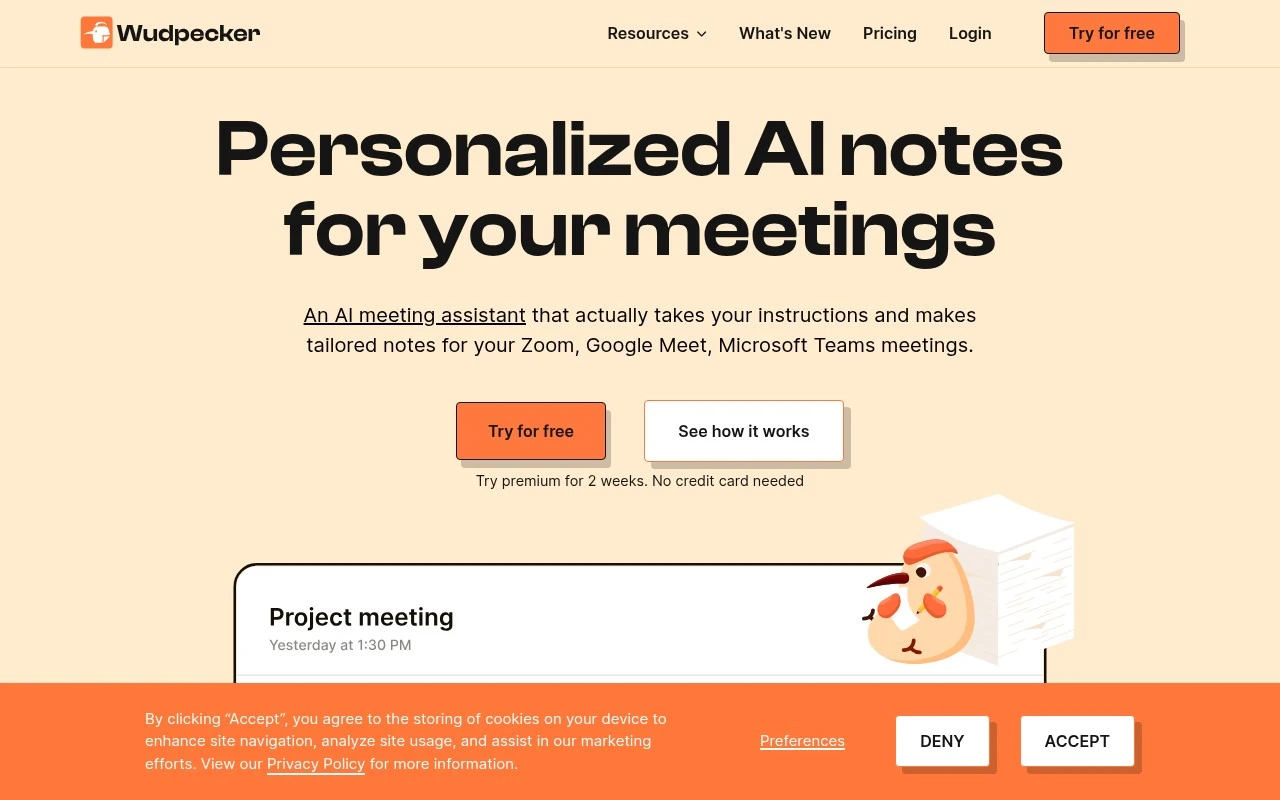
Wudpecker is an AI meeting assistant that records and transcribes calls, then generates meeting notes, summaries, and action items for tools like Zoom, Google Meet, and Microsoft Teams.
Meeting NotesSummarization

FYAI Score
7.8 / 10
Based on 31 reviews
Pricing:
Freemium
Best for:
Sales and customer teams who need accurate meeting notes fast
Score Breakdown
- Ease of use7.9 / 10
- Features7.4 / 10
- Pricing8.5 / 10
- Integrations7.4 / 10
- Support7.9 / 10
 | Strengths |
-
 Best suited to teams that want highly tailored meeting outputs because notes can follow user instructions for structure, language, vocabulary, captured details, and table formatting.
 -
Useful for organizations standardized on Zoom, Google Meet, and Microsoft Teams because Wudpecker fits into the main online meeting platforms many teams already use.
-
Strong fit for customer-facing and research-heavy teams because Ask Wudpecker can extract answers and ideas from meeting context for follow-up and knowledge sharing.
 | Limitations |
-
 Less suitable for teams that need documentation across many unsupported meeting channels because Wudpecker is centered on Zoom, Google Meet, and Microsoft Teams workflows.
 -
Less suitable as an all-in-one productivity suite because its core value is meeting documentation, summaries, action items, and contextual Q&A rather than project management or task execution.
-
The freemium model can become a constraint for high-volume teams because broader usage, team rollout, or advanced needs may require moving beyond the free plan.
 | 7.9/ 10Based on 740 reviews |
Fyxer
Meeting NotesEmail Assistant
Triages email, drafts replies, and summarizes meeting actions
Best for: | Sales teams |
Pricing | Paid |
 | 7.4/ 10Based on 442 reviews |
Genspark
Productivity
Creates outputs and dashboards from plain-English data questions
Best for: | Knowledge workers |
Pricing | Paid |
 | 8.4/ 10FYAI score |
Granola
Meeting NotesEmail Assistant
Writes meeting notes, action items, and follow-up briefs
Best for: | Knowledge workers |
Pricing | Freemium |