Curated ToolThis tool is part of our curated AI directory. We only include tools that meet our standards for relevance, usability and real-world value.
Notion
Notion is an all-in-one workspace for creating documents, wikis, databases, and project boards. It supports collaborative editing, templates, and structured pages for organizing team knowledge and workflows.
Knowledge SearchTask & Project Management

FYAI Score
8.6 / 10
Based on 12,137 reviews
Pricing:
Freemium
Best for:
Product and ops teams running projects and knowledge in one workspace
Score Breakdown
- Ease of use7.9 / 10
- Features9.2 / 10
- Pricing9.0 / 10
- Integrations9.0 / 10
- Support7.9 / 10
 | Strengths |
-
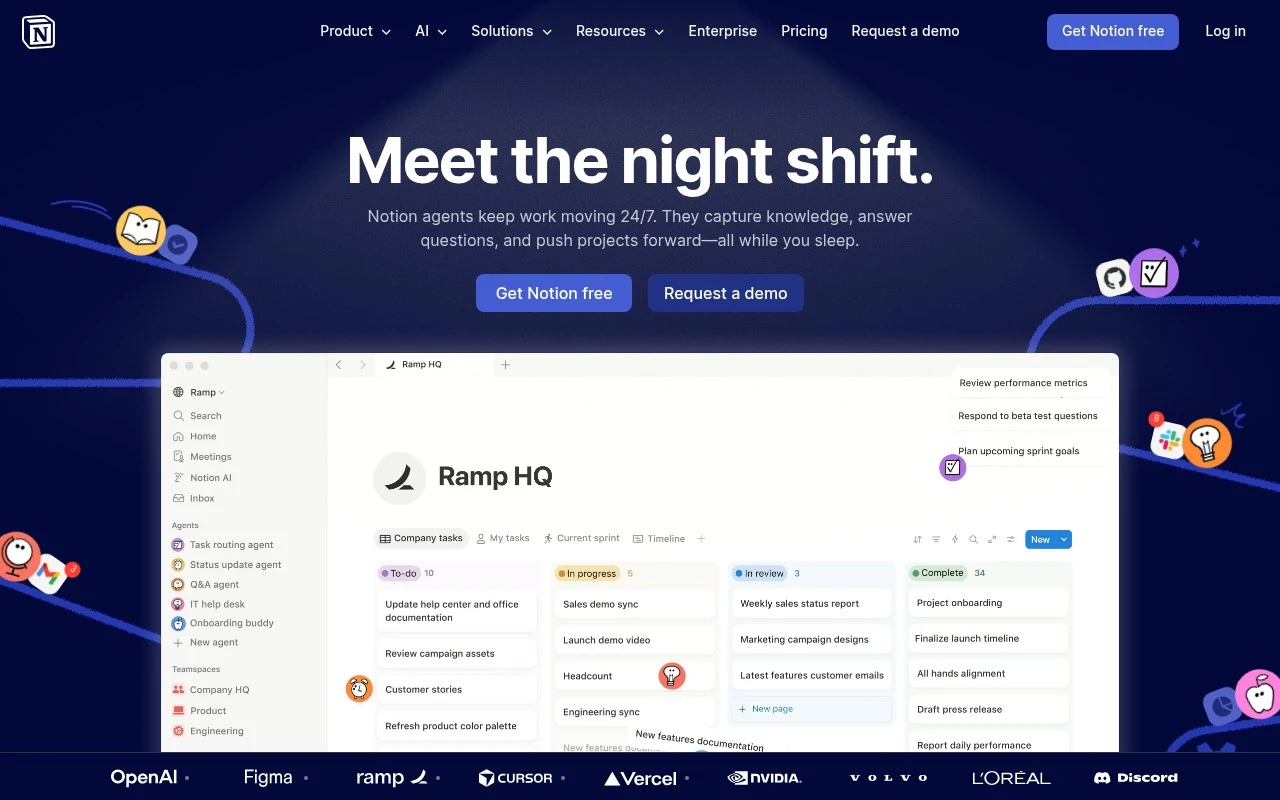
 Best suited to teams that want one shared workspace, because documents, databases, wikis, tasks, and AI assistance can live in the same place.
 -
Strong fit for knowledge-heavy teams, because AI search and Q&A can turn existing pages into answers, summaries, and reports.
-
Useful for teams with repeatable internal workflows, because custom agents and automations can route tasks, prioritize work, and reduce manual coordination.
 | Limitations |
-
 Less suitable for teams that want an opinionated project management system out of the box, because Notion’s flexibility often requires building and maintaining the workspace structure.
 -
Less suitable as the only system of record for teams with advanced reporting or complex database needs, because its databases are designed for flexible work tracking rather than full business intelligence depth.
-
The freemium model can become a constraint for growing teams, because broader collaboration and AI usage may require paid seats as adoption expands.
Feature highlights
Docs + databases
Build wikis, roadmaps, and trackers with flexible pages and views.
Notion AI answers
Ask questions across your workspace and get grounded, useful replies.
Automations & agents
Route tasks, summarize updates, and generate reports with AI workflows.
Compared in

 | 7.9/ 10Based on 740 reviews |
Fyxer
Meeting NotesEmail Assistant
Triages email, drafts replies, and summarizes meeting actions
Best for: | Sales teams |
Pricing | Paid |
 | 7.4/ 10Based on 442 reviews |
Genspark
Productivity
Creates outputs and dashboards from plain-English data questions
Best for: | Knowledge workers |
Pricing | Paid |
 | 8.4/ 10FYAI score |
Granola
Meeting NotesEmail Assistant
Writes meeting notes, action items, and follow-up briefs
Best for: | Knowledge workers |
Pricing | Freemium |