
Curated ToolThis tool is part of our curated AI directory. We only include tools that meet our standards for relevance, usability and real-world value.
ClickUp
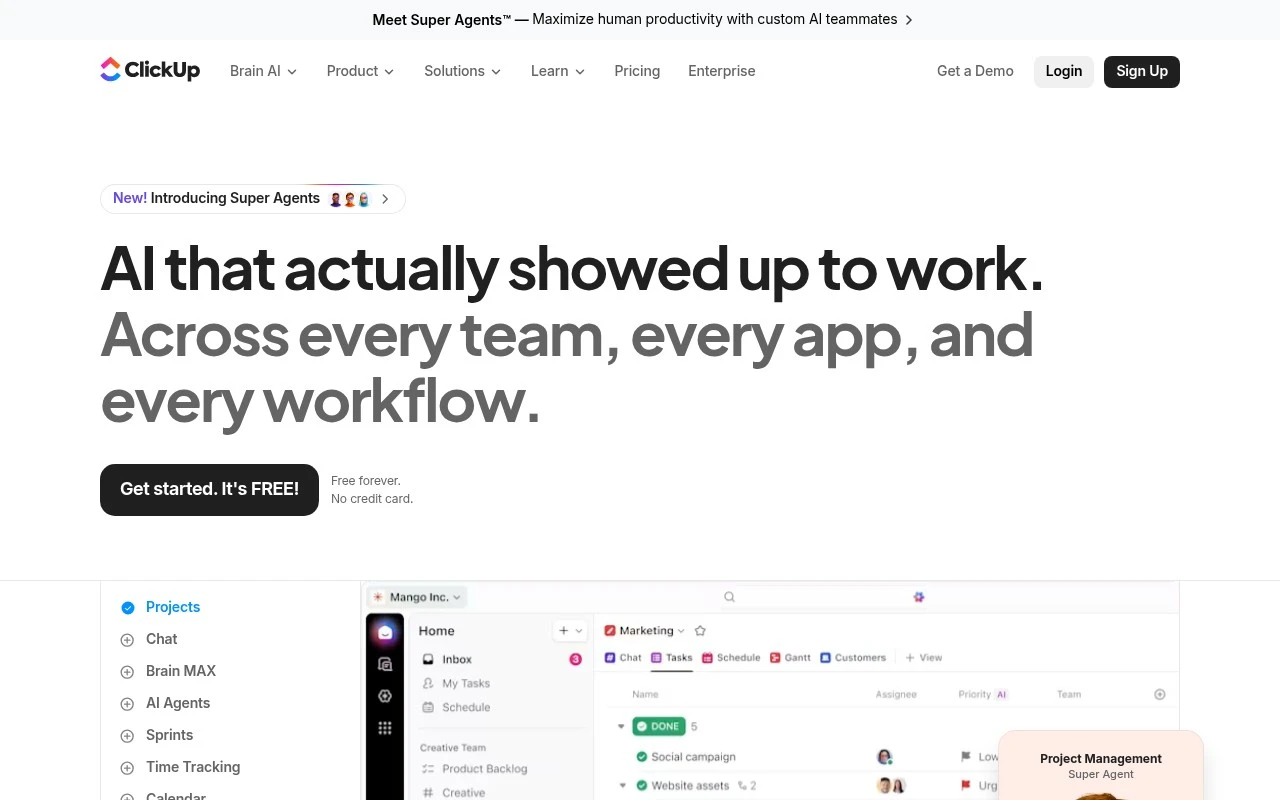
ClickUp is a work management platform for organizing tasks, documents, goals, whiteboards, dashboards, and team communication in one workspace. It supports project planning, task tracking, collaboration, and workflow customization for teams across functions.
Knowledge SearchTime & Habit Tracking

FYAI Score
8.3 / 10
Based on 12,977 reviews
Pricing:
Freemium
Best for:
Cross-functional teams managing projects, docs, and workflows in one hub
Score Breakdown
- Ease of use7.1 / 10
- Features9.2 / 10
- Pricing8.1 / 10
- Integrations9.0 / 10
- Support8.1 / 10
 | Strengths |
-
 Best suited to teams that want one workspace for tasks, docs, schedules, reporting, time tracking, automations, and AI assistance because it reduces the need to switch between separate work apps.
 -
Strong fit for cross-functional organizations because ClickUp can connect project delivery, collaboration, documentation, and leadership reporting in a shared operating system.
-
Useful for teams with substantial workspace data because ClickUp Brain and agents can use task, document, conversation, and connected-app context to answer questions, summarize updates, draft content, and assist workflows.
 | Limitations |
-
 Less suitable for very small teams that only need simple task tracking because the breadth of views, settings, automations, and workspace structure can add setup and governance overhead.
 -
The freemium model can become a constraint for growing teams because advanced usage, administration, and AI-assisted workflows are more likely to depend on paid access.
-
Less suitable for organizations that want to keep most work in separate specialist tools because ClickUp delivers the most value when projects, docs, conversations, and workflow data are centralized or connected into its workspace.
Feature highlights
Tasks + Docs in sync
Plan, write, and execute with docs tied directly to tasks and goals.
ClickUp Brain
Ask questions and get answers using context from your workspace.
Automations & Agents
Automate handoffs and let agents run repeatable workflows for you.
Compared in

 | 7.9/ 10Based on 740 reviews |
Fyxer
Meeting NotesEmail Assistant
Triages email, drafts replies, and summarizes meeting actions
Best for: | Sales teams |
Pricing | Paid |
 | 7.4/ 10Based on 442 reviews |
Genspark
Productivity
Creates outputs and dashboards from plain-English data questions
Best for: | Knowledge workers |
Pricing | Paid |
 | 8.4/ 10FYAI score |
Granola
Meeting NotesEmail Assistant
Writes meeting notes, action items, and follow-up briefs
Best for: | Knowledge workers |
Pricing | Freemium |