Curated ToolThis tool is part of our curated AI directory. We only include tools that meet our standards for relevance, usability and real-world value.
TickTick
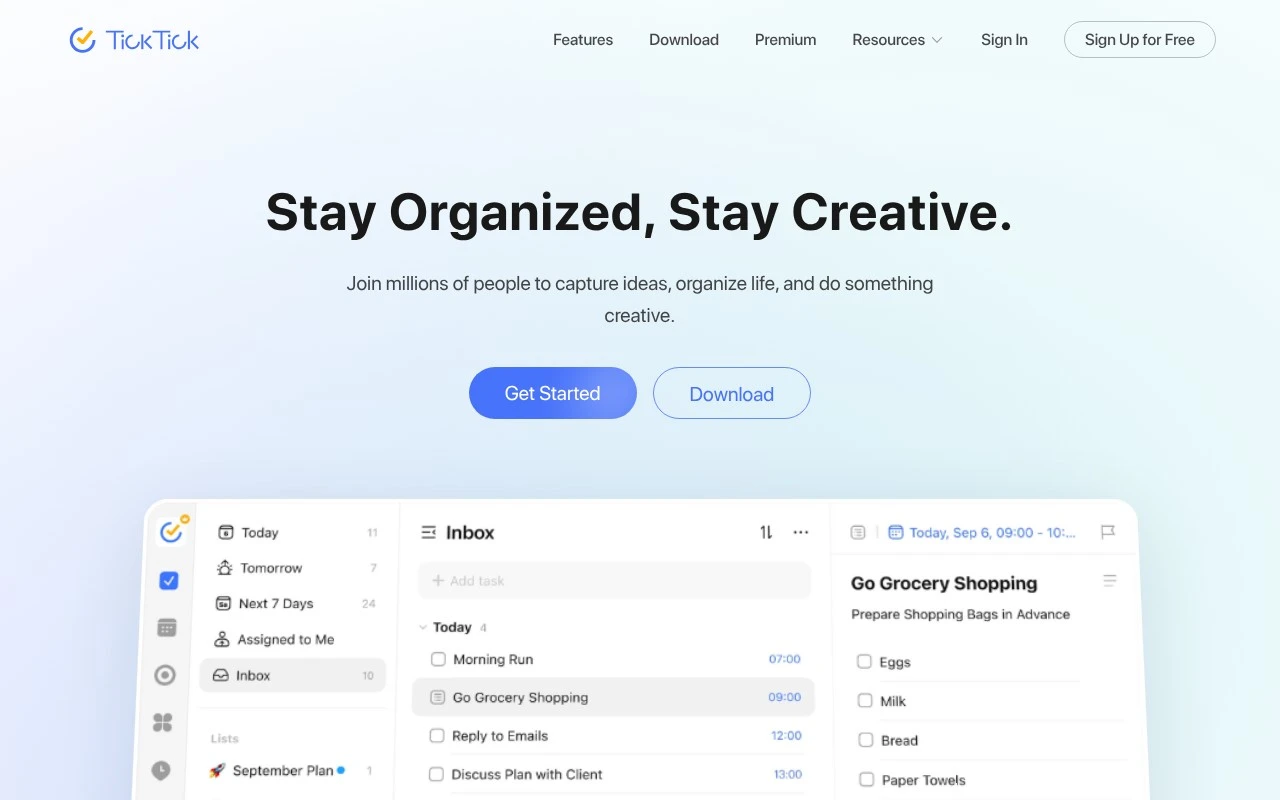
TickTick is a task management and to-do list app for capturing tasks, setting reminders, organizing lists, and planning work with calendar views. It also includes features such as recurring tasks, collaboration, habit tracking, and a built-in Pomodoro timer.
Task & Project ManagementTime & Habit Tracking

FYAI Score
8.7 / 10
Based on 129 reviews
Pricing:
Freemium
Best for:
Individuals juggling tasks, schedules, and habits across devices
Score Breakdown
- Ease of use9.2 / 10
- Features9.0 / 10
- Pricing9.2 / 10
- Integrations7.4 / 10
- Support7.9 / 10
 | Strengths |
-
 Best suited to users who want tasks, calendars, habits, Pomodoro focus, reminders, and planning views in one app because it reduces the need to combine several separate productivity tools.
 -
Useful for fast personal planning because natural-language date recognition can turn typed dates and times into smart reminders with less manual scheduling.
-
Good fit for people working across devices because real-time sync covers phones, computers, tablets, and watches for consistent access to tasks and schedules.
 | Limitations |
-
 Less suitable for buyers seeking AI-first productivity automation because TickTick’s automation-like value is mainly natural-language date recognition rather than generative AI or autonomous workflow handling.
 -
Less suitable for larger teams that need full project management because its collaboration centers on shared lists and task assignment rather than advanced portfolio, resource, or dependency management.
-
The freemium model can constrain heavier users because some advanced planning, calendar, reminder, or customization needs may require moving to a paid subscription.
Feature highlights
Smart to-do capture
Quick add tasks with natural dates, recurring rules, and reminders.
Calendar & views
Plan in calendar, Kanban, timeline, or Eisenhower Matrix.
Focus & stats
Pomodoro timers, habit tracking, and progress insights in one app.
Compared in

 | 7.9/ 10Based on 740 reviews |
Fyxer
Meeting NotesEmail Assistant
Triages email, drafts replies, and summarizes meeting actions
Best for: | Sales teams |
Pricing | Paid |
 | 7.4/ 10Based on 442 reviews |
Genspark
Productivity
Creates outputs and dashboards from plain-English data questions
Best for: | Knowledge workers |
Pricing | Paid |
 | 8.4/ 10FYAI score |
Granola
Meeting NotesEmail Assistant
Writes meeting notes, action items, and follow-up briefs
Best for: | Knowledge workers |
Pricing | Freemium |