Curated & independently scored by FindyourAI

Best AI Schedule Planning Tools

Reviewed by Leon ToesetUpdated October 2026
Schedule planning tools compared for tasks, meetings, and focus time, with curated picks that show who each planner fits and what to judge before choosing.
201 tools reviewed · 36 use cases · 6 top picks · Updated weekly

Works well forConsultantsOperatorsManagersKnowledge WorkersTeam Leads

Overview

AI schedule planning tools arrange your day by turning meetings, tasks, habits, and focus blocks into a workable calendar. People reach for them when a basic daily planner stops being enough and manual rescheduling eats into productive time. FindyourAI scores every tool against the same criteria and only lists the options that genuinely fit this schedule planning job.

Freemium

Individuals juggling tasks, schedules, and habits across devices

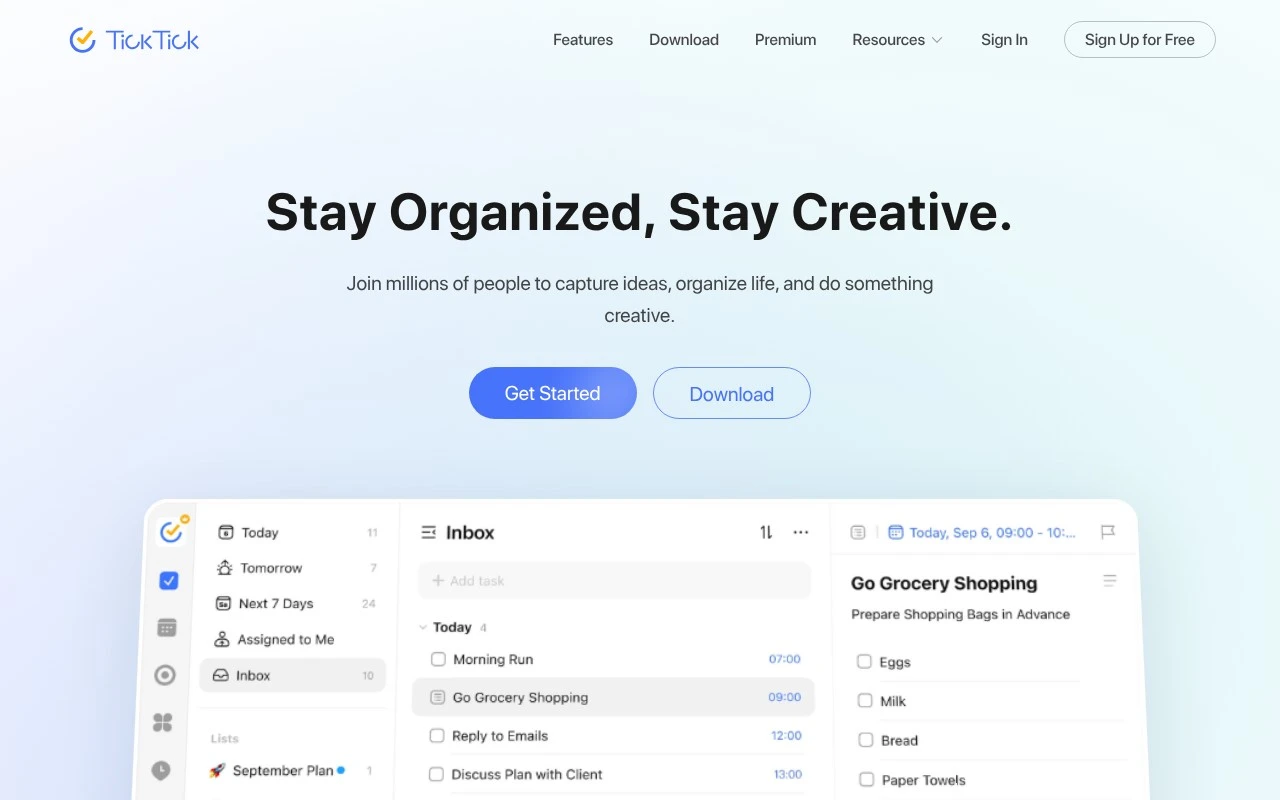
TickTick is strong for schedule planning because it brings task timing and calendar context into one personal planning flow, helping people shape a workable day without stitching together separate apps. As a personal task manager with habit tracking, it fits individuals who want quick day planning across devices, especially when natural-language date recognition can turn typed times into reminders with less manual setup. Less suited to larger teams that need full project management because its collaboration is centered on shared task work rather than portfolio-level planning.

View TickTick

FYAI Score

8.7 / 10

Based on 129 reviews
Freemium

Busy knowledge workers balancing meetings, tasks, and focus time

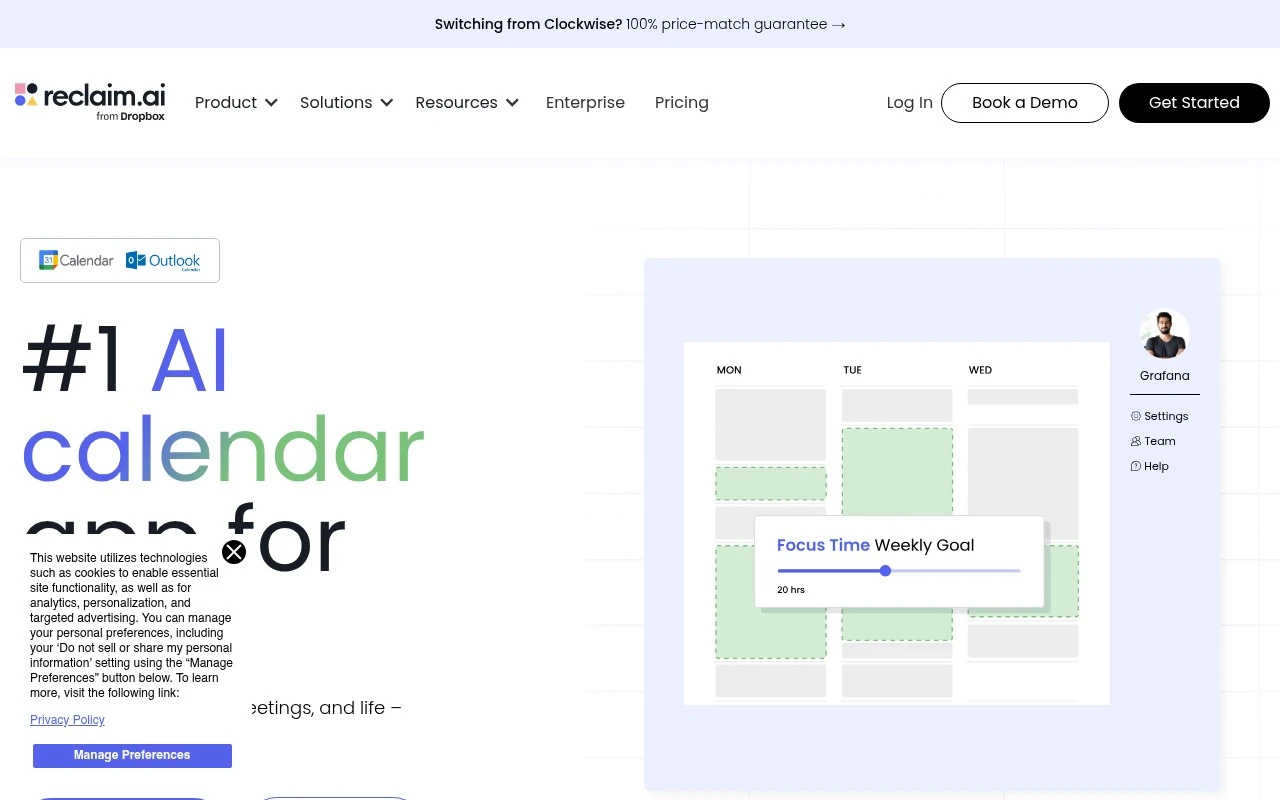
Calendar-driven knowledge workers and managers who need each day to adapt around meetings are the clearest fit for Reclaim AI, an AI calendar automation app for protecting work time. It is strong for schedule planning because it automatically places work into available calendar space and can defend focus blocks when the day shifts, rather than leaving people to reshuffle their calendars manually. Less suited to teams that do not run work through calendars because its value depends on calendar events being the main source of planning and coordination.

View Reclaim AI

FYAI Score

8.4 / 10

Based on 143 reviews

Paid

Busy knowledge workers balancing tasks, meetings, and deep work

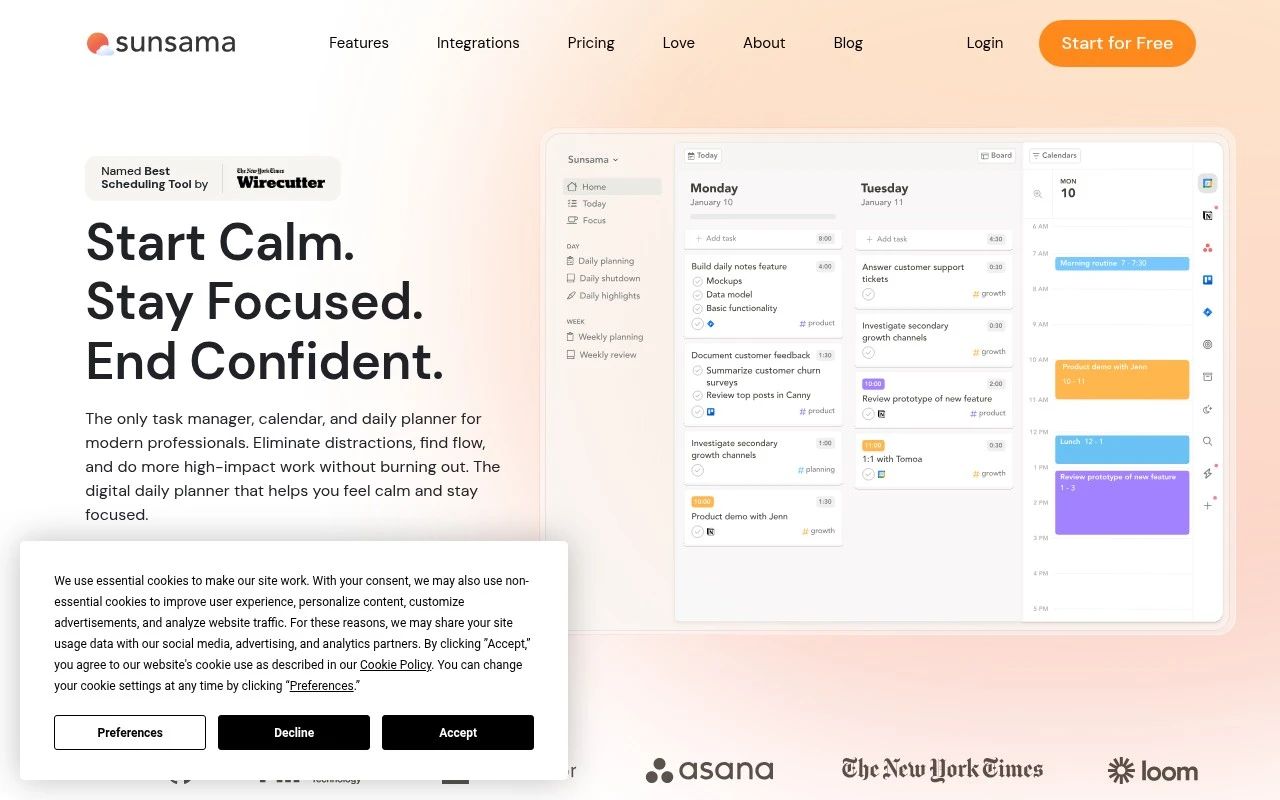
Sunsama is a guided daily planning app for busy knowledge workers, and it belongs here because it helps turn a crowded calendar into a realistic plan for the day. It fits professionals who need to timebox priority work around meetings before the day starts, especially when commitments are spread across several work systems. Less suited to users who want automation to make planning decisions for them because Sunsama is built around deliberate manual planning rather than hands-off scheduling.

View Sunsama

FYAI Score

8.2 / 10

Based on 27 reviews

Paid only

Busy knowledge workers who time-block tasks to protect focus

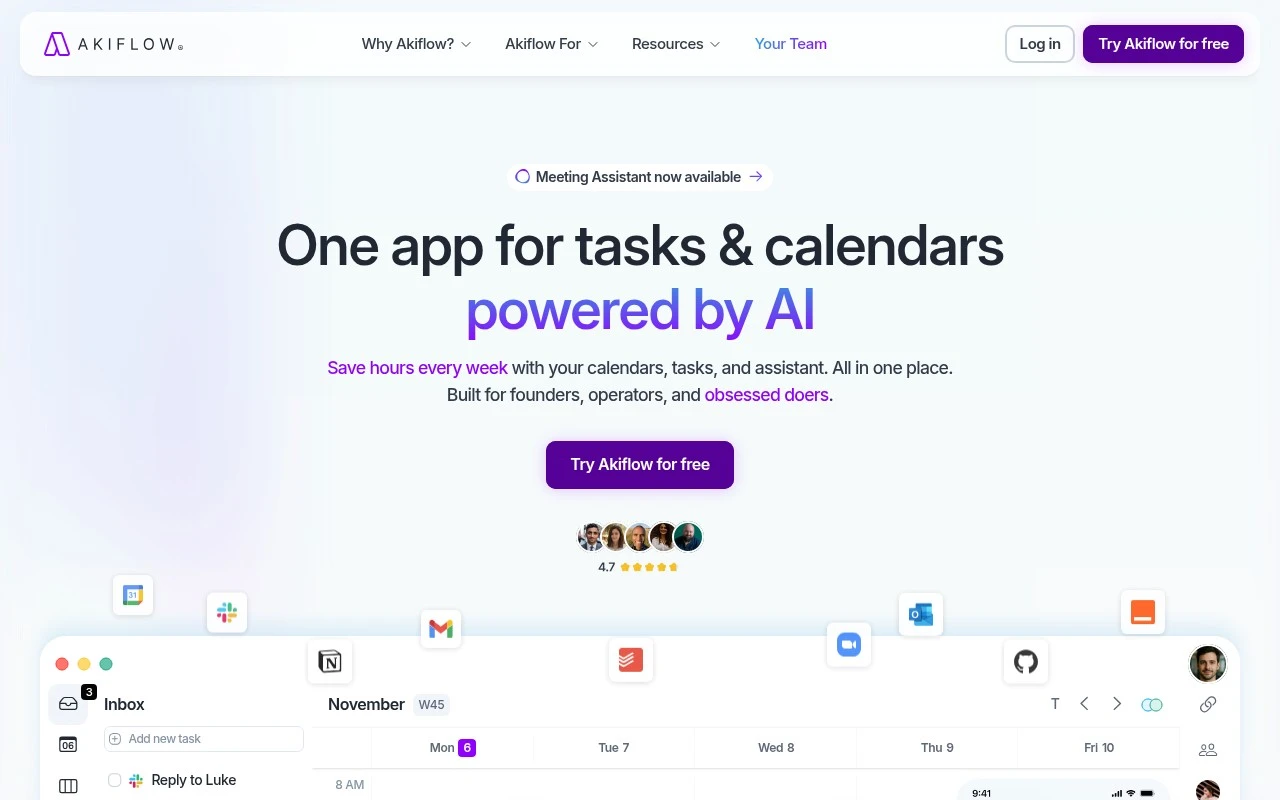
When your task backlog keeps slipping between meetings, Akiflow, a time-blocking planner for busy knowledge workers, helps turn intended work into protected calendar blocks that can move as the day changes. It fits professionals and small teams who live in their calendar and need a daily planning workflow that keeps tasks and meetings aligned. Less suited to teams looking for a full project-management system because Akiflow is built around personal schedule planning rather than broad portfolio management.

View Akiflow

FYAI Score

8.2 / 10

Based on 212 reviews

Free trial

Busy professionals managing multiple calendars and meetings

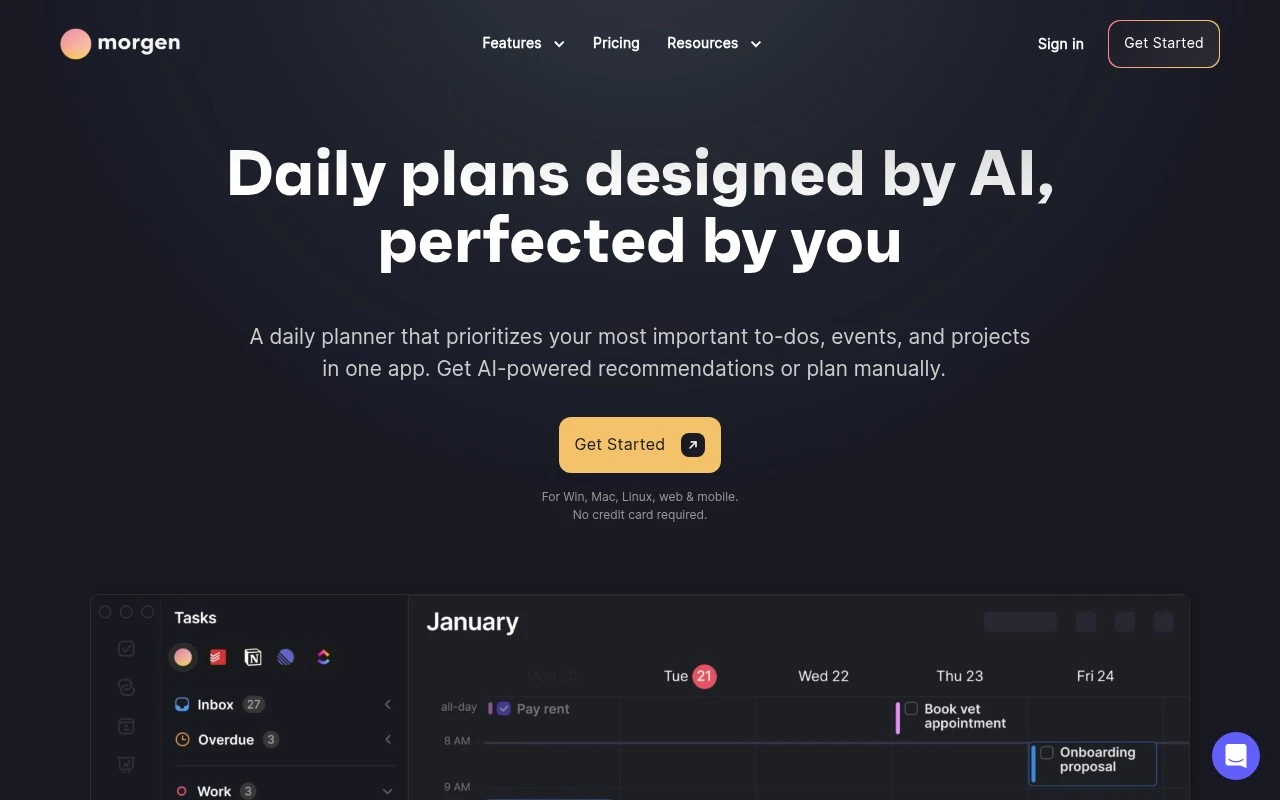
Morgen SO differs by treating schedule planning as a single multi-calendar planning surface rather than just a way to find open slots. As a multi-calendar planning app for busy professionals, it is strongest when someone needs to see competing commitments in one place and time-block work alongside meetings, reducing double-booking risk. It fits freelancers, consultants and client-facing teams juggling several schedules. Less suited to users who only need a basic calendar because its combined planning workflow adds setup and process overhead.

View Morgen SO

FYAI Score

8.1 / 10

Based on 70 reviews

Freemium

Busy knowledge-work teams juggling meetings across shared calendars

Focus-block protection is the reason Clockwise stands out for schedule planning: it is a calendar optimization tool for meeting-heavy teams that reduces fragmentation across shared schedules. It fits teams with recurring internal meetings where automated rescheduling can turn scattered availability into longer work periods without manual calendar cleanup. Less suited to individuals or lightly scheduled teams because its value depends on having enough shared calendar complexity to optimize.

View Clockwise

FYAI Score

7.6 / 10

Based on 100 reviews

How to choose

  • Calendar And Task Intake

    Check whether the tool can pull in the calendars, task lists, habits, and meeting sources you actually use, because missed inputs lead to unreliable plans.

  • Auto-Rescheduling Rules

    Look for controls over priorities, deadlines, working hours, buffers, and focus blocks so the planner moves work intelligently instead of simply filling gaps.

  • Daily And Weekly Planning Depth

    Decide whether you need a simple daily agenda, a structured weekly planner, or both, since some tools are better at tactical day planning while others support broader weekly review.

  • Team Calendar Coordination

    For shared calendars, evaluate how well the tool detects conflicts, protects focus time, and handles meeting movement without creating churn for teammates.

  • Export And Portability

    If you still share schedules in spreadsheets, templates, or external calendars, check whether the tool can export, sync, or publish plans in formats others can use.

Best for:

These tools are for consultants, operators, managers, and knowledge workers who need tasks, meetings, personal routines, and focus blocks to coexist on a real calendar. They also fit team leads trying to reduce meeting clashes across shared calendars. Less suited to project managers who need roadmaps, dependencies, and portfolio reporting, or sales teams mainly booking demo slots with prospects.

FAQ

Frequently asked
questions

Common questions about choosing the right tool,
comparing options, and getting started.

What is the best AI tool for schedule planning?

The best choice depends on your calendar setup, task volume, rescheduling needs, and whether you plan alone or with a team. Use the comparison on this page to match those criteria to the tools rather than picking by name alone.

Are there free schedule planning tools?

Yes, some schedule planning tools offer free or freemium access. TickTick, Reclaim AI, and Clockwise use freemium models, while other options may require a subscription or trial before full use.

Can an AI schedule planner replace a daily planner or weekly planner?

Yes, for many people it can replace a manual daily or weekly planner by turning tasks and meetings into time blocks. The advantage is that the schedule can update when priorities, deadlines, or meetings change.

Can I use a schedule maker for work calendars and class schedules?

Often, yes, if the tool supports multiple calendars, recurring events, and clear conflict detection. For class schedules or shift-like routines, check whether it can handle fixed blocks alongside flexible tasks.

Every tool on FindyourAI is scored on the same independent criteria, not on who pays. We may earn a commission if you sign up through our links, at no cost to you.