Curated ToolThis tool is part of our curated AI directory. We only include tools that meet our standards for relevance, usability and real-world value.
Akiflow
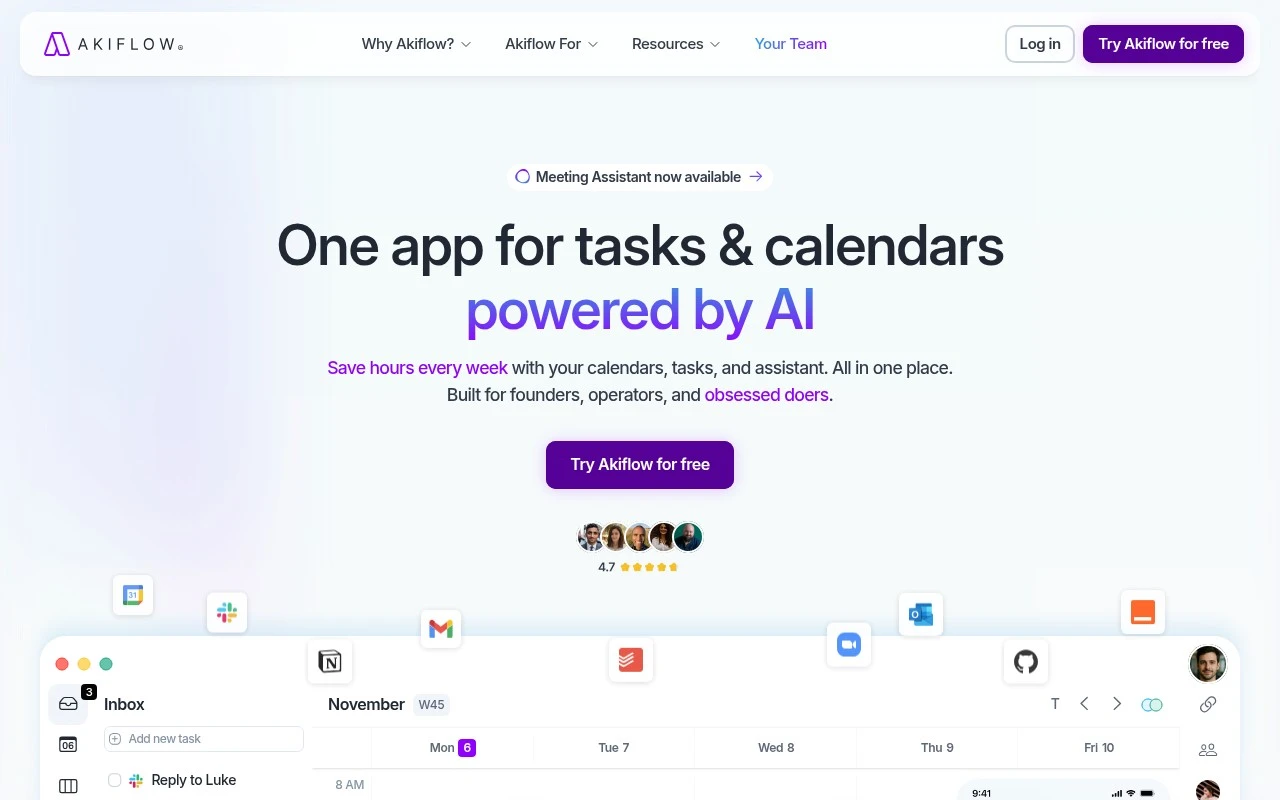
Akiflow is a productivity and calendar planning app that consolidates tasks from connected apps into a universal inbox and lets users schedule them as time blocks on their calendar.
Task & Project ManagementScheduling & Calendar
FYAI Score
8.2 / 10
Based on 212 reviews
Pricing:
Paid only
Best for:
Busy knowledge workers who time-block tasks to protect focus
Score Breakdown
- Ease of use9.2 / 10
- Features8.2 / 10
- Pricing7.3 / 10
- Integrations8.3 / 10
- Support7.4 / 10
 | Strengths |
-
 Strong fit for busy professionals who live in their calendar because tasks, meetings, inbox capture, and planning sit in one daily workflow.
 -
Useful for turning a large task backlog into scheduled work because time blocking, auto-scheduling, and natural language updates help convert intentions into calendar blocks.
-
Helpful for users juggling multiple calendars and work tools because integrations and Aki support availability checks, event changes, reminders, and daily briefings.
 | Limitations |
-
 Less suitable for casual users looking for a free planner because Akiflow is a paid-only product.
 -
Less suitable as a full team project-management system because its core workflow focuses on personal task capture, scheduling, and time blocking rather than broad portfolio management.
-
Less suitable for users who prefer simple to-do lists because effective use depends on calendar-based planning, connected tools, and regular schedule maintenance.
Feature highlights
Time-block planning
Drag tasks onto your calendar to build a realistic daily plan.
Universal inbox
Capture tasks from multiple tools in one place for quick triage.
Aki AI sidekick
Get help prioritizing and turning messy inputs into clear next steps.
Compared in

 | 7.9/ 10Based on 740 reviews |
Fyxer
Meeting NotesEmail Assistant
Triages email, drafts replies, and summarizes meeting actions
Best for: | Sales teams |
Pricing | Paid |
 | 7.4/ 10Based on 442 reviews |
Genspark
Productivity
Creates outputs and dashboards from plain-English data questions
Best for: | Knowledge workers |
Pricing | Paid |
 | 8.4/ 10FYAI score |
Granola
Meeting NotesEmail Assistant
Writes meeting notes, action items, and follow-up briefs
Best for: | Knowledge workers |
Pricing | Freemium |