
Curated ToolThis tool is part of our curated AI directory. We only include tools that meet our standards for relevance, usability and real-world value.
Morgen SO
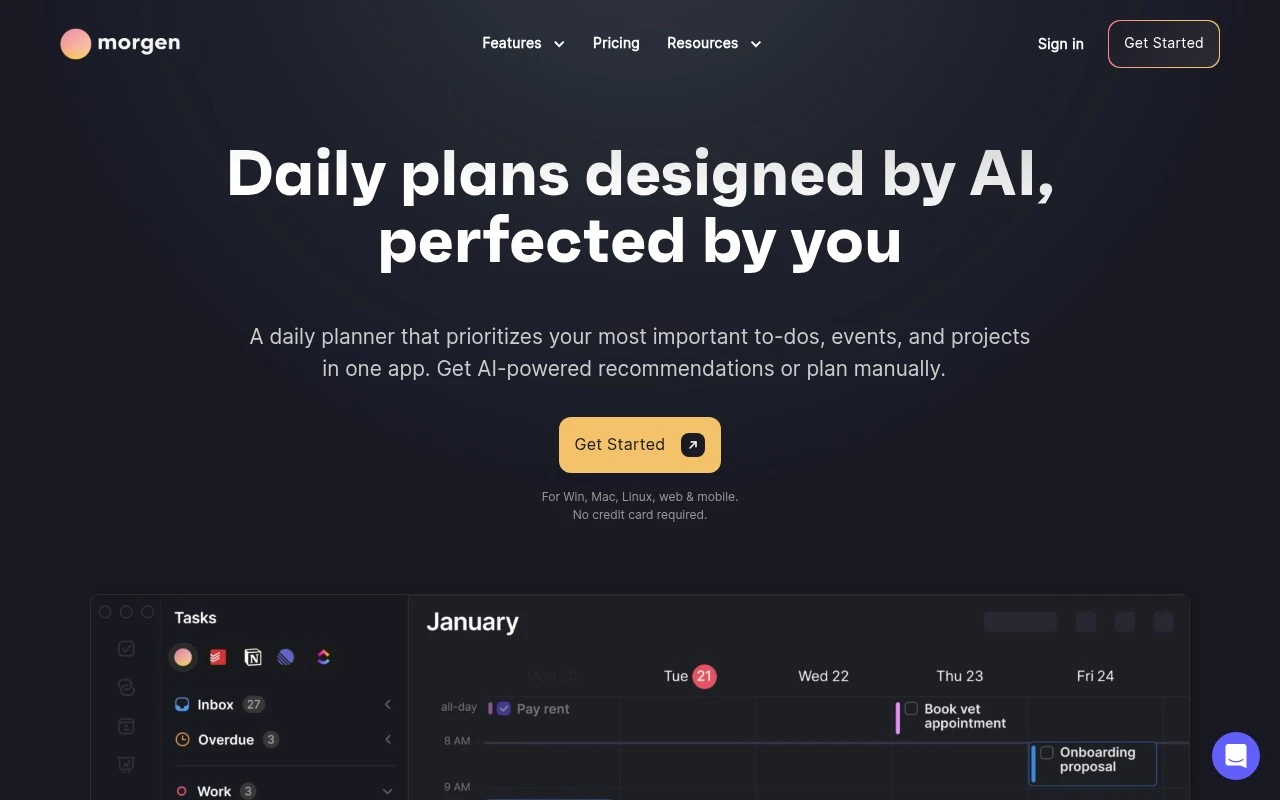
Morgen SO is a task management and calendar app that brings calendars, to-dos, time blocking, and scheduling links into one workspace. It helps users plan tasks directly on their calendar and coordinate availability across connected accounts.
Task & Project ManagementScheduling & Calendar
FYAI Score
8.1 / 10
Based on 70 reviews
Pricing:
Free trial
Best for:
Busy professionals managing multiple calendars and meetings
Score Breakdown
- Ease of use8.4 / 10
- Features8.1 / 10
- Pricing7.1 / 10
- Integrations8.3 / 10
- Support8.9 / 10
 | Strengths |
-
 Best suited to professionals managing several calendars because it consolidates schedules into one planning view and reduces double-booking risk.
 -
Strong fit for time-blocking workflows because tasks can be planned directly alongside calendar events instead of staying in a separate to-do list.
-
Useful for freelancers, consultants and client-facing teams because availability-sharing and booking workflows reduce manual scheduling back-and-forth.
 | Limitations |
-
 Less suitable for users who only need a basic calendar because its combined calendar, task and booking workflow adds setup and process overhead.
 -
Less suitable as a full project management system because it focuses on individual and team scheduling rather than broader project tracking, documentation or resource planning.
-
Teams should budget beyond the free trial because sustained use of advanced planning and booking workflows is likely to require a paid plan.
Feature highlights
Unified calendar
See all your calendars together to plan without double-booking.
Time blocking
Drag tasks onto your calendar to protect focus time automatically.
Share availability
Let others book time based on your real schedule and rules.
Compared in

 | 7.9/ 10Based on 740 reviews |
Fyxer
Meeting NotesEmail Assistant
Triages email, drafts replies, and summarizes meeting actions
Best for: | Sales teams |
Pricing | Paid |
 | 7.4/ 10Based on 442 reviews |
Genspark
Productivity
Creates outputs and dashboards from plain-English data questions
Best for: | Knowledge workers |
Pricing | Paid |
 | 8.4/ 10FYAI score |
Granola
Meeting NotesEmail Assistant
Writes meeting notes, action items, and follow-up briefs
Best for: | Knowledge workers |
Pricing | Freemium |