Curated ToolThis tool is part of our curated AI directory. We only include tools that meet our standards for relevance, usability and real-world value.
Reclaim AI
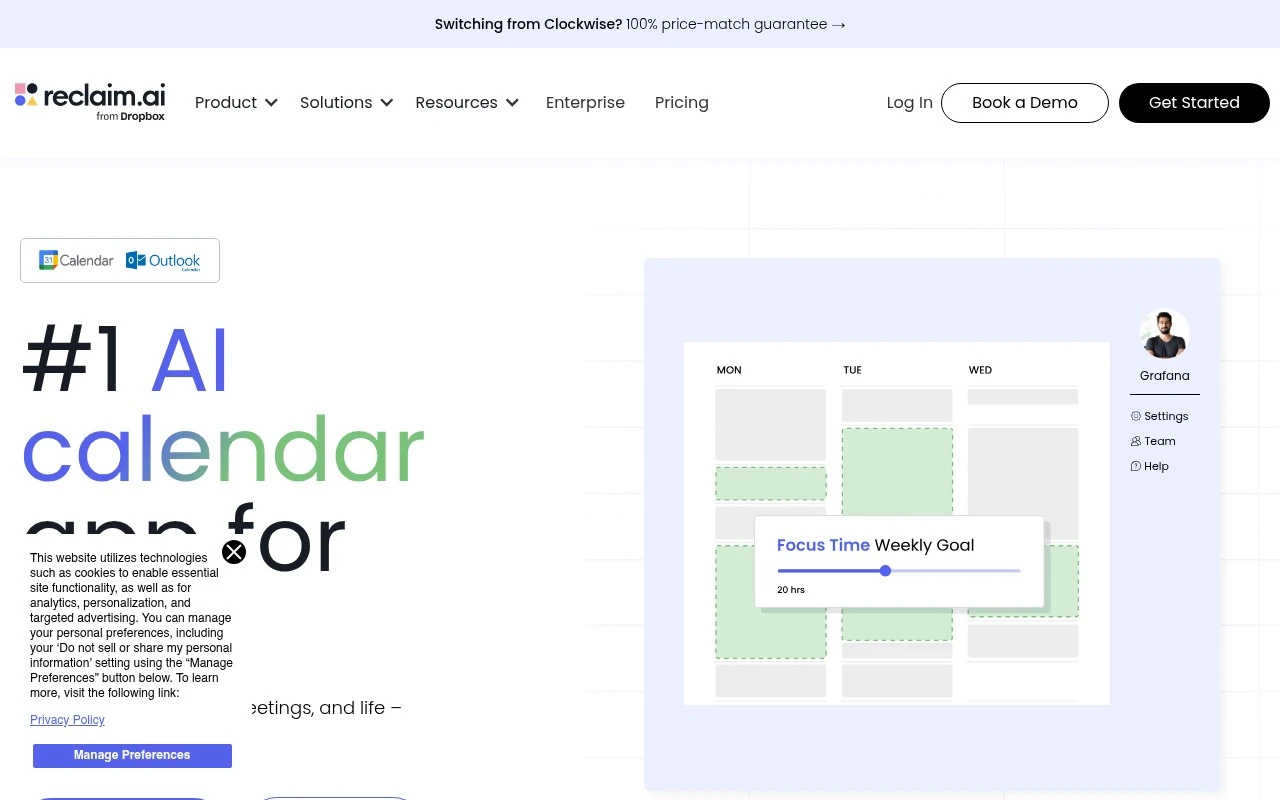
Reclaim AI is an AI scheduling assistant that automatically finds time for tasks, habits, breaks, and meetings on your calendar while keeping availability up to date across connected calendars.
Scheduling & CalendarTime & Habit Tracking

FYAI Score
8.4 / 10
Based on 143 reviews
Pricing:
Freemium
Best for:
Busy knowledge workers balancing meetings, tasks, and focus time
Score Breakdown
- Ease of use8.4 / 10
- Features8.6 / 10
- Pricing8.7 / 10
- Integrations7.9 / 10
- Support8.4 / 10
 | Strengths |
-
 Best suited to calendar-driven knowledge workers because it automatically schedules tasks, habits, focus time, breaks, travel, and meetings into available time instead of only offering booking links.
 -
Useful for teams and managers because shared scheduling visibility, out-of-office awareness, and time analytics help coordinate work without manually inspecting everyone’s calendars.
-
Helpful for protecting deep work because it can dynamically defend focus blocks and reschedule lower-priority items when meetings or urgent work change the day.
 | Limitations |
-
 Less suitable for teams that do not run work through calendars because the product’s value depends on calendar events being the main source of planning and coordination.
 -
Requires thoughtful setup and ongoing priority management because automated scheduling works best when tasks, habits, working hours, buffers, and meeting rules are kept accurate.
-
Freemium pricing can limit growing teams because advanced coordination, analytics, and administrative capabilities are more likely to sit behind paid plans.
Feature highlights
Auto-schedule tasks
Turns tasks and habits into calendar blocks that adapt as plans change.
Protect focus time
Defends deep-work blocks with smart rules, buffers, and break time.
Team scheduling
Coordinates meetings, OOO visibility, and shared availability across calendars.
Compared in

 | 7.9/ 10Based on 740 reviews |
Fyxer
Meeting NotesEmail Assistant
Triages email, drafts replies, and summarizes meeting actions
Best for: | Sales teams |
Pricing | Paid |
 | 7.4/ 10Based on 442 reviews |
Genspark
Productivity
Creates outputs and dashboards from plain-English data questions
Best for: | Knowledge workers |
Pricing | Paid |
 | 8.4/ 10FYAI score |
Granola
Meeting NotesEmail Assistant
Writes meeting notes, action items, and follow-up briefs
Best for: | Knowledge workers |
Pricing | Freemium |