Curated ToolThis tool is part of our curated AI directory. We only include tools that meet our standards for relevance, usability and real-world value.

Leonardo AI

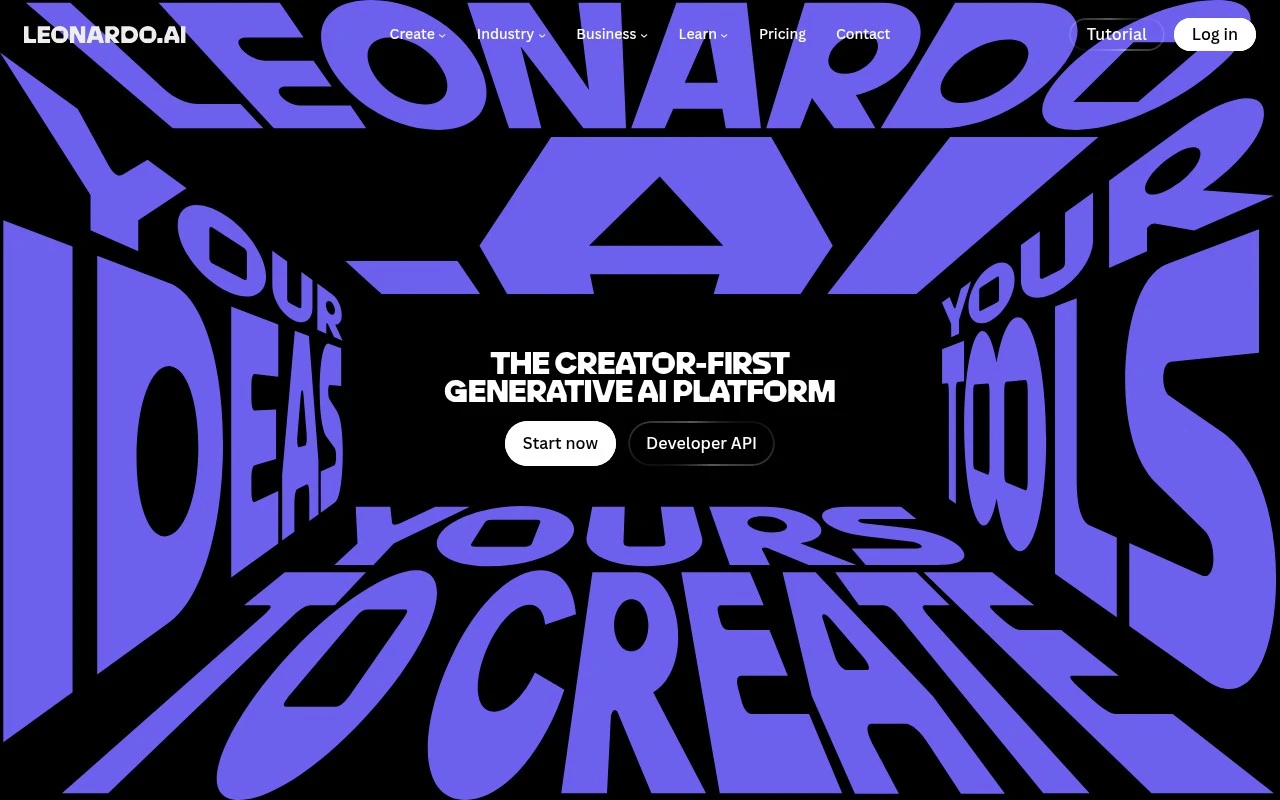
Leonardo AI is a generative AI platform for creating images, illustrations, and design assets from text prompts. It also provides tools for image editing, style control, and custom model training for visual content workflows.
AI Image GeneratorSocial Graphics

FYAI Score

8.6 / 10

Based on 1,313 reviews

Pricing:

Paid only

Best for:

Creators and design teams producing high-volume visual assets

Score Breakdown

  • Ease of use8.9 / 10
  • Features8.6 / 10
  • Pricing8.7 / 10
  • Integrations8.6 / 10
  • Support8.1 / 10

PRODUCT PREVIEW

What this AI tool does

Leonardo AI is a creator-focused generative AI platform for producing visual assets, combining AI image generation, editing, style exploration, motion tools, and API access in one workspace. Leonardo AI is built for individual creators, designers, marketers, game artists, product teams, and studios that need to turn ideas into polished visuals quickly. Leonardo AI is best at helping users generate images with strong creative direction, then refine those outputs into usable assets for campaigns, concepts, products, and digital content. For creators who work visually every day, the platform sits between a blank canvas and a production toolkit. A user can start with a prompt, reference image, style direction, or existing asset, then move through variations, edits, and enhancements without switching between multiple specialist tools. This makes it useful for both fast ideation and more deliberate creative development. At the core of the experience is image generation, but the value is not only in producing a single attractive picture. The platform supports visual exploration, allowing users to test different aesthetics, compositions, characters, products, environments, and campaign directions. That makes it well suited to concept art, product visualization, brand moodboards, digital illustrations, thumbnails, advertising concepts, and social media visuals. Customization is a major part of how Leonardo AI positions itself. Users can work with models and styles that help maintain a more consistent look across outputs, which is important when a project needs visual continuity rather than isolated one-off images. For artists and teams, that consistency can support recurring characters, branded imagery, product lines, or a recognizable campaign style. Editing workflows extend the tool beyond basic text-to-image creation. Once an image exists, users can refine details, adjust compositions, improve resolution, remove or change elements, and upscale image outputs for more practical use. This matters because production work rarely ends at generation, and the ability to revise an image inside the same environment helps close the gap between experiment and finished asset. Motion and video features add another layer to the platform’s creative role. Instead of treating generated visuals as static endpoints, users can add movement or generate video-style outputs that make images more useful for ads, reels, storyboards, pitches, and animated social formats. These capabilities are especially relevant for creators who need visual content that can travel across platforms where motion often performs better than still imagery alone. Marketing and design teams can use the platform as a shared creative accelerator. It can help create social graphics, ad concepts, product scenes, website visuals, presentation imagery, and campaign variations without waiting for every early idea to go through a full design or photography process. The platform does not replace creative judgement, but it can reduce the time between a brief and a set of workable visual directions. Developers and product builders can also connect to Leonardo AI through API access, making its generative capabilities available inside custom applications, internal workflows, or customer-facing products. This broadens the platform from a standalone creative tool into infrastructure for teams that want AI visual generation embedded into their own systems. For businesses building media workflows, that API layer can be as important as the interface itself. In practice, Leonardo AI is a visual production environment for people who need both creative speed and some degree of control. Its strength is the combination of generation, editing, style consistency, motion, and workflow flexibility, rather than a single isolated feature. The platform is most valuable when users want to move from idea to usable visual asset in a structured, repeatable way.

Use cases

Best for

Generate Images

Generate images from text prompts and reference images, exploring styles and custom models in Leonardo AI.

Upscale Image

Upscale an image to higher resolution while enhancing detail and reducing artifacts using built-in upscaling tools.

Generate Video

Generate short videos by animating images with motion generation and editing outputs for social or marketing clips.

ANALYSIS

Strengths & limitations

Strengths
  • Strong fit for creators and marketing teams that need an end-to-end visual workflow, because it combines image generation, editing, motion, upscaling, and API access in one platform.
  • Useful for teams building repeatable visual styles, because custom models and style exploration can help align generated assets with campaign or brand directions.
  • Well suited to high-volume content production, because it supports both individual creative workflows and developer-integrated generation for scalable asset pipelines.

Limitations
  • Less suitable for buyers seeking a free long-term production tool, because Leonardo AI is positioned as a paid-only platform.
  • Less suitable for teams that need a full design operations suite, because its focus is visual generation and asset creation rather than broader project management, approvals, or digital asset governance.
  • Less suitable for users who want fully predictable one-click results, because custom models, prompts, editing, and motion workflows typically require iteration and creative review.

Evaluation

FYAI score breakdown

Our structured evaluation across five key criteria

8.6 / 10

Overall score

Based on 1,313 reviews

  • Ease of use8.9 / 10
  • Features8.6 / 10
  • Pricing8.7 / 10
  • Integrations8.6 / 10
  • Support8.1 / 10

What users say

Findings from public reviews, documentation and community sources.

  • Ease of use

    Reddit user feedback says Leonardo AI’s UI is “super intuitive” and offers “more customization without needing to tweak the prompt.”

  • Features

    Reddit user evidence describes Leonardo.ai as a “prompt-to-image powerhouse with built-in video gen” and “lots of pro-level” capability for creators, designers, and marketers.

  • Pricing

    The cited Reddit breakdown lists “Free, 150 tokens/day,” Apprentice at “$12/mo,” Artisan at “$30/mo,” and Maestro at “$60/mo.”

  • Integrations

    Leonardo.ai offers an API for integrating its “AI image and video generator” into workflows, and Make lists a Leonardo.Ai connector that can “integrate over 3000 apps.”

  • Support

    Trustpilot lists Leonardo.ai at 4.6/5 from 1,313 reviews.

Who is this for?

Best for creators, designers, and marketers who want image generation with adjacent media capabilities, Reddit user evidence describes Leonardo.ai as a “prompt-to-image powerhouse with built-in video gen.” Best for users who want workflow connectivity. Make lists a Leonardo.Ai connector that can “integrate over 3000 apps,” and Leonardo.ai offers an API for its “AI image and video generator.” Less suited to high-volume users who want to stay on the free plan, the cited Reddit breakdown lists “Free, 150 tokens/day,” so heavier usage may require Apprentice at “$12/mo,” Artisan at “$30/mo,” or Maestro at “$60/mo.”

PRODUCT PREVIEW

Feature highlights

Image Generation

Generate high-quality images from prompts with strong style control.

Custom Models

Train and reuse custom styles for consistent brand-ready visuals.

Motion & Editing

Edit, upscale, and add motion to turn images into dynamic content.

COMPARE

Discover curated alternatives worth comparing

Compare similar AI tools based on features, pricing and use cases

7.2/ 10Based on 2,027 reviews

Pixa

AI Image Generator
Edits and creates pixel-art images in a visual canvas editor
Best for:
Designers
Pricing
Freemium

8.2/ 10Based on 193 reviews

Uizard

UI/UX Design
Converts prompts, screenshots, and sketches into UI prototypes
Best for:
Product teams
Pricing
Freemium

8.2/ 10Based on 56,265 reviews

Topaz Labs

Image UpscalerPhoto Editing
Enhances photos and videos with upscaling, denoising, sharpening
Best for:
Designers
Pricing
Paid only

Create standout, on-brand visuals in minutes. Join teams using Leonardo AI to speed up campaigns and deliver polished creative faster.

FAQ

Frequently asked
questions

Everything you need to know about this AI tool,
its features, pricing, use cases, and limitations.

Who is Leonardo AI best suited for?
Leonardo AI is best suited for creators, designers, marketing teams, creative leads, and developers who need scalable AI-generated visual assets. It is a fit for generating campaign visuals, product imagery, concept art, characters, social graphics, animations, and upscaled assets from prompts, sketches, or custom visual models.
Is Leonardo AI free or paid?
Leonardo AI is a paid AI image and design platform. Buyers should check leonardo.ai for current plan details, usage limits, and any differences between individual, team, or developer-oriented access. Pricing evaluation should include generation volume, upscaling needs, animation usage, and whether API access is required.
How does Leonardo AI compare with other AI image generation tools?
Leonardo AI stands out when users want image generation, editing, animation, upscaling, and custom model workflows in one visual production platform. Compared with similar tools, the best choice depends on whether the priority is artistic control, product visualization, social content speed, team collaboration, API access, licensing terms, or budget.
How quickly can a team start using Leonardo AI?
Leonardo AI’s main trade-offs are that output quality depends heavily on prompt skill, model choice, and iterative refinement. It is focused on visual content generation and enhancement, not broader marketing automation or project management. Teams should also review current licensing, usage rights, and commercial limits before relying on it for client or brand work.
What should buyers check about privacy and compliance before using Leonardo AI?
Buyers should confirm how Leonardo AI handles uploaded assets, prompts, generated outputs, custom models, retention, and team access controls. Organisations using it for confidential product designs, client campaigns, or regulated work should review the platform’s current privacy terms, security documentation, commercial usage rights, and API data handling practices.