Curated & independently scored by FindyourAI

Best AI Image Upscaler Tools

Reviewed by Sidney de BoerUpdated September 2026
Upscale image quality with curated AI tools compared by output sharpness, workflow fit and use case, so you can choose faster and avoid blurry results.
201 tools reviewed · 36 use cases · 6 top picks · Updated weekly

Works well forContent CreatorsCampaign DesignersEcommerce SellersPhotographersVideo Editors

Overview

AI image upscalers increase resolution and recover visible detail so creators, ecommerce teams, designers, and photographers can reuse small or soft images across larger formats. They are commonly used for product images, campaign visuals, social content, portfolio work, and 4K output prep. FindyourAI scores every tool against the same criteria and only lists the ones that fit the job, so this page is a curated shortlist rather than an exhaustive catalogue.

Paid only

Creators and design teams producing high-volume visual assets

Marketing teams and creators producing a steady flow of campaign visuals are the clearest fit, because Leonardo AI is an end-to-end AI visual asset platform, so upscaling can sit inside the same creative environment used to shape the asset. It is especially useful when enlarged images need to stay aligned with a repeatable campaign or brand direction rather than being treated as one-off fixes. Less suited to users who want fully predictable one-click enlargement because its creative workflows typically require iteration and review.

View Leonardo AI

FYAI Score

8.6 / 10

Based on 1,313 reviews
Paid

Photographers and designers needing precise, layered image editing

Adobe Photoshop is a professional raster image editor, and it belongs on an image upscaling page when enlargement needs to sit inside a controlled retouching workflow rather than a quick one-click pass. Its precise manual editing depth and AI-assisted retouching make it a strong fit for photographers and designers who need to refine scaled images for polished commercial work. Less suited to casual users who only need quick social graphics or template-based designs because Photoshop’s depth adds complexity that can slow simple tasks.

View Adobe Photoshop

FYAI Score

8.4 / 10

Based on 2,457 reviews

Freemium

Designers and creators iterating visuals fast for content and campaigns

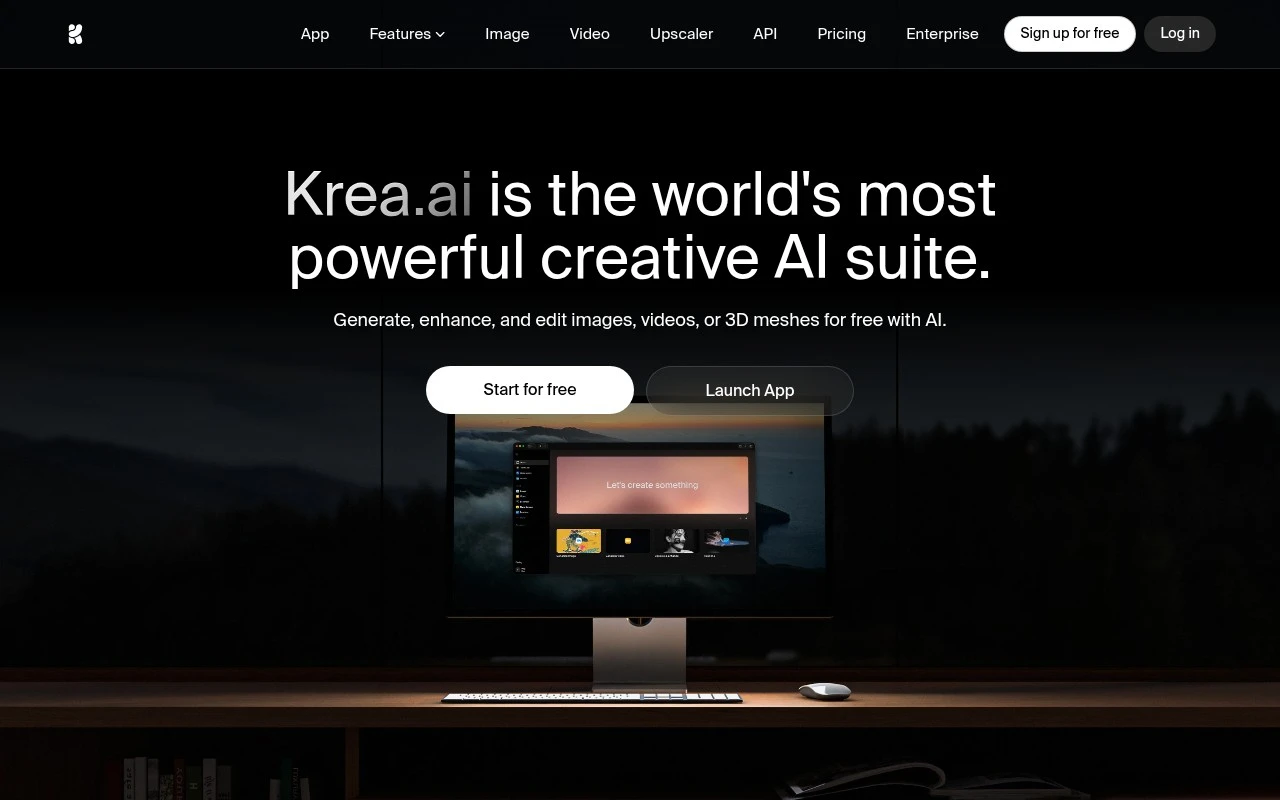
Krea AI is strongest for image upscaling when enlargement is part of a wider visual iteration workflow, since its browser-based creative workspace helps designers keep refinement and style direction in one place. It fits content teams, campaign creators, and brand designers who need upscaled visuals to stay close to a repeatable project aesthetic, not just become larger. Less suited to users who only need a narrow upscaling utility because the broader creative suite can add extra interface and workflow complexity.

View Krea AI

FYAI Score

8.7 / 10

Based on 158 reviews

Freemium

Ecommerce sellers and creators producing product marketing visuals fast

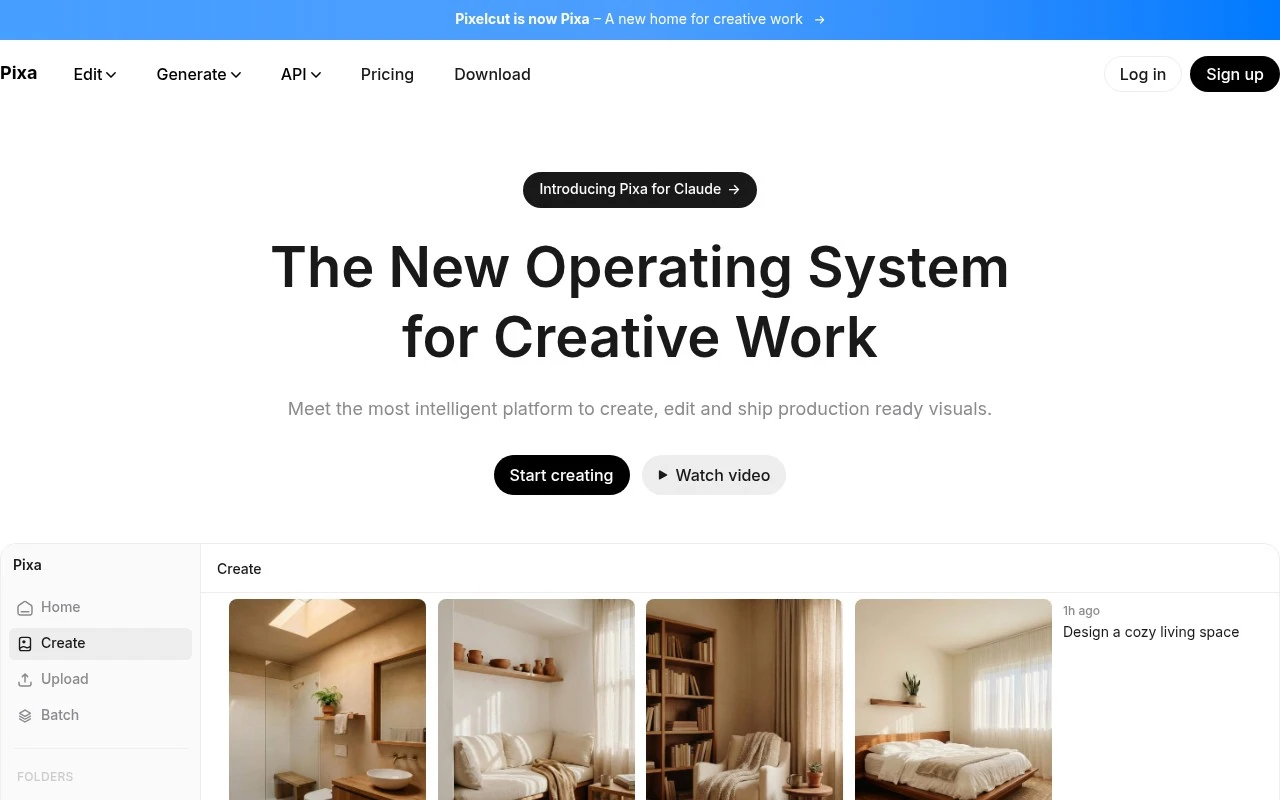
Pixelcut differs by making image upscaling part of a repeatable ecommerce production flow rather than a standalone enhancement step. That makes this ecommerce product-visuals workspace a strong fit for sellers and small brands that need sharper catalog or promotional images while keeping visual consistency across batches. Less suited to advanced designers because its template-led product-marketing focus is more constrained than a full professional design suite.

View Pixelcut

FYAI Score

8.1 / 10

Based on 69 reviews

Paid only

Photographers and video editors enhancing existing footage

When a client asks for a larger print from a soft older image, Topaz Labs is a set of dedicated AI enhancement applications for photographers and video editors that is strong at making existing images cleaner and larger. It fits photographers and production teams that need practical upscale work as part of media restoration or commercial delivery, rather than a tool for generating new visuals from scratch. Less suited to lightweight or occasional workflows because high-resolution image upscaling can involve heavier rendering demands than quick one-off enhancement.

View Topaz Labs

FYAI Score

8.2 / 10

Based on 56,265 reviews

Freemium

Creators and marketers editing and generating images fast in-browser

No-install browser access is Pixlr’s main reason to consider it for image upscaling: as a browser-based image editor, it lets creators improve images without moving into desktop software. It fits creators and small businesses that need a quick size-and-clarity boost as part of everyday visual work. Less suited to offline or high-security editing workflows because Pixlr is primarily a browser-based tool that processes work through an online service.

View Pixlr

FYAI Score

8.1 / 10

Based on 749 reviews

How to choose

  • Resolution And Artifact Control

    Check whether the tool improves sharpness without adding halos, waxy skin, jagged edges, or noisy textures, because higher pixel counts are not useful if the image looks artificial.

  • Source Image Tolerance

    Look at how well the tool handles compressed web images, low-light photos, product cutouts, screenshots, and old files, since different upscalers fail on different types of source material.

  • Batch And Workflow Volume

    If you process catalogues, campaigns, or content libraries, prioritise bulk uploads, consistent export settings, and predictable processing rather than one-image-at-a-time enhancement.

  • Editing Control After Upscaling

    Decide whether you only need automatic enhancement or need manual retouching, layers, masks, background cleanup, or colour correction after the upscale.

  • Commercial Output Readiness

    Confirm that exports meet your real use case, such as ecommerce thumbnails, social ads, print layouts, portfolio images, or video frame enhancement.

Best for:

This category serves content creators, campaign designers, ecommerce sellers, photographers, and video editors who need sharper images for publishing, selling, printing, or repurposing existing assets. It is also useful for marketers who want fast in-browser cleanup without moving into a full production suite. Less suited to forensic evidence enhancement, medical or scientific imaging, or any workflow that needs guaranteed reconstruction of details that were never captured.

FAQ

Frequently asked
questions

Common questions about choosing the right tool,
comparing options, and getting started.

What is the best AI tool to upscale image quality?

Choose by output sharpness, artifact control, editing workflow, and how many images you need to process. The comparison on this page helps match those criteria to tools such as Krea AI, Leonardo AI, Adobe Photoshop, Topaz Labs, Pixelcut, and Pixlr.

Are there free image upscaler tools?

Yes, some AI image upscaler tools offer free or freemium access. Tools such as Krea AI, Pixelcut, and Pixlr can be considered when you want to try upscaling before committing to a paid workflow.

Can I upscale an image to 4K online?

Yes, many AI upscalers can prepare images for higher-resolution output, including 4K-style use cases. Results still depend on the original image quality, because very blurry or compressed files can produce artifacts.

Can an AI image upscaler convert an image to line art?

Not by default, because upscaling and line-art conversion are different tasks. Use an image editor or generator for stylisation, then use an upscaler if the final artwork needs more resolution.

Every tool on FindyourAI is scored on the same independent criteria, not on who pays. We may earn a commission if you sign up through our links, at no cost to you.