
Curated ToolThis tool is part of our curated AI directory. We only include tools that meet our standards for relevance, usability and real-world value.
Pixlr
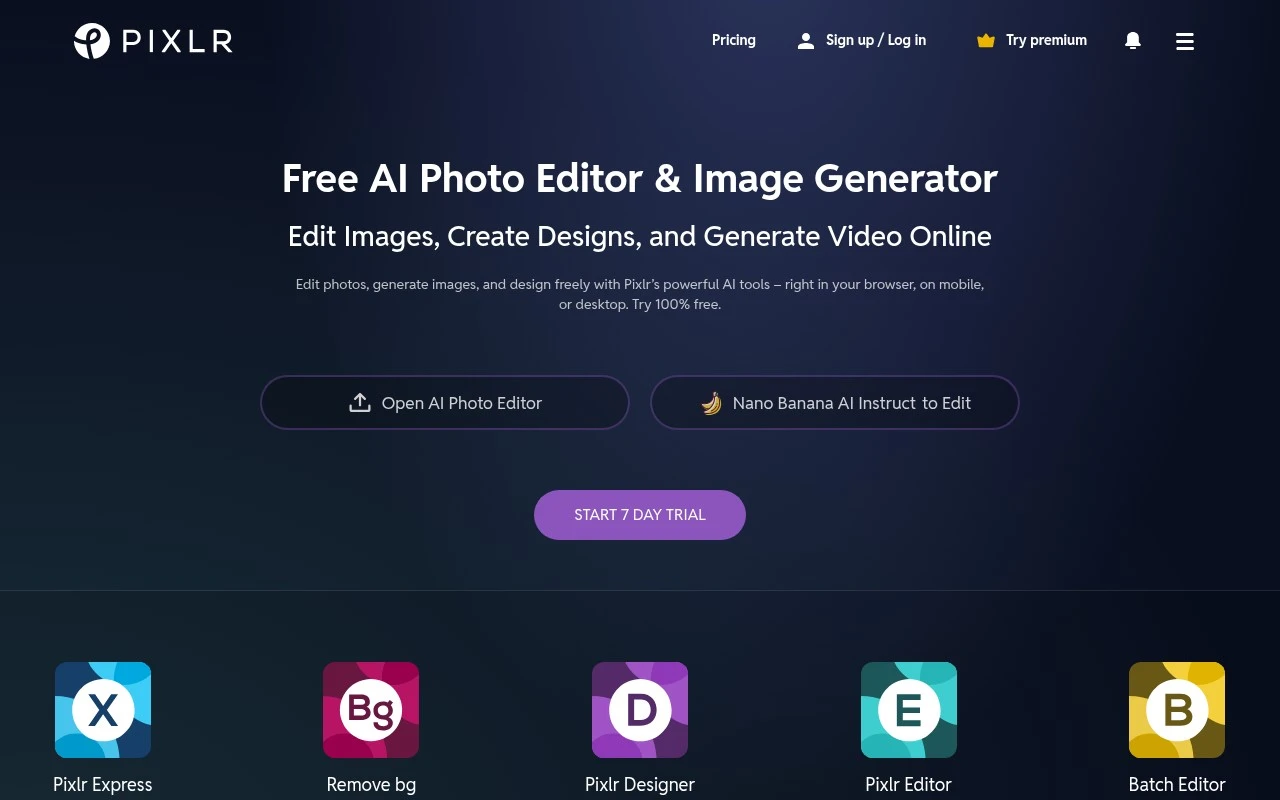
Pixlr is a web-based photo editing and design platform for editing images, creating graphics, removing backgrounds, applying filters, and generating or enhancing visuals with AI-powered tools.
AI Image GeneratorImage Upscaler
FYAI Score
8.1 / 10
Based on 749 reviews
Pricing:
Freemium
Best for:
Creators and marketers editing and generating images fast in-browser
Score Breakdown
- Ease of use8.2 / 10
- Features8.2 / 10
- Pricing8.9 / 10
- Integrations7.2 / 10
- Support7.3 / 10
 | Strengths |
-
 Best suited to creators and small businesses that need quick browser-based editing because it requires no desktop installation.
 -
Useful for mixed design workflows because it combines standard photo editing with AI generation, background removal, object removal, generative fill, upscaling, and denoising in one toolset.
-
Accessible for casual users and teams testing AI design workflows because its freemium model lowers the barrier to getting started.
 | Limitations |
-
 Less suitable for offline or high-security editing workflows because Pixlr is primarily a browser-based tool that processes work through an online service.
 -
Less suitable for heavy AI-generation users on a tight fixed budget because the freemium model can place meaningful usage or advanced features behind paid access.
-
Less suitable for teams with strict AI vendor governance because its AI features are powered by multiple third-party models rather than a single controlled model stack.
Feature highlights
AI Image Generator
Turn prompts into images and variations for posts, ads, and concepts.
Generative Fill
Add, remove, or replace objects with natural-looking results.
Upscale & Denoise
Boost resolution and clean up noise for sharper, clearer photos.
Compared in

 | 8.4/ 10FYAI score |
Flora
AI Image GeneratorUI/UX Design
Designs, edits, and organizes visual assets with AI workflows
Best for: | Designers |
Pricing | Freemium |
 | 7.8/ 10FYAI score |
Reve
AI Image GeneratorBackground Edit
Creates, edits, and remixes images with prompts and drag-and-drop
Best for: | Designers |
Pricing |
 | 7.2/ 10FYAI score |
Pixa
AI Image Generator
Edits and creates pixel-art images in a visual canvas editor
Best for: | Designers |
Pricing | Freemium |