Reve
Curated ToolThis tool is part of our curated AI directory. We only include tools that meet our standards for relevance, usability and real-world value.

Reve

Reve is an AI image generation platform that creates and edits visuals from text prompts and reference images, supporting use cases such as product visualization and branded creative concepts.
AI Image GeneratorBackground Edit

FYAI Score

7.8 / 10

FYAI rating based on features, pricing and integrations

Pricing:

Best for:

Designers creating product visuals and campaign-ready concepts

Score Breakdown

  • Ease of use7.6 / 10
  • Features7.4 / 10
  • Pricing8.9 / 10
  • Integrations7.2 / 10
  • Support7.6 / 10

PRODUCT PREVIEW

What this AI tool does

Reve
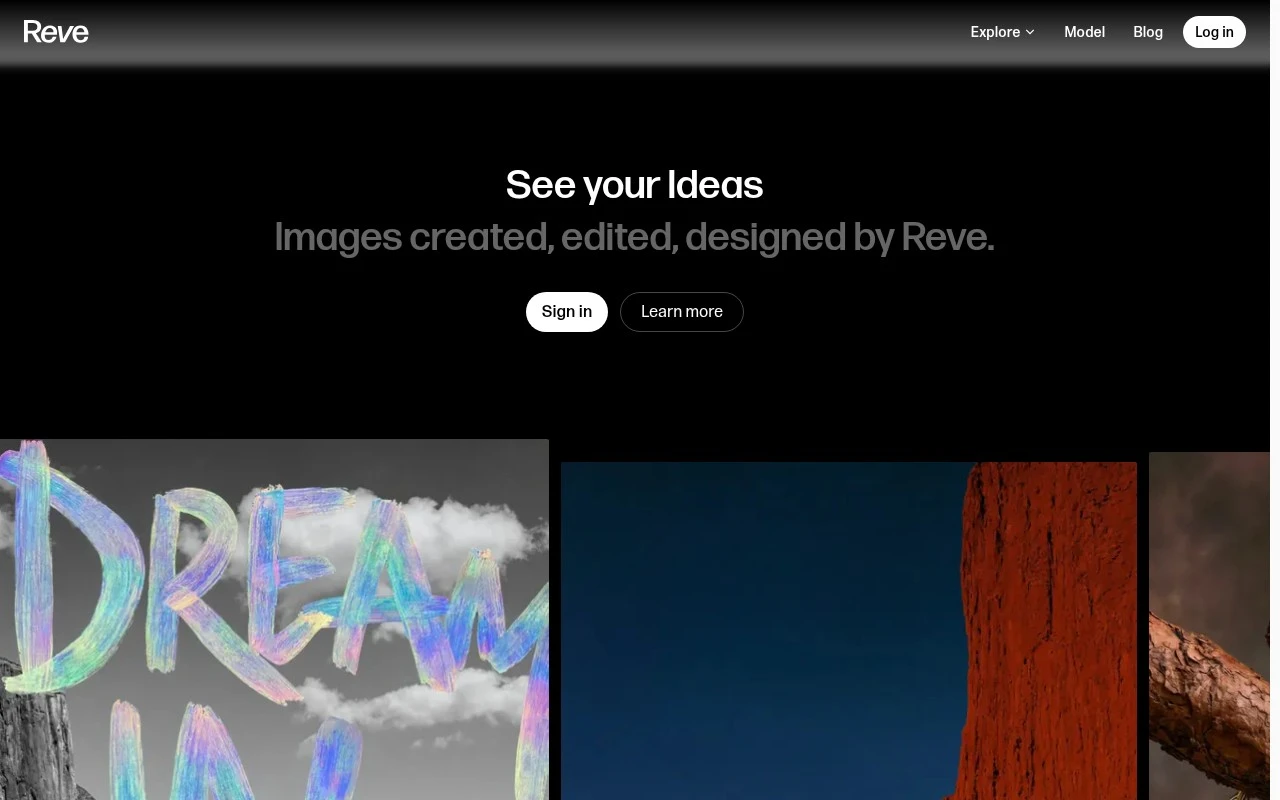
Reve is an AI image tool for creating, editing, and remixing visuals through natural-language instructions and a visual drag-and-drop editor. Reve is designed for creative professionals and visual teams who need to generate images, refine compositions, and adapt existing assets without moving through a traditional multi-app production chain. Reve is especially relevant for product visualization, art direction, graphic design, portrait work, interiors, fashion concepts, architecture, illustration, and post-production. At its core, the platform treats image creation as an iterative conversation rather than a one-shot prompt. A user can start from text, an uploaded image, or a rough composition, then guide the result with plain-language edits and direct canvas adjustments. This makes it useful when the goal is not only to make a picture, but to explore versions, correct details, and shape a visual direction over time. For product visualization, Reve helps bridge the gap between concept mockups and polished marketing imagery. Teams can place an object in different environments, adjust lighting and backgrounds, test visual styles, or create scene variations before committing to a full shoot or 3D production workflow. The value is strongest when speed and visual consistency matter, such as testing packaging, campaign directions, e-commerce looks, or presentation imagery. Creative control is a central part of the tool’s appeal. Instead of relying only on prompt writing, users can move elements, select areas, revise specific parts of an image, and combine AI generation with manual layout choices. That balance makes the platform approachable for non-technical users while still giving designers and art directors enough control to make deliberate visual decisions. Editing workflows are where the tool becomes more than a generator. Common tasks such as image enhancement, image object removal, image background replacement, and image outpainting can be handled as part of the same creative process rather than as separate utility steps. This is useful for post-production, social assets, pitch decks, thumbnails, concept boards, and any situation where an existing image needs to be cleaned up, extended, or re-contextualized. Compared with a conventional design editor, the experience is more generative and flexible. Compared with a simple text-to-image model, it is more hands-on and revision-friendly. Reve sits between those categories, giving users a workspace where they can both imagine new visuals and make precise changes to the ones they already have. Visual professionals may use it for different reasons depending on their field. A filmmaker might explore mood frames or production concepts, an interior designer might test a room atmosphere, a fashion team might remix styling references, and an illustrator might develop variations from a sketch or finished piece. The common thread is the need to move quickly from an idea to a usable visual direction. A fair Reve review should focus less on whether it replaces specialist tools and more on how it changes the early and middle stages of image work. It can support ideation, revision, compositing, and presentation, while final production standards may still require dedicated design, photography, retouching, or 3D software in some workflows. In that sense, Reve is best understood as a creative AI workspace that shortens the distance between imagining an image and refining it into something presentable.

Use cases

Best for

Generate Images

Reve generates images from text prompts and lets you refine compositions in a drag-and-drop visual editor.

Image Enhancement

Reve enhances images by applying natural-language edits for lighting, color, composition, and visual polish.

Image Object Removal

Reve removes objects through natural-language image edits that replace the selected area with matching background.

ANALYSIS

Strengths & limitations

Strengths
  • Combines text-directed edits with a drag-and-drop editor, so users can switch between prompting and manual visual control.
  • Supports creating, editing, and remixing images, so it can be used for both new visual ideas and refinement of existing assets.
  • Fits a broad set of visual disciplines, because its stated use cases span design, product imagery, portraits, interiors, fashion, architecture, illustration, and rendering.

Limitations
  • Less suitable for video, audio, or long-form document production because Reve is centered on image creation, editing, and remixing.
  • Less suitable for teams that need full campaign operations because its described workflow focuses on visual production rather than planning, approvals, publishing, or asset management.
  • Less suitable for highly controlled brand or product visuals that require exact repeatability because prompt-based image workflows usually need human review and iteration.

Evaluation

FYAI score breakdown

Our structured evaluation across five key criteria

7.8 / 10

Overall score

FYAI rating based on features, pricing and integrations

  • Ease of use7.6 / 10
  • Features7.4 / 10
  • Pricing8.9 / 10
  • Integrations7.2 / 10
  • Support7.6 / 10

What users say

Findings from public reviews, documentation and community sources.

  • Ease of use

    The Reve app page at https://app.reve.com says users can “Create, edit, and remix images” and “Combine natural-language edits with a drag-and-drop image editor.”

  • Features

    The Reve app page at https://app.reve.com describes generation, editing, and remixing, and lists use cases including “Product photography,” “3D Rendering,” “Interior Design,” and “Fashion.”

  • Pricing

    The Reve pricing page at https://app.reve.com/pricing lists a Free plan at “$0 / month,” Lite at “$7.99 / month,” Pro at “$19.99 / month,” and Teams at “$59 / user / month.”

  • Integrations

    The Reve app page at https://app.reve.com presents Reve as a self-contained web image editor with “natural-language edits” and a “drag-and-drop image editor.”

  • Support

    The Reve Help Center at https://help.reve.com/hc/en-us/articles/46732445465108-Subscription-plans-overview provides subscription-plan documentation in a “Subscription plans overview” article.

Who is this for?

Best for users who want to create, edit, and remix images in a web editor, with the Reve app page saying users can combine “natural-language edits” with a “drag-and-drop image editor.” The pricing page lists a Free plan at “$0 / month” and Teams at “$59 / user / month,” which gives individuals and teams visible entry and team pricing before subscribing. Less suited to teams that need a documented integration ecosystem or visible human support channels, because the facts describe a self-contained web image editor and identify Help Center subscription-plan documentation.

PRODUCT PREVIEW

Feature highlights

Product Visualization

Generate images that show products in polished scenes and styles.

Natural Image Editing

Change objects, colors, and layouts with simple text prompts.

Object Removal & Fill

Use image object removal and outpainting to clean and expand shots.

COMPARE

Discover curated alternatives worth comparing

Compare similar AI tools based on features, pricing and use cases

8.4/ 10FYAI score

Flora

AI Image GeneratorUI/UX Design
Designs, edits, and organizes visual assets with AI workflows
Best for:
Designers
Pricing
Freemium

7.2/ 10FYAI score

Pixa

AI Image Generator
Edits and creates pixel-art images in a visual canvas editor
Best for:
Designers
Pricing
Freemium

8.2/ 10Based on 193 reviews

Uizard

UI/UX Design
Converts prompts, screenshots, and sketches into UI prototypes
Best for:
Product teams
Pricing
Freemium

Reve

Join creative teams using Reve to turn product ideas into polished visuals faster. Start creating campaign-ready imagery today.

FAQ

Frequently asked
questions

Everything you need to know about this AI tool,
its features, pricing, use cases, and limitations.

Is Reve a good fit for product visualization and design concept work?
Reve is a good fit for creating and refining image-based visual assets, including product visuals, concepts, illustrations, portraits, interiors, fashion, architecture, and rendering-style imagery. It is most relevant for designers, art directors, marketers, product photographers, illustrators, and creative teams that need prompt-based generation plus hands-on image editing.
Is Reve free to use, or does it require a paid plan?
Reve’s current pricing and plan limits should be checked directly on app.reve.com before adopting it. Buyers should review whether image generation, editing, remixing, export quality, commercial usage, collaboration, and usage volume are limited by plan, since these factors can materially affect design and production workflows.
How does Reve compare with other AI image editing tools?
Reve stands out by combining natural-language image edits with a drag-and-drop visual editor. Compared with similar AI image tools, it may be more useful when teams want to move between prompting, manual composition, and remixing, while the best choice still depends on budget, output needs, workflow controls, and review requirements.
How quickly can a creative team start using Reve?
Creative teams can typically start using Reve quickly if their workflow centers on generating, editing, or remixing images through prompts and visual controls. Onboarding effort is likely to be moderate, with most time spent learning prompt behavior, testing image enhancement workflows, and defining review standards for usable outputs.
What are the main limitations of Reve?
Reve is best suited to image creation and editing, not video, audio, long-form documents, campaign planning, approvals, publishing, or full asset management. Teams that require exact brand consistency, repeatable product visuals, or production-ready accuracy should expect human review, iteration, and possible post-production outside the tool.
What should teams check about privacy and compliance before using Reve?
Teams should review Reve’s current privacy, data retention, usage rights, and compliance terms before uploading confidential brand, client, or product imagery. Important checks include whether uploaded assets may be used for model improvement, how long files are stored, who can access outputs, and whether required contractual or regulatory controls are available.