
Curated ToolThis tool is part of our curated AI directory. We only include tools that meet our standards for relevance, usability and real-world value.
Pixa
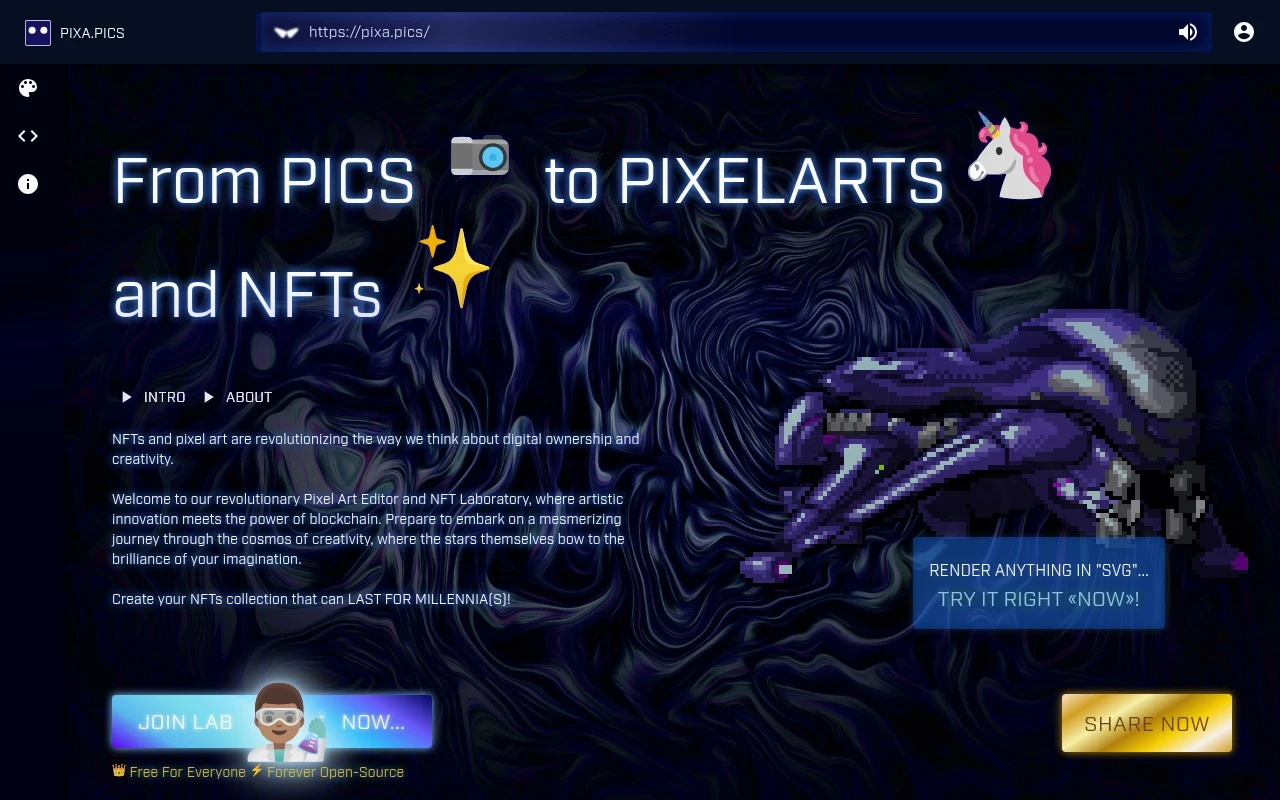
Pixa is an AI image generation tool that creates visual assets from text prompts and reference inputs. It helps users produce images for creative, marketing, and design workflows.
AI Image Generator
FYAI Score
7.2 / 10
FYAI rating based on features, pricing and integrations
Pricing:
Freemium
Best for:
Pixel artists turning photos into pixel art
Score Breakdown
- Ease of use7.0 / 10
- Features7.0 / 10
- Pricing7.9 / 10
- Integrations7.1 / 10
- Support7.1 / 10
 | Strengths |
-
 Best suited to pixel-art hobbyists because it combines image-to-pixel-art conversion with drawing and editing in one workspace.
 -
Useful for creators repurposing photos because it can turn real-life images into pixel-art assets instead of requiring every sprite to be drawn from scratch.
-
Good fit for NFT-style experiments because its filters, layers, and asset library support quick iteration on small pixel-art images.
 | Limitations |
-
 Less suitable for buyers looking for AI-first image generation because its core workflow is pixel-art editing rather than prompt-based creation.
 -
Less suitable for broad professional design teams because its scope is centred on pixel art rather than full photo editing, vector design, or brand production workflows.
-
Less suitable for collaborative studio pipelines because it is framed around image editing rather than project management, approvals, or structured asset handoff.
 | 8.4/ 10FYAI score |
Flora
AI Image GeneratorUI/UX Design
Designs, edits, and organizes visual assets with AI workflows
Best for: | Designers |
Pricing | Freemium |
 | 7.8/ 10FYAI score |
Reve
AI Image GeneratorBackground Edit
Creates, edits, and remixes images with prompts and drag-and-drop
Best for: | Designers |
Pricing |
 | 8.2/ 10Based on 193 reviews |
Uizard
UI/UX Design
Converts prompts, screenshots, and sketches into UI prototypes
Best for: | Product teams |
Pricing | Freemium |