Curated & independently scored by FindyourAI

Best AI Image Generator Tools

Reviewed by Sidney de BoerUpdated October 2026
Compare AI tools to generate images for campaigns, mockups, and visual content, with curated picks scored for quality, control, brand fit, and workflow.
201 tools reviewed · 36 use cases · 6 top picks · Updated weekly

Works well forDesign TeamsPerformance MarketersContent CreatorsCreative ProducersDevelopers

Overview

AI image generation tools turn prompts, references, and brand direction into original visuals for ads, concepts, product mockups, and social content. Creators, design teams, marketers, and developers use them when they need many visual options faster than a traditional production cycle allows. FindyourAI scores every tool against the same criteria and only lists the ones that fit the job, so this shortlist focuses on tools built for credible visual output rather than novelty demos.

Paid only

Creators and design teams producing high-volume visual assets

Leonardo AI is strong for image generation when creators or marketing teams need a repeatable visual direction, because its style exploration and custom model workflows help keep campaign assets aligned. It is best understood as a visual asset creation platform for high-volume creative teams, so it fits teams producing many branded visuals rather than someone making the occasional one-off image. Less suited to users who want fully predictable one-click results because its creative workflows typically require iteration and review.

View Leonardo AI

FYAI Score

8.6 / 10

Based on 1,313 reviews
Freemium

Designers and marketers who need fast, on-brand visuals

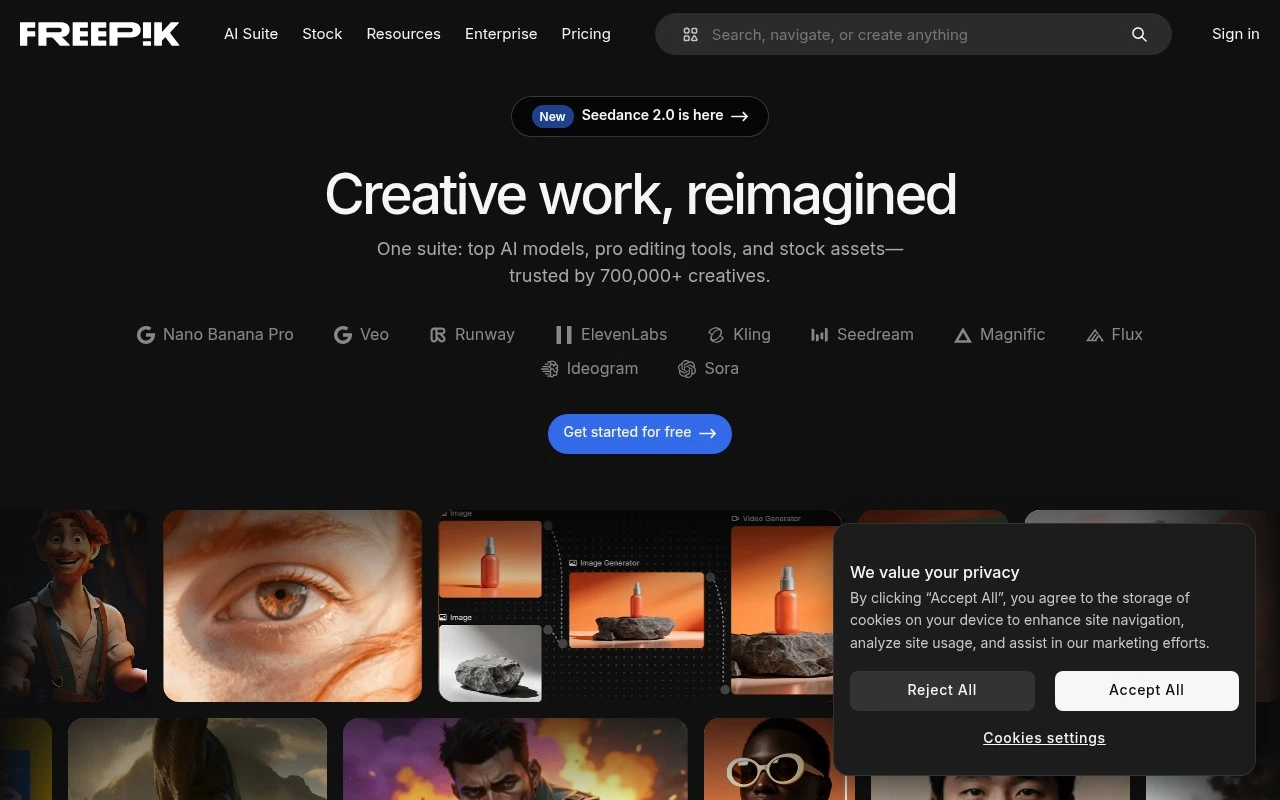
Design and marketing teams that need ready-to-use campaign visuals quickly will get the most from Freepik AI. It is an AI-assisted design workspace built around Freepik’s stock asset ecosystem, so image generation is strongest when you want to create visuals without starting from a blank canvas. Less suited to teams that need to stay tool-agnostic because the biggest workflow gains come from working inside the Freepik asset ecosystem.

View Freepik AI

FYAI Score

8.5 / 10

FYAI rating based on features, pricing and integrations

Freemium

Creative teams scaling branded visuals, mockups, and pre-production

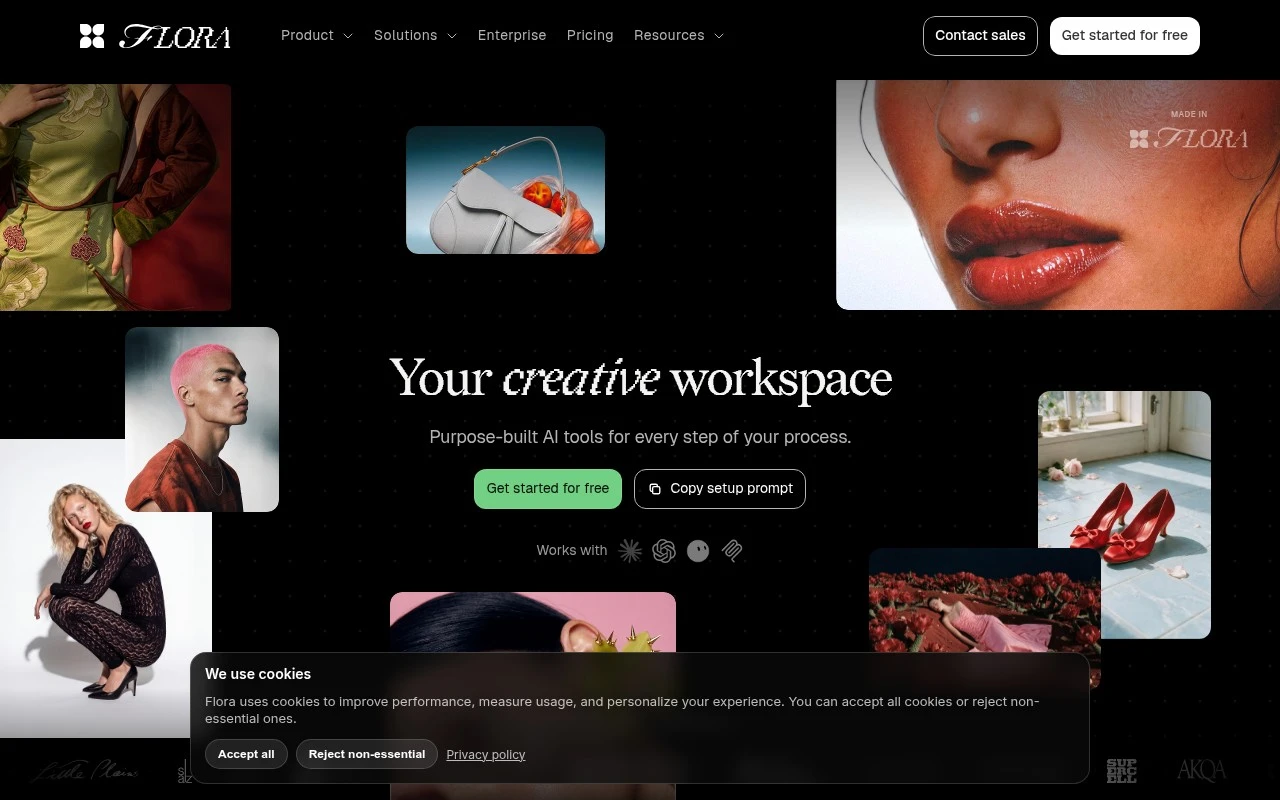
Flora is a multi-model creative canvas for visual teams, and it belongs on an image generation shortlist when a team needs to turn concepts into branded assets rather than produce one-off pictures. Its strength is the shared canvas that helps brand and product marketing teams explore directions together, then scale a strong idea into consistent variations. Less suited to users who only need one simple image or video generator because Flora's main value is multi-model canvas-based workflow creation.

View Flora

FYAI Score

8.4 / 10

FYAI rating based on features, pricing and integrations

Paid

Video creators producing social ads, reels, and cinematic AI clips

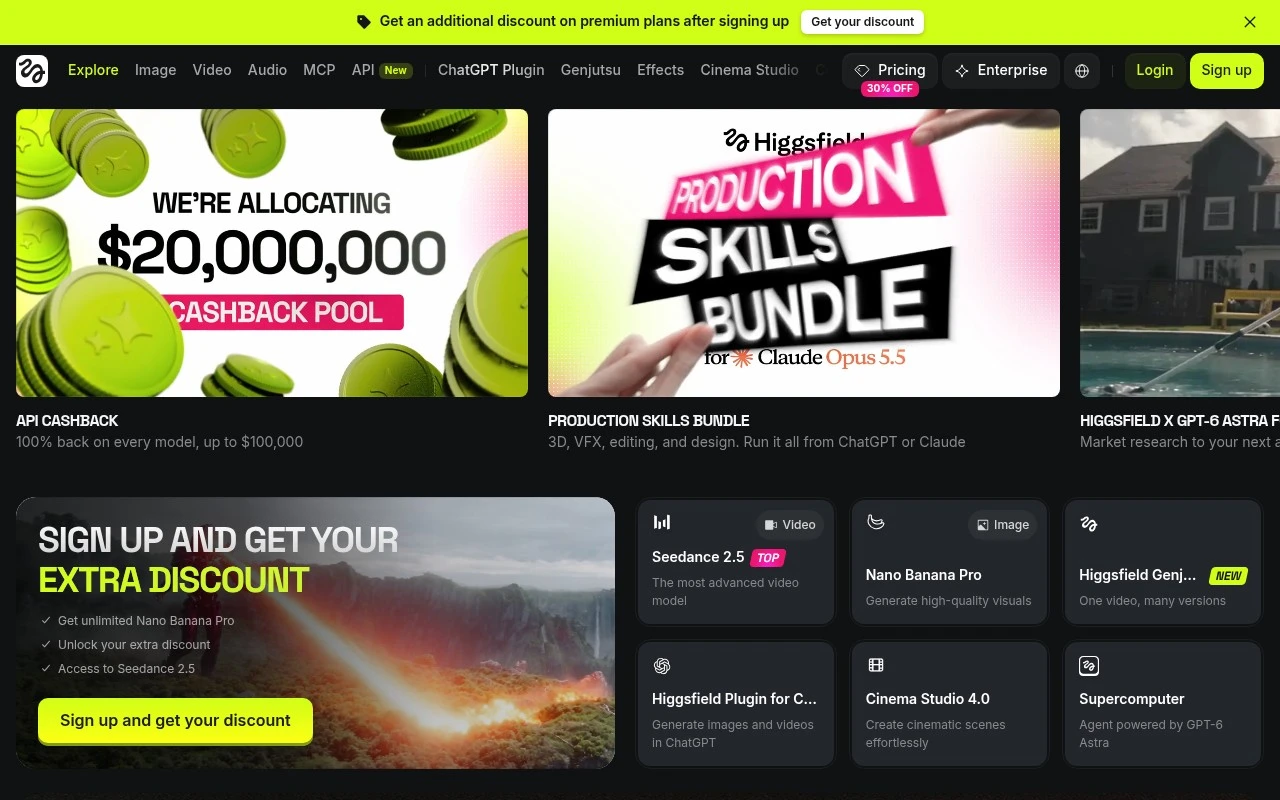
Mocking up campaign stills before turning them into a reel is where Higgsfield fits this page best, since it is an AI creative production environment built around cinematic social-video work. It is strong for creators and agencies that need stylised campaign visuals and quick creative variation that can feed wider motion projects. Less suited to teams that want a single-purpose image generator because Higgsfield spans broader AI production workflows, which can add complexity when all you need is still images.

View Higgsfield

FYAI Score

8.4 / 10

Based on 85 reviews

Freemium

Designers and creators iterating visuals fast for content and campaigns

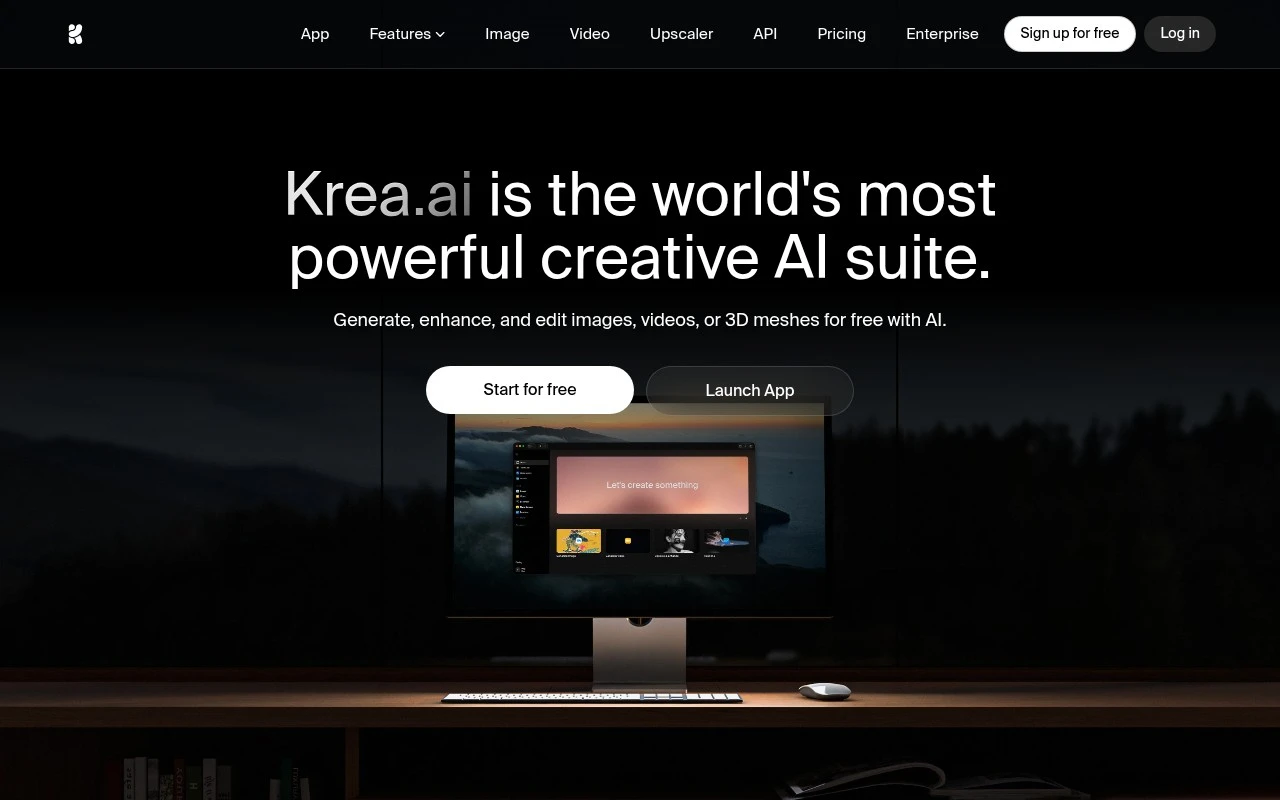
Krea AI differs by treating image generation as part of a browser-based AI creative workspace, so creators can iterate campaign visuals without jumping between separate tools. It is a strong fit for designers and visual teams that need repeatable aesthetics, since access to multiple models and LoRA fine-tuning can help keep outputs aligned to a brand or project style. Less suited to offline or tightly controlled production environments because it runs as a cloud workspace rather than a local or on-premise workflow.

View Krea AI

FYAI Score

8.7 / 10

Based on 158 reviews

Usage-based

Developers shipping Flux image generation via API in production

Hosted FLUX image generation is the reason Flux (fal.ai) belongs here: it lets developers add image creation to products without running their own GPU infrastructure. It fits product and ML teams building FLUX-powered features directly into an app or backend service. Less suited to nontechnical creative teams because it is developer-first and generally requires API integration rather than a simple no-code design workspace.

View Flux (fal.ai)

FYAI Score

8.3 / 10

FYAI rating based on features, pricing and integrations

How to choose

  • Prompt and reference control

    Check whether the tool supports text prompts, image references, style guidance, seed control, and negative prompts, because these determine how reliably you can steer the result.

  • Brand and style consistency

    Look for ways to reuse visual styles, product details, characters, or campaign direction so repeated generations do not drift away from the brand.

  • Editing and upscaling depth

    Judge whether the workflow includes inpainting, background changes, outpainting, object removal, and high-resolution exports if you need finished assets rather than rough concepts.

  • Production throughput

    For high-volume work, assess batch generation, saved presets, collaboration features, queues, and API options so the tool can support repeated asset creation.

  • Usage rights and safety controls

    Confirm commercial usage terms, content restrictions, watermarking, and provenance options, especially if the images will appear in public campaigns or client work.

Best for:

This category serves in-house design teams, performance marketers, content creators, creative producers, and developers building image generation into products or workflows. It is especially useful when teams need rapid concepting, branded campaign assets, mockups, or visual variants at scale. Less suited to photographers who need documentary accuracy, teams requiring fully verified provenance for every image, or specialists who need CAD-level precision.

FAQ

Frequently asked
questions

Common questions about choosing the right tool,
comparing options, and getting started.

What is the best AI tool to generate images?

The best choice depends on whether you need prompt quality, brand consistency, editing control, API access, or fast campaign production. Use the comparison on this page to match the tool to your workflow rather than choosing by name alone.

Are there free AI image generator tools?

Yes, some AI image generation tools offer free or freemium access. Free options usually come with limits such as credits, resolution, export rights, queue speed, or available editing features.

Is there a free AI image generator with no restrictions?

Usually no, because responsible image generators apply usage limits, safety rules, or export restrictions. If unrestricted use matters, check the tool's current terms, commercial rights, and content policy before relying on it.

Can an AI image generator create images from an existing image?

Yes, many image generation tools can use an existing picture as a reference for composition, style, pose, or variation. Look for image-to-image, inpainting, outpainting, and upscaling features if you want to edit rather than start from a blank prompt.

Every tool on FindyourAI is scored on the same independent criteria, not on who pays. We may earn a commission if you sign up through our links, at no cost to you.