Curated ToolThis tool is part of our curated AI directory. We only include tools that meet our standards for relevance, usability and real-world value.

Flux (fal.ai)

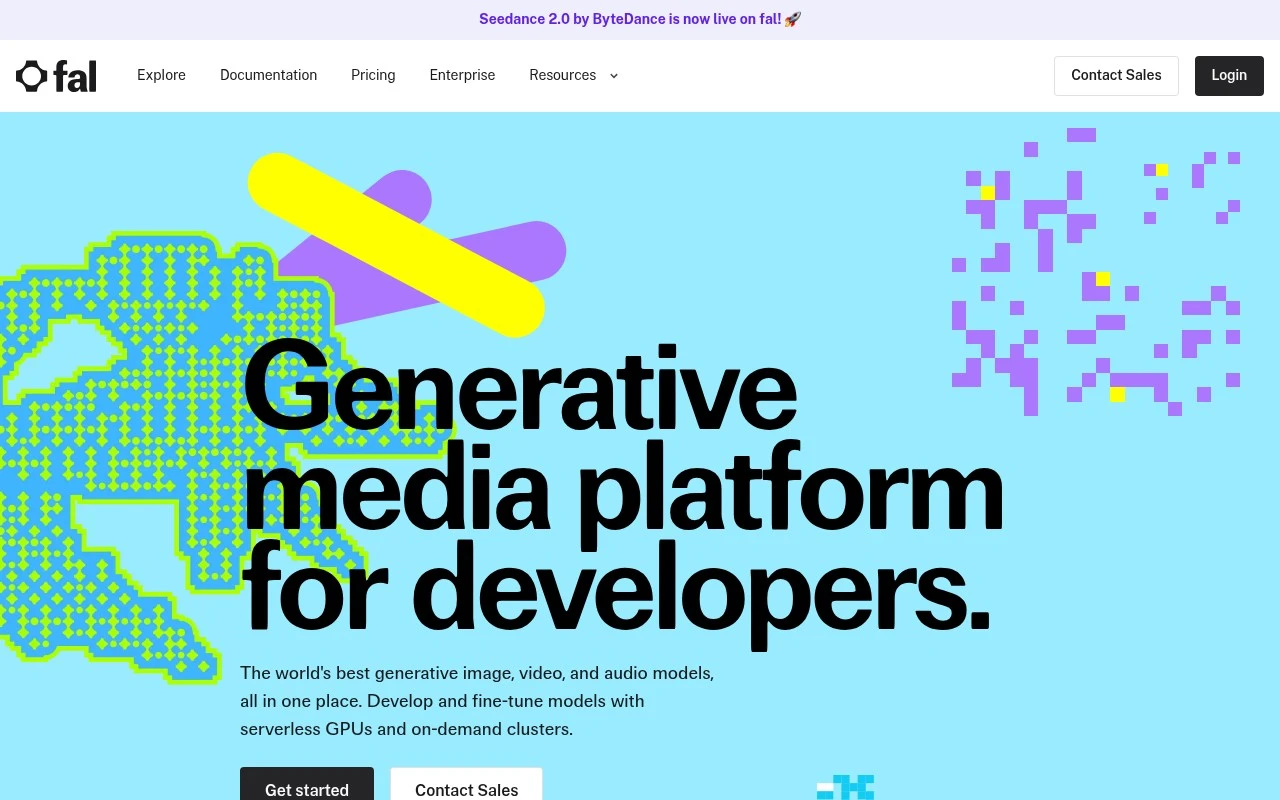
Flux (fal.ai) is an API-hosted implementation of FLUX text-to-image models that lets developers generate images from prompts and integrate image generation into applications.
AI Image Generator

FYAI Score

8.3 / 10

FYAI rating based on features, pricing and integrations

Pricing:

Usage-based

Best for:

Developers shipping Flux image generation via API in production

Score Breakdown

  • Ease of use7.6 / 10
  • Features8.4 / 10
  • Pricing8.6 / 10
  • Integrations8.6 / 10
  • Support8.7 / 10

PRODUCT PREVIEW

What this AI tool does

Flux (fal.ai) is a developer-focused way to use FLUX image-generation models through fal.ai’s hosted generative media platform. It gives teams API access to high-quality image generation without requiring them to provision GPUs, maintain inference servers, or build their own model-serving infrastructure. Flux (fal.ai) is for developers, product teams, creative software companies, and AI-native startups that want to generate images inside real applications rather than experiment only in a standalone prompt interface. For developers, the value is less about a single image tool and more about production access to powerful media models. The platform wraps FLUX models in APIs, serverless GPU inference, and integration patterns that fit modern software workflows. That makes it suitable for teams adding text-to-image, image editing, visual asset creation, or personalised generation features to their own products. The core appeal is speed from prototype to deployment. Instead of testing a model locally, securing GPU capacity, optimising cold starts, and monitoring inference performance, teams can call hosted endpoints and focus on the user experience they are building. Flux (fal.ai) is best at making advanced image generation practical for application builders who need reliability, scalability, and model access in one place. Creative teams can use the same foundation to support brand assets, concept art, social visuals, product mockups, game assets, or marketing experiments. The important difference is that the generation layer can be embedded into an existing workflow, such as a web app, design assistant, commerce tool, or internal content system. This positions the tool as infrastructure for creative products, not just another destination where users type prompts and download outputs. Model access is also part of the story. fal.ai’s broader model gallery lets teams work with multiple generative media models while using a consistent developer platform, which is useful when requirements change or when a product needs more than one type of generation. Within that environment, FLUX models are especially relevant for teams that care about prompt following, visual fidelity, and flexible image creation. Compared with running open-weight models independently, the platform reduces operational burden. GPU orchestration, scaling, queueing, inference optimisation, and deployment maintenance are difficult to justify for many teams unless model infrastructure is their core business. Flux (fal.ai) gives those teams a way to build with modern image-generation models while avoiding much of the overhead normally associated with production GPU systems. In practice, the tool fits companies building AI image features into SaaS products, creative editors, marketplaces, automation tools, media pipelines, or custom internal applications. A developer can use it to generate images from prompts, power user-facing creative controls, or connect generation to business logic through an API. Product teams can experiment quickly, then keep the same infrastructure path as usage grows. The result is a pragmatic bridge between cutting-edge image models and real software delivery. Flux (fal.ai) is not simply an image generator, it is a hosted development layer for bringing FLUX-based generation into products at scale. Its character is technical, API-first, and production-minded, which makes it most compelling for teams that need image AI to become part of a system rather than remain a separate creative toy.

Use cases

Best for

Text to Image API

Generate images from text prompts by calling the hosted FLUX image generation API on fal.ai.

App Image Generation Integration

Use fal APIs and SDKs to embed FLUX image generation into apps, bots, creative tools, or media workflows.

Scalable GPU Inference Hosting

Scale generative media inference or deploy supported custom model endpoints on fal serverless GPU infrastructure.

ANALYSIS

Strengths & limitations

Strengths
  • Best suited to developers and ML teams because hosted APIs and serverless GPU inference remove the need to operate a dedicated image-generation infrastructure stack.
  • Strong fit for product teams building FLUX-powered image features because fal.ai provides programmatic access that can be integrated directly into apps, workflows, and backend services.
  • Useful for teams experimenting across generative media because the platform combines FLUX access with a broader model gallery, making it easier to test and switch between supported models.

Limitations
  • Less suitable for nontechnical creative teams because it is developer-first and generally requires API integration rather than offering a simple no-code design workspace.
  • Usage-based pricing can become harder to predict at scale because costs grow with generation volume, testing intensity, and production traffic.
  • Less suitable for teams that need full infrastructure control or on-premise deployment because using FLUX through fal.ai creates a dependency on fal.ai’s hosted platform and API environment.

Evaluation

FYAI score breakdown

Our structured evaluation across five key criteria

8.3 / 10

Overall score

FYAI rating based on features, pricing and integrations

  • Ease of use7.6 / 10
  • Features8.4 / 10
  • Pricing8.6 / 10
  • Integrations8.6 / 10
  • Support8.7 / 10

What users say

Findings from public reviews, documentation and community sources.

  • Ease of use

    The fal.ai docs describe a developer workflow where users pick a model, get an API key, and make a request in “Three lines of code, no infrastructure to manage.” The fal.ai docs also note a Sandbox for comparing models before committing.

  • Features

    The fal.ai homepage says it offers “1,000+ production ready image, video, audio and 3D models,” with unified APIs, fine-tuning/deployment options, private endpoints, and serverless GPUs. Reddit discussion of the Flux trainer notes “1000 steps and max 32 Rank.”

  • Pricing

    The fal.ai pricing page lists GPU hourly rates such as H100 “as low as $1.89/hr” and image model output pricing such as “Flux Kontext Pro” at “$0.04” per image. Reddit sentiment on Flux training includes one user saying “Fal's training costs $2 for 2 minutes of runtime” and produced weaker LoRAs for their use case.

  • Integrations

    The supplied integration evidence states “REST API for platform-agnostic integration.” fal.ai positions itself as a way developers integrate “dozens of generative media models.”

  • Support

    The fal.ai docs include “Documentation,” “Examples,” “Model API Reference,” and “SDK Reference.” The fal.ai homepage lists enterprise-oriented “24/7 priority support.”

Who is this for?

Best for developers building generative-media workflows, the fal.ai docs describe picking a model, getting an API key, and making a request in “Three lines of code, no infrastructure to manage.” Less suited to users who want a broad design-app plugin marketplace, the integration evidence centers on a “REST API for platform-agnostic integration” and “dozens of generative media models,” so the workflow is API-led.

PRODUCT PREVIEW

Feature highlights

Flux API Inference

Call FLUX models via hosted APIs for fast, reliable image generation.

Serverless GPU Runs

Scale GPU inference on demand without managing infrastructure.

Model Gallery Access

Browse and swap models quickly to iterate on quality and style.

COMPARE

Discover curated alternatives worth comparing

Compare similar AI tools based on features, pricing and use cases

7.2/ 10Based on 2,027 reviews

Pixa

AI Image Generator
Edits and creates pixel-art images in a visual canvas editor
Best for:
Designers
Pricing
Freemium

8.2/ 10Based on 193 reviews

Uizard

UI/UX Design
Converts prompts, screenshots, and sketches into UI prototypes
Best for:
Product teams
Pricing
Freemium

8.2/ 10Based on 56,265 reviews

Topaz Labs

Image UpscalerPhoto Editing
Enhances photos and videos with upscaling, denoising, sharpening
Best for:
Designers
Pricing
Paid only

Create on-brand campaign visuals in minutes instead of days. See why teams choose Flux (fal.ai) to ship more creative, faster.

FAQ

Frequently asked
questions

Everything you need to know about this AI tool,
its features, pricing, use cases, and limitations.

Who is Flux (fal.ai) best suited for?
Flux (fal.ai) is best suited to developers, product teams, and ML engineers adding FLUX-based image generation to software products. It is designed for API-driven workflows, such as apps, bots, creative tools, and media pipelines, rather than for users who want a standalone visual image editor.
Is Flux (fal.ai) free, and what pricing limits should I expect?
Flux (fal.ai) uses a usage-based pricing model, so costs are tied to how much inference you run. Teams should review fal.ai’s current pricing, quotas, model availability, and any account limits before production use, especially if image volume, latency, or budget predictability are important.
How does Flux (fal.ai) compare with other image generation APIs?
Flux (fal.ai) is strongest when you want hosted API access to FLUX models without managing GPUs or model serving yourself. Compared with similar tools, the right choice depends on model quality needs, latency, customization options, developer experience, compliance requirements, and total usage cost.
How quickly can a developer set up Flux (fal.ai)?
The main trade-off with Flux (fal.ai) is that you rely on fal.ai’s hosted infrastructure, model availability, and platform pricing instead of controlling the full stack yourself. It is also developer-focused, so non-technical users may find it less suitable than a simple image editing or design application.
What should teams check about privacy and compliance before using Flux (fal.ai)?
Teams should review fal.ai’s current data handling, retention, access control, and compliance terms before sending sensitive prompts or generated media through Flux (fal.ai). Buyers with stricter requirements should also evaluate private endpoint and enterprise deployment options, security documentation, contractual terms, and whether internal approval is needed.