Curated ToolThis tool is part of our curated AI directory. We only include tools that meet our standards for relevance, usability and real-world value.

Uipath

Automates workflows with AI agents, robots, and document processing

Workflow AutomationIntegration Automation
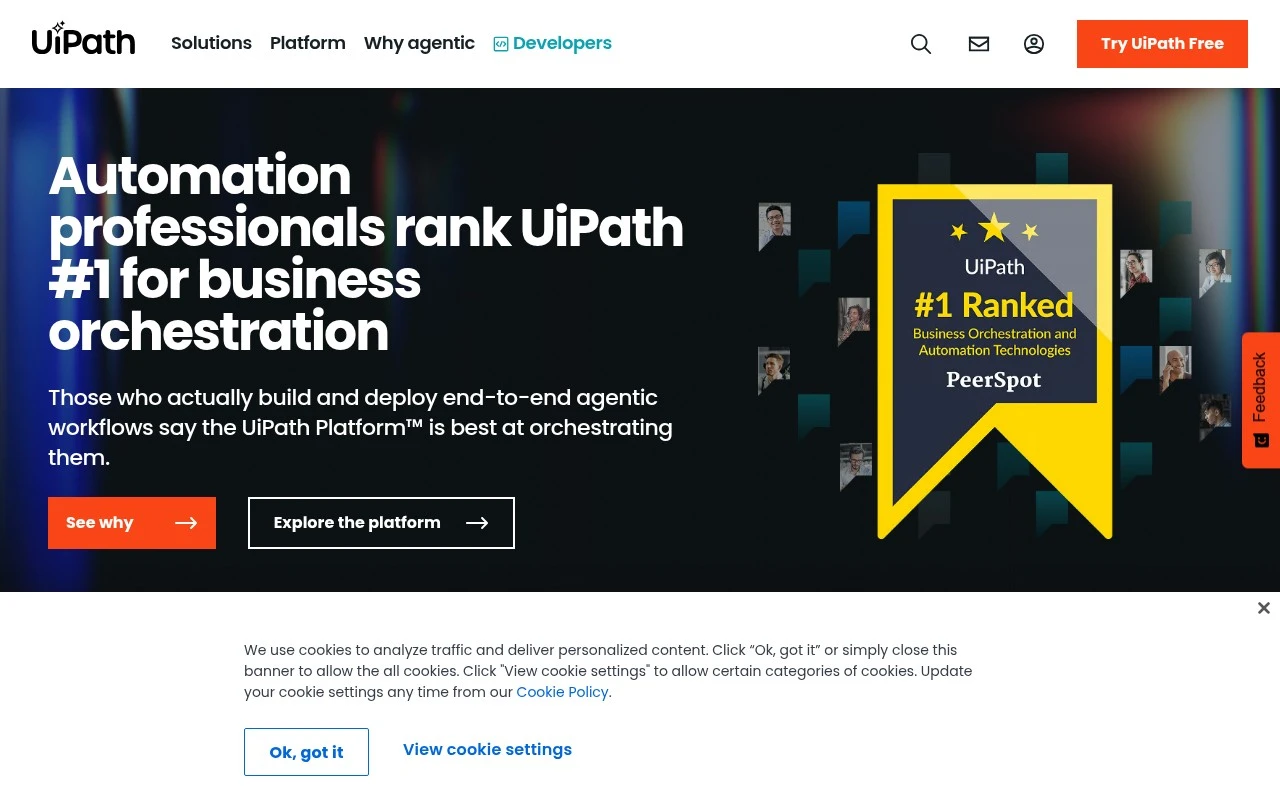
Uipath is a business orchestration and automation platform centered on enterprise RPA, agentic AI, and workflow governance. It lets organizations combine robots, AI agents, third-party agents, UI automations, APIs, and human workers to automate complex operational processes at scale.

FYAI Score

8.9 / 10

Based on 7.771 reviews

Pricing:

Freemium

Best for:

Enterprise automation and CoE teams scaling RPA and AI workflows

Score Breakdown

  • Ease of use9.0 / 10
  • Features9.4 / 10
  • Pricing8.1 / 10
  • Integrations9.3 / 10
  • Support8.7 / 10

PRODUCT PREVIEW

What this AI tool does

Uipath is a software platform used to build and run automations that mimic routine actions people perform on computers, such as moving data between applications, filling out forms, or generating reports. It is commonly used in business settings to reduce manual effort on repetitive, rules-based tasks and to improve consistency in how those tasks are completed. In practice, teams use it to design workflows, connect to common enterprise systems, and schedule or monitor automated runs. It can be applied to areas like finance operations, customer support, HR administration, and IT processes, especially where work involves structured steps and predictable inputs. This page provides an informational overview of what the tool is for and the kinds of problems it is typically used to solve, helping readers understand whether it fits their automation needs and how it may integrate into existing processes.

Use cases

Best for

Workflow Automation

Uipath orchestrates end to end workflows by coordinating robots, AI agents, and human approvals with governance in Orchestrator.

Document Automation

Automate document intake by extracting fields with Document Understanding and routing exceptions to human validation steps.

Integration Automation

Automate integrations by connecting apps via APIs, UI automation, and connectors, then triggering actions from events and queues.

ANALYSIS

Strengths & limitations

Strengths
  • Covers both traditional RPA and newer agentic AI workflow orchestration.
  • Built for enterprise governance, including role-based access, monitoring, audits, and compliance controls.
  • Targets real operational processes in regulated and high-volume industries such as banking, healthcare, insurance, government, and manufacturing.
Limitations
  • Best suited to enterprise automation programs rather than simple personal productivity automation.
  • Successful use typically requires process analysis, implementation effort, and governance across business and IT teams.
  • The platform scope can be broad, so buyers may need review to identify which UiPath modules are actually required.

Evaluation

FYAI score breakdown

Our structured evaluation across five key criteria

8.9 / 10

Overall score

Based on 7.771 reviews

  • Ease of use9.0 / 10
  • Features9.4 / 10
  • Pricing8.1 / 10
  • Integrations9.3 / 10
  • Support8.7 / 10

What users say

Findings from public reviews, documentation and community sources.

  • Ease of use

    SoftwareAdvice summarizes UiPath user feedback as “extremely user-friendly and simple to use, even for inexperienced users,” alongside a 4.6/5 rating from 723 reviews.

  • Features

    UiPath’s pricing page describes an enterprise automation platform covering agents, robots, API workflows, document and communications processing, and human-in-the-loop workflows. UiPath’s pricing page also references cloud or on-prem deployment.

  • Pricing

    UiPath’s pricing page lists the Basic plan as starting at $25 per month, while Standard and Enterprise are “Contact Sales for pricing.” UiPath’s pricing page explains tier differences across Basic, Standard, and Enterprise.

  • Integrations

    UiPath documentation describes Integration Service for “standardized authentication and API connection management.” UiPath names ecosystem partners including Google, Microsoft, Databricks, NVIDIA, Snowflake, and Salesforce, and UiPath provides a Marketplace for integrations, activities, snippets, workflows, and connectors.

  • Support

    UiPath’s pricing page lists tiered support, with Basic including “UiPath Bronze Support.” G2 lists UiPath at 4.6/5 from 7,771 reviews.

Who is this for?

Best for enterprise teams building automation across multiple work types, UiPath’s pricing page describes agents, robots, API workflows, document and communications processing, and human-in-the-loop workflows in the platform. Less suited to teams that need upfront pricing for scaled business use, UiPath’s pricing page lists Basic starting at $25 per month, while Standard and Enterprise are “Contact Sales for pricing,” so budgeting beyond Basic requires a sales conversation.

PRODUCT PREVIEW

Feature highlights

Enterprise RPA

Build and run attended and unattended robots across business apps.

Process Orchestration

Coordinate bots, AI agents, APIs, and humans in one workflow.

Governance & Control

Manage access, audit trails, and compliance for automation at scale.

COMPARE

Discover curated alternatives worth comparing

Compare similar AI tools based on features, pricing and use cases

9.0/ 10Based on 3.056 reviews

Zapier

Workflow AutomationIntegration Automation
Connects apps to automate multi-step workflows and actions
Best for:
Operations teams
Pricing
Freemium

8.6/ 10Based on 779 reviews

Workato

Workflow AutomationIntegration Automation
Orchestrates workflows across business apps via MCP integrations
Best for:
IT & Security teams
Pricing
Free trial

8.4/ 10Based on 158 reviews

Tray.io

Workflow AutomationData & Spreadsheet
Build AI agents and automate workflows via governed connectors
Best for:
IT & Security teams
Pricing
Free trial

See why teams choose Uipath to eliminate busywork and speed up operations. Start automating key processes today and free people for higher-value work.

FAQ

Frequently asked
questions

Everything you need to know about this AI tool,
its features, pricing, use cases, and limitations.

What types of automation is Uipath a good fit for, and when should I consider another tool?
Uipath is a strong fit for enterprise RPA use cases like invoice processing, claims handling, report generation, and cross-application workflows that involve legacy systems or UIs. It’s often chosen when you need attended/unattended bots, centralized orchestration, and strong governance. If your work is mainly API-based integration or event-driven workflows, an iPaaS or workflow automation tool may be simpler and cheaper.
Does Uipath have a free plan, and what are the practical limitations compared to paid tiers?
Uipath offers free options for learning and limited personal use (commonly via Studio/StudioX Community), but they typically restrict production deployment, enterprise governance, and support. Paid tiers add Orchestrator capabilities, scalable robot management, role-based access controls, and commercial support. If you need multiple bots, production SLAs, or compliance controls, you’ll likely end up on a paid plan.
How does Uipath compare with Automation Anywhere, Blue Prism, and Microsoft Power Automate?
Compared with Automation Anywhere and Blue Prism, Uipath is often perceived as easier to build and iterate on, with a large ecosystem of activities and community resources, while all three can handle enterprise RPA. Power Automate can be more cost-effective for Microsoft-centric environments and API-first automations, but desktop/UI automation at scale may require additional components and careful licensing. Your decision usually comes down to governance needs, existing stack, and total cost for the number of bots you plan to run.
How quickly can a team get Uipath running, and what onboarding effort should I expect?
Licensing can become expensive as you scale robots, environments, and add-ons, so cost modeling matters early. UI-based automations can be brittle when applications change, which increases maintenance overhead unless you invest in robust selectors and testing. Complex workflows may still require experienced developers, especially when dealing with custom code, queues, and advanced error handling.
What should I know about data handling, privacy, and compliance when using Uipath?
Uipath can be deployed on-premises or in the cloud, which affects where logs, artifacts, and credentials are stored and how you meet residency requirements. Review how Orchestrator handles audit logs, role-based access, and credential storage (often via integrated vault options) to align with your internal controls. For regulated data, validate encryption, retention policies, and whether any telemetry or support diagnostics leave your environment.