Curated & independently scored by FindyourAI

Best AI Document Automation Tools

Reviewed by Leon ToesetUpdated October 2026
Compare document automation tools for proposals, contracts, PDFs, approvals, and enterprise workflows, with curated picks and buying criteria for teams.
201 tools reviewed · 36 use cases · 5 top picks · Updated weekly

Works well forSales TeamsHR TeamsLegal TeamsAutomation TeamsIT Operations

Overview

Document automation tools create, route, approve, and store documents such as contracts, proposals, HR forms, and PDFs with less manual copying and rework. Sales, legal, HR, finance, and operations teams use them when repeatable documents need accurate data, consistent templates, and reliable handoffs. FindyourAI scores every tool against the same criteria and only lists the options that fit this job, rather than turning the page into an exhaustive catalogue.

Freemium

Sales, HR, and legal teams managing high-volume agreements

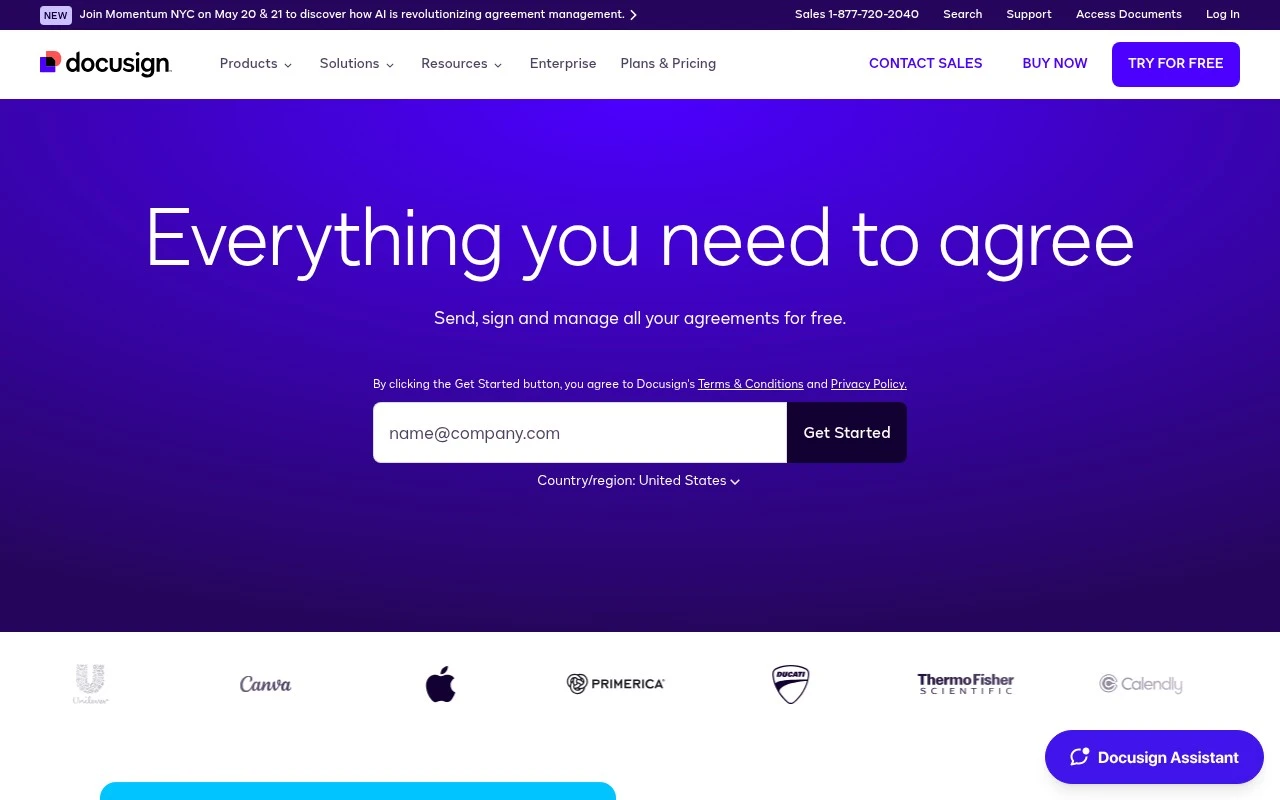
DocuSign is strong for document automation when recurring agreements need to move from templates into governed approval flows without each team rebuilding the process by hand. It is best understood as an e-signature-led agreement management platform, making it a good fit for larger sales, HR, or legal operations managing high-volume agreements. Less suited to individuals or very small teams that only need occasional signatures because the broader agreement platform can add more administration than they need.

View DocuSign

FYAI Score

8.9 / 10

Based on 9,388 reviews
Freemium

Sales and revenue teams managing proposals, quotes, and contracts

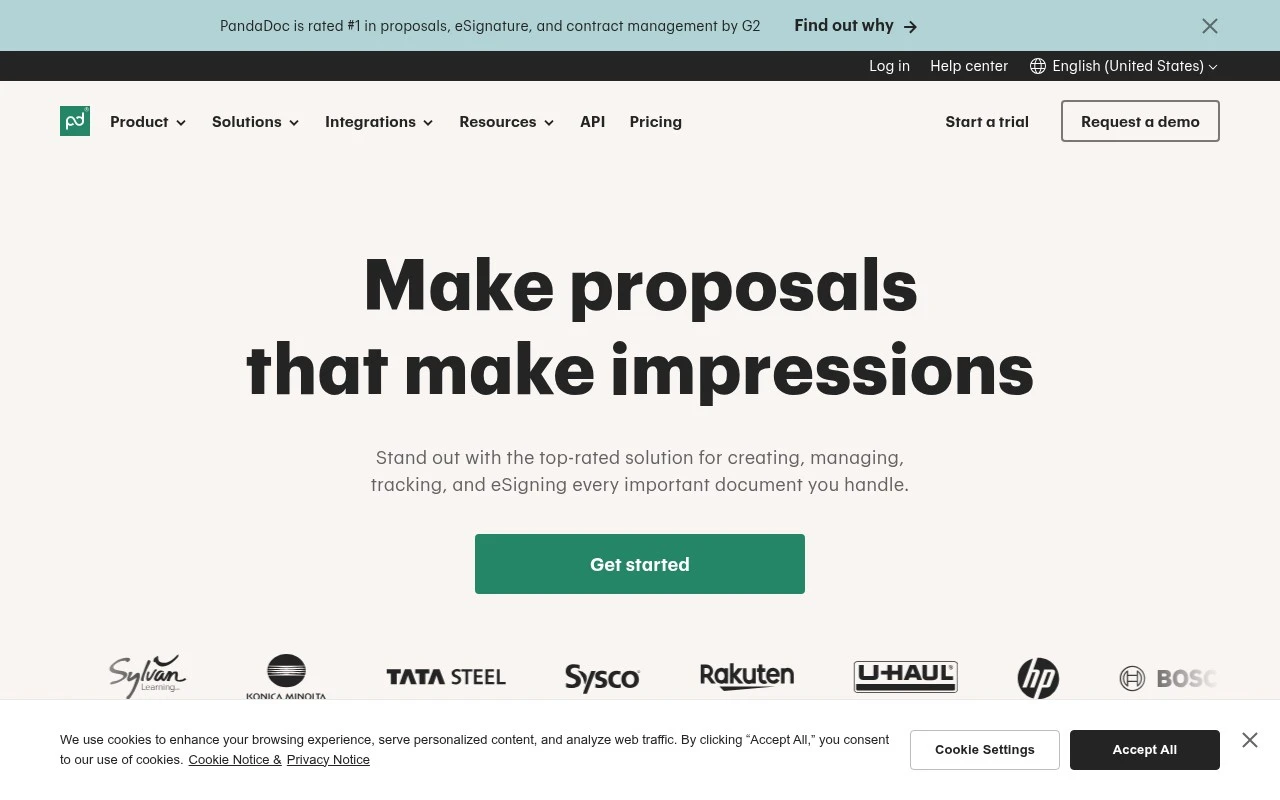
Revenue teams that need repeatable sales paperwork tied to deal progress are the strongest fit for PandaDoc, a sales agreement workflow platform that helps standardize how documents move from draft to sign-off. It works well for CRM-led sales operations because document activity and approvals can stay connected to the sales process rather than being handled as separate admin. Less suited to very small teams producing simple one-off documents because its workflow structure can add setup they may not need.

View PandaDoc

FYAI Score

8.9 / 10

Based on 3,592 reviews

Freemium

Enterprise automation and CoE teams scaling RPA and AI workflows

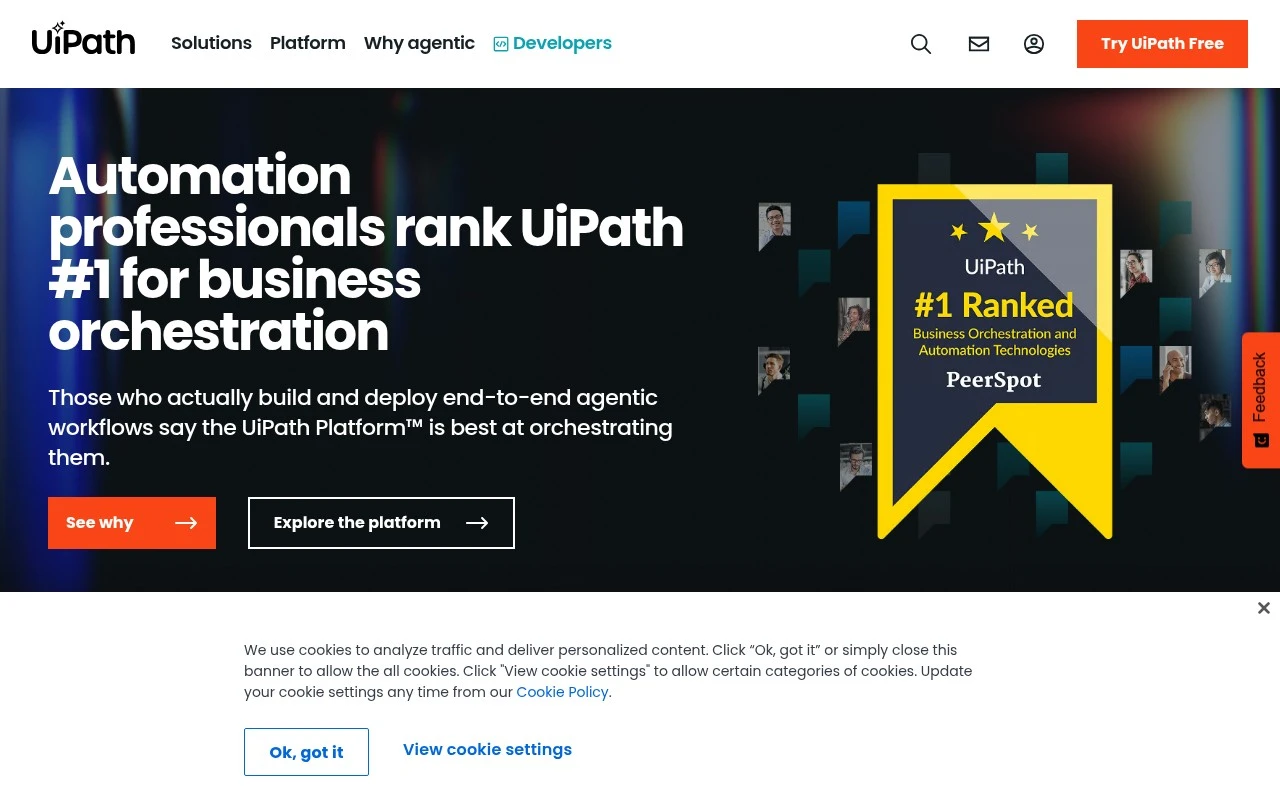
Uipath is an enterprise RPA platform, and it belongs on a document automation shortlist when documents are part of larger operational processes rather than isolated file generation. It is strongest for large organisations whose document work crosses systems and approvals, because it can coordinate software robots and human handoffs under one automation programme. It fits automation CoEs and operations teams standardising document-heavy processes across departments. Less suited to small teams with simple workflow needs because the enterprise platform scope can create more overhead than they are likely to need.

View Uipath

FYAI Score

8.9 / 10

Based on 7,771 reviews

Freemium

IT and operations teams standardizing workflows across Microsoft 365

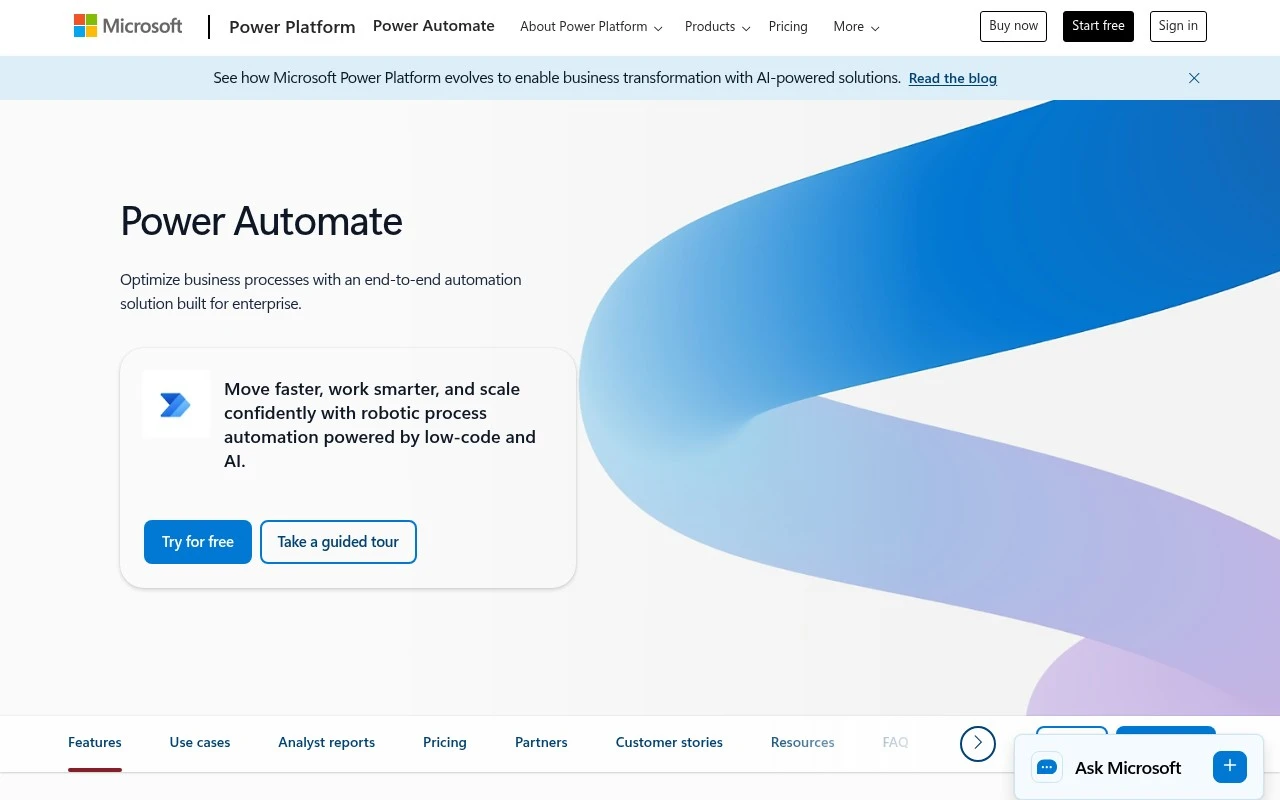
When a contract needs approval and filing without someone chasing every handoff, Microsoft Power Automate can turn that document process into a governed flow across Microsoft 365. It is a Microsoft 365-centred workflow automation platform, so it fits enterprise IT and operations teams that want document steps to connect with the systems employees already use. Less suited to teams outside the Microsoft ecosystem because the strongest administration model and day-to-day experience are tied to Microsoft 365 and the Power Platform.

View Microsoft Power Automate

FYAI Score

8.5 / 10

Based on 238 reviews

Freemium

Enterprise automation teams modernizing mission-critical processes

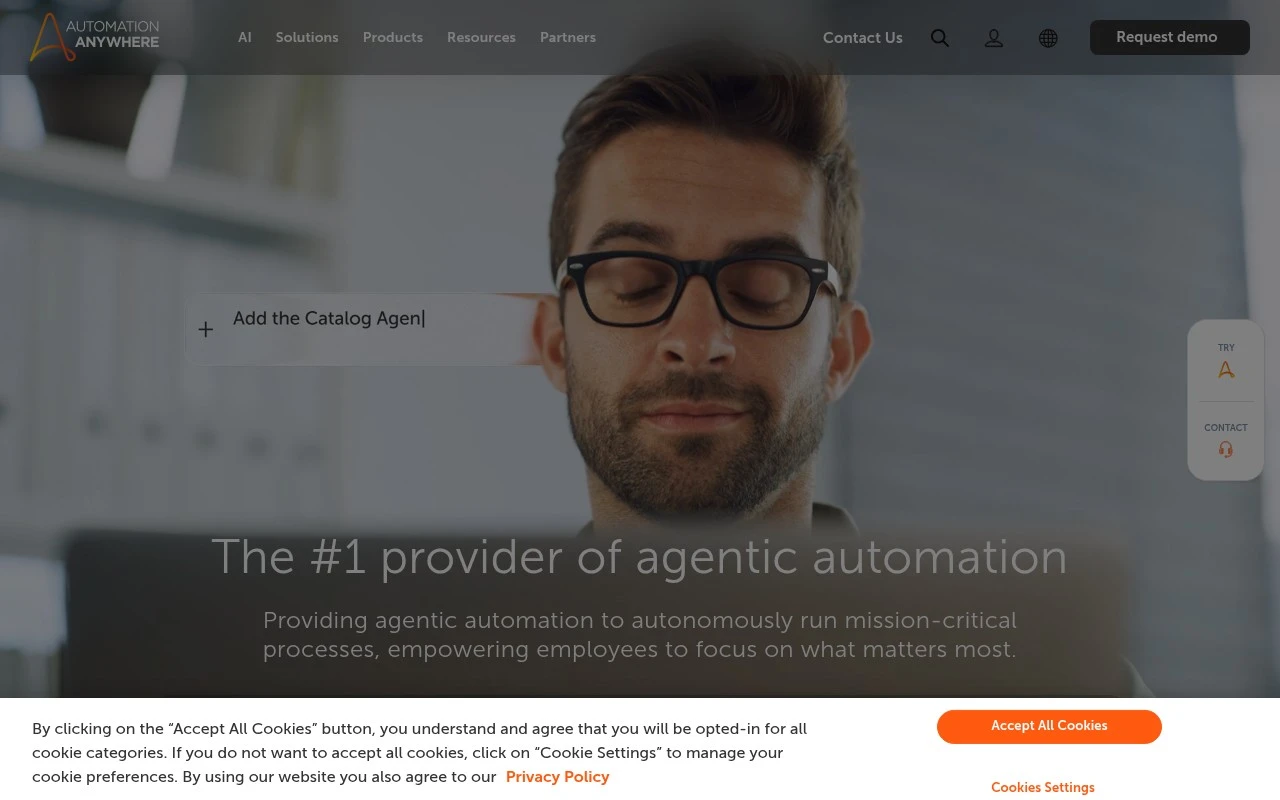
Automation Anywhere differs by treating document automation as one piece of enterprise process automation, not as a standalone document builder. As an enterprise automation platform, it fits large organisations and established automation teams that need document-heavy work to run through governed, mission-critical processes at scale. Less suited to small teams or simple document tasks because its enterprise scope can be heavier than they need.

View Automation Anywhere

FYAI Score

8.4 / 10

Based on 5,598 reviews

How to choose

  • Template And Clause Control

    Look for reusable templates, conditional sections, field mapping, and version controls so recurring documents stay accurate without manual edits.

  • Approval And Signature Routing

    Check whether the tool can route documents to the right reviewers, capture approvals, and hand off to e-signature or contract completion steps.

  • PDF And Output Handling

    Confirm the tool can create the formats your process needs, such as editable drafts, final PDFs, signed copies, and audit-ready archives.

  • Business System Integrations

    Evaluate connections to CRM, HR, ERP, finance, storage, and productivity systems because document automation depends on reliable data moving between tools.

  • Governance And Auditability

    For contracts, HR records, and regulated workflows, review permissions, audit trails, retention settings, and controls for sensitive document data.

Best for:

This page is for sales teams building proposals and quotes, HR teams issuing employee documents, legal teams managing agreements, and automation teams standardizing document-heavy workflows. It also fits IT and operations leaders connecting document steps across CRM, ERP, HR, and Microsoft 365 systems. Less suited to solo users who only need occasional one-off documents or teams looking mainly for a general file storage system.

FAQ

Frequently asked
questions

Common questions about choosing the right tool,
comparing options, and getting started.

What is the best AI tool for document automation?

The best choice depends on your document type, approval complexity, integrations, and compliance needs. Use the comparison on this page to match each tool to sales documents, contracts, HR forms, or enterprise workflow automation.

Are there free document automation tools?

Yes, some document automation tools offer free or freemium access. Free options are useful for evaluation, while larger teams should check limits around templates, users, routing, and integrations.

Can document automation tools generate PDFs?

Yes, many document automation tools can generate PDFs from templates and structured data. Buyers should check whether they need editable drafts, locked final PDFs, e-signature-ready files, or archived document packages.

Can Microsoft Power Automate automate documents?

Yes, Microsoft Power Automate can support document workflows across Microsoft 365 and connected business systems. It is often used to trigger approvals, move files, update records, and connect document steps between apps.

Every tool on FindyourAI is scored on the same independent criteria, not on who pays. We may earn a commission if you sign up through our links, at no cost to you.