
Curated ToolThis tool is part of our curated AI directory. We only include tools that meet our standards for relevance, usability and real-world value.
Microsoft Power Automate
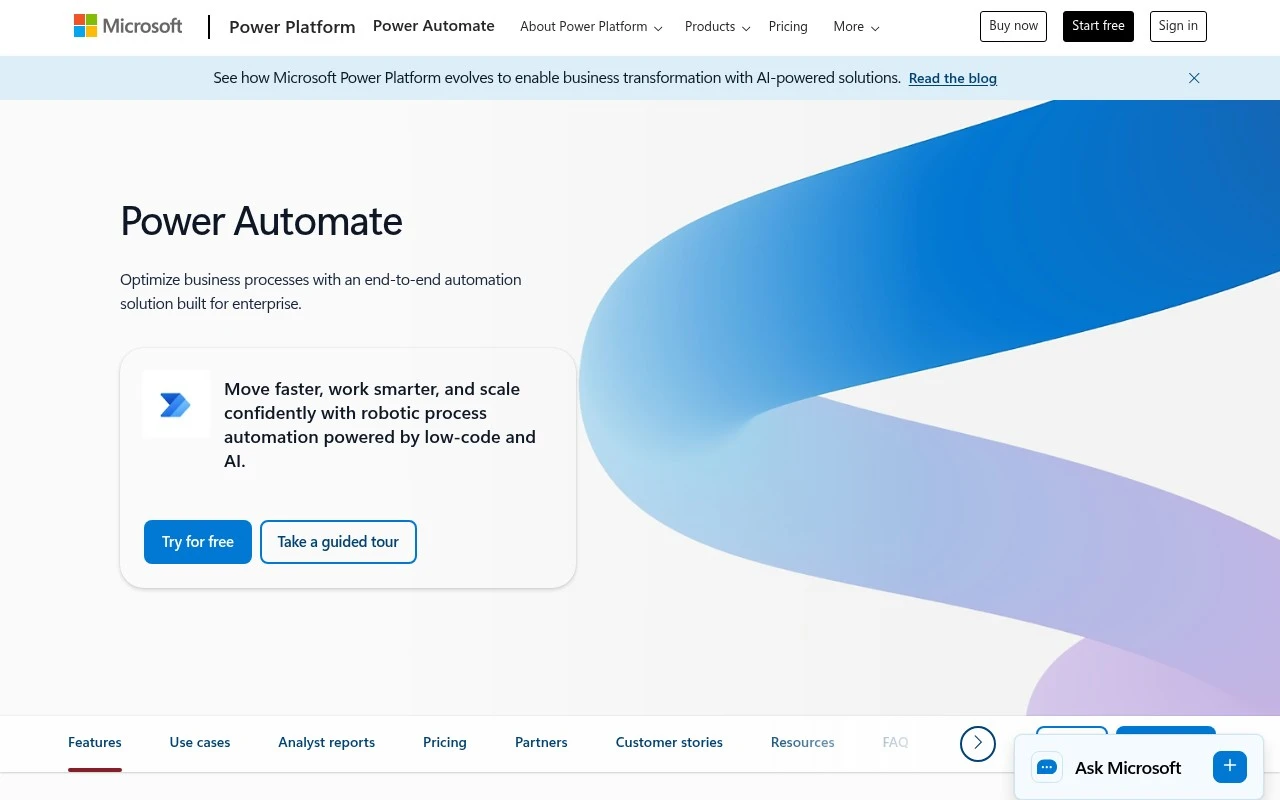
Microsoft Power Automate is a cloud-based workflow automation service for creating flows that automate tasks across Microsoft 365, Dynamics 365, and third-party apps. It supports event-triggered workflows, approvals, data synchronization, and robotic process automation for desktop processes.
Workflow AutomationDocument Processing
FYAI Score
8.5 / 10
Based on 238 reviews
Pricing:
Freemium
Best for:
IT and operations teams standardizing workflows across Microsoft 365
Score Breakdown
- Ease of use7.5 / 10
- Features9.2 / 10
- Pricing8.5 / 10
- Integrations9.3 / 10
- Support8.1 / 10
 | Strengths |
-
 Best suited to Microsoft 365 and Azure-centred organisations because it connects deeply with Microsoft apps while also offering more than 1,000 connectors for external systems.
 -
Strong fit for enterprise automation teams because it combines cloud workflows, desktop RPA, approvals, document processing, process mining, and API orchestration in one platform.
-
Useful for mixed business and IT teams because low-code flow building, Copilot assistance, monitoring, and governance controls let non-developers contribute while IT keeps oversight.
 | Limitations |
-
 Less suitable for teams outside the Microsoft ecosystem because the strongest experience, governance model, and administration patterns are closely tied to Microsoft accounts, Power Platform, and Microsoft 365.
 -
Can be heavier than small teams need because enterprise-grade environments, permissions, connectors, desktop automation, and governance policies add setup and maintenance overhead.
-
Freemium access can become limiting for advanced automation because premium connectors, higher-volume usage, AI features, and RPA scenarios typically require paid licensing.
Feature highlights
1,000+ connectors
Automate across Microsoft 365, SaaS apps, custom APIs, and data.
RPA desktop flows
Automate legacy apps and websites with attended or unattended RPA.
Governance & monitoring
Control access, audit runs, and monitor automation at scale.
Compared in

 | 9.0/ 10FYAI score |
Composio
Workflow AutomationIntegration Automation
Connects agents to apps, selects tools, runs sandboxed tasks
Best for: | Software developers |
Pricing | Freemium |
 | 8.2/ 10FYAI score |
Tasklet
Workflow AutomationIntegration Automation
Builds no-code AI agents to automate workflows across apps
Best for: | Operations teams |
Pricing | Paid |
 | 9.0/ 10Based on 3,056 reviews |
Zapier
Workflow AutomationIntegration Automation
Connects AI agents to apps, automates workflows, adds IT control
Best for: | Operations teams |
Pricing | Freemium |