Curated ToolThis tool is part of our curated AI directory. We only include tools that meet our standards for relevance, usability and real-world value.

Automation Anywhere

Automates and orchestrates enterprise workflows using AI agents and RPA.

Workflow AutomationIntegration Automation

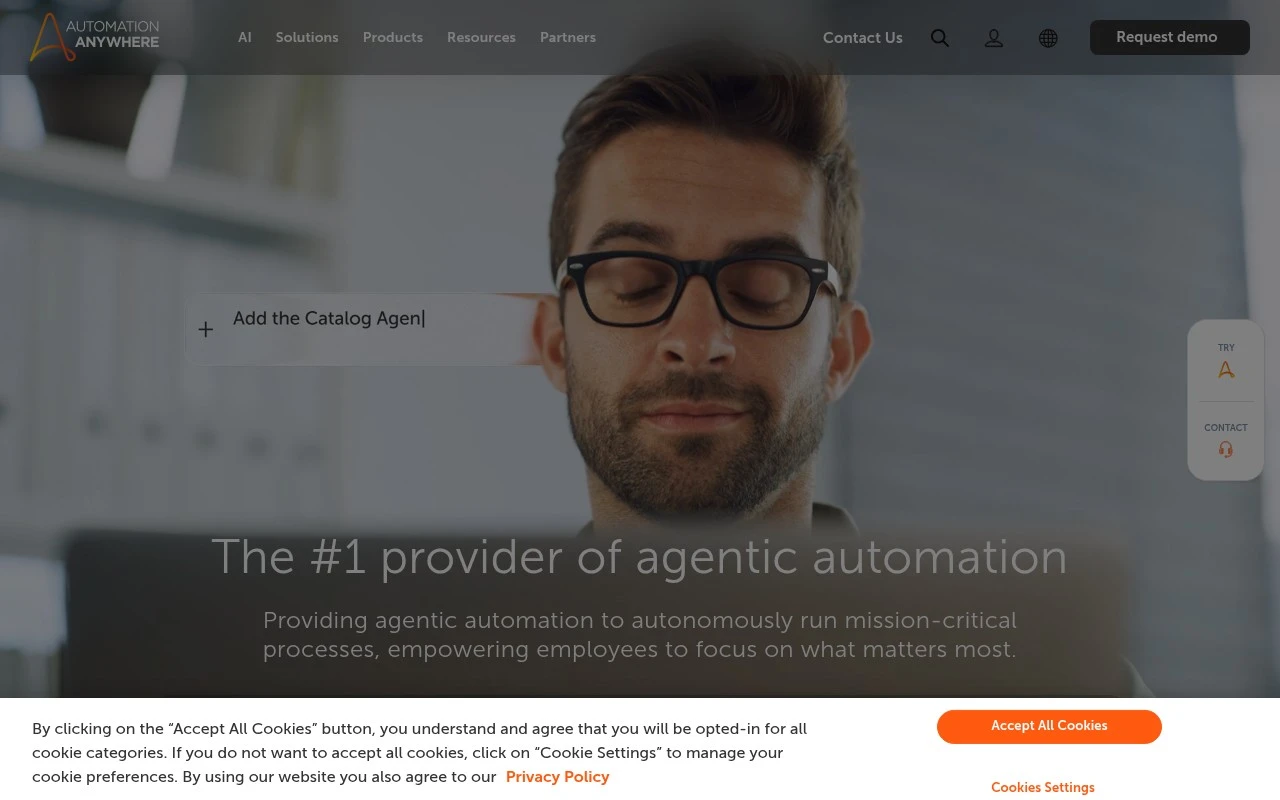
Automation Anywhere is an enterprise automation platform focused on agentic process automation, combining AI agents, traditional RPA, workflow orchestration, and governance for large-scale business processes. Its official positioning emphasizes secure end-to-end automation for mission-critical operations, with industry-specific solutions and pre-built AI agents for functions such as IT, finance, healthcare, financial services, and manufacturing.

FYAI Score

8.4 / 10

Based on 5.598 reviews

Pricing:

Freemium

Best for:

Enterprise automation teams modernizing mission-critical processes

Score Breakdown

  • Ease of use8.3 / 10
  • Features8.8 / 10
  • Pricing7.5 / 10
  • Integrations8.8 / 10
  • Support9.0 / 10

PRODUCT PREVIEW

What this AI tool does

Automation Anywhere is an AI and automation platform designed to help organizations build and run software bots that handle repetitive, rules-based work. It’s commonly used to streamline tasks that move data between systems, validate information, generate routine reports, or support customer and back-office operations, reducing the need for manual copy-and-paste workflows. In practice, teams use the platform to design automations, connect to business applications, and monitor how those automations perform over time. It can be relevant for IT, operations, finance, and support teams that want more consistent execution of standard processes while keeping oversight and governance in place. This page provides an informational overview of what automationanywhere is used for, the kinds of workflows it can automate, and the typical considerations when evaluating it for a process automation initiative.

Use cases

Best for

Workflow Automation

Automate end to end business workflows by orchestrating AI agents and RPA bots with approvals, schedules, and governance controls.

Document Automation

Use Automation Anywhere to extract fields from invoices and forms with AI document processing, then validate and route the data to systems.

Integration Automation

Connect apps by triggering automations from APIs, queues, and events, and syncing data between ERP, CRM, and ITSM platforms.

ANALYSIS

Strengths & limitations

Strengths
  • Built for enterprise-scale automation rather than only individual task automation.
  • Combines RPA, AI agents, process orchestration, and governance in one platform.
  • Targets regulated and complex environments with stated certifications and compliance support such as ISO, SOC, HIPAA, and HITRUST references.
Limitations
  • Likely more suitable for enterprise automation programs than small teams seeking lightweight workflow tools.
  • The official site is heavily positioned around agentic AI, so buyers may need a demo or technical review to understand exact implementation details.
  • Pricing and deployment specifics are not clearly described in the provided site content.

Evaluation

FYAI score breakdown

Our structured evaluation across five key criteria

8.4 / 10

Overall score

Based on 5.598 reviews

  • Ease of use8.3 / 10
  • Features8.8 / 10
  • Pricing7.5 / 10
  • Integrations8.8 / 10
  • Support9.0 / 10

What users say

Findings from public reviews, documentation and community sources.

  • Ease of use

    G2 summarizes Automation Anywhere as “easy to use,” says it “integrates well with other tools,” and notes reliable performance for larger workflows. Software Advice notes AA 360 is “easy to install, use & implement.”

  • Features

    Automation Anywhere’s homepage positions the product as an enterprise agentic process automation platform combining “AI, Automation, and RPA” for “secure end-to-end enterprise” automation. Automation Anywhere’s homepage references a Process Reasoning Engine, pre-built AI agents, industry solutions, and governance/trust certifications.

  • Pricing

    Software Advice lists Automation Anywhere with a starting price of “$9,000.00 per year” and also lists “Free Trial” and “Free Version.”

  • Integrations

    Automation Anywhere describes its integrations as a “robust ecosystem of pre-built connectors, packaged APIs, and iPaaS integrations” for real-time action and data across systems. G2 summarizes that Automation Anywhere “integrates well with other tools.”

  • Support

    Automation Anywhere’s homepage quotes a customer saying Automation Anywhere had “excellent support” for architecture, design, and user interface. Automation Anywhere’s homepage also quotes “good community support.”

Who is this for?

Best for enterprises automating larger workflows, G2 notes reliable performance for larger workflows, and Automation Anywhere’s homepage positions the platform for “secure end-to-end enterprise” automation. Less suited to buyers seeking fully self-serve pricing, Software Advice lists a starting price of “$9,000.00 per year,” and the provided pricing note says the buying motion is more sales-led than fully self-serve pricing.

PRODUCT PREVIEW

Feature highlights

Agentic automation

Deploy AI agents to execute complex processes with human-in-loop.

RPA + orchestration

Build bots and orchestrate workflows across apps, teams, and systems.

Enterprise governance

Centralized controls, audit trails, and security for regulated ops.

COMPARE

Discover curated alternatives worth comparing

Compare similar AI tools based on features, pricing and use cases

9.0/ 10Based on 3.056 reviews

Zapier

Workflow AutomationIntegration Automation
Connects apps to automate multi-step workflows and actions
Best for:
Operations teams
Pricing
Freemium

8.6/ 10Based on 779 reviews

Workato

Workflow AutomationIntegration Automation
Orchestrates workflows across business apps via MCP integrations
Best for:
IT & Security teams
Pricing
Free trial

8.9/ 10Based on 7.771 reviews

Uipath

Workflow AutomationIntegration Automation
Automates workflows with AI agents, robots, and document processing
Best for:
Operations teams
Pricing
Freemium

See why teams choose Automation Anywhere to eliminate busywork, cut errors, and scale operations faster. Start automating high-volume processes across your business today.

FAQ

Frequently asked
questions

Everything you need to know about this AI tool,
its features, pricing, use cases, and limitations.

What types of automation is Automation Anywhere best suited for?
Automation Anywhere is a strong fit for high-volume, rules-based business processes such as invoice processing, claims handling, HR onboarding, and report generation across multiple systems. It’s also commonly used where you need centralized governance, bot lifecycle controls, and operational analytics. If your workflows are mostly API-first and already well-instrumented, lighter automation platforms may be faster to implement.
Does Automation Anywhere have a free plan, and what are the practical limitations?
Automation Anywhere offers free options for learning and limited use, but production-grade deployments typically require paid licensing. Free tiers usually restrict scale (number of bots/runs), enterprise controls, and support, which matters if you’re comparing total cost to get to production. For a fair comparison, confirm what’s included for unattended bots, orchestration, and analytics in the paid edition you’re considering.
How does Automation Anywhere compare with UiPath, Blue Prism, and Microsoft Power Automate?
Compared with UiPath, Automation Anywhere is often evaluated similarly for enterprise RPA, with differences showing up in developer experience, ecosystem, and how you prefer to manage governance and analytics. Versus Blue Prism, Automation Anywhere may feel more approachable for faster bot building, while Blue Prism is frequently chosen for strict, process-centric control in some organizations. Against Microsoft Power Automate, Automation Anywhere is typically favored for broader RPA governance and complex unattended automation, while Power Automate can be more cost-effective if you’re already standardized on Microsoft 365 and Azure.
How quickly can a team get Automation Anywhere running, and what onboarding effort should I expect?
Initial bot deployment and environment setup can be time-consuming, especially when aligning with IT security and release processes. Ongoing maintenance is a real cost driver because UI changes, application updates, and exception handling can break automations. Advanced features can have a learning curve, so plan for training if you want to go beyond basic task automation.
What should I check about data handling, privacy, and compliance before choosing Automation Anywhere?
Verify where Automation Anywhere will run (cloud vs on-prem) and how it stores logs, bot artifacts, and any captured screenshots or documents, since these can contain sensitive data. Confirm encryption in transit/at rest, access controls, audit trails, and how credentials are managed (e.g., integration with enterprise vaults). If you’re in a regulated environment, ask for documentation on certifications and ensure your retention and data residency requirements can be enforced.