Curated ToolThis tool is part of our curated AI directory. We only include tools that meet our standards for relevance, usability and real-world value.

PandaDoc

Automates proposals, quotes, eSignatures, and document tracking

Document Processing
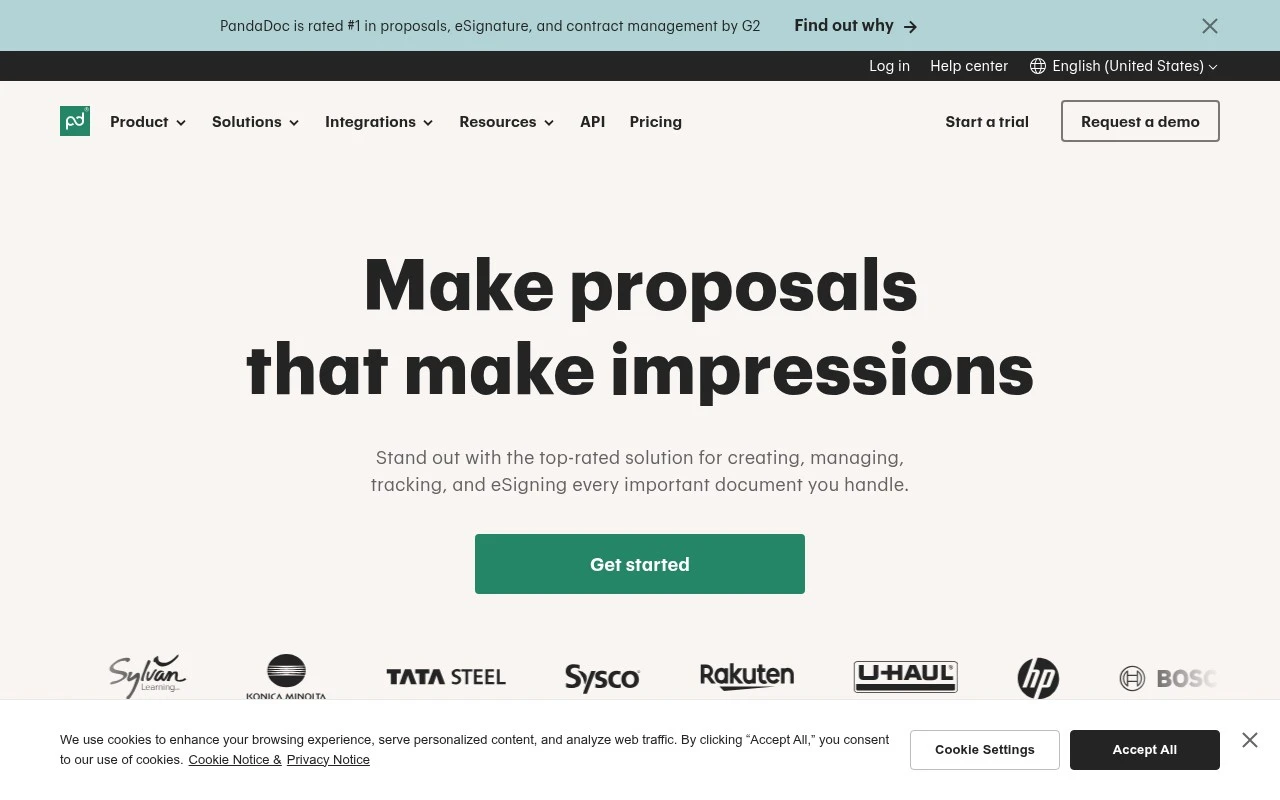
PandaDoc is a document management and automation platform focused on business agreements. It combines proposal and quote creation, CPQ, approvals, collaboration, eSignature, document tracking, audit trails, CRM integrations, payment collection, and API-based automation. Its strongest fit is for teams that generate and manage revenue-related documents, especially sales proposals, quotes, contracts, and invoices that need to move from drafting to signature and payment.

FYAI Score

8.9 / 10

Based on 3.592 reviews

Pricing:

Freemium

Best for:

Sales and revenue teams managing proposals, quotes, and contracts

Score Breakdown

  • Ease of use9.0 / 10
  • Features9.0 / 10
  • Pricing8.9 / 10
  • Integrations9.2 / 10
  • Support8.3 / 10

PRODUCT PREVIEW

What this AI tool does

PandaDoc is a document workflow tool designed to help teams create, send, and manage business documents in a more organized way. It’s commonly used for proposals, quotes, contracts, and other files that need consistent formatting and a clear review process. In practice, it supports building documents from templates, collecting approvals, and tracking progress from draft to signature. Many organizations use it to reduce back-and-forth over email and keep document status visible to everyone involved. It can also connect with other business systems so document data and customer details don’t have to be re-entered manually. For teams that handle frequent agreements or sales paperwork, pandadoc can serve as a central place to prepare documents, request signatures, and store completed records.

Use cases

Best for

Document Automation

Automate document workflows with templates, variables, approvals, eSignature, and audit trails to standardize agreements.

Invoicing

Use PandaDoc to create invoices, collect payments, and track views and signatures with a searchable audit trail.

Proposal Generation

Generate sales proposals from reusable content blocks, pricing tables, and CRM data, then send for eSignature and tracking.

ANALYSIS

Strengths & limitations

Strengths
  • Covers the full document lifecycle from creation and approval to signature, tracking, and payment.
  • Includes sales-oriented features such as CPQ, CRM integrations, product catalog data, smart content, and proposal analytics.
  • Supports legally binding eSignatures and security/compliance needs including E-SIGN, UETA, HIPAA, SOC 2, GDPR, SSO, permissions, and audit trails.
Limitations
  • The official page positions PandaDoc around business document workflows, not general-purpose document storage or broad content management.
  • The most relevant benefits appear tied to structured sales and agreement workflows, so it may be more than needed for simple one-off eSignature use.
  • The provided source does not establish specific AI capabilities, so it should not be described as an AI-first document tool without further verification.

Evaluation

FYAI score breakdown

Our structured evaluation across five key criteria

8.9 / 10

Overall score

Based on 3.592 reviews

  • Ease of use9.0 / 10
  • Features9.0 / 10
  • Pricing8.9 / 10
  • Integrations9.2 / 10
  • Support8.3 / 10

What users say

Findings from public reviews, documentation and community sources.

  • Ease of use

    Capterra’s review signal highlights that PandaDoc is “intuitive and easy to use,” and PandaDoc’s product page emphasizes a “drag-and-drop editor” for creating documents.

  • Features

    PandaDoc’s own pages surface document-workflow automation capabilities including eSignature, audit trails, CPQ, and notarization.

  • Pricing

    PandaDoc’s pricing page lists a Free plan, Starter at “$19 USD” per seat/month, Business at “$49 USD” per seat/month, and Enterprise via sales. PandaDoc’s pricing page also states trial terms and overage pricing.

  • Integrations

    PandaDoc’s product page lists integrations including Salesforce, HubSpot CRM, Zapier, and QuickBooks Online, and also says “Explore the API.”

  • Support

    PandaDoc’s pricing page lists a Help Center, Knowledge Base, “24/7 Web ticket and email support,” “24/7 Chat support,” optional Premium Support, and dedicated CSM conditions. The Trustpilot signal includes recurring “support issues.”

Who is this for?

Best for teams automating document workflows, PandaDoc’s own pages surface creation, collaboration, approvals, eSignature, audit trails, analytics, payments, and CPQ, so one workflow can cover document generation through signature and payment. Less suited to teams that need all advanced items in self-serve plans, PandaDoc’s pricing page lists Enterprise via sales, and some advanced items remain optional or sales-led.

PRODUCT PREVIEW

Feature highlights

Proposals & quotes

Build branded proposals and quotes with templates and content blocks.

eSignature & approvals

Route approvals and collect legally binding eSignatures in minutes.

Tracking & audit trail

See views, status, and a full audit trail to keep deals moving.

COMPARE

Discover curated alternatives worth comparing

Compare similar AI tools based on features, pricing and use cases

9.0/ 10Based on 3.056 reviews

Zapier

Workflow AutomationIntegration Automation
Connects apps to automate multi-step workflows and actions
Best for:
Operations teams
Pricing
Freemium

8.6/ 10Based on 779 reviews

Workato

Workflow AutomationIntegration Automation
Orchestrates workflows across business apps via MCP integrations
Best for:
IT & Security teams
Pricing
Free trial

8.9/ 10Based on 7.771 reviews

Uipath

Workflow AutomationIntegration Automation
Automates workflows with AI agents, robots, and document processing
Best for:
Operations teams
Pricing
Freemium

Join teams closing deals faster with PandaDoc. Create polished proposals in minutes and keep every agreement moving from draft to signed—without the chaos.

FAQ

Frequently asked
questions

Everything you need to know about this AI tool,
its features, pricing, use cases, and limitations.

When is PandaDoc a good fit, and when should I consider a different tool?
PandaDoc fits best for sales teams that send high volumes of proposals, quotes, and contracts and want templates, approvals, and eSignature in one workflow. It’s also a strong choice if you need recipient activity tracking to inform follow-ups. If you only need basic eSignatures with minimal document creation, a simpler eSign tool may be more cost-effective.
Does PandaDoc have a free plan, and what are the main limitations compared to paid tiers?
PandaDoc offers a free option geared toward basic eSignature use, but it’s limited for building full proposal workflows. Paid plans typically unlock document automation features like reusable templates, content libraries, and richer integrations. If your team needs CRM syncing, approvals, or advanced tracking, you’ll likely need a paid tier.
How does PandaDoc compare with DocuSign, Adobe Acrobat Sign, and Proposify?
Compared with DocuSign and Adobe Acrobat Sign, PandaDoc is usually more proposal-centric, with stronger template and content-library workflows rather than being eSignature-first. Versus Proposify, PandaDoc often emphasizes end-to-end document lifecycle (creation, sending, signing, and tracking) and CRM connectivity. The best choice depends on whether your priority is enterprise-grade signing, proposal design, or sales workflow automation.
How quickly can a team get PandaDoc running, and what onboarding effort should I expect?
Teams sometimes run into constraints when trying to build highly complex or heavily customized document layouts. Some users report occasional UI glitches or friction when editing advanced templates. Pricing can also become a factor as you add seats or need higher-tier features like deeper integrations and advanced workflows.
What should I know about PandaDoc data handling, privacy, and compliance before choosing it?
PandaDoc processes documents that may contain sensitive customer and contract data, so you should verify its security controls, data retention options, and access permissions match your requirements. Check whether the plan you’re considering supports needed compliance standards (for example, SOC 2) and whether you can sign a DPA for GDPR-related obligations. If you operate in regulated industries, confirm audit trails, signing legality, and data residency needs before rollout.