Curated & independently scored by FindyourAI

Best AI Website Generation Tools

Reviewed by Leon ToesetUpdated October 2026
Website generation tools compared for fast launches, with curated picks, use-case guidance, and criteria to choose the right site maker for your workflow.
201 tools reviewed · 36 use cases · 6 top picks · Updated weekly

Works well forFoundersAgenciesBloggersSmall BusinessesWordPress Marketers

Overview

AI website generation turns a short brief into a new site structure, draft copy, design direction and editable pages for people who need to launch without starting from a blank canvas. FindyourAI scores every tool against the same criteria, including fit for the job, output quality, workflow depth and practical buyer trade-offs. This shortlist only includes tools that are relevant to creating a fresh general website from scratch.

Paid

Founders and agencies launching client sites fast without code

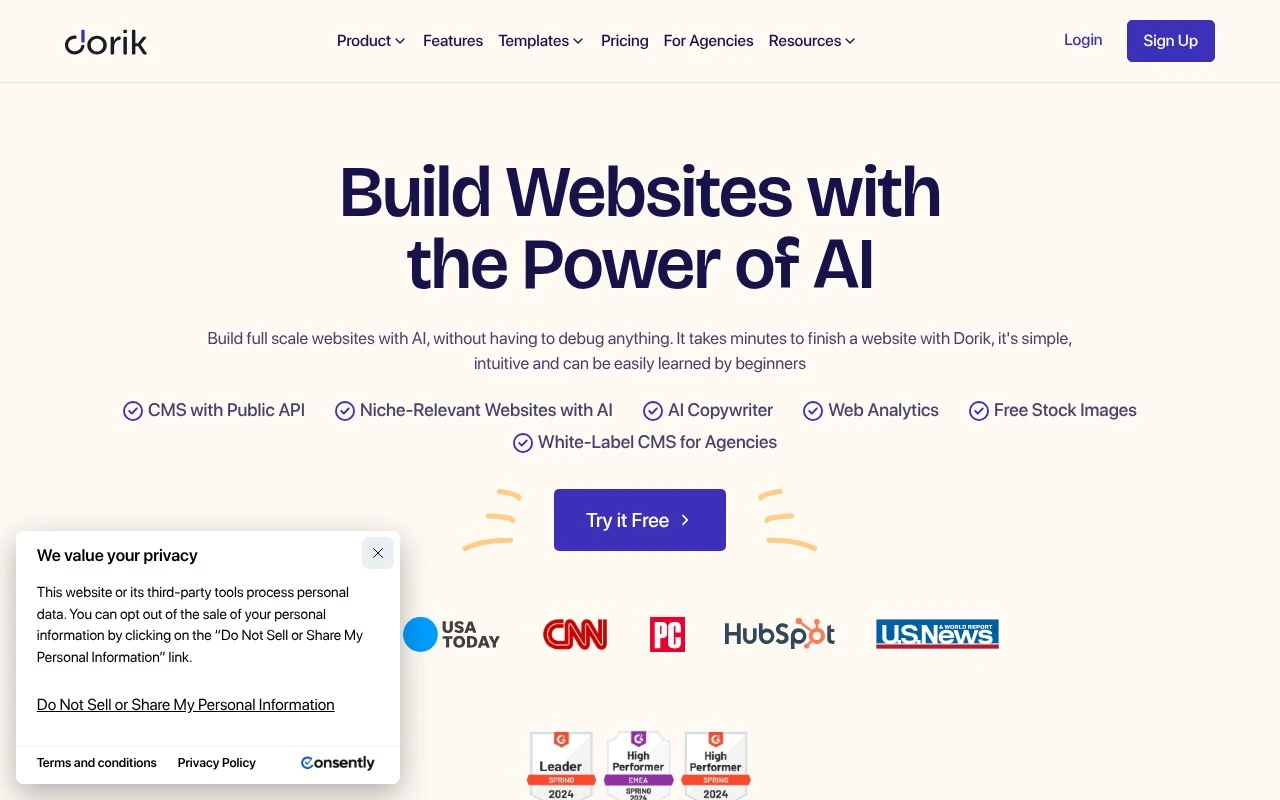
Dorik AI is strong at turning a plain-language brief into a publishable website, including starter copy and images, so beginners and small businesses can get from idea to usable site quickly. It fits founders, creators, and agencies that want a hosted no-code website builder for launching simple brand or client sites without a developer. Less suited to teams that need full code ownership or self-hosting because sites are built and managed inside Dorik’s hosted no-code platform.

View Dorik AI

FYAI Score

8.8 / 10

Based on 255 reviews
Freemium

Bloggers and small businesses building and growing a website

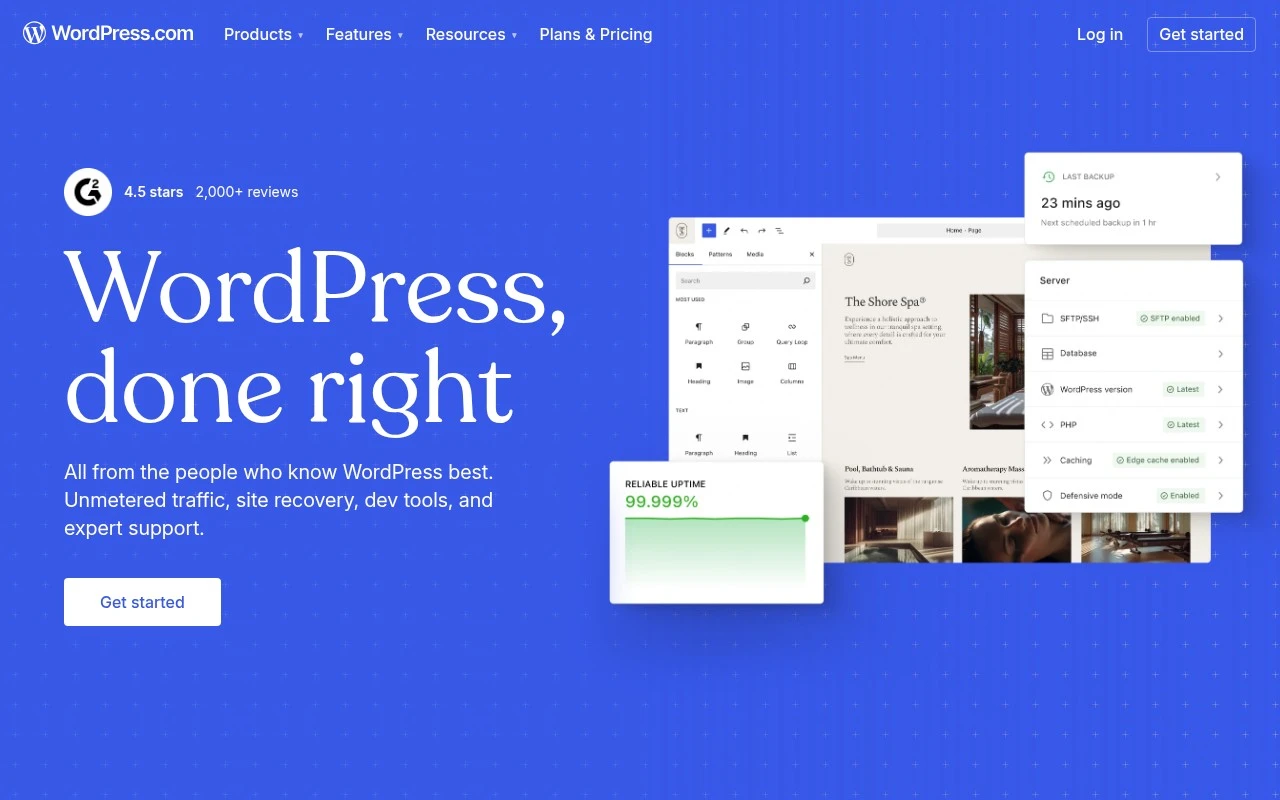
Bloggers and small businesses that want to create a new site without managing the technical foundation are the clearest fit for WordPress, a managed WordPress website platform rather than a dedicated AI website generator. It belongs on this website generation page because it lets users build a fresh WordPress site in a bundled environment, with room to grow beyond a simple blog. Less suited to teams that need full server-level control because WordPress.com abstracts much of the hosting environment compared with self-hosted WordPress.

View WordPress

FYAI Score

8.8 / 10

Based on 14,986 reviews

Freemium

Founders and agencies launching and managing websites without developers

Dorik is a no-code website builder for founders and agencies, and it earns its place here because it can turn a prompt into a full new website that can then be refined visually. It is a strong fit for beginners, small businesses, and agency teams that need to launch straightforward sites quickly without bringing in developers. Less suited to complex web applications because Dorik is centered on CMS-driven websites rather than custom backend logic.

View Dorik

FYAI Score

8.7 / 10

Based on 255 reviews

Freemium

Designers and startups shipping high-end marketing sites fast

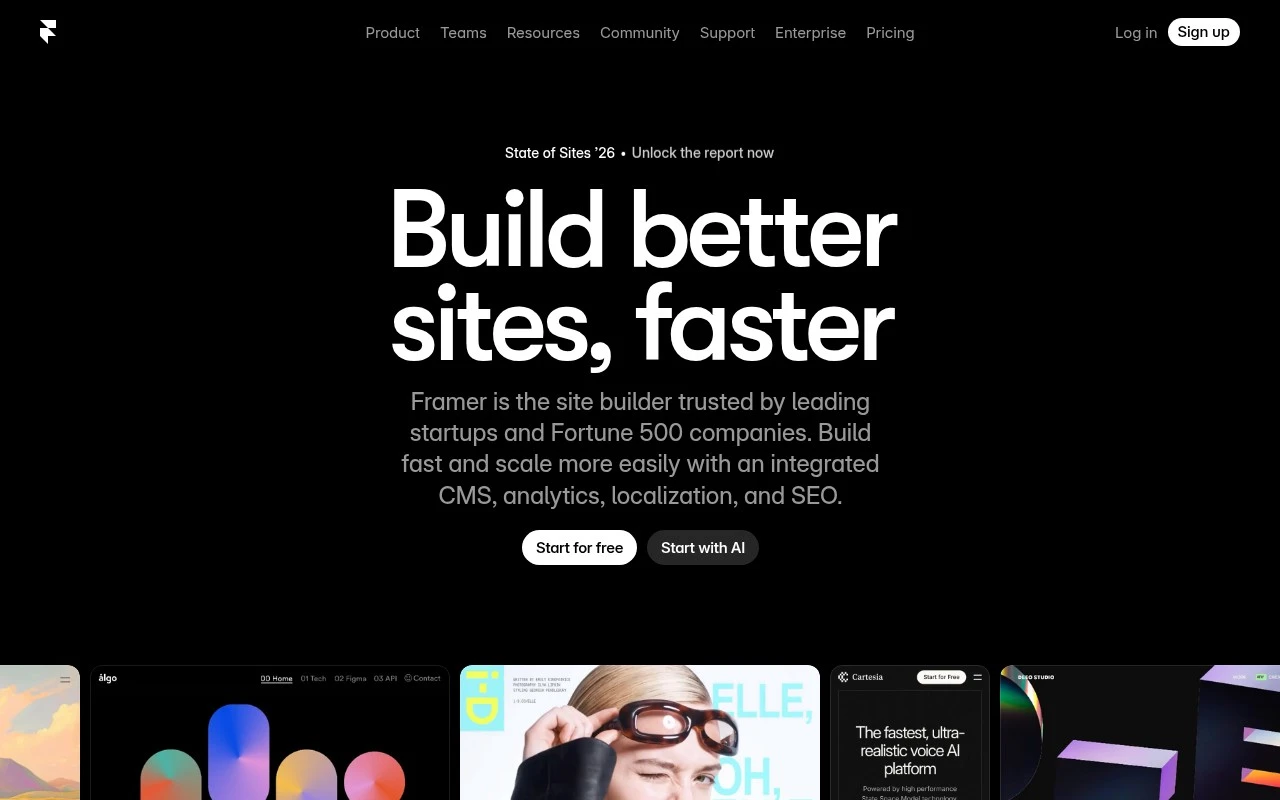
When a startup needs a polished launch site from a rough brief before the campaign goes live, Framer is a strong fit because its AI agents make changes directly in the site canvas, keeping generated pages visible and editable instead of handing you a throwaway draft. It is really a high-end marketing site builder for designers and startups, so it fits teams turning a campaign or company brief into a fresh general website without waiting on a full development cycle. Less suited to teams building complex web applications because Framer is oriented around professional websites rather than backend-heavy product engineering.

View Framer

FYAI Score

8.7 / 10

Based on 257 reviews

Freemium

Agencies and SMBs building and hosting WordPress sites fast

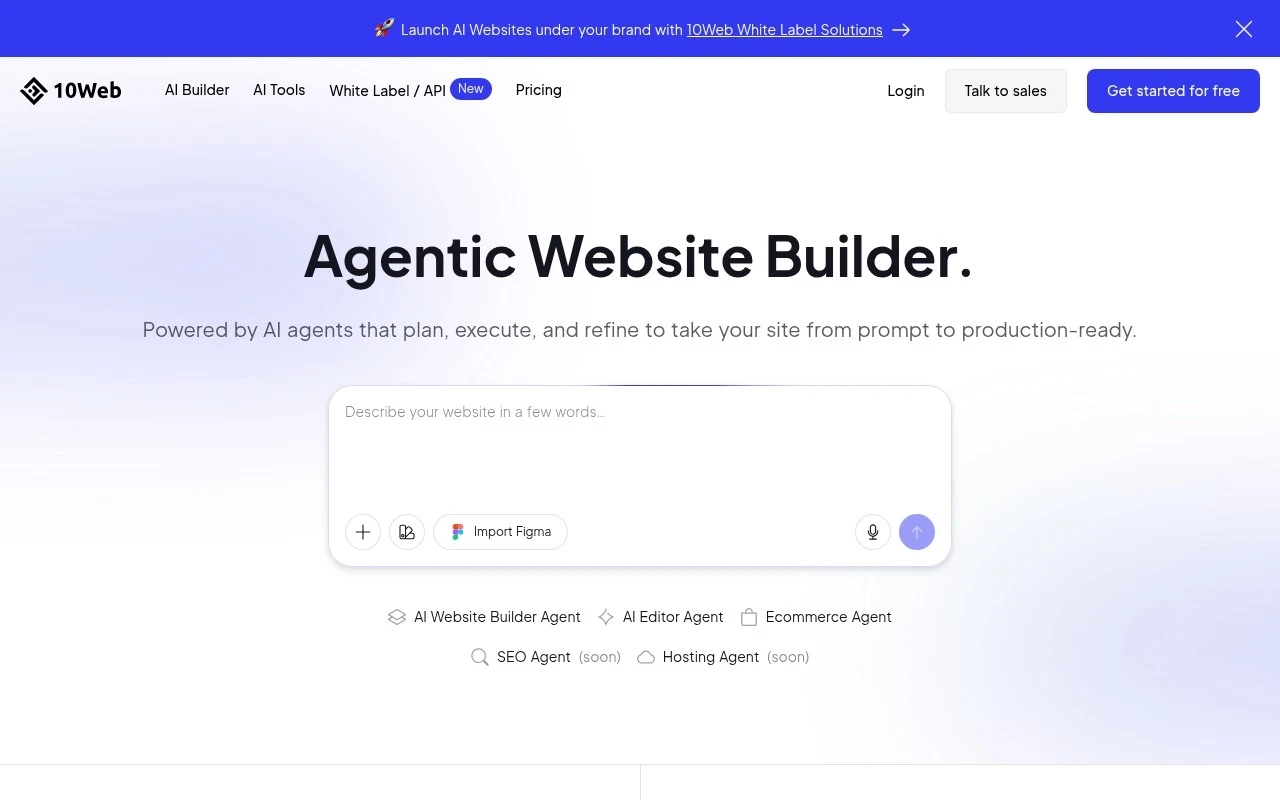
10Web differs by generating a fresh site directly into WordPress rather than a standalone builder, making it strong when a prompt needs to become an editable WordPress website quickly. As a WordPress site-building and hosting platform, it fits agencies and SMB teams that want repeatable client-site creation workflows without handing off to a separate build stack. Less suited to teams that want a platform-agnostic builder because the workflow is centered on WordPress sites hosted and managed through 10Web.

View 10Web

FYAI Score

8.6 / 10

Based on 2,348 reviews

Freemium

WordPress marketers and web creators building high-converting sites

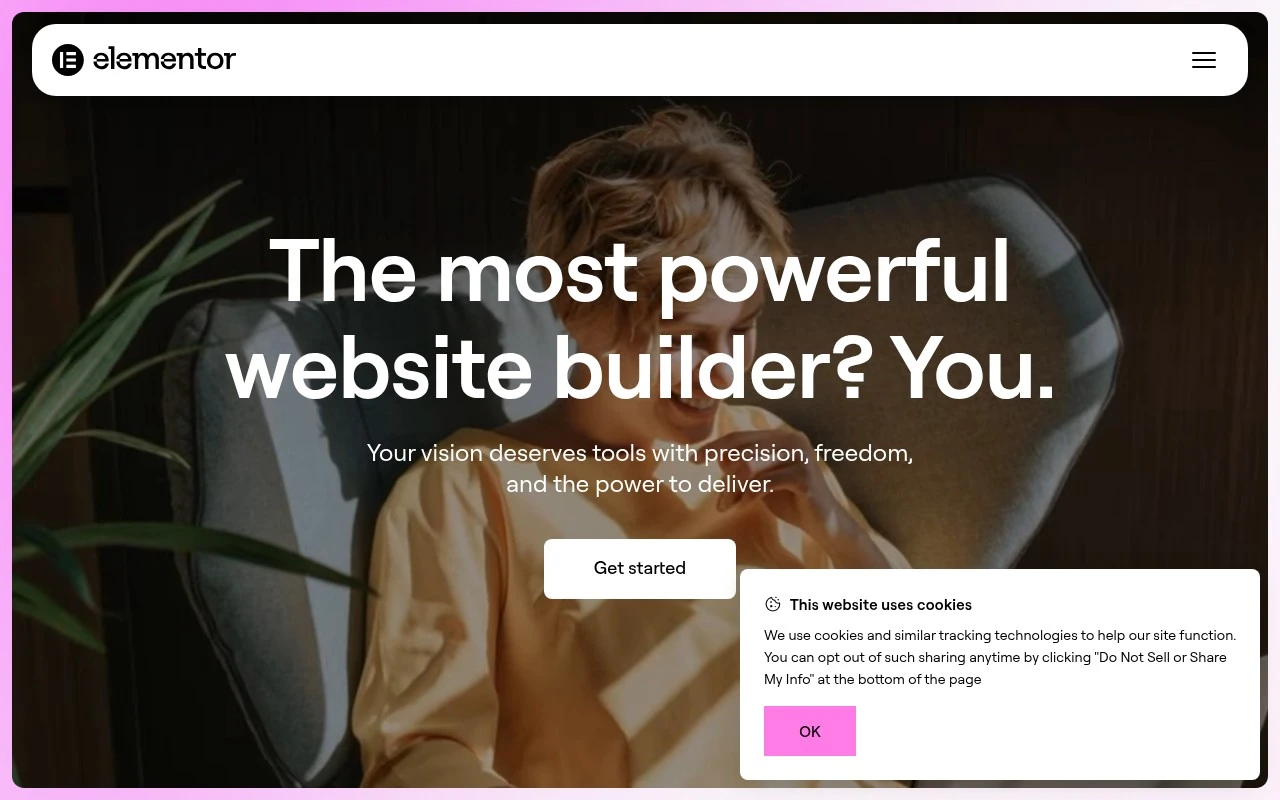
Elementor’s drag-and-drop WordPress editor makes it worth considering for website generation when the team wants to create and refine pages visually rather than work primarily in code. As a visual WordPress site builder, it fits marketers, agencies, and web creators who need AI-assisted starting points from a brief but still want hands-on control inside the WordPress workflow. Less suited to teams expecting a fully standalone AI site generator because Elementor’s AI helps with planning and production, but the site still needs refinement in its editor.

View Elementor

FYAI Score

8.6 / 10

Based on 4,117 reviews

How to choose

  • Brief-To-Site Accuracy

    Look at how well the tool turns a short business description into coherent pages, navigation, section order and on-brand starting copy.

  • Post-Generation Editing Control

    Check whether you can easily revise sections, layouts, typography, images and mobile views after the first AI draft is created.

  • Content Growth Path

    If the site will publish articles, landing pages or resources over time, evaluate CMS features, reusable page structures and SEO fields.

  • Design Quality And Responsiveness

    Judge whether generated pages look credible on desktop and mobile, with strong spacing, readable hierarchy and consistent visual styling.

  • Workflow Fit

    Decide whether you need a WordPress-based workflow, a no-code standalone editor, or an agency-friendly setup for managing multiple sites.

Best for:

This category serves founders, agencies, bloggers, small businesses, designers, startups and WordPress marketers who need a presentable marketing site, content site or client site quickly. Less suited to teams that only need hosting, want to clone an existing URL, are rebuilding an old site, are launching a full online store, or need a bespoke web application.

FAQ

Frequently asked
questions

Common questions about choosing the right tool,
comparing options, and getting started.

What is the best AI tool for website generation?

The best choice depends on your workflow, design expectations, editing control and whether you want a WordPress-based or standalone site. Use the comparison on this page to match tools to your launch speed, content needs and maintenance plans.

Are there free website generation tools?

Yes, some website generation tools offer free or freemium access, while others are paid. Check each tool's pricing model on the page before choosing, because limits and commercial use rules can differ.

Can AI website generation tools create a portfolio website?

Yes, these tools can help create portfolio sites with homepage sections, project pages, about content and contact forms. You should still review the generated copy, images and layout so the site reflects your work accurately.

How is an AI website maker different from website templates?

An AI website maker generates a site from your brief, while templates give you a pre-made layout to customize manually. AI generation is useful when you want a faster first draft of the structure, copy and page design.

Every tool on FindyourAI is scored on the same independent criteria, not on who pays. We may earn a commission if you sign up through our links, at no cost to you.