Curated & independently scored by FindyourAI

Best AI Email Writing Tools

Reviewed by Leon ToesetUpdated October 2026
Compare AI email writing tools for replies, follow-ups, intros, tone changes, and polished professional messages without sorting through every app alone.
201 tools reviewed · 36 use cases · 6 top picks · Updated weekly

Works well forSales RepsRecruitersLeadersBusy ProfessionalsClient-Facing Teams

Overview

AI email writing tools help people draft, rewrite, and polish one-to-one emails, including replies, follow-ups, introductions, and professional messages in different tones. They are useful when you know what you need to say but want a clearer, faster, or more tactful version. FindyourAI scores every tool against the same criteria and only lists the options that genuinely fit the job.

Freemium

Sales reps and recruiters running personalized outreach from their inbox

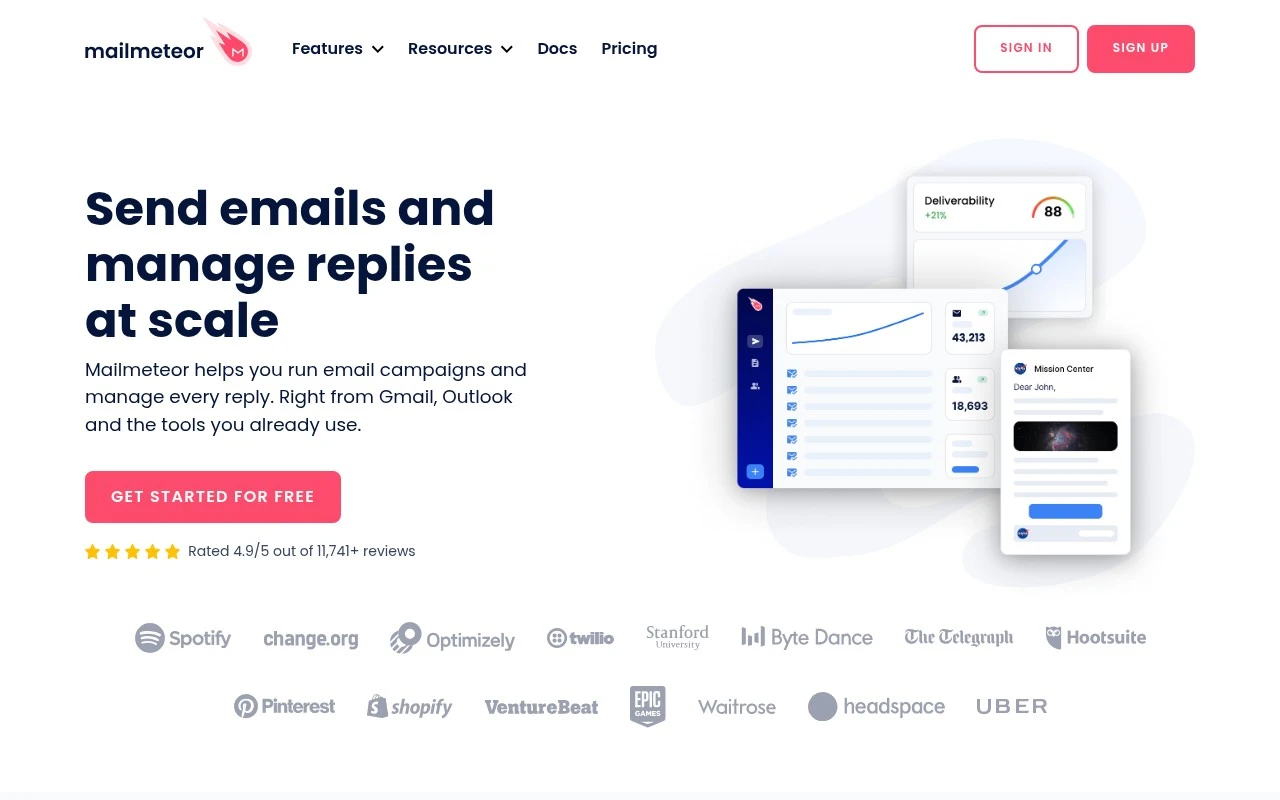
Mailmeteor is strongest here for Gmail users who want help drafting replies in their own tone and tightening one-to-one messages without leaving the inbox. It is really an inbox-based outreach tool for personalized campaigns, so it fits sales or recruiting teams that want everyday email writing to sit alongside their outreach workflow. Less suited to Outlook or Zoho users who want AI inbox assistance because that assistant is limited to Gmail.

View Mailmeteor

FYAI Score

8.6 / 10

Based on 86 reviews
Paid only

Leaders and operators who live in email and need faster execution

Email-heavy leaders and operators get the clearest value from Superhuman, a high-speed email workspace, when they need to turn conversations into polished replies quickly. Its AI assistance helps draft responses and refine everyday business communication, which fits executives and teams writing across many work contexts. Less suited to teams that want only a simple email-writing tool because Superhuman is a broader workspace, so it can feel heavier than a single-purpose writer.

View Superhuman

FYAI Score

8.6 / 10

Based on 15,748 reviews

Freemium

Busy professionals and teams who live in email all day

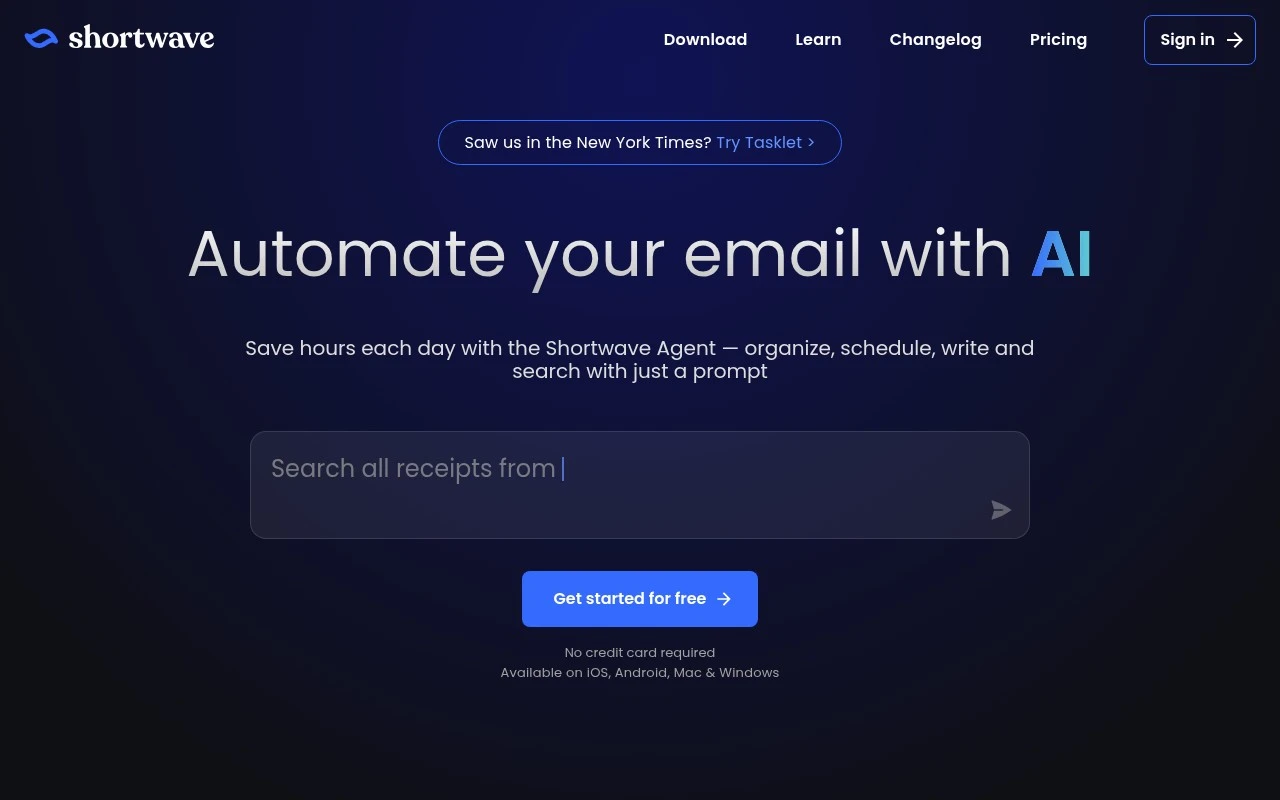
Shortwave is a Gmail-based AI email client, and it earns its place here because its writing help sits directly inside the inbox where one-to-one replies and follow-ups are decided. It fits Gmail-heavy professionals and teams handling a high volume of messages who want drafting and polishing to stay connected to the surrounding thread rather than happen in a separate writing tool. Less suited to teams standardized outside Gmail because its strongest fit is Gmail-based inbox workflows.

View Shortwave

FYAI Score

8.4 / 10

Based on 68 reviews

Freemium

Busy professionals managing multiple email accounts and priorities

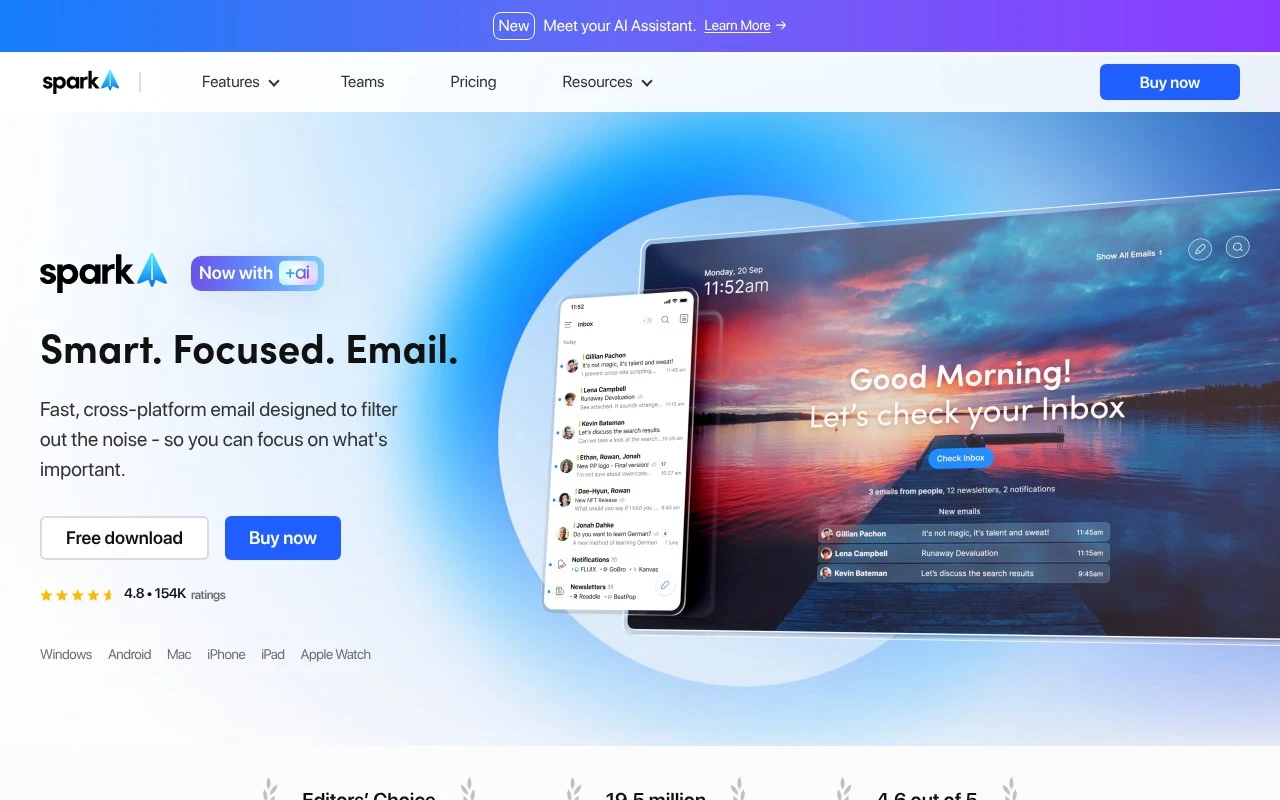
When you need to answer a long thread in another language or clean up a follow-up before it gets buried, Spark Email connects that writing task to the inbox it came from. It is a cross-platform email client for managing multiple inboxes, not a standalone email writer, but its AI helps draft replies from thread context and make multilingual conversations easier to handle. It fits busy professionals and teams handling high email volume across accounts. Less suited to teams that want to stay entirely inside their native email provider because Spark requires adopting a separate email client and workflow layer.

View Spark Email

FYAI Score

8.1 / 10

Based on 28 reviews

Paid

Client-facing teams juggling urgent emails, calls, and follow-ups

Fyxer differs by helping write emails inside the pressure of a live client inbox, not as standalone copy in a blank composer. It is a client-facing inbox assistant, so it is strongest for professionals who need drafted replies and post-call follow-ups shaped to their tone before they review and send. It also suits high-volume inboxes where knowing which message needs attention first matters as much as polishing the wording. Less suited to organizations unwilling to connect work email and meeting data to an AI assistant because its drafts and reminders depend on that access.

View Fyxer

FYAI Score

7.9 / 10

Based on 740 reviews

Freemium

Busy professionals managing high-volume email in Outlook or Gmail

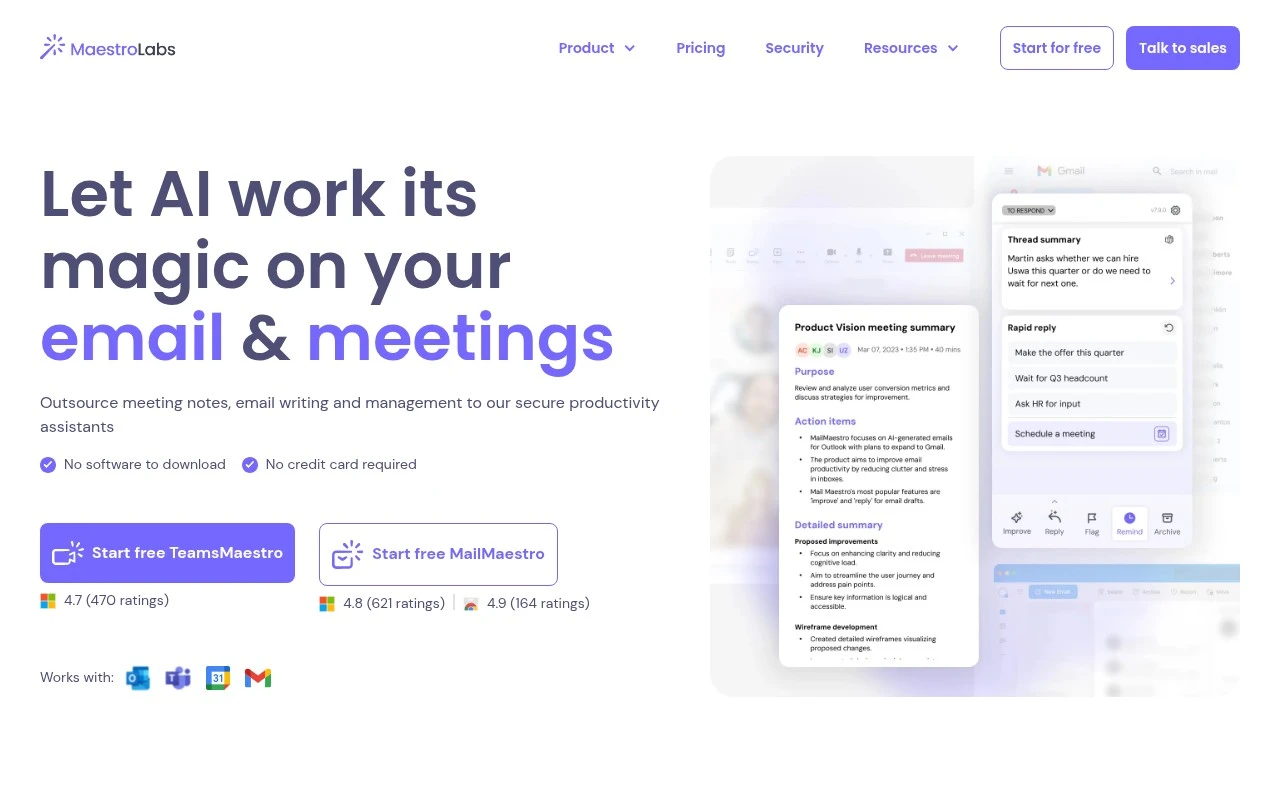
Mailmaestro’s standout fit for email writing is that it works inside Outlook and Gmail, letting email-heavy professionals compose replies where the conversation already lives. It is really an Outlook and Gmail inbox assistant for high-volume email, and its contextual reply suggestions make it useful for teams that need fast, relevant one-to-one responses rather than generic drafts. Less suited to teams that rely on other email clients because its workflow is built around those ecosystems.

View Mailmaestro

FYAI Score

7.9 / 10

Based on 51 reviews

How to choose

  • Reply and follow-up coverage

    Look for tools that handle new emails, replies, follow-ups, intros, shortening, expanding, and rewriting, since one-to-one email work changes from message to message.

  • Tone and formality control

    Choose a tool that can reliably shift between concise, warm, firm, apologetic, and professional wording without making the message sound generic.

  • Inbox context handling

    Strong email writing tools should understand thread context well enough to avoid repeating points, missing questions, or replying with the wrong level of detail.

  • Account and workflow fit

    Check whether the tool works where you actually write, such as Gmail, Outlook, mobile, or multiple inboxes, because copy-pasting breaks the speed advantage.

  • Language and review controls

    If you write across regions or sensitive relationships, look for multilingual drafting and clear review steps so the final email stays accurate before it is sent.

Best for:

This category serves sales reps, recruiters, leaders, operators, busy professionals, and client-facing teams who need to move through important inbox conversations without sacrificing clarity. It is especially useful for people handling multiple accounts, urgent follow-ups, or sensitive replies where tone matters. Less suited to teams looking for bulk newsletter creation, automated marketing campaigns, or full sales sequence generation.

FAQ

Frequently asked
questions

Common questions about choosing the right tool,
comparing options, and getting started.

What is the best AI tool for email writing?

The best choice depends on your inbox, message volume, tone needs, and whether you mainly write replies, follow-ups, or new emails. Use the comparison on this page to judge fit rather than choosing by name alone.

Are there free AI email writing tools?

Yes, some AI email writing tools offer free or freemium access. That is usually enough to try reply drafting, rewriting, and tone adjustment before committing to a long-term workflow.

Can AI write professional email replies?

Yes, AI email writing tools can turn rough notes into polished professional replies. The strongest tools let you control tone, length, context, and level of formality before sending.

Can AI help with email sign-offs and endings?

Yes, AI tools can suggest appropriate endings and sign-offs for formal, friendly, urgent, or delicate emails. This is useful when the message is mostly written but the close needs to match the relationship.

Every tool on FindyourAI is scored on the same independent criteria, not on who pays. We may earn a commission if you sign up through our links, at no cost to you.