
Curated ToolThis tool is part of our curated AI directory. We only include tools that meet our standards for relevance, usability and real-world value.
Mailmaestro
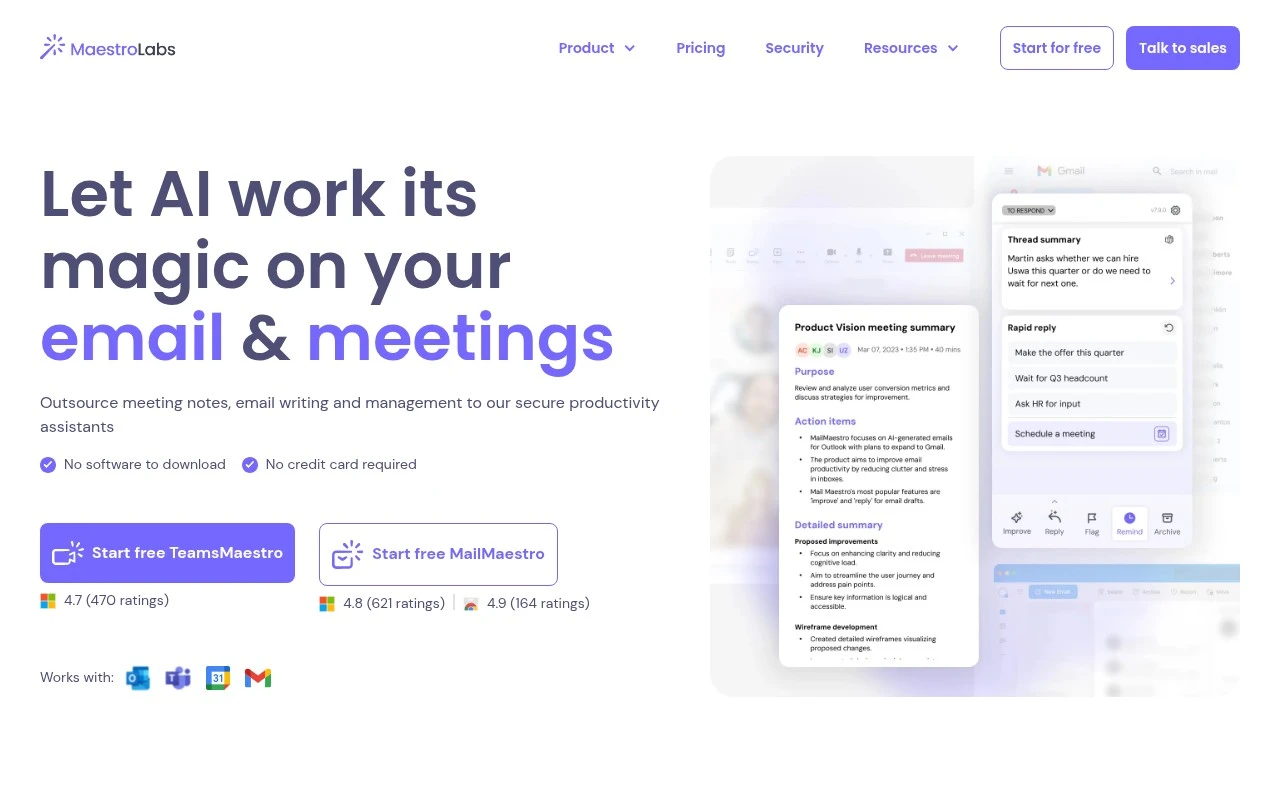
Mailmaestro is an AI email writing assistant for Outlook and Gmail that drafts replies, summarizes email threads, and helps refine tone based on message context.
Email Assistant
FYAI Score
7.9 / 10
Based on 51 reviews
Pricing:
Freemium
Best for:
Busy professionals managing high-volume email in Outlook or Gmail
Score Breakdown
- Ease of use8.2 / 10
- Features7.7 / 10
- Pricing8.1 / 10
- Integrations7.6 / 10
- Support7.9 / 10
 | Strengths |
-
 Works inside Outlook and Gmail, so email-heavy professionals can draft, rewrite, summarize, and reply without switching tools.
 -
Generates contextual reply options from email threads, which helps teams handle high message volume faster while keeping replies relevant.
-
Combines writing assistance with inbox triage features such as prioritization, labels, action items, and reminders, making it useful beyond simple email drafting.
 | Limitations |
-
 Less suitable for teams that use email clients outside Outlook, Gmail, or Microsoft 365 because its workflow is built around those platforms.
 -
The freemium model means heavier users and teams are likely to need a paid plan to unlock higher usage or team-oriented capabilities.
-
Teams handling highly sensitive communications need to evaluate mailbox-access, data-handling, and compliance requirements carefully because the assistant works directly with email content.
Feature highlights
Instant AI drafts
Generate multiple reply options from a prompt or thread context.
Thread summaries
Summarize long emails and extract key action items fast.
Inbox prioritization
Smart labels, follow-up reminders, and priority sorting to stay on track.
Compared in

 | 7.9/ 10Based on 740 reviews |
Fyxer
Meeting NotesEmail Assistant
Triages email, drafts replies, and summarizes meeting actions
Best for: | Sales teams |
Pricing | Paid |
 | 7.4/ 10Based on 442 reviews |
Genspark
Productivity
Creates outputs and dashboards from plain-English data questions
Best for: | Knowledge workers |
Pricing | Paid |
 | 8.4/ 10FYAI score |
Granola
Meeting NotesEmail Assistant
Writes meeting notes, action items, and follow-up briefs
Best for: | Knowledge workers |
Pricing | Freemium |