Curated ToolThis tool is part of our curated AI directory. We only include tools that meet our standards for relevance, usability and real-world value.
Spark Email
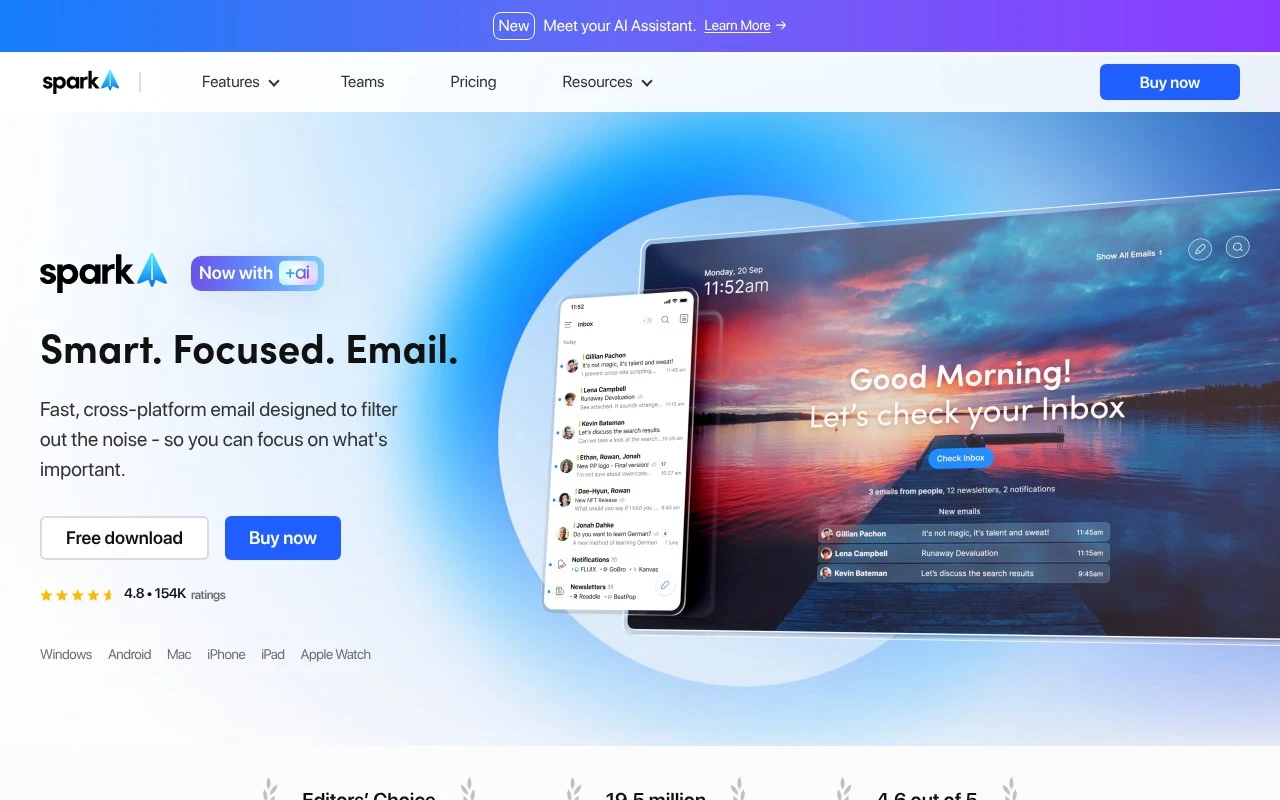
Spark Email is an email client from Readdle for managing multiple email accounts in one app. It organizes messages with Smart Inbox, supports snooze and scheduled sending, and includes collaboration features for shared email workflows.
Email Assistant
FYAI Score
8.1 / 10
Based on 28 reviews
Pricing:
Freemium
Best for:
Busy professionals managing multiple email accounts and priorities
Score Breakdown
- Ease of use7.8 / 10
- Features8.1 / 10
- Pricing8.5 / 10
- Integrations7.8 / 10
- Support8.4 / 10
 | Strengths |
-
 Best suited to users managing multiple inboxes because it brings common email providers into one client across Mac, Windows, iOS, Android, and Apple Watch.
 -
Best suited to high-volume email workflows because priority contacts, newsletter and notification filtering, reminders, set-aside messages, and scheduled sends help reduce inbox distraction.
-
Best suited to professionals and teams who process long or multilingual threads because its AI features support drafting, summaries, inbox assistance, search, and translation.
 | Limitations |
-
 Less suitable for teams that want to stay entirely inside their native email provider because Spark requires adopting a separate email client and workflow layer.
 -
Less suitable for teams needing a full CRM, help desk, or project management system because its collaboration features are centered on email rather than broader operational workflows.
-
The freemium model is less suitable for organizations expecting advanced AI and collaboration for every user at no cost because broader rollout can require paid access as needs grow.
Feature highlights
Smart Inbox Priority
Highlights important people and threads so you act on what matters.
Schedule & Remind
Send later, set follow-up reminders, and snooze messages until ready.
AI Writing & Summaries
Draft replies, summarize threads, and translate emails in seconds.
Compared in

 | 7.9/ 10Based on 740 reviews |
Fyxer
Meeting NotesEmail Assistant
Triages email, drafts replies, and summarizes meeting actions
Best for: | Sales teams |
Pricing | Paid |
 | 7.4/ 10Based on 442 reviews |
Genspark
Productivity
Creates outputs and dashboards from plain-English data questions
Best for: | Knowledge workers |
Pricing | Paid |
 | 8.4/ 10FYAI score |
Granola
Meeting NotesEmail Assistant
Writes meeting notes, action items, and follow-up briefs
Best for: | Knowledge workers |
Pricing | Freemium |