Curated ToolThis tool is part of our curated AI directory. We only include tools that meet our standards for relevance, usability and real-world value.

Shortwave

AI email assistant for summaries, search, drafting, and scheduling

Email AssistantScheduling & Calendar
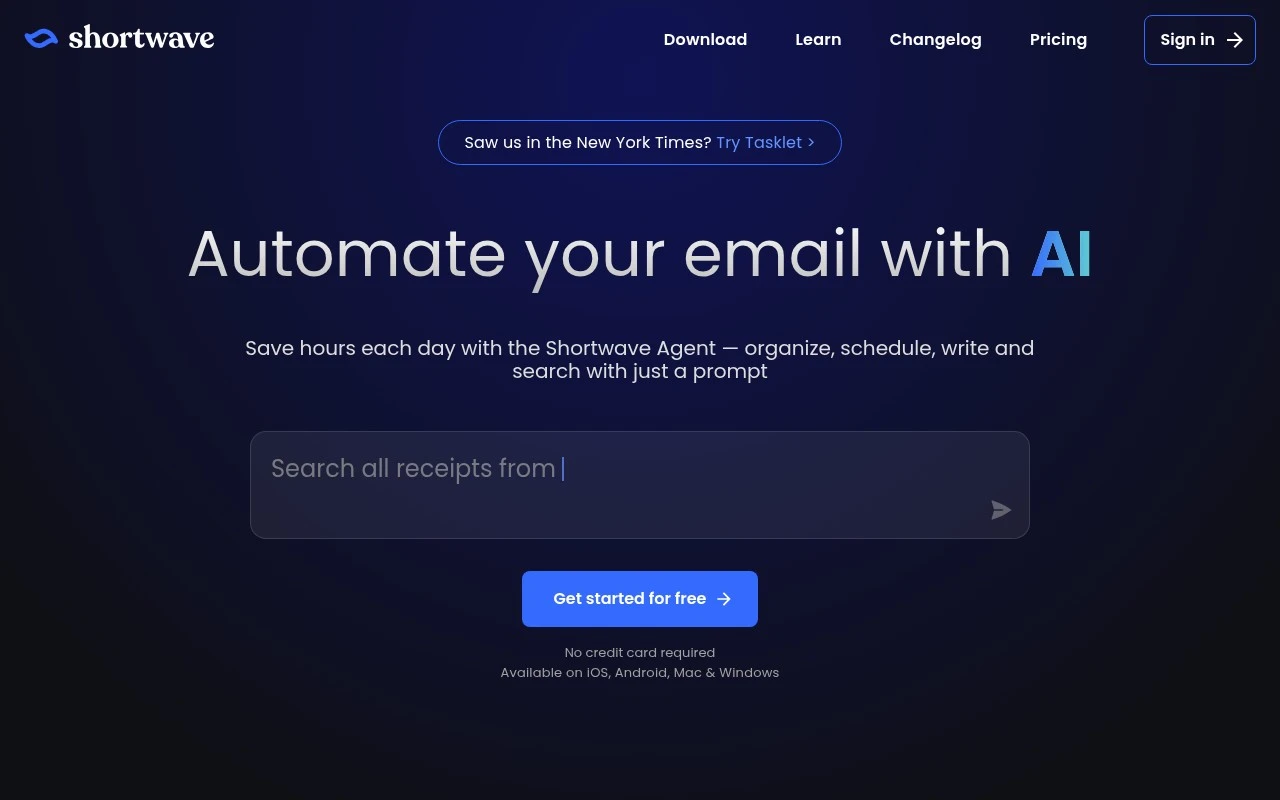
Shortwave is an AI email client and inbox automation tool. It helps users manage email with AI-assisted triage, custom plain-English filters, summaries, writing support, natural-language search, scheduling help, and team collaboration features. Its distinction is that it combines a full email productivity interface—bundles, split inboxes, todos, snoozing, read and link tracking, keyboard shortcuts, and shared threads—with an AI assistant that can act on email and connect to workplace tools. The official site also positions deeper trigger-based workflow automation through its sister product, Tasklet.

FYAI Score

8.4 / 10

Based on 68 reviews

Pricing:

Freemium

Best for:

Busy professionals and teams who live in email all day

Score Breakdown

  • Ease of use8.6 / 10
  • Features9.0 / 10
  • Pricing7.2 / 10
  • Integrations8.5 / 10
  • Support8.7 / 10

PRODUCT PREVIEW

What this AI tool does

Shortwave is an AI tool designed to help people manage and understand their email more efficiently. It focuses on turning busy inboxes into clearer, more actionable information, so you can keep up with messages without having to read and sort everything manually. In practice, it can assist with summarizing long threads, highlighting key points, and helping you draft replies in a consistent tone. This makes it useful for individuals and teams who want a more organized way to review conversations, follow up on tasks, and stay aligned on what matters in ongoing email discussions.

Use cases

Best for

Inbox Triage

Use Shortwave AI triage, bundles, and split inboxes to summarize threads and surface priority emails for action.

Email Writing

Draft and refine replies with AI writing assistance that rewrites tone, expands bullets, and suggests responses from context.

Schedule Planning

Plan meetings by extracting availability from email threads and generating scheduling-ready replies with proposed times.

ANALYSIS

Strengths & limitations

Strengths
  • Combines AI email assistance with a full inbox experience rather than only offering standalone drafting or summarization.
  • Supports practical email workflows such as triage, summaries, search, scheduling, todos, snoozing, shared threads, comments, and assignments.
  • Offers team-oriented features and integrations that make it useful for collaborative inbox work, not just individual email cleanup.
Limitations
  • The site emphasizes Gmail accounts, so support for other email providers is not established from the provided source.
  • Some broader 24/7 workflow automation is described as part of the related Tasklet product rather than solely Shortwave.
  • Because it works by analyzing and acting on email, it may require a level of inbox access and trust that is not appropriate for every user or organization.

Evaluation

FYAI score breakdown

Our structured evaluation across five key criteria

8.4 / 10

Overall score

Based on 68 reviews

  • Ease of use8.6 / 10
  • Features9.0 / 10
  • Pricing7.2 / 10
  • Integrations8.5 / 10
  • Support8.7 / 10

What users say

Findings from public reviews, documentation and community sources.

  • Ease of use

    G2’s review signal says users “consistently praise Shortwave for its user-friendly interface and effective email organization,” and Product Hunt sentiment says Shortwave makes heavy Gmail inboxes “faster and easier to process.”

  • Features

    Shortwave lists features across AI email automation, AI search, AI filters, personalized writing, scheduling, todos, read statuses, link tracking, keyboard shortcuts, and team collaboration.

  • Pricing

    Shortwave’s pricing page lists Business at $30 per seat/month, Premier at $45 per seat/month, and Max at $120 per seat/month, plus a 14-day free trial. G2 notes user concern around high pricing for Shortwave.

  • Integrations

    Shortwave says its AI can connect to Slack, Calendar, Notion, Asana, HubSpot, and more. Shortwave also mentions Tasklet connectivity to 3,000+ apps for workflow automation.

  • Support

    A Reddit user describing Shortwave says “the developer pushes updates frequently and is very responsive both by email or reddit.”

Who is this for?

Best for users managing heavy Gmail inboxes, Product Hunt sentiment says Shortwave makes heavy Gmail inboxes “faster and easier to process.” Best for teams that want email tied into workflows, Shortwave says its AI can connect to Slack, Calendar, Notion, Asana, HubSpot, and more, and mentions Tasklet connectivity to 3,000+ apps. Less suited to teams prioritizing low per-seat cost, Shortwave’s pricing page lists Business at $30 per seat/month, Premier at $45 per seat/month, and Max at $120 per seat/month.

PRODUCT PREVIEW

Feature highlights

AI inbox triage

Auto-summarize threads and surface what needs action first.

Plain-English rules

Create custom filters and split inboxes using natural language.

Shared team threads

Collaborate on email with assignments, notes, and visibility.

COMPARE

Discover curated alternatives worth comparing

Compare similar AI tools based on features, pricing and use cases

7.8/ 10Based on 31 reviews

Wudpecker

Meeting NotesSummarization
Turns meeting recordings into notes, summaries, and action items
Best for:
Knowledge workers
Pricing
Freemium

9.0/ 10Based on 1.589 reviews

Toggl Track

Time & Habit Tracking
Tracks time with automatic activity detection and reporting.
Best for:
Operations teams
Pricing
Freemium

8.5/ 10Based on 2.648 reviews

Todoist

Task & Project Management
Organize, schedule, and share tasks with AI-assisted planning
Best for:
Knowledge workers
Pricing
Freemium

Join teams who stay on top of email without the chaos. Start triaging faster, responding with confidence, and keeping priorities clear with Shortwave today.

FAQ

Frequently asked
questions

Everything you need to know about this AI tool,
its features, pricing, use cases, and limitations.

Who is Shortwave a good fit for, and when should you consider another email tool?
Shortwave tends to fit professionals and teams who live in email and need faster triage, prioritization, and organization across high volumes. It’s especially useful if you want a more task-like workflow (bundling, reminders, and structured inbox views) rather than a traditional folder-first approach. If you rely heavily on offline access or need deep admin controls for large enterprises, you may want to compare alternatives.
What are the practical differences between Shortwave’s free and paid plans?
Shortwave’s free tier is typically enough to test the workflow and basic inbox management, but advanced features and higher usage limits are usually reserved for paid plans. Paid tiers are more relevant if you need power-user capabilities, team features, or heavier daily volume. Before committing, verify which features you consider “must-have” (e.g., advanced organization, integrations) are included at your plan level.
How does Shortwave compare with Gmail, Superhuman, and Outlook for productivity?
Compared with Gmail’s native interface, Shortwave emphasizes faster prioritization and structured organization rather than labels and search alone. Versus Superhuman, Shortwave is often evaluated more on workflow and inbox organization than on pure speed shortcuts and keyboard-driven triage. Against Outlook, Shortwave can feel lighter and more focused on email execution, but Outlook may win for offline use and broader enterprise administration.
How quickly can you set up Shortwave and get productive with it?
Shortwave can involve a learning curve because its organization model differs from classic email clients. Offline functionality is limited, which matters if you frequently work without reliable internet. Pricing can also be a deciding factor for individuals or small teams when compared with bundled options like Gmail/Workspace or Outlook/Microsoft 365.
What should teams consider about data handling, privacy, and compliance with Shortwave?
Shortwave requires access to your email data to provide its productivity features, so you should review what permissions it requests and how data is stored and processed. If you’re in a regulated environment, confirm whether Shortwave supports your compliance needs (e.g., retention, audit requirements, and admin controls) before rollout. It’s also worth checking where data is hosted and what options exist for account offboarding and data deletion.