Curated ToolThis tool is part of our curated AI directory. We only include tools that meet our standards for relevance, usability and real-world value.

Amazon Q Developer

AI coding assistant for IDE/CLI with AWS guidance and scans

Code Generation & CompletionDocumentation Generation
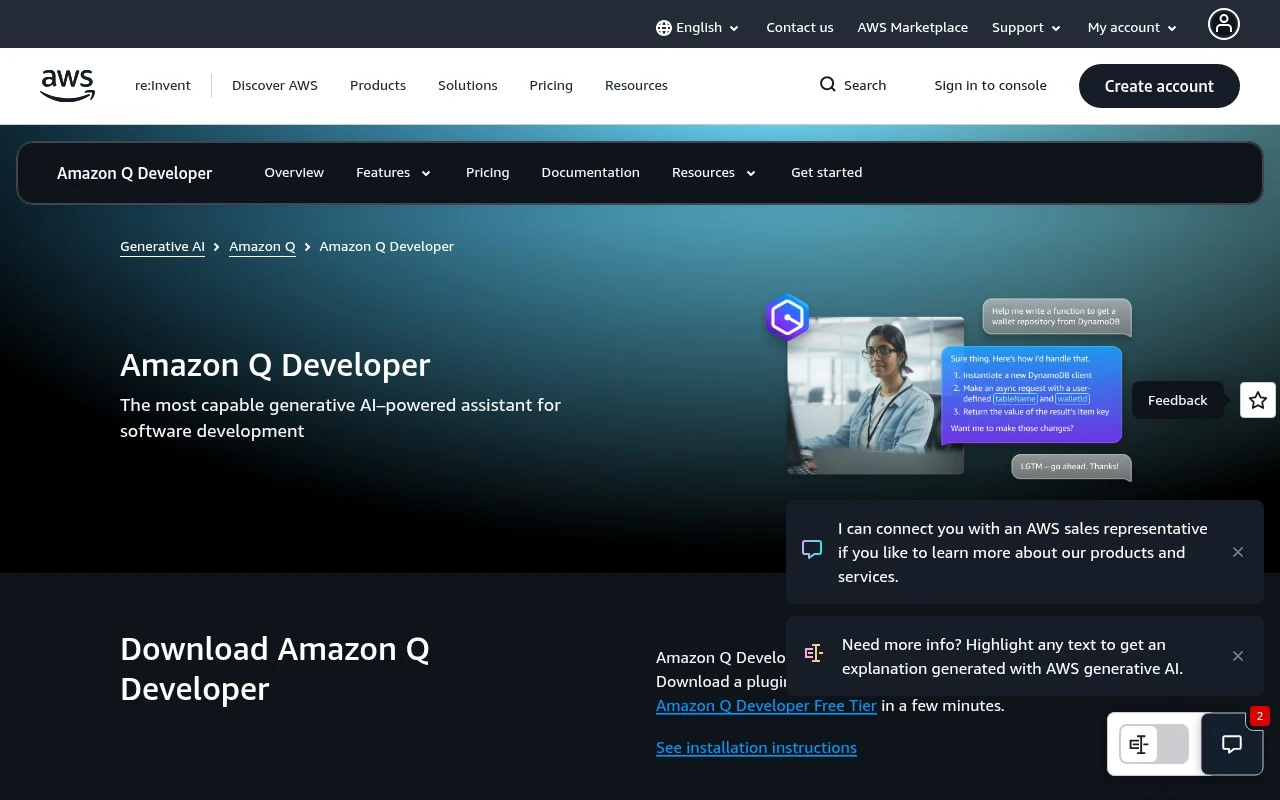
Amazon Q Developer is AWS’s AI coding and cloud-assistance tool for developers. It works in popular IDEs, the command line, the AWS Console, chat applications, GitLab, and GitHub preview workflows to provide code completion, inline chat, security scanning, code transformation, and AWS operational guidance. Its distinct focus is combining general software-development assistance with deep AWS context, enterprise access controls, and agentic coding capabilities that can carry out multi-step development tasks.

FYAI Score

8.4 / 10

Based on 45 reviews

Pricing:

Freemium

Best for:

AWS developers building, modernizing, and operating cloud apps

Score Breakdown

  • Ease of use8.7 / 10
  • Features8.4 / 10
  • Pricing8.3 / 10
  • Integrations8.7 / 10
  • Support7.8 / 10

PRODUCT PREVIEW

What this AI tool does

Amazon Q Developer is an AI-assisted development tool designed to help software teams work more efficiently during everyday coding tasks. It fits into common developer workflows by providing contextual assistance while you write, review, and reason about code, with the goal of reducing time spent on routine steps and helping you stay focused on implementation. In practice, it can support informational needs such as understanding unfamiliar code, exploring how a change might affect a project, or drafting and refining code based on your intent. It’s typically used as a companion to your existing tools rather than a replacement, offering guidance that you can validate and adapt to your project’s standards. Because outputs from AI tools can vary, amazonqdev is best used with normal engineering checks like code review, testing, and security practices. This makes it a practical option for developers who want additional help navigating codebases and accelerating common development tasks while keeping control over final decisions.

Use cases

Best for

Generate Code

Generates code and inline completions in your IDE or CLI from prompts, with AWS SDK and service context.

Code Review

Performs code review by scanning for security issues and suggesting fixes in IDEs and GitHub or GitLab workflows.

Code Refactoring

Amazon Q Developer refactors code by transforming patterns and updating APIs across files, including Java upgrades.

ANALYSIS

Strengths & limitations

Strengths
  • Available across many developer surfaces, including VS Code, JetBrains, Visual Studio, Eclipse preview, CLI, AWS Console, Slack, Microsoft Teams, GitLab, and GitHub preview workflows.
  • Covers more than autocomplete: it supports code generation, testing, documentation, code review, vulnerability scanning, remediation suggestions, refactoring, and application modernization.
  • Designed for AWS-aware and enterprise use, with AWS IAM Identity Center support, private repository customization, and Amazon Q Developer Pro privacy controls for proprietary content.
Limitations
  • Its strongest differentiation is AWS-specific, so teams that do not build or operate on AWS may get less value from its cloud guidance and operational features.
  • The free tier is limited, including 50 agentic chat interactions per month and up to 1,000 transformed lines of code per month.
  • Some listed integrations or experiences are marked as preview, including Eclipse support, GitHub workflows, and the transformation web experience.

Evaluation

FYAI score breakdown

Our structured evaluation across five key criteria

8.4 / 10

Overall score

Based on 45 reviews

  • Ease of use8.7 / 10
  • Features8.4 / 10
  • Pricing8.3 / 10
  • Integrations8.7 / 10
  • Support7.8 / 10

What users say

Findings from public reviews, documentation and community sources.

  • Ease of use

    G2 shows Amazon Q Developer at 4.6/5 from 45 reviews, with users said to praise its “context-aware suggestions” and “seamless integration with AWS services.”

  • Features

    The AWS product page lists real-time code suggestions, inline chat, natural-language-to-bash, and vulnerability scanning with remediations for Amazon Q Developer. The AWS product page also lists Java/.NET transformation and AWS operational assistance.

  • Pricing

    The Amazon Q Developer pricing page lists a perpetual Free Tier with “50 agentic requests per month” and “1,000 lines of code per month,” plus a Pro tier at “$19/mo. per user.” The Amazon Q Developer pricing page lists extra Java transformation charges of “$0.003 per line of code submitted.”

  • Integrations

    The AWS product page lists Amazon Q Developer integrations across IDEs including JetBrains, IntelliJ IDEA, Visual Studio, VS Code, and Eclipse preview; CLI; AWS Console and mobile; GitLab Duo; Microsoft Teams and Slack; and GitHub.com/GitHub Enterprise Cloud preview.

  • Support

    The AWS product page surfaces support paths including “installation instructions,” a “getting started page,” documentation navigation, and pricing FAQs.

Who is this for?

Best for developers working in AWS-centered environments, the AWS product page lists AWS operational assistance plus access through AWS Console and mobile. Less suited to teams expecting unlimited free use, the pricing page lists the Free Tier with “50 agentic requests per month” and “1,000 lines of code per month,” with Pro at “$19/mo. per user.” Less suited to teams planning large Java transformations without extra cost, the pricing page lists Java transformation charges of “$0.003 per line of code submitted.”

PRODUCT PREVIEW

Feature highlights

IDE coding assistant

Code completion and inline chat across popular IDEs and CLI.

Security scanning

Find risky patterns and get fixes aligned to secure coding.

AWS ops guidance

Get contextual help in AWS Console for services, errors, and IAM.

COMPARE

Discover curated alternatives worth comparing

Compare similar AI tools based on features, pricing and use cases

8.3/ 10Based on 68 reviews

Gemini Code Assist

Code Generation & CompletionTesting & Refactoring
AI coding assistant for code completion, edits, and explanations
Best for:
Software developers
Pricing
Freemium

9.1/ 10Based on 46 reviews

GitHub Copilot

Code Generation & CompletionTesting & Refactoring
AI coding assistant for code suggestions, chat, and reviews
Best for:
Software developers
Pricing
Freemium

8.9/ 10Based on 6 reviews

Cline

Code Generation & CompletionDebugging
Agentic coding runtime that edits files and runs commands
Best for:
Software developers
Pricing
Free

Ship better code faster with an AI assistant built for AWS workflows. Start using Amazon Q Developer today to reduce toil and stay focused on building.

FAQ

Frequently asked
questions

Everything you need to know about this AI tool,
its features, pricing, use cases, and limitations.

When is Amazon Q Developer a better fit than a general-purpose coding assistant?
Amazon Q Developer is most compelling if your team builds and operates on AWS and wants coding help plus AWS-aware guidance for architecture, IAM, troubleshooting, and cost/resource analysis. It’s also a strong fit for teams doing Java/.NET modernization or needing agentic workflows (tests, docs, refactors, code reviews) across a codebase. If your work is mostly non-AWS cloud or on-prem, a more cloud-agnostic assistant may deliver similar coding value with fewer AWS-specific features you won’t use.
What are the practical differences between the free tier and paid plans for Amazon Q Developer?
The free tier is constrained, including a limited number of agentic chat interactions per month and a cap on transformed lines for modernization tasks. Paid plans are typically needed for sustained agentic workflows, larger modernization efforts, and broader team usage. If you mainly want lightweight code suggestions and occasional Q&A, the free tier can be enough to evaluate fit.
How does Amazon Q Developer compare with GitHub Copilot, CodeWhisperer-style assistants, or IDE-native tools?
Compared with general coding copilots, Amazon Q Developer tends to differentiate on AWS operations and architecture context, plus agentic multi-step tasks that go beyond inline completion. If your primary need is best-in-class autocomplete across many languages with minimal cloud coupling, a general-purpose tool may feel simpler. For AWS-heavy teams, Q Developer’s AWS Console/CLI and cloud troubleshooting angle can be a deciding factor.
How quickly can a team get Amazon Q Developer running in their workflow?
Its strongest value is AWS-centric, so organizations outside AWS may pay for capabilities they rarely use. Some integrations are still in preview, which can mean uneven feature coverage or changing behavior. The free tier limits agentic usage and modernization throughput, so heavy users should budget for paid access.
What should we verify about data handling, privacy, and compliance before adopting Amazon Q Developer?
Confirm what content is sent to the service (prompts, code snippets, repository context) and whether your organization can control logging, retention, and access through AWS identity and permissioning. Review the specific plan’s terms for how data may be used for service improvement and what opt-outs or controls exist. If you have regulated workloads, validate region support, audit requirements, and whether your security team is comfortable with IDE/CLI and chat integrations accessing code and operational data.