Curated & independently scored by FindyourAI

Best AI Code Generation Tools

Reviewed by Sidney de BoerUpdated October 2026
Compare AI tools that generate code, from IDE assistants to coding agents, with curated picks for developers shipping safer changes faster inside teams.
201 tools reviewed · 36 use cases · 6 top picks · Updated weekly

Works well forSoftware DevelopersPlatform EngineersVS Code TeamsAWS Cloud TeamsEngineering Leads

Overview

AI code generation tools help developers write, refactor, review, and debug software from prompts, repository context, and editor actions. Teams reach for them when they want faster scaffolding, safer changes, or coding agents that can handle routine implementation work. We score every tool against the same criteria, including fit for the job, quality signals, usability, pricing model, and audience match, then only list the ones that belong on this shortlist.

Freemium

Developers and engineering teams building and reviewing code in GitHub

GitHub Copilot is strong for generating code because its suggestions sit close to the developer's existing work, especially for GitHub-centric teams that want AI help inside their normal coding flow. As a GitHub-native AI coding assistant, it fits engineers and larger development teams standardising AI-assisted development across common stacks. Less suited to teams outside the GitHub ecosystem because its strongest workflow advantages depend on GitHub-connected repositories and environments.

View GitHub Copilot

FYAI Score

9.1 / 10

Based on 46 reviews

Freemium

Developers needing AI help to review, refactor, generate, and debug code

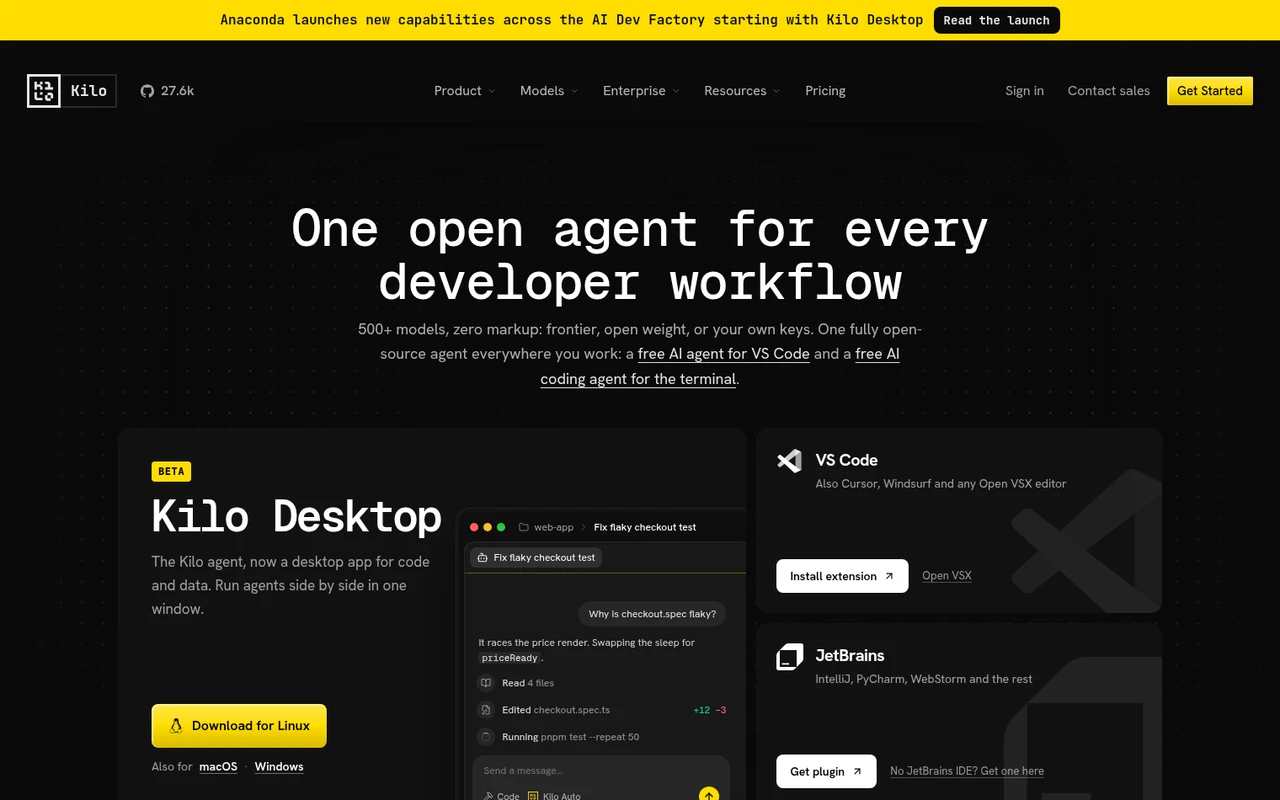
Engineering teams that want an inspectable AI coding agent should consider Kilo Code for generating code inside developer workflows. Its open-source design exposes agent context and behaviour for review or modification, which helps developers understand and adapt how code is produced. It also suits teams that need control over model choice, including those using their own keys or local models. Less suited to non-technical users because Kilo Code is built around developer environments such as IDEs and repositories.

View Kilo Code

FYAI Score

9.1 / 10

Based on 49 reviews

Free

VS Code developers who want an agent to plan, code, and run tasks

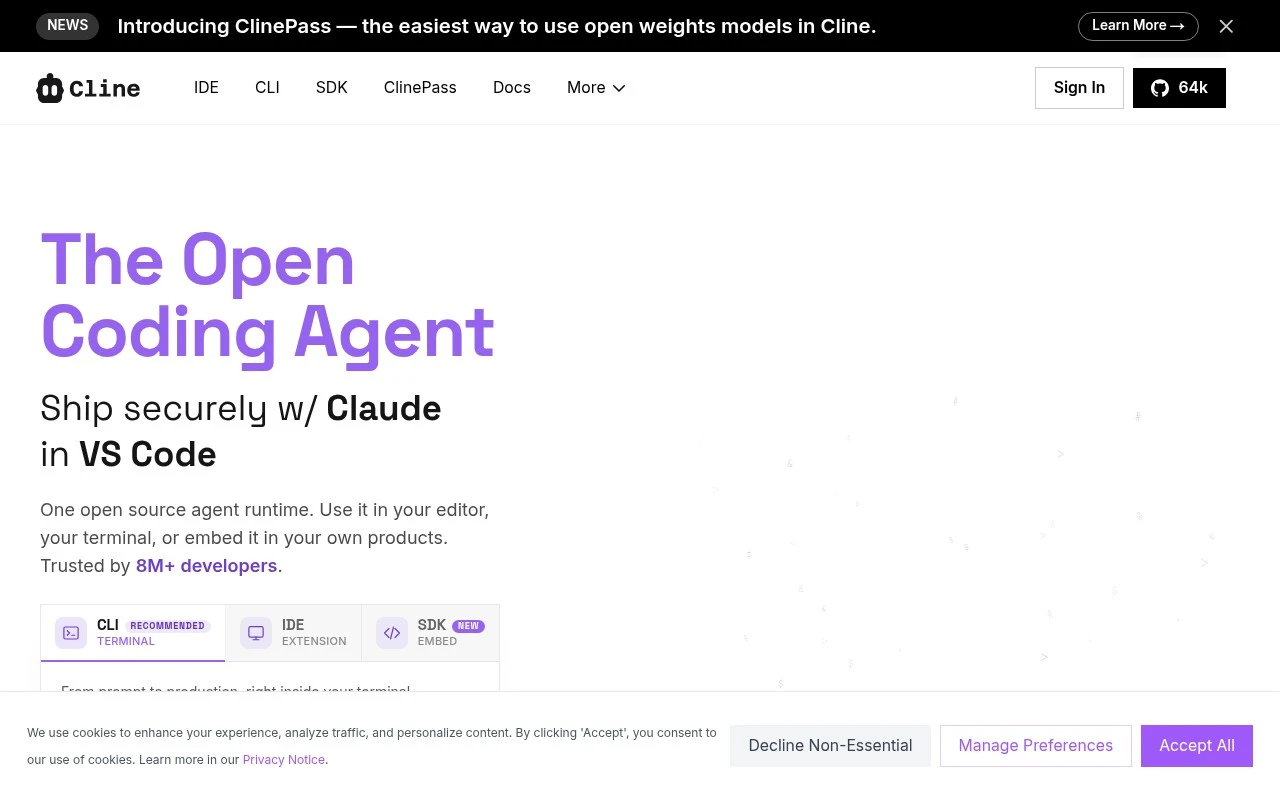
Cline is an open-source coding agent for VS Code developers, and it belongs on a code generation page because it can work inside an existing repository to turn an agreed plan into project-level code changes. It fits developers or engineering teams that want an agentic workflow where the tool can edit files and run commands while keeping humans involved through Plan and Act modes. Less suited to nontechnical users because Cline is built around a developer editor and command-line workflow rather than no-code app building.

View Cline

FYAI Score

8.9 / 10

FYAI rating based on features, pricing and integrations

Usage-based

Developers shipping changes in large, existing codebases

When a bug spans several files in an established repository, Claude Code helps by understanding the surrounding codebase and making changes in the same workflow. As a developer coding agent for established repositories, it is strongest for engineers turning issues into tested code changes rather than starting from a blank prompt. Less suited to non-technical or no-code teams because it assumes a developer workflow and direct work inside a codebase.

View Claude Code

FYAI Score

8.7 / 10

Based on 369 reviews

Freemium

AWS developers building, modernizing, and operating cloud apps

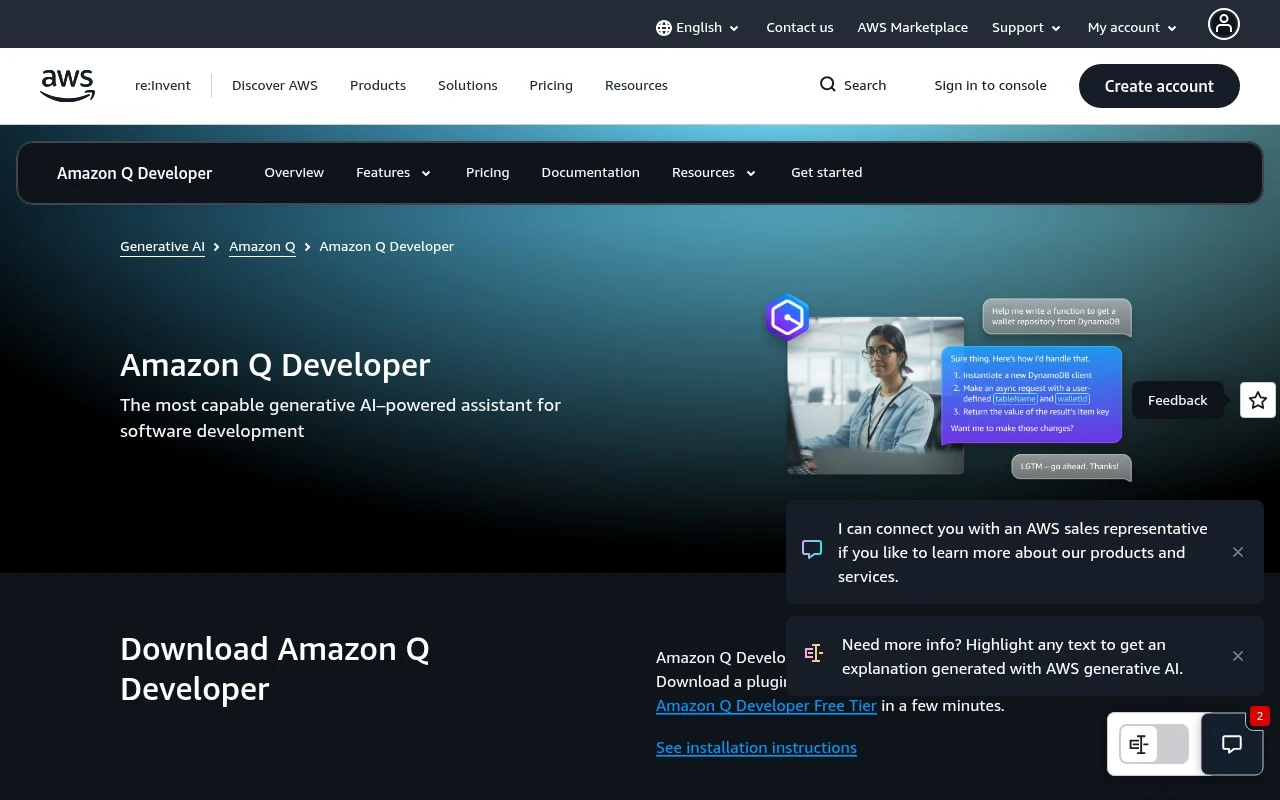
Unlike more cloud-neutral code generators, Amazon Q Developer is an AWS-focused developer assistant, so its code generation is strongest when the work sits inside AWS application and operations contexts. It fits AWS-heavy engineering teams that want code completion plus context-aware guidance for cloud service work, including larger coding changes rather than isolated snippets. Less suited to teams seeking a cloud-neutral assistant because its deepest operational context is tied to AWS environments.

View Amazon Q Developer

FYAI Score

8.4 / 10

Based on 45 reviews

Freemium

Enterprise engineering teams adopting AI-assisted development securely

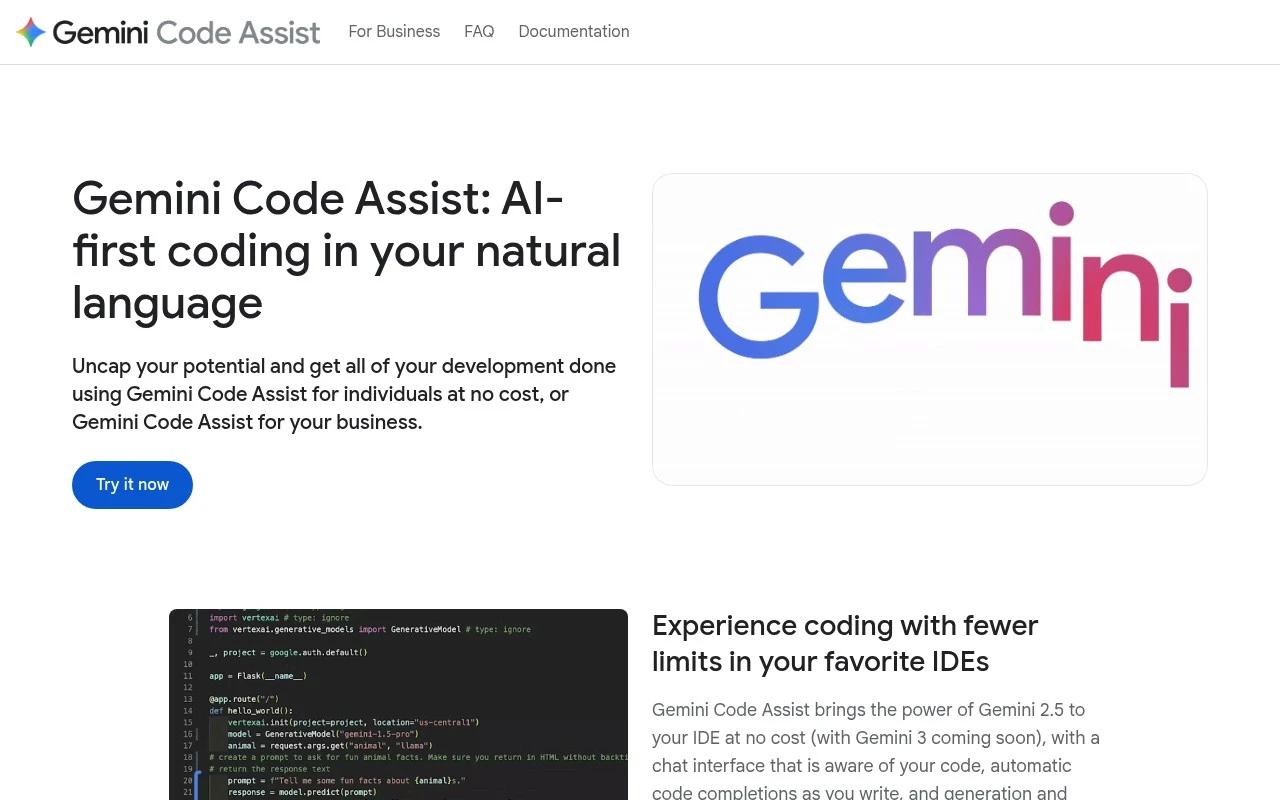
Private codebase customization is the reason Gemini Code Assist stands out for code generation at scale: as a Google Cloud-oriented AI coding assistant, it can produce more relevant code against an organization’s own patterns rather than acting like a generic autocomplete. It fits enterprise engineering teams that want AI help on complex changes, where local context and multi-file edits matter. Less suited to teams outside Google Cloud workflows because some of its strongest connections are tied to Google Cloud development products.

View Gemini Code Assist

FYAI Score

8.4 / 10

Based on 68 reviews

How to choose

  • Repository Context Depth

    Check whether the tool can understand multiple files, dependencies, tests, and project structure, because useful code generation depends on more than the open tab.

  • Editing And Execution Flow

    Decide whether you need simple autocomplete, chat-based code help, or an agent that can plan changes, edit files, run commands, and present diffs.

  • Language And Framework Coverage

    Match the tool to the languages, frameworks, package managers, and cloud services your team actually uses, since weak stack coverage leads to shallow or brittle output.

  • Review And Safety Controls

    Look for clear diffs, approval steps, test integration, linting support, and controls around sensitive code so generated changes can enter a normal review process.

  • Usage Pattern Fit

    Consider whether your team mostly needs constant inline suggestions, occasional large refactors, or autonomous task runs, because each pattern can scale differently in daily engineering work.

Best for:

This page is for software developers, platform engineers, VS Code-heavy teams, AWS-focused cloud teams, and enterprise engineering leads who need help generating production code inside real workflows. It is especially useful for teams improving existing codebases, reviewing changes, or modernizing cloud apps. Less suited to non-technical users looking for scannable graphics, one-off access codes, or no-code app builders instead of programming help.

FAQ

Frequently asked
questions

Common questions about choosing the right tool,
comparing options, and getting started.

What is the best AI tool to generate code?

The best choice depends on your editor, codebase size, review process, and security needs. Use the page comparison to weigh IDE support, repository context, agent actions, and fit for your development workflow.

Are there free AI code generator tools?

Yes. This shortlist includes a free option and several freemium options, so developers can start without committing to a fully usage-based coding assistant first.

Can AI code generation tools work in an existing codebase?

Yes, many AI coding tools are designed for existing repositories, not just blank files. Tools such as Claude Code, GitHub Copilot, Kilo Code, and Cline can help with code changes, refactoring, debugging, and review workflows.

Are AI code generator tools the same as QR code or barcode generators?

No. This page covers tools that generate programming code for software development, while QR codes and barcodes need dedicated scannable-code generators.

Every tool on FindyourAI is scored on the same independent criteria, not on who pays. We may earn a commission if you sign up through our links, at no cost to you.