
Curated ToolThis tool is part of our curated AI directory. We only include tools that meet our standards for relevance, usability and real-world value.
Gemini Code Assist
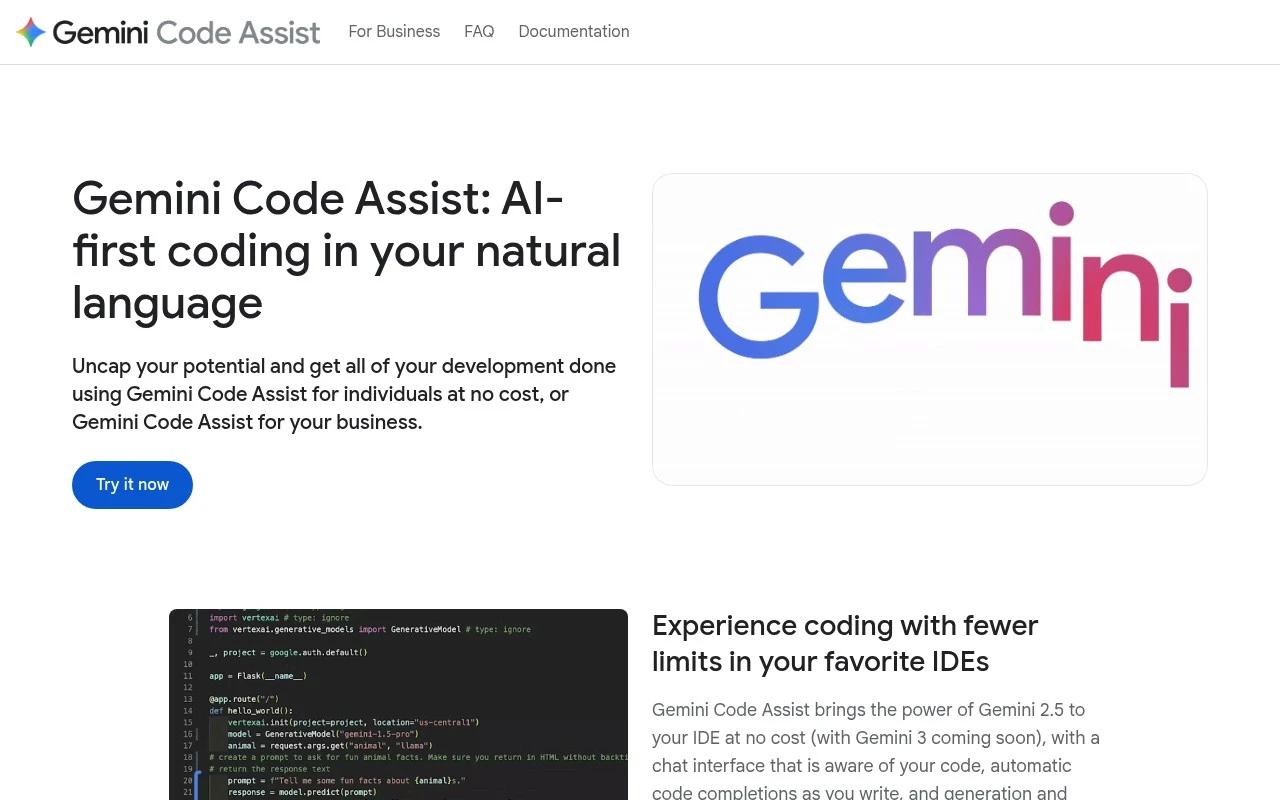
Gemini Code Assist is Google Cloud’s AI coding assistant that helps developers generate, explain, debug, and complete code in supported IDEs and development environments. It can also support code refactoring by suggesting improvements and transformations across existing code.
Code Generation & CompletionCodebase Chat
FYAI Score
8.4 / 10
Based on 68 reviews
Pricing:
Freemium
Best for:
Enterprise engineering teams adopting AI-assisted development securely
Score Breakdown
- Ease of use8.5 / 10
- Features8.8 / 10
- Pricing8.1 / 10
- Integrations8.7 / 10
- Support7.8 / 10
 | Strengths |
-
 Best suited to enterprises adopting AI coding at scale because it combines code assistance with governance controls, usage reporting, private codebase customization, and IP protections.
 -
Strong fit for teams already using Google Cloud development workflows because it connects AI assistance across IDEs, terminals, CLI tasks, and selected Google Cloud products.
-
Useful for complex engineering work because it supports local code context, code understanding, multi-file edits, generation, completion, and chat rather than only single-line autocomplete.
 | Limitations |
-
 Less suitable for teams that are not invested in Google Cloud workflows because some of its strongest integrations are tied to Google Cloud development products.
 -
The freemium model means organizations should expect the most relevant business, governance, and scale features to sit behind paid access.
-
Heavier than a simple individual coding assistant because enterprise customization, policy controls, and usage reporting require administrative setup and ongoing management.
Feature highlights
Private code context
Customize on your codebase with local context and controls.
Governance & reports
Usage reporting, policy controls, and enterprise IP protections.
Compared in

 | 9.1/ 10Based on 49 reviews |
Kilo Code
Code Generation & CompletionDebugging
Plans, edits, debugs, and reviews code across IDEs and cloud
Best for: | Software developers |
Pricing | Freemium |
 | 8.1/ 10Based on 44 reviews |
OpenCode
Code Generation & CompletionDebugging
Runs coding agents in terminal, IDE, or desktop with any LLM
Best for: | Software developers |
Pricing | Paid |
 | 7.9/ 10FYAI score |
Kiro
Code Generation & CompletionAI Coding Agents
Plans, implements, tests, and reviews spec-driven code changes
Best for: | Software developers |
Pricing | Freemium |