
Curated ToolThis tool is part of our curated AI directory. We only include tools that meet our standards for relevance, usability and real-world value.
Cline
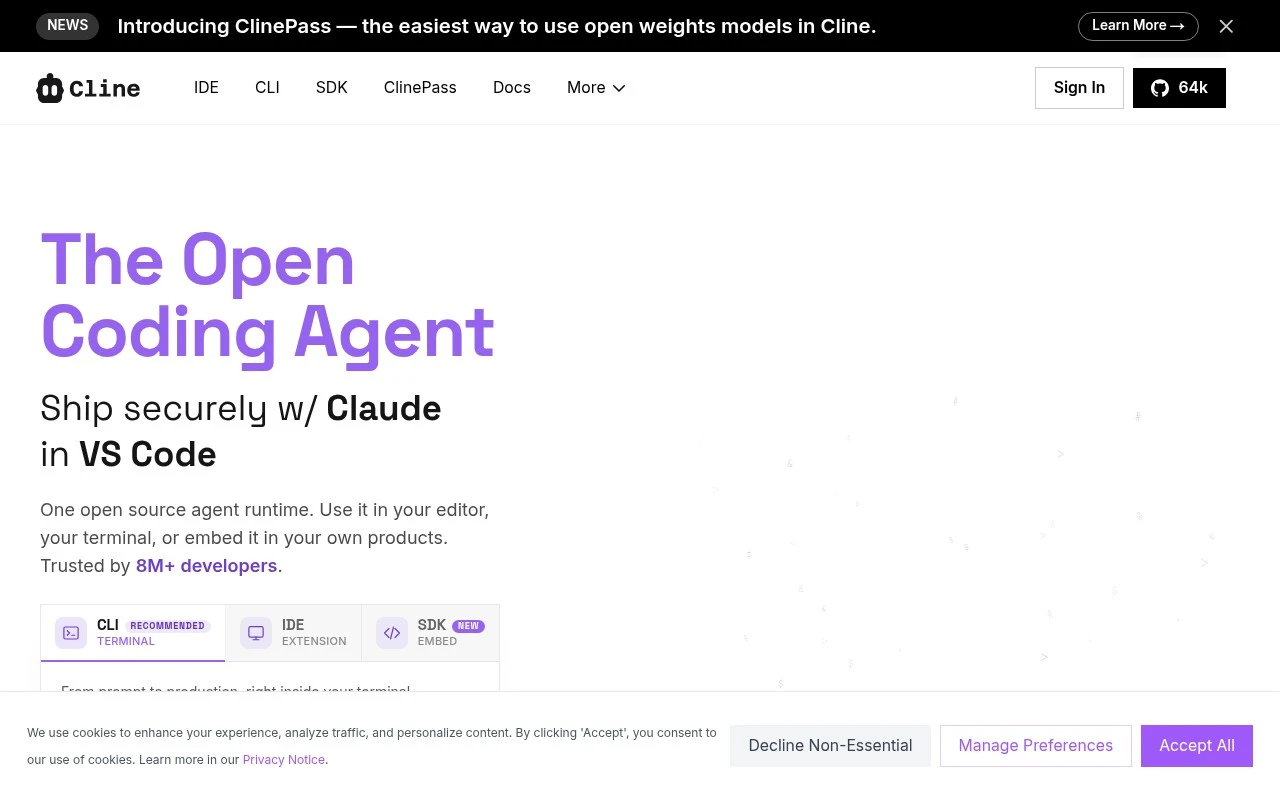
Cline is an open-source AI coding agent for Visual Studio Code that can plan and implement code changes, edit files, run terminal commands, and interact with browser workflows under user approval.
Code Generation & CompletionDebugging
FYAI Score
8.9 / 10
FYAI rating based on features, pricing and integrations
Pricing:
Free
Best for:
VS Code developers who want an agent to plan, code, and run tasks
Score Breakdown
- Ease of use8.3 / 10
- Features9.1 / 10
- Pricing9.3 / 10
- Integrations9.2 / 10
- Support9.0 / 10
 | Strengths |
-
 Best suited to developers who want an open-source coding agent because it can inspect projects, edit files, run commands, and automate implementation workflows without a paid tool subscription.
 -
Flexible for teams with different AI stacks because it supports multiple model providers, local models, and OpenAI-compatible endpoints.
-
Useful for controlled code changes because Plan and Act modes let teams agree on an approach before execution and choose between review-based or auto-approved actions.
 | Limitations |
-
 Less suitable for nontechnical users because Cline is built around code editors, terminals, SDK usage, repository rules, and command execution rather than no-code app building.
 -
Teams with strict security or compliance controls need governance around its file editing and bash execution capabilities because the agent can make project changes and run commands in development environments.
-
Free access to Cline does not eliminate model-related setup or usage costs because teams still need to connect and manage their chosen AI model providers or local model infrastructure.
Feature highlights
Plan & Act workflow
Align on a strategy first, then execute changes with confidence.
Edits & runs commands
Modify files, run bash, and adapt to terminal output in-loop.
MCP & SDK extensions
Connect MCP servers/plugins and integrate Cline via SDK.
Compared in

 | 9.1/ 10Based on 49 reviews |
Kilo Code
Code Generation & CompletionDebugging
Plans, edits, debugs, and reviews code across IDEs and cloud
Best for: | Software developers |
Pricing | Freemium |
 | 8.1/ 10Based on 44 reviews |
OpenCode
Code Generation & CompletionDebugging
Runs coding agents in terminal, IDE, or desktop with any LLM
Best for: | Software developers |
Pricing | Paid |
 | 7.9/ 10FYAI score |
Kiro
Code Generation & CompletionAI Coding Agents
Plans, implements, tests, and reviews spec-driven code changes
Best for: | Software developers |
Pricing | Freemium |