Curated ToolThis tool is part of our curated AI directory. We only include tools that meet our standards for relevance, usability and real-world value.

Boost.space

Syncs business data for AI agents across e-commerce channels

Workflow AutomationData & Spreadsheet
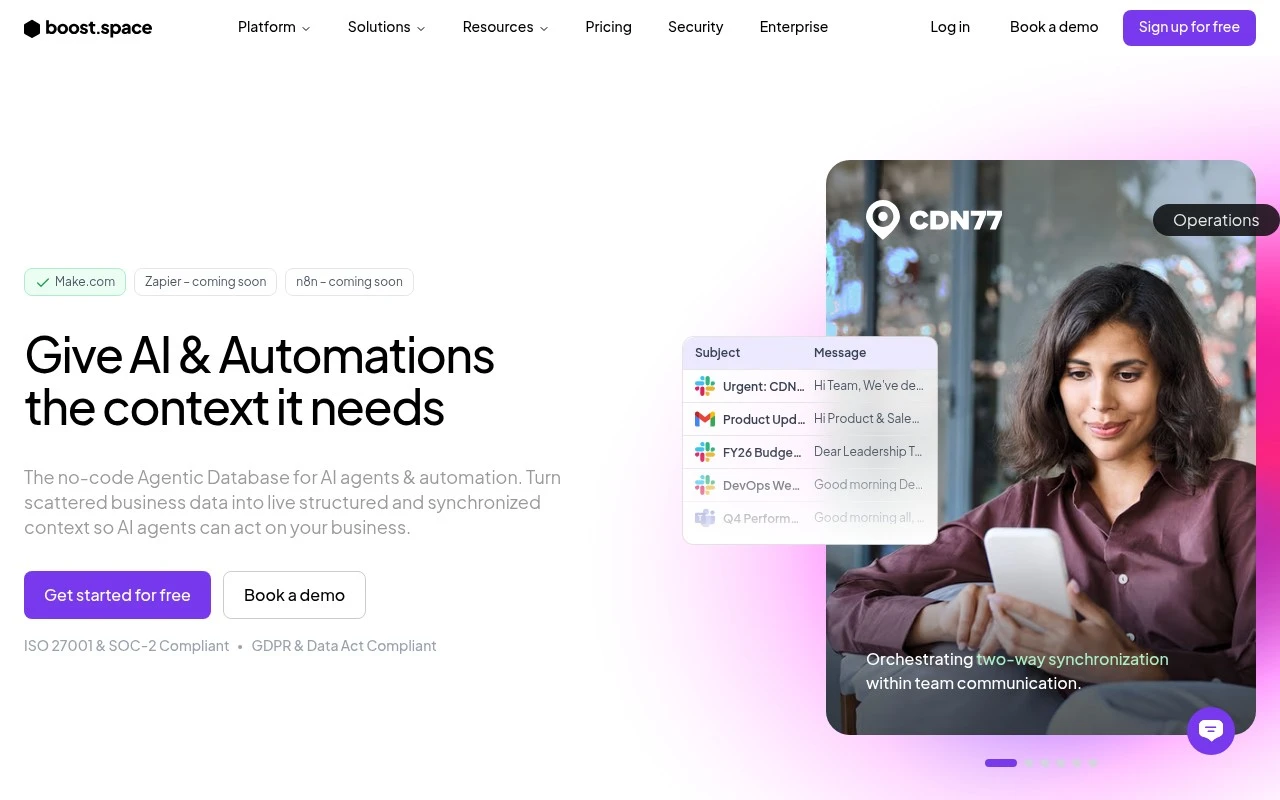
Boost.space provides a unified operational data foundation for businesses that need clean, synchronized data behind AI agents and automations. Its site positions it as an AI-ready layer underneath tools like Make, n8n, and Zapier, with a strong focus on e-commerce product information management, supplier feed handling, catalog enrichment, and multi-channel product operations.

FYAI Score

8.5 / 10

Based on 350 reviews

Pricing:

Freemium

Best for:

E-commerce product ops teams syncing supplier feeds and catalogs

Score Breakdown

  • Ease of use8.5 / 10
  • Features8.8 / 10
  • Pricing7.0 / 10
  • Integrations9.3 / 10
  • Support9.0 / 10

PRODUCT PREVIEW

What this AI tool does

Boost.space is an AI tool designed to help people work with information and tasks more efficiently, especially when they need quick assistance with writing, summarizing, or organizing content. It’s suited to everyday professional use, such as drafting short documents, refining text for clarity, or turning rough notes into more structured output. In practice, you provide a prompt or source material and the tool generates a response you can review and edit. This makes it useful for informational needs where you want a starting point, a clearer version of existing text, or a concise summary of longer material. As with any AI system, results can vary, so it’s best used with human review for accuracy and tone.

Use cases

Best for

Catalog Management

Use Boost.space to ingest supplier feeds, normalize product attributes, and sync enriched catalogs to multiple sales channels.

Marketing Automation

Boost.space keeps customer and product data synchronized so Make, n8n, or Zapier can trigger personalized campaigns from clean records.

Workflow Automation

Use Boost.space as a central data layer that maps fields, deduplicates records, and pushes updates to connected apps for automations.

ANALYSIS

Strengths & limitations

Strengths
  • Built around two-way data synchronization and a single operational data foundation rather than isolated one-off automations.
  • Strongly focused on e-commerce and product operations use cases such as PIM, supplier feed cleanup, catalog enrichment, marketplace updates, and pricing workflows.
  • Designed to work alongside automation platforms, with the site claiming 2,675 native integrations and positioning Boost.space as the data layer beneath tools like Make, n8n, and Zapier.
Limitations
  • The public messaging is heavily oriented toward retailers, brands, and product-led businesses, so fit for unrelated industries is less clear.
  • Many AI-agent capabilities are described at a use-case level, but implementation details, controls, and limits are not fully established from the provided site text.
  • It is not presented as a standalone replacement for automation tools; teams may still rely on platforms such as Make, n8n, or Zapier for workflow execution.

Evaluation

FYAI score breakdown

Our structured evaluation across five key criteria

8.5 / 10

Overall score

Based on 350 reviews

  • Ease of use8.5 / 10
  • Features8.8 / 10
  • Pricing7.0 / 10
  • Integrations9.3 / 10
  • Support9.0 / 10

What users say

Findings from public reviews, documentation and community sources.

  • Ease of use

    G2 reviews say Boost.space “makes it incredibly easy to centralize multiple tools and workflows” and highlight a “clean” user interface. Capterra’s snippet calls Boost.space “powerful, and user-friendly.”

  • Features

    Boost.space’s website positions the product as an “AI-ready Operational Data Layer” that can “sync, unify and enrich” business data. Boost.space’s website lists ready-to-deploy AI agents, two-way synchronization, PIM-style catalog workflows, and use as the data layer underneath Make, n8n, and Zapier.

  • Pricing

    The Boost.space pricing page routes buyers to “Book a Demo” with “Custom pricing,” a “Live demo,” and “Implementation planning.” Buyers evaluate pricing through sales consultation rather than transparent published plans.

  • Integrations

    The Boost.space integrations page lists “2674 apps,” including Google Sheets, HubSpot CRM, Shopify, and HTTP JSON. The Boost.space integrations page says Boost.space Enterprise includes a “Make.com Engine” and notes apps are “MCP Ready.”

  • Support

    The Boost.space pricing page surfaces “Talk to support,” and the integrations setup flow includes “See Documentation.” The Boost.space integrations page includes a customer quote praising “professionalism, innovation, and responsiveness.”

Who is this for?

Best for teams that need a central operational data layer across automation tools, Boost.space says it can “sync, unify and enrich” business data and lists “2674 apps,” including Google Sheets, HubSpot CRM, Shopify, and HTTP JSON. Less suited to buyers who need self-serve price comparison before engaging sales, the pricing page routes to “Book a Demo” with “Custom pricing,” a “Live demo,” and “Implementation planning.”

PRODUCT PREVIEW

Feature highlights

Unified data layer

Centralize operational data so automations run on one source of truth.

Supplier feed sync

Ingest, normalize, and update supplier product feeds automatically.

Catalog enrichment

Clean, enrich, and map product data for every channel and storefront.

COMPARE

Discover curated alternatives worth comparing

Compare similar AI tools based on features, pricing and use cases

9.0/ 10Based on 3.056 reviews

Zapier

Workflow AutomationIntegration Automation
Connects apps to automate multi-step workflows and actions
Best for:
Operations teams
Pricing
Freemium

8.6/ 10Based on 779 reviews

Workato

Workflow AutomationIntegration Automation
Orchestrates workflows across business apps via MCP integrations
Best for:
IT & Security teams
Pricing
Free trial

8.9/ 10Based on 7.771 reviews

Uipath

Workflow AutomationIntegration Automation
Automates workflows with AI agents, robots, and document processing
Best for:
Operations teams
Pricing
Freemium

See why teams choose Boost.space to cut busywork and keep projects moving. Start automating your workflows today and deliver faster with fewer errors.

FAQ

Frequently asked
questions

Everything you need to know about this AI tool,
its features, pricing, use cases, and limitations.

Is Boost.space a good fit for enterprise project management automation, or better for smaller teams?
Boost.space tends to fit best when you have repeatable, cross-tool project workflows (intake, approvals, handoffs, status updates) and multiple stakeholders who need consistency. Larger teams usually benefit more because the time saved compounds across many projects and users. If your workflows are simple or mostly manual by choice, lighter automation tools may be easier to justify.
Does Boost.space have a free plan, and what are the practical limitations compared to paid tiers?
Boost.space typically limits free or entry tiers by automation volume (runs/tasks), available integrations, and advanced features like richer customization or admin controls. Paid plans are usually where you get higher throughput, more connectors, and team-oriented governance. When comparing, check whether your expected monthly automation runs and required apps fit within the lower tier caps.
How does Boost.space compare with Zapier, Make, or native automations in tools like Jira/Asana?
Compared with general-purpose tools like Zapier or Make, Boost.space is often evaluated on how well it supports project-management-centric workflows and multi-step orchestration across PM systems. Native automations in Jira/Asana can be faster to deploy but are usually constrained to that ecosystem and can struggle with cross-tool processes. If you need complex branching logic across many apps, compare Boost.space’s flexibility and connector coverage against Make; if you want quick, simple triggers, Zapier may be faster to roll out.
How long does it take to set up Boost.space, and what onboarding effort should we expect?
The biggest trade-off is upfront configuration effort: you’ll likely invest time to get reliable automations and avoid unintended task changes. Teams unfamiliar with automation may face a learning curve, which can slow adoption in the first few weeks. If your organization relies on niche project management methodologies, confirm Boost.space can model them without heavy workarounds.
What should we verify about data handling, privacy, and compliance when using Boost.space?
Confirm what data Boost.space stores versus passes through (task content, attachments, user identifiers) and how long it’s retained. Review access controls, audit logs, and whether it supports SSO/SAML or role-based permissions if you have enterprise requirements. If you operate under GDPR/industry regulations, check the vendor’s DPA, data residency options, and subprocessors list before connecting production project data.