Curated ToolThis tool is part of our curated AI directory. We only include tools that meet our standards for relevance, usability and real-world value.

Albato

Embeds iPaaS workflows to connect AI agents with external apps

Workflow AutomationIntegration Automation

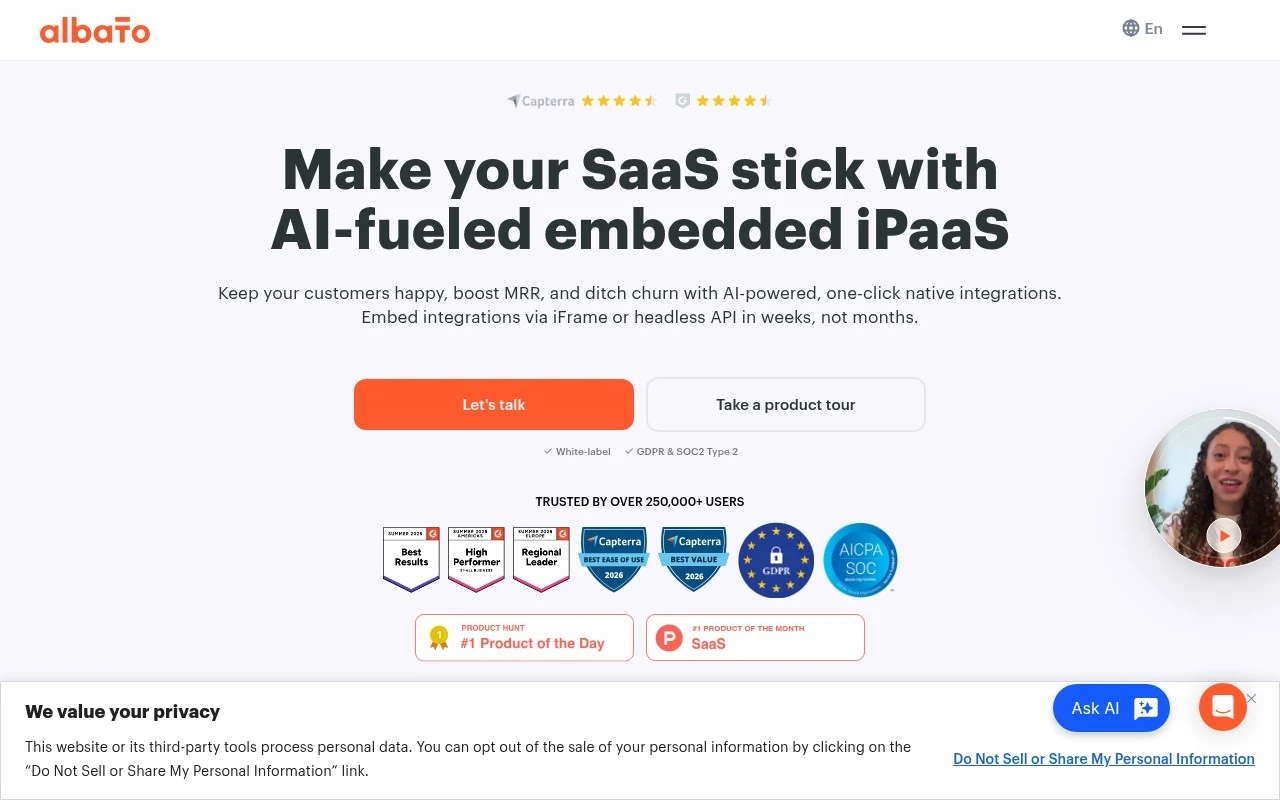
Albato focuses on embedded integrations for SaaS companies rather than only standalone automation. Its official site positions Albato Embedded as a white-label iPaaS that can be added through iframe or headless API, giving SaaS vendors access to 1,000+ integrations, an embeddable workflow builder, implementation support, and custom connector help.

FYAI Score

8.8 / 10

Based on 509 reviews

Pricing:

Freemium

Best for:

SaaS product teams adding white-label integrations in-app

Score Breakdown

  • Ease of use9.2 / 10
  • Features8.0 / 10
  • Pricing9.1 / 10
  • Integrations8.4 / 10
  • Support9.3 / 10

PRODUCT PREVIEW

What this AI tool does

Albato is an automation platform that helps connect different apps and services so information can move between them without manual copy‑and‑paste. It’s typically used to set up workflows where an action in one tool triggers a follow‑up action in another, which can be useful for routine tasks across sales, support, marketing, and internal operations. In practice, you choose the apps you use, define what should start a workflow, and specify what should happen next—such as creating a record, sending a message, or updating a spreadsheet. This kind of integration can reduce repetitive work and help keep data consistent across systems. For teams evaluating automation tools, albato is relevant when you want a straightforward way to link cloud services and maintain simple process logic without building custom code. It’s best suited for informational needs like understanding how app-to-app automation works and whether it fits common workflow scenarios.

Use cases

Best for

Integration Automation

Embed Albato integrations in your SaaS via iframe or API to connect your app with third party services.

Workflow Automation

Add an embeddable workflow builder so users can create triggers and actions that sync data between connected apps.

ANALYSIS

Strengths & limitations

Strengths
  • Designed specifically for SaaS vendors that want to offer native, white-label integrations inside their own product.
  • Provides a large connector library and supports embedded workflow customization for end users.
  • Official positioning includes guided implementation, support, and custom app development rather than leaving all connector work to the SaaS team.
Limitations
  • The main official page is heavily sales-led, with demo and implementation language rather than a fully self-serve product explanation.
  • Typical implementation is described as taking 4–8 weeks, so it is not necessarily an instant plug-and-play option.
  • Best fit appears to be SaaS companies embedding integrations; teams only looking for simple personal automation may find the embedded-iPaaS focus excessive.

Evaluation

FYAI score breakdown

Our structured evaluation across five key criteria

8.8 / 10

Overall score

Based on 509 reviews

  • Ease of use9.2 / 10
  • Features8.0 / 10
  • Pricing9.1 / 10
  • Integrations8.4 / 10
  • Support9.3 / 10

What users say

Findings from public reviews, documentation and community sources.

  • Ease of use

    G2’s 509-review product page says users “consistently praise Albato for its ease of use and intuitive interface,” including accessibility for non-technical users.

  • Features

    Albato’s pricing page lists “Unlimited automations & steps,” “Albato AI,” “AI Agents,” and parallel scenario execution.

  • Pricing

    Albato’s pricing page lists Free, Pro, Teams, and Custom tiers, with a free plan at 100 transactions and Pro from $22/month or $15/month annually for 1K transactions. The pricing page also shows annual savings and transaction limits.

  • Integrations

    Albato’s apps page states it supports “1000+ apps” and “170000+ ready scenarios,” with no-code automation across apps.

  • Support

    Albato’s pricing page lists “Live chat support (5 min),” Priority support on higher tiers, and a dedicated customer success manager plus SLA support for Custom plans. Albato’s home page describes white-glove guided implementation and dedicated support resources.

Who is this for?

Best for non-technical users building no-code automations across many apps, G2’s 509-review product page says users “consistently praise Albato for its ease of use and intuitive interface,” and Albato’s apps page states it supports “1000+ apps.” Less suited to teams that need the very largest automation marketplaces, Albato’s apps page states “1000+ apps,” so teams depending on a specific app should verify the connector is included.

PRODUCT PREVIEW

Feature highlights

Embedded iPaaS

White-label integrations delivered via iframe or headless API.

Workflow Builder

Let customers build automations inside your product UI.

1,000+ Integrations

Connect popular apps fast, plus help with custom connectors.

COMPARE

Discover curated alternatives worth comparing

Compare similar AI tools based on features, pricing and use cases

9.0/ 10Based on 3.056 reviews

Zapier

Workflow AutomationIntegration Automation
Connects apps to automate multi-step workflows and actions
Best for:
Operations teams
Pricing
Freemium

8.6/ 10Based on 779 reviews

Workato

Workflow AutomationIntegration Automation
Orchestrates workflows across business apps via MCP integrations
Best for:
IT & Security teams
Pricing
Free trial

8.9/ 10Based on 7.771 reviews

Uipath

Workflow AutomationIntegration Automation
Automates workflows with AI agents, robots, and document processing
Best for:
Operations teams
Pricing
Freemium

Launch customer-facing integrations in days, not months. Build a seamless embedded experience your users will actually adopt with Albato.

FAQ

Frequently asked
questions

Everything you need to know about this AI tool,
its features, pricing, use cases, and limitations.

When is Albato a good fit for AI-agent or MCP workflow integrations?
Albato fits best if you’re a SaaS company that needs to embed customer-facing integrations so AI agents or MCP-based workflows can push/pull data from third-party apps. It’s especially relevant when you want a managed connector layer rather than building and maintaining integrations in-house. If you only need a few internal automations for a team, lighter automation tools may be a better match.
Does Albato have a free plan, and what are the typical paid limitations?
Albato’s embedded-integration offering is usually sold as a paid, business-focused product, and pricing often depends on connectors, volume, and support scope. Expect limits tied to tasks/operations, number of connections, and whether you need custom connectors or dedicated support. If you need a self-serve free tier for personal use, verify availability and caps directly with Albato before committing.
How does Albato compare with Zapier, Make, or n8n for embedded integrations?
Zapier and Make are commonly chosen for internal automation and quick self-serve workflows, while Albato is positioned more for embedding integrations into your SaaS product. n8n can be strong for developer-controlled, self-hosted automation, but you typically own more of the maintenance burden. If your priority is a managed connector library plus embedding options (iFrame/headless API), Albato is often the closer fit.
How fast can you go live with Albato, and what onboarding effort should you expect?
Albato is optimized for SaaS-embedded integrations, so it may feel heavyweight if you only need simple personal or small-team automations. Some public materials are sales-oriented, so you’ll likely need a technical call to confirm specifics like connector coverage, rate limits, and reliability. You’re also choosing a managed approach, which can reduce maintenance but may limit low-level customization compared with building your own.
What should I check about data handling, privacy, and compliance with Albato?
Confirm what data Albato processes in transit, how long it’s retained (logs, payloads), and whether you can control storage and access by workspace/tenant. Ask about encryption, sub-processors, data residency options, and whether they support DPAs and common compliance needs (e.g., SOC 2/ISO claims) with documentation. If you’re embedding integrations for end customers, clarify how tenant isolation and auditability are handled.