Curated ToolThis tool is part of our curated AI directory. We only include tools that meet our standards for relevance, usability and real-world value.

Wordhero

Generates draft marketing copy, blog sections, and social posts

Blog & Article WritingProduct Descriptions
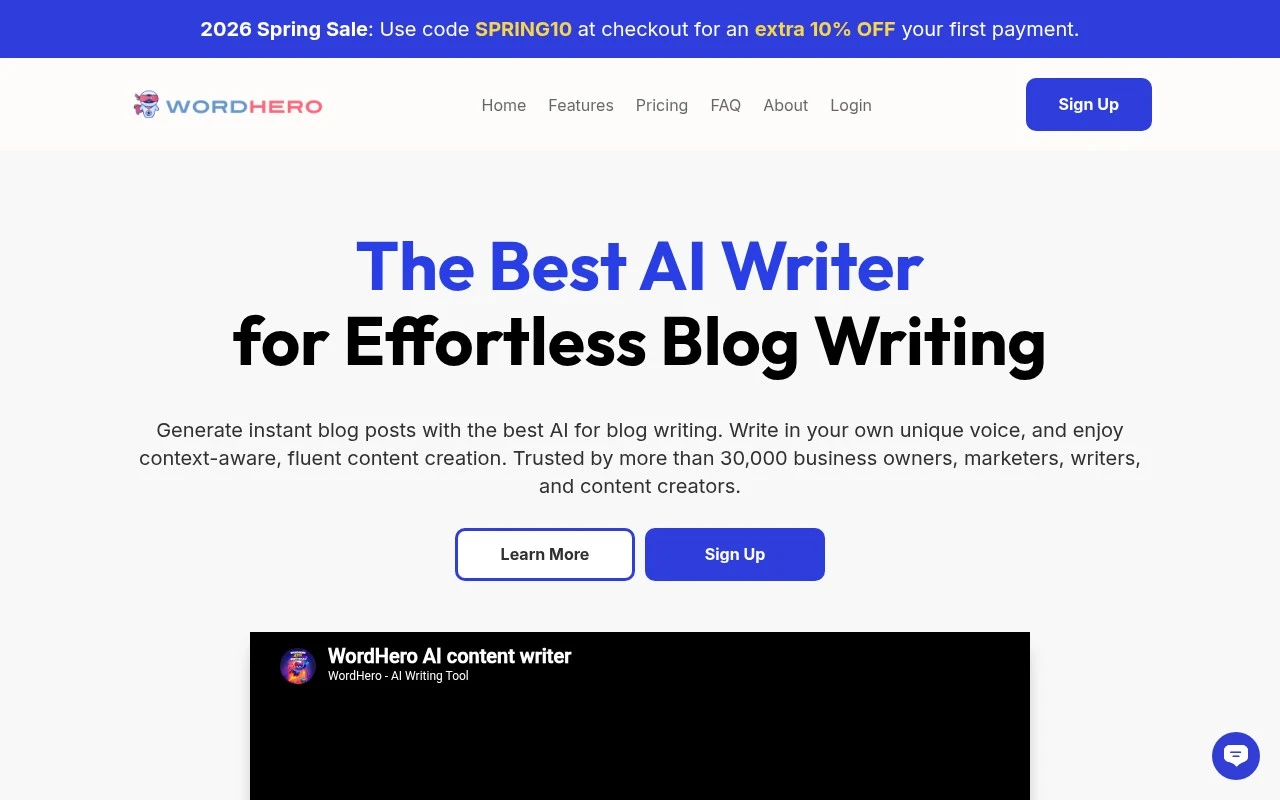
Wordhero is an AI copywriting and content generation tool available at wordhero.co. It provides prompt-based writing templates and a long-form editor to help users produce drafts for blogs, ads, emails, social media, ecommerce listings, and other marketing or business content. It is best understood as a general AI writing assistant for people who need first drafts, variations, and idea generation rather than a complete publishing or content strategy platform.

FYAI Score

7.4 / 10

Based on 16 reviews + FYAI product analysis

Pricing:

Paid only

Best for:

Marketers and creators who need fast first drafts and variations

Score Breakdown

  • Ease of use7.3 / 10
  • Features7.2 / 10
  • Pricing7.4 / 10
  • Integrations7.0 / 10
  • Support8.2 / 10

PRODUCT PREVIEW

What this AI tool does

Wordhero is an AI writing tool designed to help people create and refine text more efficiently. It can be used when you need a starting draft, want to rephrase a passage, or are looking for alternative wording while keeping your original meaning. In practice, you provide a prompt or a short description of what you want to write, and the tool generates suggested text you can edit and adapt. This can be useful for common writing tasks such as emails, short articles, product descriptions, or social posts, especially when you want to maintain a consistent tone. As with any AI-generated content, it works best when you review the output for accuracy, clarity, and fit for your audience. Using it as a drafting and editing assistant—rather than a final authority—can help you save time while keeping control over the final result.

Use cases

Best for

Long Form Content Creation

Use Wordhero’s long form editor and templates to draft blog posts and landing pages from a prompt and expand sections.

Email Writing

Generate email subject lines, outreach messages, and follow ups using prompt based templates, then edit the draft in the editor.

Social Media Content Creation

Create social captions, post ideas, and ad copy variations by entering a topic and using Wordhero’s social media templates.

ANALYSIS

Strengths & limitations

Strengths
  • Covers many common writing formats through dedicated templates for marketing, blogging, sales, and ecommerce copy.
  • Supports both short-form copy generation and longer-form drafting workflows.
  • Useful for quickly producing variations, outlines, and starting points when facing repetitive writing tasks.
Limitations
  • Generated output still needs human editing for accuracy, originality, brand voice, and factual claims.
  • It is primarily a writing generator, so users needing full SEO research, publishing workflows, or content operations features may need additional tools.
  • Quality depends heavily on prompt detail and review, especially for specialized, technical, or regulated topics.

Evaluation

FYAI score breakdown

Our structured evaluation across five key criteria

7.4 / 10

Overall score

Based on 16 reviews + FYAI product analysis

  • Ease of use7.3 / 10
  • Features7.2 / 10
  • Pricing7.4 / 10
  • Integrations7.0 / 10
  • Support8.2 / 10

What users say

Findings from public reviews, documentation and community sources.

  • Ease of use

    A G2 reviewer says WordHero can create “outlines, blog post introductions, social media posts within a few minutes.”

  • Features

    G2 says users appreciate WordHero’s “diverse and versatile creation features.” AppSumo lists WordHero with “over 50 writing tools and templates,” “long-form editing,” and “a chat interface.”

  • Pricing

    AppSumo says WordHero “subscription plans are unlimited when operating in normal mode.” AppSumo lists lifetime-code tiers including “1 Code $89” with “30,000” and higher tiers reaching “Unlimited.”

  • Integrations

    The WordHero features page describes SEO keyword workflow with “Integrate your SEO keywords seamlessly.” The WordHero integration evidence centers on SEO keywords rather than named external apps, API access, CMS connections, or a marketplace.

  • Support

    A G2 snippet says WordHero “Customer Support is great overall.” Trustpilot lists WordHero at 3/5 across 16 reviews.

Who is this for?

Best for solo marketers or content creators who want quick copy drafts, a G2 reviewer says WordHero can create “outlines, blog post introductions, social media posts within a few minutes.” Best for buyers who want many built-in writing options. AppSumo lists “over 50 writing tools and templates,” “long-form editing,” and “a chat interface.” Less suited to teams that need connected publishing or automated workflows, the integration evidence centers on SEO keywords rather than named external apps, API access, CMS connections, or a marketplace.

PRODUCT PREVIEW

Feature highlights

Writing Templates

Prompt-based templates for ads, emails, blogs, and product copy.

Long-Form Editor

Draft and expand full articles with guided, AI-assisted writing.

Instant Variations

Generate multiple angles, hooks, and rewrites to test messaging fast.

COMPARE

Discover curated alternatives worth comparing

Compare similar AI tools based on features, pricing and use cases

7.4/ 10Based on 5 reviews

Chapterly

Copy OptimizationBlog & Article Writing
AI writing assistant for refining narrative, characters, and settings
Best for:
Content creators
Pricing
Freemium

7.7/ 10Based on 5.772 reviews

Writesonic

Copy Optimization
Monitors brand visibility in answer engines and flags citation gaps
Best for:
Marketing teams
Pricing
Freemium

7.6/ 10Based on 266 reviews

Writehuman

AI Detection & Humanizing
Rewrites AI drafts to sound human and scans for AI-detection signals
Best for:
Content creators
Pricing
Freemium

Write polished marketing copy in minutes, not hours. Start with Wordhero today and turn ideas into campaigns that convert—faster and with less effort.

FAQ

Frequently asked
questions

Everything you need to know about this AI tool,
its features, pricing, use cases, and limitations.

Who is Wordhero a good fit for, and when should I pick another writing tool?
Wordhero fits marketing teams and small businesses that need fast first drafts for ads, product descriptions, emails, and social posts using templates. It’s less ideal if you need long-form, heavily researched content or strict brand-voice control without manual editing. If your workflow depends on deep collaboration features or advanced customization, you may find other platforms more suitable.
Does Wordhero have a free plan, and what are the practical limits of paid access?
Wordhero is primarily a paid product, and any free access (if available) tends to be limited for real production use. Paid plans are what you’ll want to compare, especially around how much content you can generate and which templates/features are included. If you’re cost-sensitive (e.g., freelancing), check whether the subscription model fits your monthly volume.
How does Wordhero compare with Jasper, Copy.ai, or Writesonic for marketing copy?
Wordhero is typically chosen for speed and a broad set of marketing templates, making it straightforward for quick campaign assets. Competing tools may offer stronger brand-voice controls, team workflows, or more granular tuning depending on the plan. If consistency across multiple writers is a priority, compare how each tool handles style guidance and reusable brand settings.
How fast can I get Wordhero running for a team, and what onboarding is required?
Expect to edit outputs to match your brand voice, especially for customer-facing campaigns. Advanced users may find customization options limited compared with tools that support deeper controls or structured workflows. Subscription pricing can be a deciding factor if your content volume is low or inconsistent.
What should I consider about data privacy and compliance when using Wordhero?
Treat any text you enter into Wordhero as potentially sensitive and avoid uploading confidential customer data unless your policies allow it. Review Wordhero’s terms and privacy policy for how prompts/outputs are stored, whether they’re used for product improvement, and what controls exist for deletion. If you operate under GDPR/industry regulations, confirm data location, retention, and vendor agreements before rolling it out.