
Curated ToolThis tool is part of our curated AI directory. We only include tools that meet our standards for relevance, usability and real-world value.
Winston AI
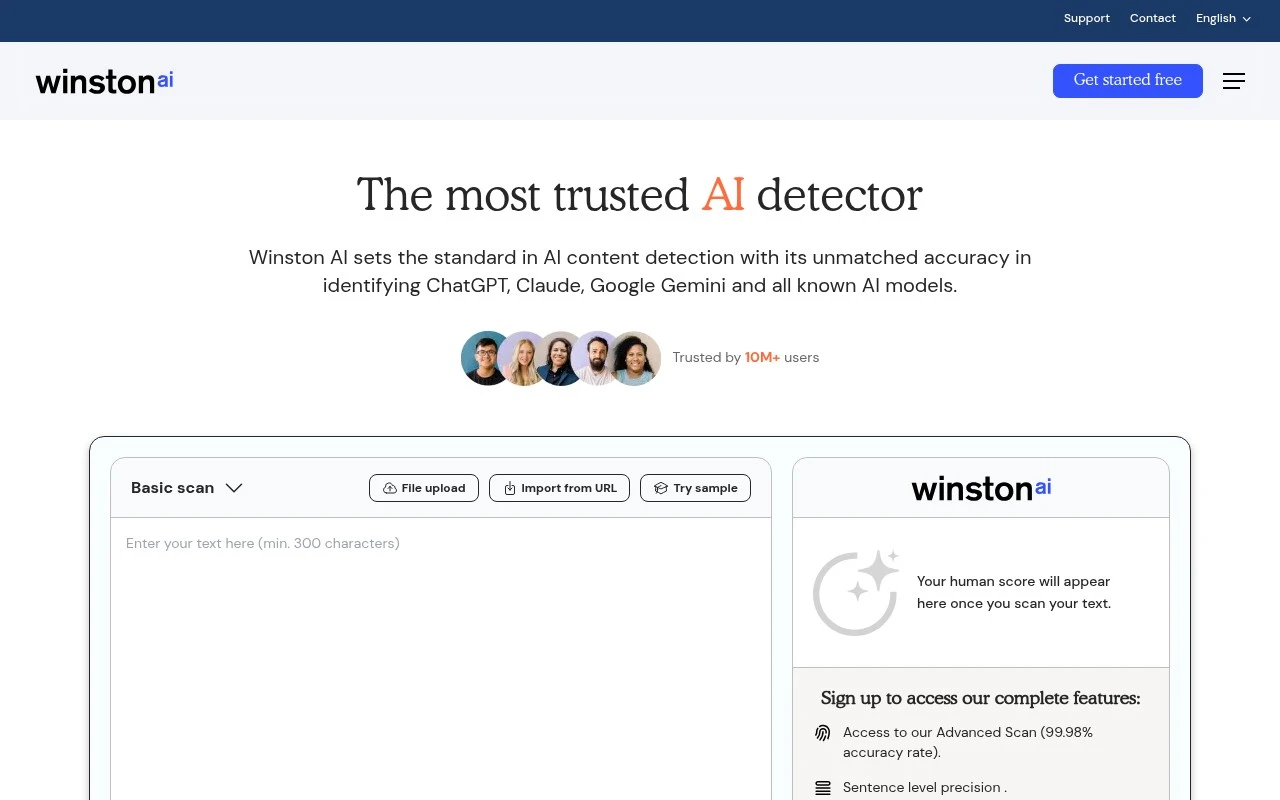
Winston AI is an AI content detection platform that analyzes text to identify whether it was likely generated by AI models. It also supports plagiarism checking and OCR-based document scanning for educators, publishers, and content teams.
Writing & Copy

FYAI Score
8.2 / 10
Based on 34 reviews
Pricing:
Freemium
Best for:
Educators and editors verifying originality in student and web content
Score Breakdown
- Ease of use7.8 / 10
- Features7.9 / 10
- Pricing8.5 / 10
- Integrations8.8 / 10
- Support8.4 / 10
 | Strengths |
-
 Well suited to educators and publishers because it combines AI likelihood scoring, plagiarism checking, sentence-level mapping, and shareable reports in one review workflow.
 -
Useful for varied submission formats because document uploads, image uploads with OCR, and multilingual detection reduce manual preparation before checking content.
-
Fits teams that need originality checks inside existing workflows because it offers integrations such as Chrome Extension, Google Classroom, WordPress, Zapier, and API access.
 | Limitations |
-
 Less suitable for decisions that require definitive proof of authorship because AI detection scores are probabilistic and still need human review, context, and clear policy.
 -
Less suitable for teams that mainly need writing generation or editing because its core scope is detection, plagiarism review, and originality assessment rather than content creation.
-
Less suitable for high-volume teams trying to stay on free tools because the freemium model makes sustained document checking and advanced workflow needs more likely to require a paid plan.
 | 7.4/ 10FYAI score |
Chapterly
Copy OptimizationBlog & Article Writing
Refines narrative, characters, and settings for authors
Best for: | Content creators |
Pricing | Freemium |
 | 7.7/ 10Based on 5,772 reviews |
Writesonic
Copy Optimization
Surfaces answer-engine visibility and citation gaps for GEO fixes
Best for: | Marketing teams |
Pricing | Freemium |
 | 7.6/ 10Based on 266 reviews |
Writehuman
AI Detection & Humanizing
Rewrites AI drafts, scans naturalness and detection signals
Best for: | Content creators |
Pricing | Freemium |